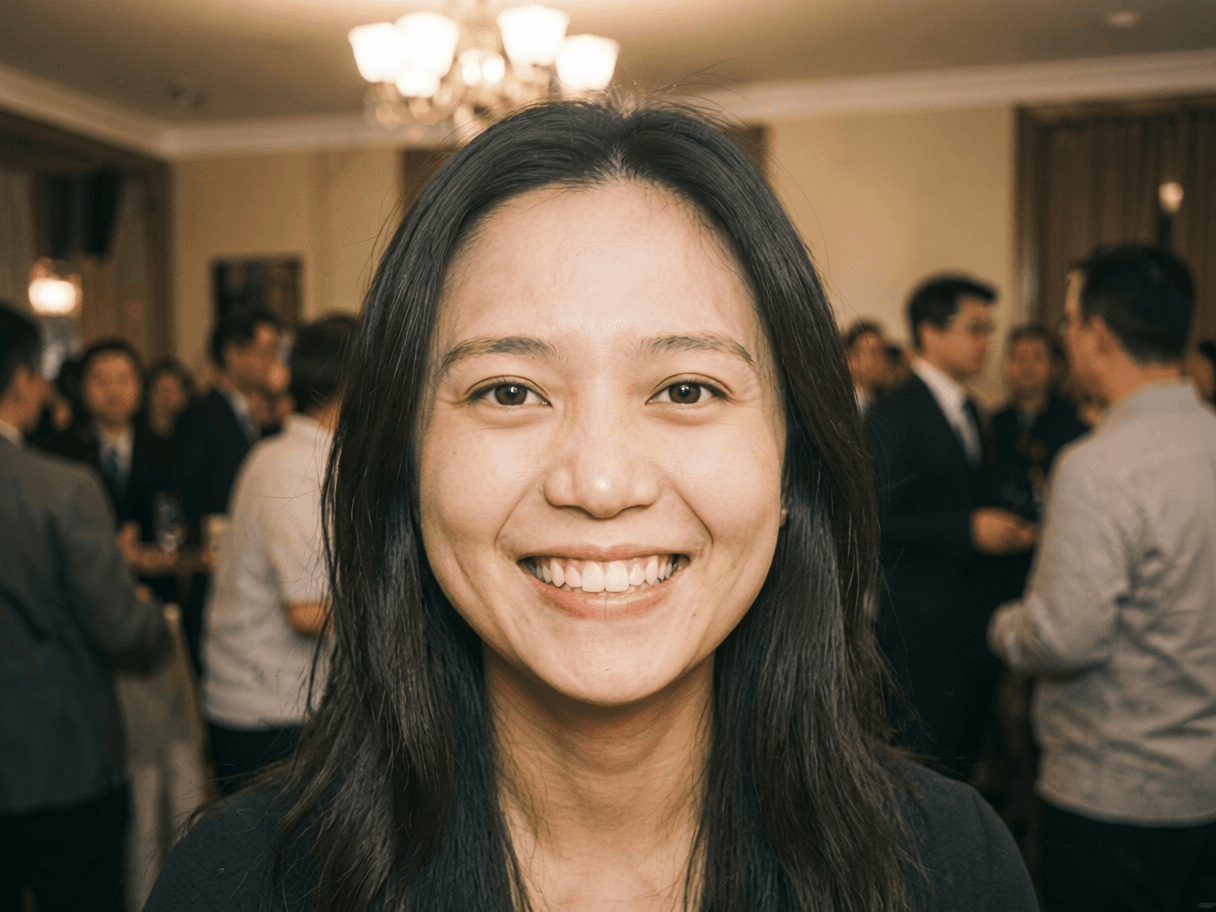
Add a fictional watcher outside a window with an AI photo-editing prompt. Plan reflections, shadows and framing, then optionally animate the finished image.

Tutorial Video

Generator examples

Original prompt recipesEditable workflow

Plan your window peeper interpretation

A Window Peeper-inspired scene turns a familiar interior into a suspense image by placing a fictional watcher beyond the glass. Keep the person in the room recognizable and the watcher clearly outside. The important details are the window frame, reflection and lighting difference, rather than a frightening figure pasted over the main subject.

Use authorized inputs• Review the live credit estimate

Three original prompt directions

Choose a model in the generator above, upload your authorized photo and paste one original prompt below. Review the displayed credit estimate before generating. These prompts guide a new interpretation; they do not load an official template or guarantee exact choreography.

Blue-Hour Window

Edit the uploaded interior photo into a subtle fictional window-peeper scene. Keep the main adult subject, their facial features, outfit and the room layout unchanged. Add one distant original shadowy human-like figure outside the existing window, visible through the glass behind the window frame. Match the outdoor scale, cool evening light, glass reflections and interior shadows. Keep the person indoors unobstructed. Suspenseful but no blood, no injury, no readable text or logos.

Rainy Glass Watcher

Edit the uploaded interior photo into a subtle fictional window-peeper scene. Keep the main adult subject, their facial features, outfit and the room layout unchanged. Add one distant original shadowy human-like figure outside the existing window, visible through the glass behind the window frame. Match the outdoor scale, cool evening light, glass reflections and interior shadows. Keep the person indoors unobstructed. Suspenseful but no blood, no injury, no readable text or logos. Use a light rain pattern on the glass and cool outdoor light. Keep the watcher behind the reflections, with no condensation covering the main face.

Warm Room, Cool Garden

Edit the uploaded interior photo into a subtle fictional window-peeper scene. Keep the main adult subject, their facial features, outfit and the room layout unchanged. Add one distant original shadowy human-like figure outside the existing window, visible through the glass behind the window frame. Match the outdoor scale, cool evening light, glass reflections and interior shadows. Keep the person indoors unobstructed. Suspenseful but no blood, no injury, no readable text or logos. Use warm indoor lamplight and a cool dim garden outside. Keep the fictional figure small and distant beyond the window.

Choose a believable window

Use a clear interior photograph where you can see the window edges. A photo with no window requires a larger scene rebuild, which may also change furniture, walls and the subject.

Prepare and direct your result

Choose a model in the generator above, upload your authorized photo and paste one original prompt below. Review the displayed credit estimate before generating. These prompts guide a new interpretation; they do not load an official template or guarantee exact choreography.

1

Prepare the reference

Use a clear interior photograph where you can see the window edges. A photo with no window requires a larger scene rebuild, which may also change furniture, walls and the subject.

2

Choose an original prompt

Choose a model in the generator above, upload your authorized photo and paste one original prompt below. Review the displayed credit estimate before generating. These prompts guide a new interpretation; they do not load an official template or guarantee exact choreography.

3

Review the result

Check identity, anatomy, lighting and composition. Adjust the prompt before another paid attempt.

Review the edit

Check that the watcher is not standing inside the room or floating in front of the glass. Zoom in on window edges, reflections and the main subject’s face. Keep the effect clearly fictional when sharing it.

Questions about window peeper

Is this the exact CapCut Window Peeper filter?

No. This page creates an original photo-editing interpretation in Remaker AI, without importing a CapCut template.

Can I animate the edited photo?

Yes, you can use the separate video workspace with the finished still and review the available model and quote there.

Will it keep my room exactly unchanged?

AI edits can alter details. Compare the window, furniture and face against your original before downloading.
Try your own interpretation

Upload your photo, choose the model and paste a prompt. The selected model and its current estimate determine the generation cost.

Image to image AI for controlled restyling and fixes

Bring a base photo or render, then steer edits with language: relight, restyle, inpaint-scale fixes, or layout tweaks. This path is ideal when you already have composition locked and need variants instead of brand-new scenes.

Edit a source image without losing what matters

Use this page when composition already exists: change material, clean a product image, restyle a portrait, prepare a video keyframe, or create variants while preserving the original structure.

Image-to-image cover

Image-to-image cover

Upload a source and describe the controlled change.

Color change workflow

Color change workflow

Change one visible layer while keeping texture and lighting.

Photo retake cleanup

Photo retake cleanup

Fix weak source photos before using them elsewhere.

Product colorway

  1. 1Upload product
  2. 2Name exact color
  3. 3Preserve label
  4. 4Check shadows

Portrait restyle

  1. 1Keep face identity
  2. 2Change outfit or light
  3. 3Avoid body drift
  4. 4Review at full size

Video keyframe

  1. 1Clean still image
  2. 2Simplify background
  3. 3Preserve subject
  4. 4Send to image-to-video

Product edit

Change the bottle color to deep emerald glass; keep label placement, cap shape, shadow, camera angle, and background unchanged.

Portrait edit

Relight the portrait with soft window light; keep identity, hairstyle, pose, clothing, and background layout the same.

Scene edit

Replace the sky with a warm sunset, keep buildings, street perspective, people positions, and realistic reflections.

When image to image beats text-only generation

Use it for product colorways, seasonal wardrobe swaps, background replacements, and subtle beauty retouching where geometry must stay fixed.

Text-only models may hallucinate packaging edges; image to image preserves silhouette while changing materials.

Strength and fidelity trade-offs

Lower denoise or strength preserves source pixels; higher values allow creative departures. Iterate downward if textures smear, upward if the edit is too subtle.

Describe only what should change; long unrelated prompts bleed into static regions.

Accessibility and review

Add alt text when exporting for web. Screen readers and SEO both benefit when your CMS stores a plain-language description alongside the asset.

Image to image AI for edits that should not redraw everything

Image to image AI is the right starting point when the source already has value. A product photo may need a new colorway, not a new product. A portrait may need better lighting, not a different face. A game asset may need a new style, not a new silhouette. The preserve list is the core skill: tell the model what to change and what must stay fixed.

Voor AI keeps image to image AI close to text to image, restoration, background tools, and image to video because controlled editing is usually part of a chain. Generate a concept, edit it, clean it, upscale it, then animate it if the still becomes a hero asset.

For ecommerce and brand work, avoid vague style prompts. Say which surface, material, label, color, crop, and shadow should change. If readable text or logos matter, inspect them at full size before publishing. Image to image AI can preserve layout well, but final approval still needs human review.

How to control image to image AI strength

Use lower strength when identity and composition matter most. Use higher strength when the source is only a rough guide. If the edit is too timid, increase the instruction clarity before increasing strength. If the result drifts, shorten the prompt and make the preserve list stricter.

Image to image AI works well for product colorways, room restyling, fashion edits, face-safe retouching, poster variations, icon cleanup, and reference-frame preparation for video. It is less reliable when a single prompt asks for unrelated changes across the whole scene.

Related tools should be used based on failure mode. If the output is soft, upscale it. If the background is wrong, remove or replace it. If the edit looks good as a still, move it into image to video. The full catalog below keeps those paths close.

Editing briefs that preserve the source

A controlled edit brief should name the subject, the intended change, and the preserve rules. For example: change the jacket color, keep the face, pose, background, camera angle, and product label unchanged. This structure is clearer than a long style paragraph because it tells the model which parts of the source are locked.

Use separate passes for unrelated changes. If a product needs a new color, a cleaner background, and a different crop, do one or two changes at a time. Smaller passes are easier to review and easier to undo. They also help teams identify which instruction caused a problem when a result drifts.

For portraits, consent and presentation matter. Do not use edited output as documentary proof, and avoid changes that imply real-world events or attributes without permission. For commercial work, keep source rights, likeness rights, and final usage in the approval checklist.

For brand assets, inspect logos, lettering, packaging marks, and regulated claims. A generated edit can preserve the general look while changing small text. If the exact copy matters, rebuild it in design software after the visual edit rather than trusting a raster model to keep every character perfect.

When the edit becomes a source for motion, simplify before animation. Remove artifacts, sharpen edges, and choose a clean crop. A stable edited still gives the video model a better first frame and reduces the chance of flicker, identity drift, or strange background motion.

From controlled image edits to reusable creative systems

Image to image AI becomes more valuable when edits are repeatable. A brand may need the same product in five seasonal scenes. A creator may need the same character in several outfits. A game designer may need the same prop style across a set. Reusing prompt structure and preserve rules turns isolated edits into a small creative system.

Start each edit by deciding whether the source is a locked reference or a loose inspiration. Locked references need tight preservation language and conservative strength. Loose inspirations can use broader style transfer and composition changes. Mixing those goals in one prompt usually creates a result that is neither accurate nor creative enough.

For product work, keep material and geometry separate. Changing color should not change shape. Changing background should not change packaging. Changing lighting should not rewrite the label. Image to image AI responds better when the instruction names only the layer that should change.

For portraits and people-centered edits, review the result with extra care. Identity, age cues, body proportions, skin texture, and background context can shift subtly. A polished image is not automatically an honest image, so final use should match consent, disclosure, and platform expectations.

For motion workflows, image to image AI is often the cleanup step before animation. Fix the still, simplify the background, preserve the subject, and then pass the approved frame into video. The related catalog below keeps those linked steps close to the generator.

Reviewing edited images before reuse

Image to image AI review should compare the output to the source, not only to the prompt. Check whether the intended change happened, whether the locked details stayed stable, and whether any new artifact appeared in quiet areas such as walls, floors, hair, fingers, labels, or shadows.

For teams, make the edit request traceable. Store the source file, prompt, model, strength, output, and approval note. If a variant wins in an ad test or becomes a product visual, that history helps recreate the direction later without guessing which settings mattered.

Image to image AI is also useful for preparing references for other tools. A cleaned product shot can become a video source. A restyled character can become a pose reference. A corrected poster can become a campaign hero. The page should therefore expose adjacent apps and tools instead of ending after one edit.

If an edit changes too much, lower strength, shorten the prompt, and move preserve rules earlier. If an edit changes too little, make the requested change more concrete before raising strength. This troubleshooting loop keeps edits controlled and reduces wasted generations.

Use the output honestly. Edited images can be creative, commercial, or illustrative, but they should not be presented as unaltered evidence when material changes have been made.

FAQ

Can I remove objects with image to image?
Many workflows support mask-guided edits depending on the active model. Check the model schema for inpainting fields; otherwise combine with dedicated cleanup tools.
Does it work with logos?
Logos with simple geometry work best. Complex gradients may need manual vector touch-up after generation.
How do I avoid color banding?
Export PNG for gradients, avoid aggressive compression before upload, and keep bit depth consistent through your pipeline.