Create video from still image and from audio file — upload a still, generate silent motion video, lay your audio file in any editor.
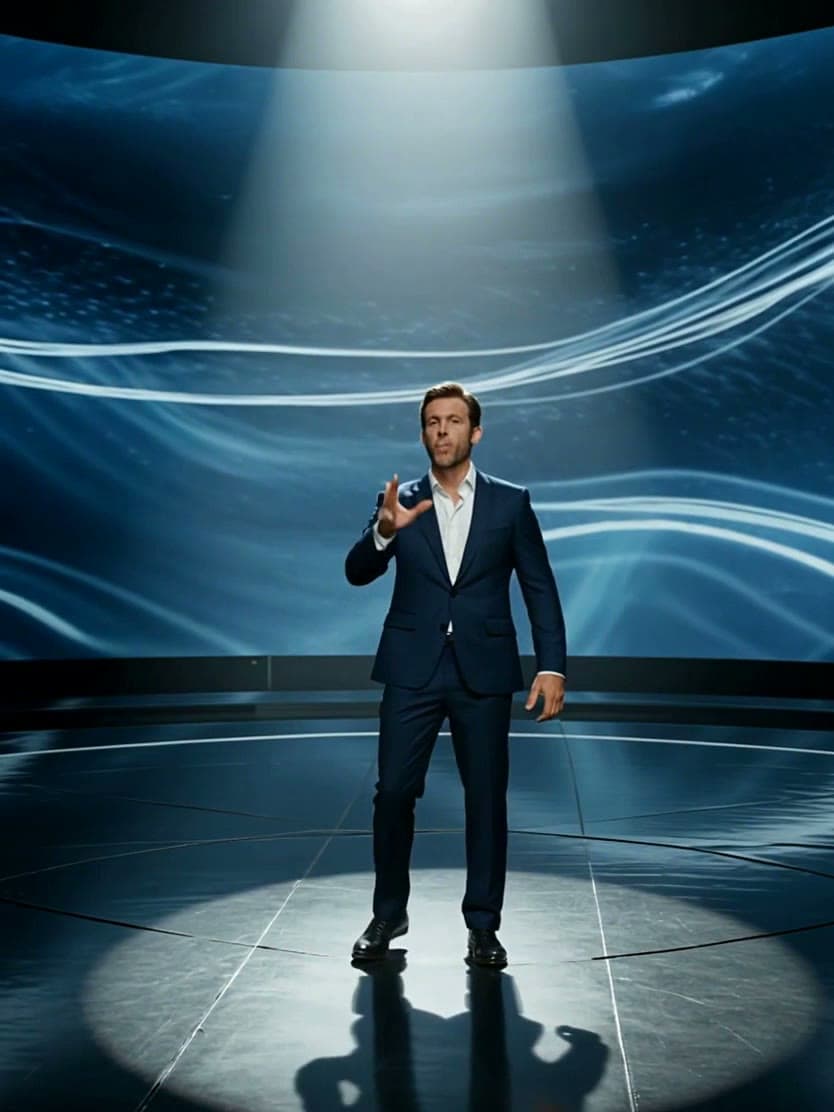
Generator examples
Create video from still image and from audio file
Create video from still image and from audio file when the brief is emotion-first: joyful bounce, serious nod, or ambient breathe from one photo, then lay podcast VO, music, or reaction audio in your editor. Silent Seedance motion keeps identity locked while the audio file stays editable offline.
Still image + audio file examples
Each result below contains an audio track. Play with sound on to compare a fictional spoken script, a singing performance, and an ambient music bed.


Build silent emotion motion, then sync the track
Google results for this phrase mix simple image-plus-audio converters with editing advice. Voor makes the distinction visible: Seedance creates motion here; your audio joins later on a timeline.
- STILL
Choose an expressive still
Use a sharp face, readable hands, and enough surrounding space for a crop or small camera move.
- MOTION
Generate silent motion
Describe expression, breath, hair, fabric, and camera energy without asking this page to ingest the soundtrack.
- SYNC
Place audio in an editor
Add MP3 or WAV after generation, align the emotional peak, and trim the video or track to the same beat.
- QA
Review face and timing
Check identity drift, mouth shapes, loop points, and whether the motion still matches the audio mood.
Evidence notes
Match still-image motion to an existing audio track
The quick path ends at a silent motion clip. Emotion mapping, sync decisions, model boundaries, and the timeline-editor handoff turn it into a complete scene.
How to create video from still image and from audio file
This long-tail page is for people who already own a still and an audio file and want emotion-matched motion — not a multi-photo slideshow and not a locked speech-to-video model. Create video from still image and from audio file here means Seedance silent MP4 plus your timeline for the final mix.
Emotion bed first
Joyful bounce, serious nod, or ambient breathe — match the audio file energy.
Still quality
Sharp faces, clean products, high-res landscapes. Fix blur before motion.
Sync in post
Silent MP4 + WAV/MP3 on the timeline. Nudge to the downbeat.
Guides, limits, and packaging tips
Pick the emotion bed before the prompt
Joyful bounce suits upbeat music beds. Serious nod suits spoken WAV and podcast intros. Ambient breathe suits soft instrumental beds where camera micro-motion is enough. Set the emotion preset before prompting so the generator doesn't produce frantic motion under calm narration.
What makes a good source still
Sharp faces for podcast clips, clean product edges for ads, high-res landscapes for music. Blurry inputs amplify when motion starts — fix the still first. Vertical stills map to Reels after you set aspect in the generator and lay the audio file in CapCut.
How to sync the audio in post
Generate the silent MP4, import the still beside the timeline for color match, lay in your WAV or MP3, then nudge the clip start so motion hits the downbeat. This tool doesn't take audio uploads yet — your editor owns ducking and stems.
Which tool for which job
Image-led Wan 2.6 motion + optional background audio → Image Audio to Video. Free multi-photo slideshow with background music → Photo to Video with Music. Audio must drive the visuals → Create Video from Audio AI. Dialogue mouths → finish silent motion here, then .
Length, models, and eligibility
Seedance 1.5 Pro is the default because facial motion stays natural under voiceover. Clips are usually five to ten seconds; chain AI Video Extender when the audio file is longer. New accounts receive 50 welcome credits; the generator shows the credit estimate before you run.
Why not Ken Burns slideshows
Slideshows pan a static frame. This workflow generates true motion — hair, fabric, expression — that matches audio energy better than a Ken Burns zoom when the bed is spoken word or a reaction sting.
Emotion bed → timeline mapping
Joyful bounce should peak on the first chorus or laugh hit — keep the clip short so you do not dilute energy. Serious nod belongs under spoken WAV; leave headroom at the start so you can slip the first syllable. Ambient breathe works under continuous beds where the listener should not notice cuts — extend or crossfade two generations rather than stretching one clip. Always color-match to the source still before loudness work so skin tones do not drift when you drop the audio file in Premiere or DaVinci.
Ads, Reels, and podcast packaging
Product ads need clean edges and fixed camera language so packaging text stays readable. Reels need vertical stills and music-sync presets before you lay the track in CapCut. Podcast packaging needs even face light and understated motion — exaggerated smiles read as fake under dry narration. These constraints are why the emotion presets sit next to the generator rather than buried in a how-to section.
What we keep out of the generator on purpose
Audio upload stays out so stems, ducking, and alternate takes remain editable offline. Multi-photo mux stays on the free slideshow tool. Speech-driven mouth motion stays on Create Video from Audio AI. Keeping those jobs separate is what lets this tool stay focused on silent motion and post sync, and why the sister routes exist for everything else.
Your first run — what to check
Start with the hardest still you actually need to ship: the podcast face under soft window light, or the product pack with tiny label type. Save the prompt that worked, note aspect ratio and duration, then reuse that recipe. Check the generator banner for eligibility and cost before you rewrite the brief.


Create video from still image and from audio file FAQ
How do I create video from still image and from audio file?
Upload the still, pick an emotion-ready preset that matches your audio bed, generate silent video, then import both into any editor and sync the audio file on the timeline.
Is this workflow free on Voor?
New accounts receive 50 welcome credits. The generator shows the estimate before you run; the output is a silent MP4 and audio is added in post.
Which model should I use?
Seedance 1.5 Pro is the default — strong facial motion for voiceover-ready clips. Swap models in the generator if you need product or landscape motion instead.
Can I add lip sync for dialogue audio?
Generate silent video here, then run the Lip Sync collection if your audio file is dialogue. Voiceover-ready presets mark subtle motion without forcing mouth shapes on this page.
What still works best?
Sharp faces for podcast clips, clean products for ads, high-res landscapes for music beds. Blurry inputs amplify when motion starts — fix the still first.
How long is each clip?
Usually five to ten seconds per generation. Chain AI Video Extender when the audio file needs a longer bed than one pass.
Which audio formats work in post?
Import MP3, WAV, or AAC in CapCut, Premiere, or DaVinci. This page exports a standard silent MP4 ready for that mix.
Does it work for Reels?
Upload vertical stills, set aspect in the generator, use a music-sync style preset, then drop the clip into a 9:16 CapCut timeline with your audio file.
How is this different from a slideshow?
Slideshows pan a static frame. Create video from still image and from audio file generates true motion — hair, fabric, expression — that matches audio energy better than Ken Burns.
Any tips for podcast packaging?
Use a voiceover-ready preset on a sharp face still. A subtle nod beats exaggerated motion when the audio file is spoken word.
How do I sync to the downbeat?
Generate silent MP4, import the still beside the timeline for color match, lay WAV or MP3, then nudge clip start so motion hits the first stressed syllable or kick.
Does Voor upload my audio file?
Not on this path. Silent MP4 imports beside the still reference in Premiere or DaVinci — your editor owns the final mix and stems.
What about product ads?
Product stills need clean edges; faces need even light. Motion should peak where the audio file peaks — describe that beat in the prompt, not only on the edit timeline.
People also search for
- create video from still image and audio
- animate photo with audio file
- image to video with audio sync
- still image video with music
- photo to video add audio
- create video from picture and sound
- ai video from still with audio
- turn image into video for podcast
This page generates emotion-led silent motion for post sync. Image-led Wan 2.6 motion + optional background track → /image-audio-to-video. Multi-photo slideshow → /photo-to-video-with-music. Speech-driven motion → /create-video-from-audio-ai.
Your privacy, your choice
Optional cookies help us understand usage and measure ads. Essential cookies stay on so Voor works.