AI product video generator: upload up to six photos of one product to make a 15–180 second video with sound. Longer videos join separate scenes into one MP4.
See your product in motion6 product ad ideas · 15 seconds each
Sound on
Source
Jewelry
Emerald awakens
Find your ad style
One product. Six ways to stop the scroll.
Choose the idea that fits your product: luxury detail, botanical freshness, sound, precision, launch energy, or hydration. Every video keeps the item easy to see and ends on a clean product shot.
Source
15s result
01Jewelry
Emerald awakens
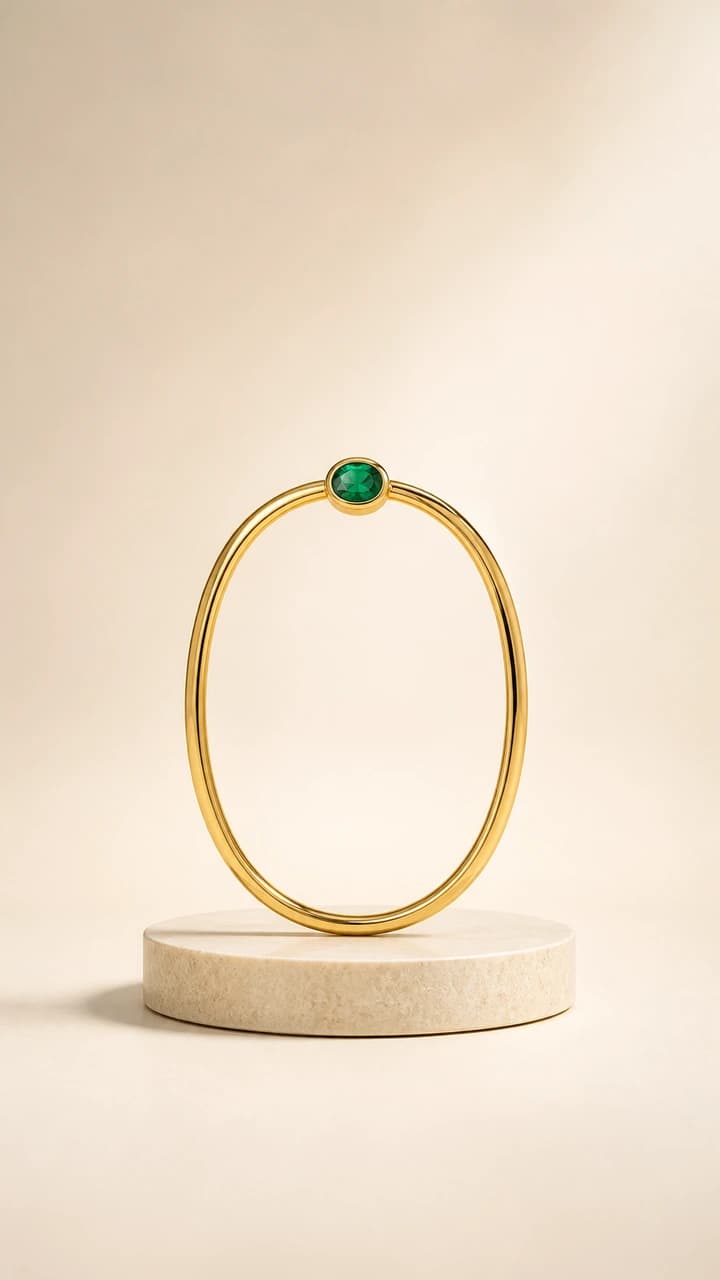
Make a signature detail the visual hook. A green flare draws attention to the stone before the frame opens into a polished jewelry hero shot.
The idea
Light the stone, guide the eye with a silk ribbon, then clear the frame for the product.
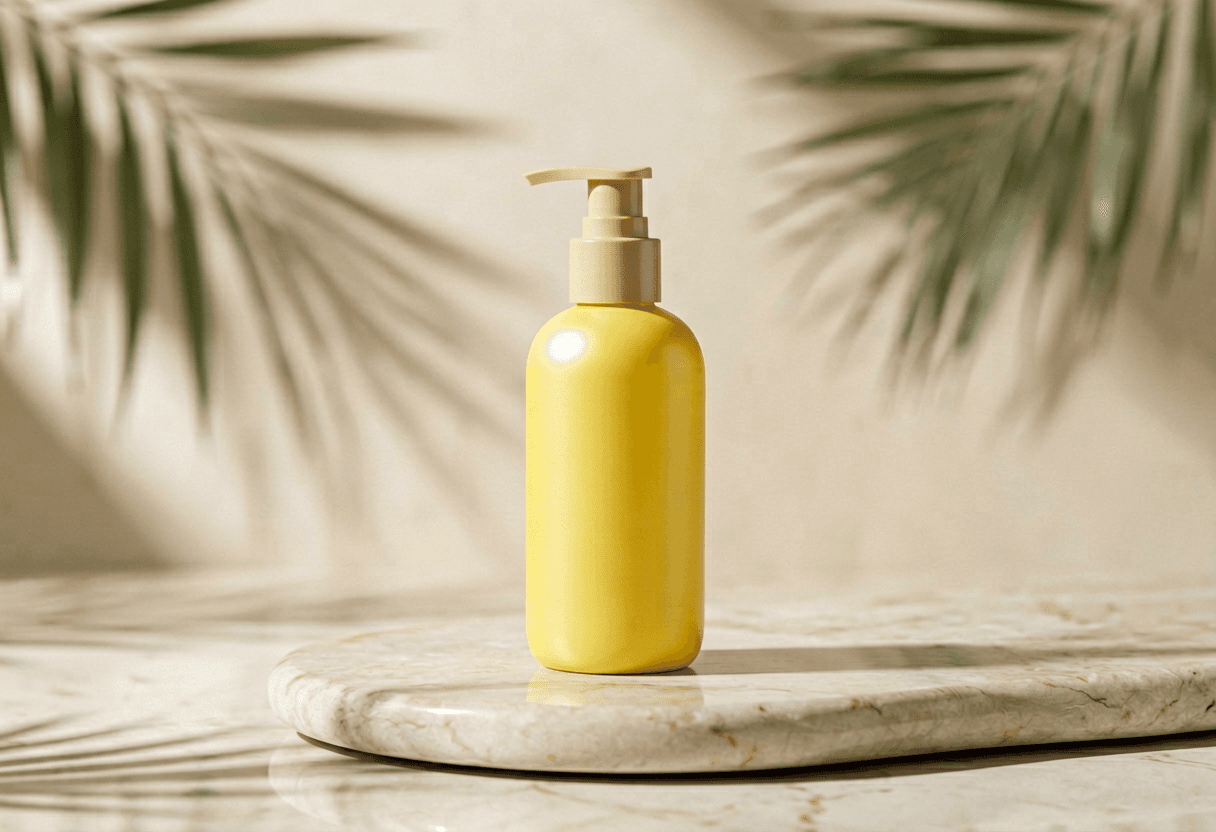
Use light and botanicals to make freshness visible. The bottle stays still while leaf movement, soft shadows, and one controlled highlight change the scene.
The idea
Begin in morning light, let the background turn greener, and finish with the whole bottle easy to read.
Turn an invisible product benefit into a visual event. A bass pulse, moving particles, and sound-wave light give the headphones a reason to be on screen.
The idea
Start with one physical bass reaction, shift the light, then resolve the waves into a hero frame.
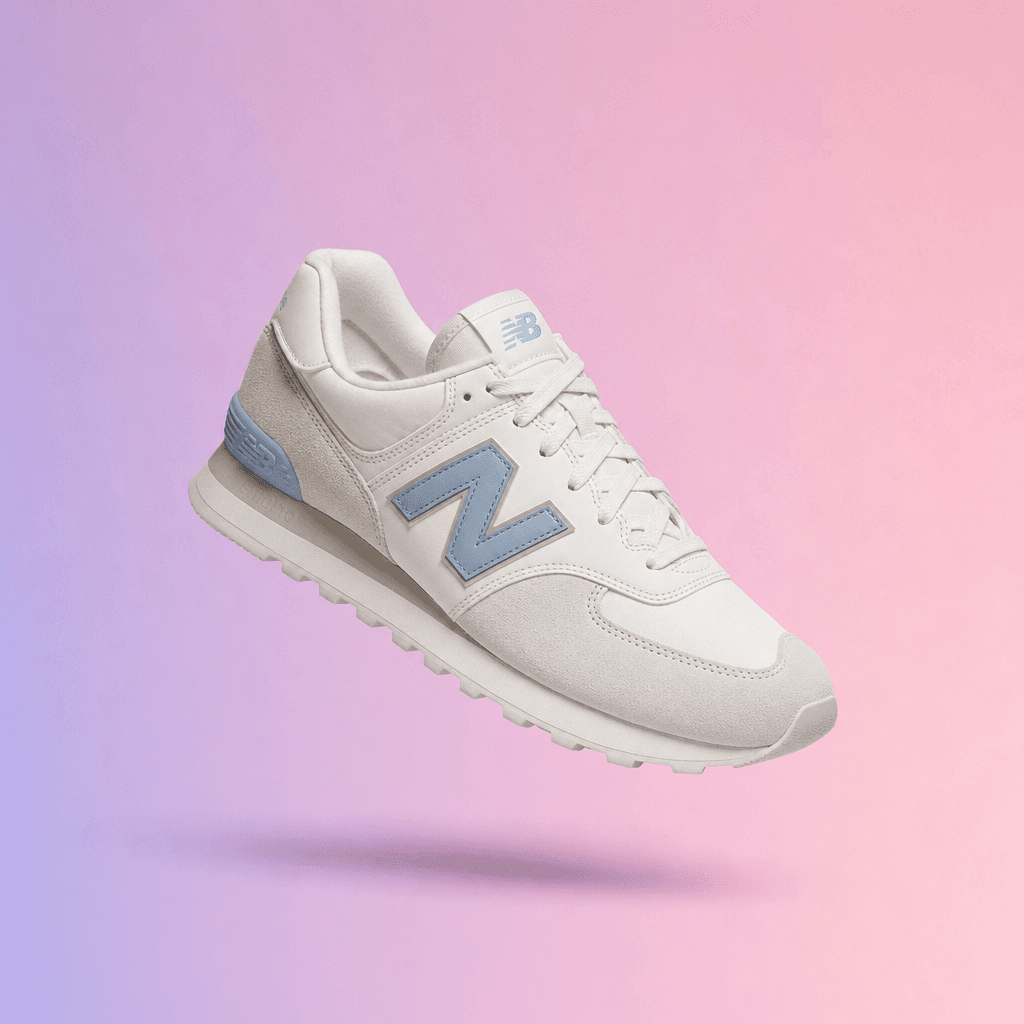
Give the shoe a small action with a payoff. Tension in the shadow leads into a colored-powder launch, then the product lands back in a clean selling frame.
The idea
Build anticipation, release it in one move, and stop before the effect becomes the main subject.
Build the scene around one sensory idea. A falling droplet, soft ripple, and drifting petals communicate hydration while the bottle remains the anchor.
The idea
Use one droplet as the story, keep every effect outside the label area, and end on a clear bottle.
Preview results show possible creative directions. Your video will depend on the uploaded image and selected settings.
Start with the channel
Make the video fit where people will see it.
Pick the format before you upload. Lead with a main photo that fits the frame, then add other views when they show useful details.
9:16
Short-form social
Lead with motion, keep the product large, and leave room for captions you add later.
15–30 seconds1:1
Product pages
Show shape, material, and one clear camera move without asking shoppers to watch a long edit.
15–60 seconds16:9
Launch and landing pages
Use more scenes when the product needs context, features, and a final hero shot.
60–180 seconds
What you get
Upload once. Leave with one finished MP4.
You choose the length, format, and look. The page turns those choices into a shot plan, uses your product as the reference, and assembles longer videos for you.
01
Add 1–6 clear photos
Put the main view first, then add angles and close details.
02
Pick the result you need
Choose the length, screen shape, and visual direction.
03
Download one video
One 720p MP4 with scene audio, ready for your next edit.
15–180 seconds
Longer videos are built in clear sections.
One scene can run up to 30 seconds. For 60–180 seconds, the scenes are created separately and joined into one file.
15s1 sceneFast reveal
30s1 sceneSocial creative
60s2 scenesProduct overview
90s3 scenesLaunch story
120s4 scenesFeature tour
180s6 scenesLong campaign
Get a better first result
Use more photos when they add useful details.
Start with one complete hero image. Then add consistent views of the same item. Repeated shots or different product variants can make the result less accurate, not more.
01
Lead with the full product
Make this the first photo. Leave 8–12% clear space around the item so the main shape is easy to preserve.
02
Add useful angles
Use the next photos for the back, side, packaging, or another view of the same color and variant.
03
Show the details that matter
Add a sharp label, stone, seam, clasp, texture, or logo view. Tiny details still need a final review.
Before you generate
Know the price, the limits, and what comes next.
AI video is strongest as product footage, not as a final legal or media-buying check. Add your real offer and approved claims after you review the product details.
See the live price firstYour exact credit quote appears before Generate.
Private by defaultYour source and working scenes stay out of the public gallery.
Review every detailSmall text, logos, stones, seams, and packaging can change.
Use the output where it helpsAdd captions, prices, offers, and your final CTA in your editor.
For campaign openings and creative variants, use the AI marketing video maker. When you need to introduce a company or explain a service, start with the AI business video generator and plan the audience message before the product shots.
Ready when your product photos are
Turn the product photos you already have into a video you can test.
Before using the AI product video generator for a campaign, shape the hook, product reveal, and closing frame with the AI Storyboard Generator. If your team already approved the board, Storyboard to Video is the more direct starting point for an Agent-led sequence.
If the product story needs a fast vertical hook rather than a multi-shot catalogue edit, move the brief to the AI TikTok Video Generator. It keeps the social opening, proof beat, and final action explicit. Unsure which catalog model should render the spot? Rank them on Best AI Video Model for Ads before spending credits. A serial product story with a recurring cast belongs on the AI Short Drama Generator.
What the AI product video generator is for
Every job below starts from photos of one product. What changes is the length, the pacing, and what the viewer is supposed to do next.
Marketplace listing clips
Fifteen to thirty seconds, product filling the frame, no story. The AI product video generator is at its most reliable here because the brief is narrow.
Paid social
The first second decides everything. Generate several openings from the same photo set and keep the one that reads before anyone taps away.
Feature walkthroughs
Longer runs split into separate scenes joined into one MP4. Give the AI product video generator photos that show each feature clearly.
Seasonal variants
Same product, different look and sound. Keep the photo set fixed and change only the format so a campaign stays coherent.
Email and landing hero
Short, muted-friendly, and looping. Sound is optional here, so favour clear motion over a soundtrack.
Supplier photo rescue
When all you have is flat catalogue stills, an AI product video generator turns them into motion without a reshoot.
01Give the AI product video generator photos of one product only — mixed products confuse the scene planning.
02Six consistent angles beat six pretty but unrelated shots.
03Pick the duration before you generate; a 15-second cut is a different edit, not a trimmed 60.
04Check the product label and any on-pack text in every scene before you publish.
05Longer runs are stitched from separate scenes — review the joins, not just the shots.
AI Product Video Generator FAQ
What do I get from my product photos?
You get one 720p MP4 with product motion and scene audio. Choose 15, 30, 60, 90, 120, or 180 seconds and a 9:16, 1:1, or 16:9 format. Add final captions, prices, offers, and legal copy in your usual editor after you review the result.
How many product photos should I upload?
Start with one sharp main photo that shows the whole product with 8–12% clear space on every side. Add up to five useful views of the same item, such as the back, side, label, closure, material, or packaging. More photos help only when they add consistent details; duplicates or different colors and variants can make the result less reliable.
Do I need to write a prompt?
No. Choose a length, format, and look. The shot plan is created automatically. Your first upload sets the main product view, while any extra photos help with matching angles and details.
How does a 60–180 second video work?
One scene can run up to 30 seconds. A 60-second video uses two scenes, 90 seconds uses three, 120 seconds uses four, and 180 seconds uses six. The completed scenes are joined into one MP4.
How long does generation take and what does it cost?
The exact credit price appears before you start. Time depends on the selected length, number of scenes, and generation queue. A 15 or 30 second video uses one scene; a 180 second video uses six, so it normally costs more and takes longer.
Will the whole product, logo, and label stay exact?
Not always. Clear framing helps the main shape and color stay recognizable, but small text, logos, stones, seams, buttons, and label layouts can shift. Review the full video and replace any incorrect claim, price, certification, or legal copy before publishing.
Does the finished product video include sound?
Yes. The workflow asks for a restrained music bed and sound effects without dialogue or generated product claims. Longer exports keep the native audio from each scene when the scenes are joined.
Are my upload and generated scenes shown in the public gallery?
No. The source images and working scenes stay out of the public gallery, and the completed MP4 is saved in your History. Anyone with a direct media link may still be able to open it, so avoid uploading confidential product material.
Can I use the finished video in ads and product pages?
Yes. Download the MP4 for social ads, product pages, launch pages, and further editing. Review product details first, then add approved prices, offers, captions, claims, and legal copy in your editor.
People also search for
ai product video generator
product image to video ai
ecommerce video generator
product ad video from photo
product photo animation
ai product commercial generator
product video generator with sound
180 second ai video generator
Your privacy, your choice
Optional cookies help us understand usage and measure ads. Essential cookies stay on so Voor works.
 Source