Preparing 3D viewer
Scene prop
Toy rocket
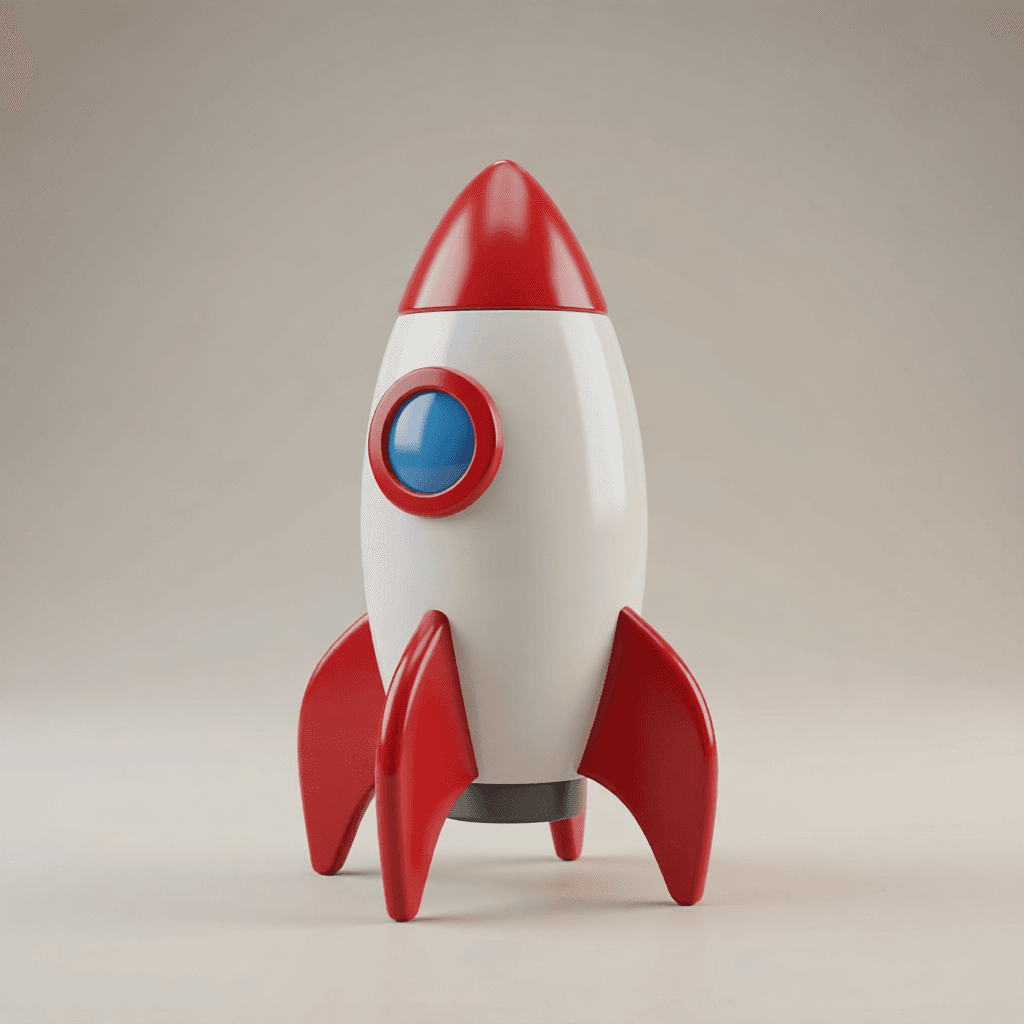
A compact textured prop for pitch scenes, simple motion, or a game block-out.
Inspect: Check the fins, rear surface, and contact point.
Generate and explore AI-assisted 3D model workflows on Voor AI with shared creative tools and credits.





Four interactive GLB examples
Drag every model to orbit it. Each example below pairs a source image with an actual GLB file generated for Voor, so you can judge the geometry instead of trusting one flattering camera angle.
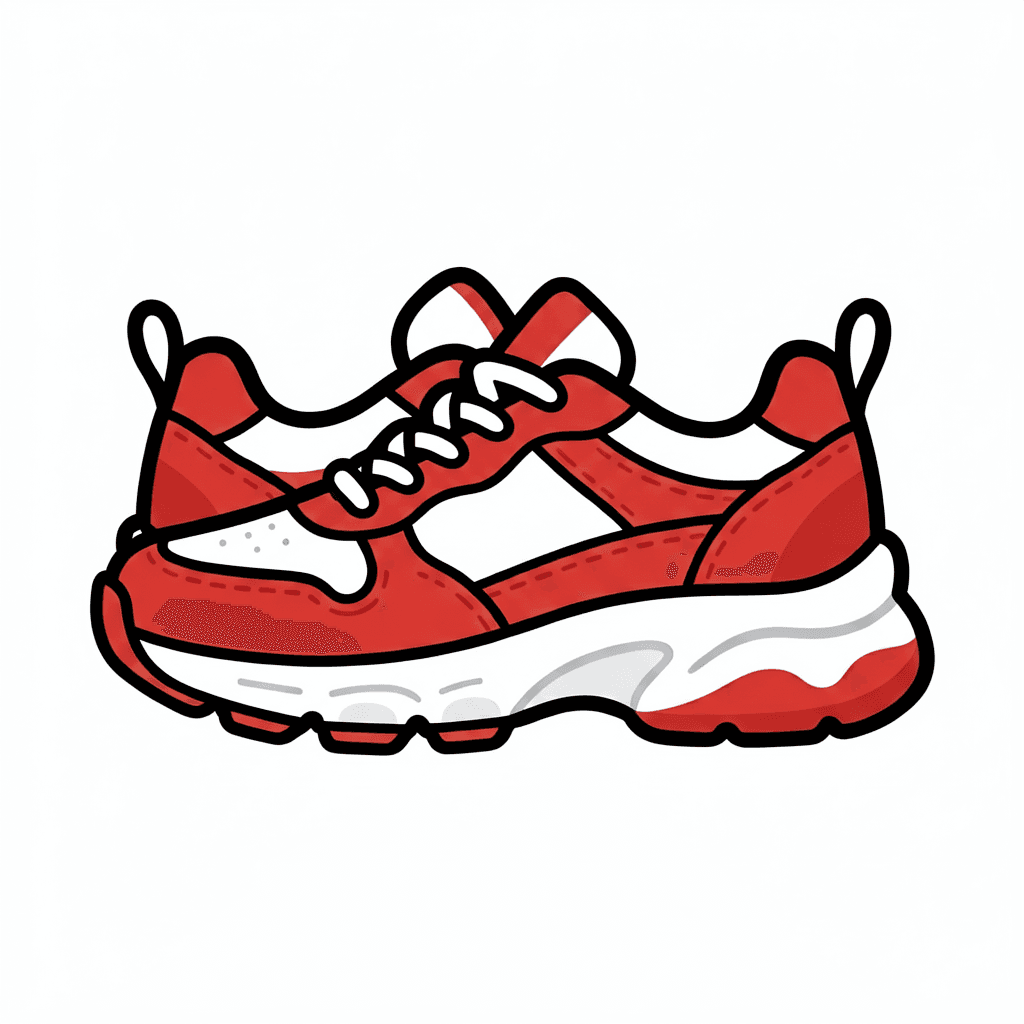
Product mesh
The sole, laces, and color blocks become textured geometry you can inspect from every angle.
A good front view is only the start. Rotate each object and inspect the surfaces the source image never showed.
Scene prop
A compact textured prop for pitch scenes, simple motion, or a game block-out.
Inspect: Check the fins, rear surface, and contact point.
Game asset

A readable wood-and-metal silhouette reconstructed as a real orbitable object.
Inspect: Check the lid seam, back panel, and handle depth.
Printable concept
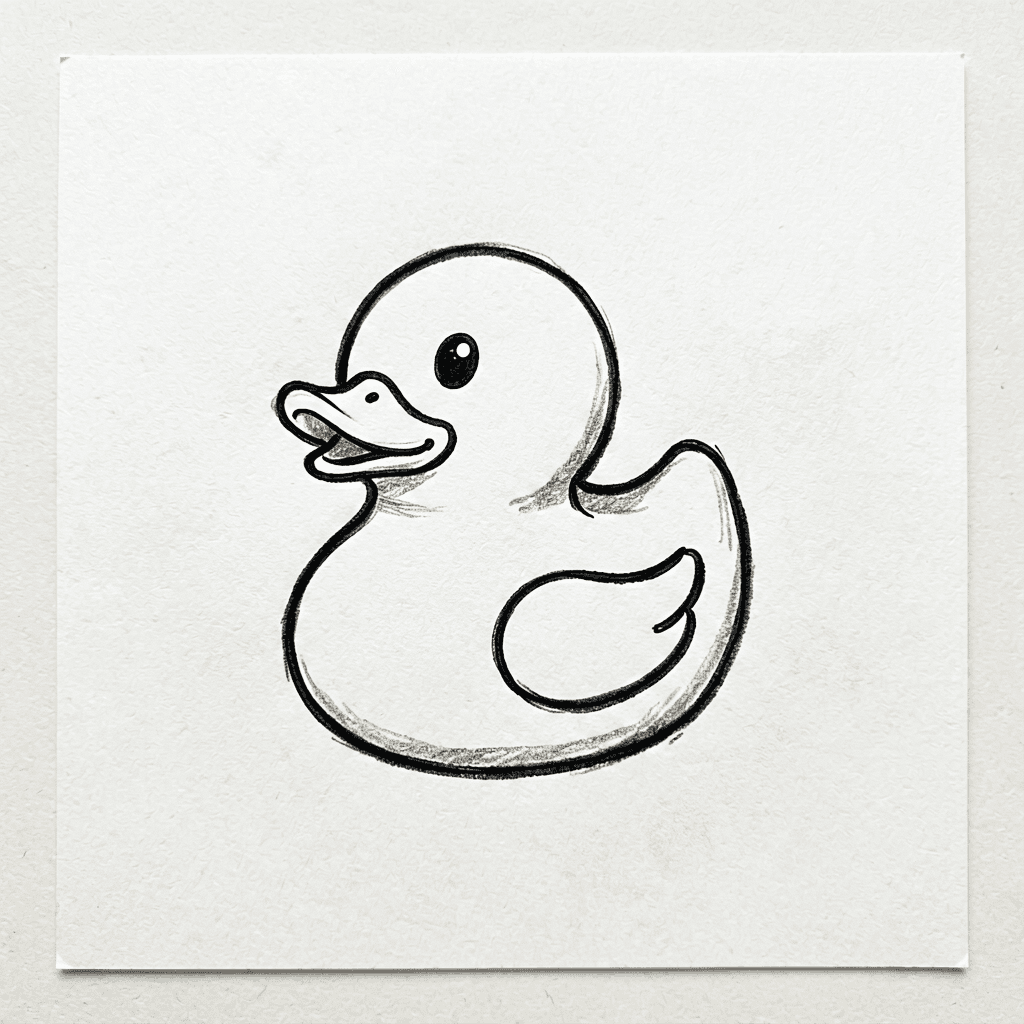
A simple drawing becomes a volumetric figurine with generated rear surfaces.
Inspect: Check the bill thickness, base, and left-right symmetry.
Use the generator to create geometry quickly, then treat the orbit view as a review surface—not a guarantee that every hidden edge is ready to ship.
Use a clean silhouette, simple background, and enough visual information for the model to infer depth.
Inspect the back, base, thin parts, seams, symmetry, and any surface the source image did not reveal.
Use Blender for cleanup or rigging, a game engine for integration, or a slicer only after checking whether the mesh is printable.
Shape, material, scale, and camera read clearly.
Silhouette and proportions work before topology cleanup.
Edges and depth cues survive a simple orbit or push-in.
The mesh is closed, thick enough, and structurally plausible.
Generated GLB files are useful assets, but a good viewport preview does not prove clean topology, exact scale, rigging, UV quality, or manufacturing safety.
Short answers for deciding whether the output is a concept, motion source, or production starting point.
Treat outputs as concept or reference unless the specific workflow provides production-grade files. For games, CAD, or manufacturing, inspect topology, scale, materials, and licensing before use.
Yes. Use a clear 3D-style still as an image to video input and describe a simple camera move such as orbit, push-in, or product rotation.
Name object, material, angle, lighting, scale, and use case. Add preserve rules for logos, labels, product shape, or character identity.
Optional cookies help us understand usage and measure ads. Essential cookies stay on so Voor works.