Turn a photo or prompt into a short, seamless looping animation — the ai gif generator delivers a crisp MP4 loop you can post anywhere or convert to .gif.



Generator examples
- Generator example for ai-gif-generator — gif 1Before — Generator example for ai-gif-generator — gif 1
- Generator example for ai-gif-generator — gif 2Before — Generator example for ai-gif-generator — gif 2
- Generator example for ai-gif-generator — gif 3Before — Generator example for ai-gif-generator — gif 3
Three real loops from the ai gif generator
Each clip below was generated on this page and loops seamlessly — the same thing a GIF is, delivered as a crisp MP4. The ai gif generator animates the motion; you pick the subject. Copy a prompt and swap it.
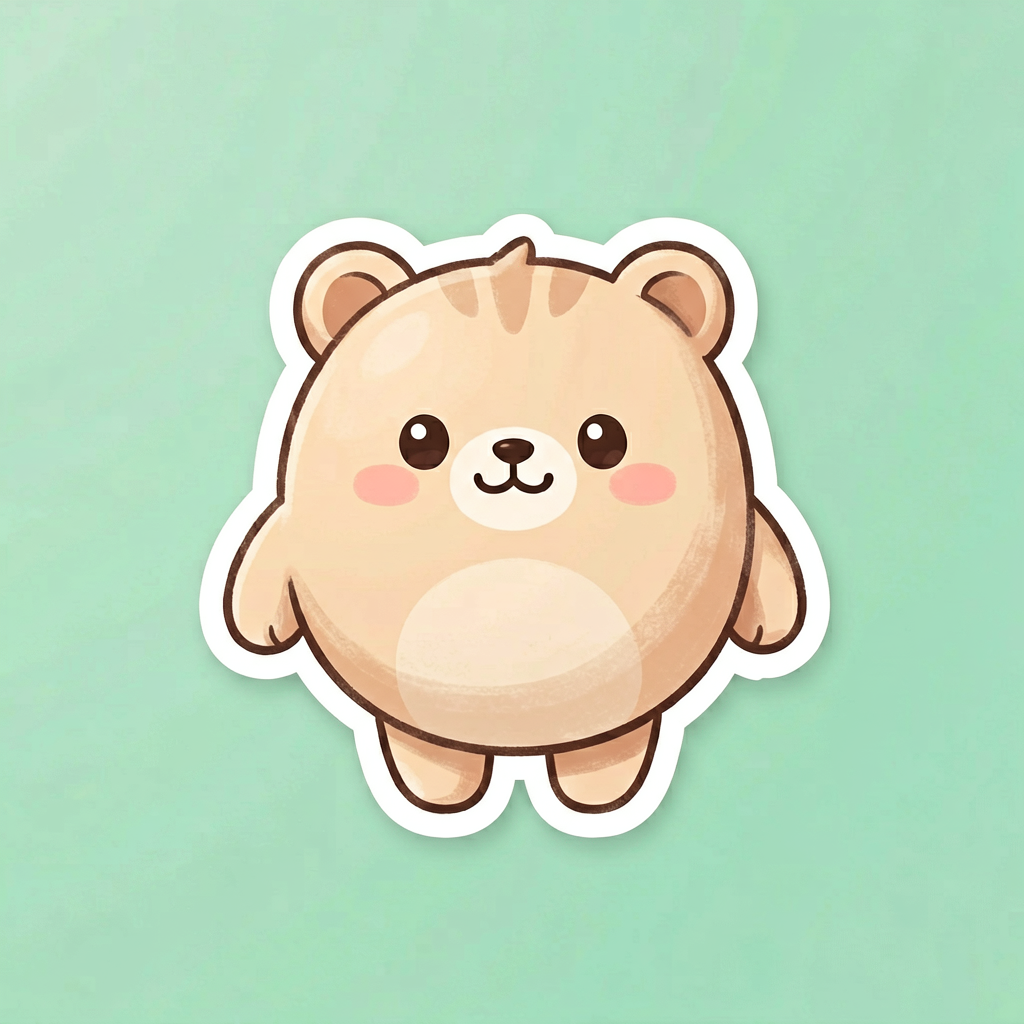
A cute round mascot waving one paw in a slow seamless loop, bouncing gently, plain pastel background, sticker style, motion returns exactly to the first frame, 3 second loop
A glossy emblem with a soft light sweep passing across it and back, gentle pulse, dark studio background, seamless loop, premium motion graphic, 3 second loop
A small cartoon cat doing a slow surprised blink then settling, expressive reaction loop, clean background, seamless cycle back to start, 2 second loop
2–5s
the loop length the ai gif generator is tuned for
Crisp MP4
what the ai gif generator outputs (convert to .gif anytime)
Photo or text
two ways into the ai gif generator
20 welcome credits
for new accounts
GIF, or MP4 loop? What the ai gif generator gives you
When people want an ai gif generator they mean a short looping animation — not specifically the 1987 file format. Here is the honest breakdown:
| Trait | True .gif file | What the ai gif generator makes |
|---|---|---|
| File | Legacy .gif | Crisp MP4 loop — tap GIF to download a real .gif file |
| Quality | Banded, 256 colours | Full colour, sharp |
| Autoplay on socials | Yes | Yes — what feeds actually use today |
| The hard part | Looping it cleanly | The ai gif generator owns the seamless loop |
Loops to make with the ai gif generator
Pick a subject with a simple cyclic motion — that is what the ai gif generator loops cleanly. Switch tabs for ideas by type.
- A face mid-shrug, mid-facepalm, mid-celebration, looped for chat.
- A mascot waving, bouncing or blinking for a sticker pack.
- Stream emotes — small expressive faces, all the same length.
- A pet tail-wag, ear-twitch or slow happy blink.
Landing a clean loop with the ai gif generator
Do
- Ask the ai gif generator for a 'seamless loop' and a motion that returns to its start.
- Keep it two to five seconds — the GIF length that reads as a reaction.
- Give the ai gif generator one subject and a simple cyclic motion.
- Reroll once if you see a jump; the cleanest loop is usually take two.
Don't
- Don't ask the ai gif generator for walking off-frame — it won't loop.
- Don't cram long captions into a loop; keep any text short.
- Don't expect the preview to be a .gif file — use the GIF button to download the real extension.
- Don't pile on multiple subjects; the ai gif generator loops one cleanly.
AI gif generator — FAQ
What does the ai gif generator actually make?
The ai gif generator makes a short, seamless looping clip from a photo or a text prompt — the same thing a GIF is, just delivered as a clean MP4 loop you can post anywhere or convert to .gif. You describe the motion; it animates the loop.
Do I get a real .gif file from the ai gif generator?
You get a high-quality looping MP4, which is what modern platforms actually autoplay — sharper and smaller than a true .gif. If you need the literal file extension, export the loop to .gif in any converter; the ai gif generator gives you the motion, the container is your choice.
Can the ai gif generator animate my own image?
Yes. Upload a sticker, logo, character or photo and describe the loop — a wave, a bounce, a shimmer — and the ai gif generator animates that exact image. Image-to-loop keeps your art; text-to-loop builds the scene from scratch.
How do I make the loop seamless?
Ask the ai gif generator for a 'seamless loop' and choose a motion that returns to its start — a bounce, a sway, a blink, a spin. Cyclic actions loop cleanly; one-way motions like walking off-frame do not.
Is the ai gif generator free?
New accounts receive 20 welcome credits. Additional AI GIF generator loops require purchased credits.
How long should an ai gif generator loop be?
Two to five seconds is the GIF sweet spot. Short loops read as reactions and stickers, hold attention, and keep the file light — the ai gif generator is tuned for exactly that length.
What makes a good looping subject?
One clear subject with a simple, repeatable motion. Reaction faces, mascots, looping logos, weather and food all loop beautifully through the ai gif generator; busy multi-subject scenes are harder to keep clean.
Why does my loop have a visible jump?
A jump means the last frame doesn't match the first. Pick a cyclic motion and reroll once or twice; the ai gif generator lands cleaner loops when the action naturally comes back to where it began.
Can I add text to my GIF?
Keep captions short and put them in quotes in the prompt. For text-heavy GIFs, generate a clean caption frame first, then animate around it — the ai gif generator prioritises smooth motion over long on-screen paragraphs.
People also search for
- ai gif generator free
- ai gif generator from text
- ai gif generator from image
- ai gif generator no watermark
- ai gif generator online
- looping ai gif generator
- ai gif generator sticker
- best ai gif generator
Whichever ai gif generator search brought you here, the showcase up top is the answer: a two-to-five-second loop that actually loops, delivered by the ai gif generator as a clean MP4 you can post or convert to .gif. Photo or prompt, one cyclic motion, 20 welcome credits.
Make your first loop
Upload an image or type a scene, pick a loop preset, and let the ai gif generator land a seamless loop.
Generate a GIF loopYour privacy, your choice
Optional cookies help us understand usage and measure ads. Essential cookies stay on so Voor works.