Describe orbit, dolly, pan, crane, and tilt movements precisely so an image-to-video model creates deliberate cinematic motion.

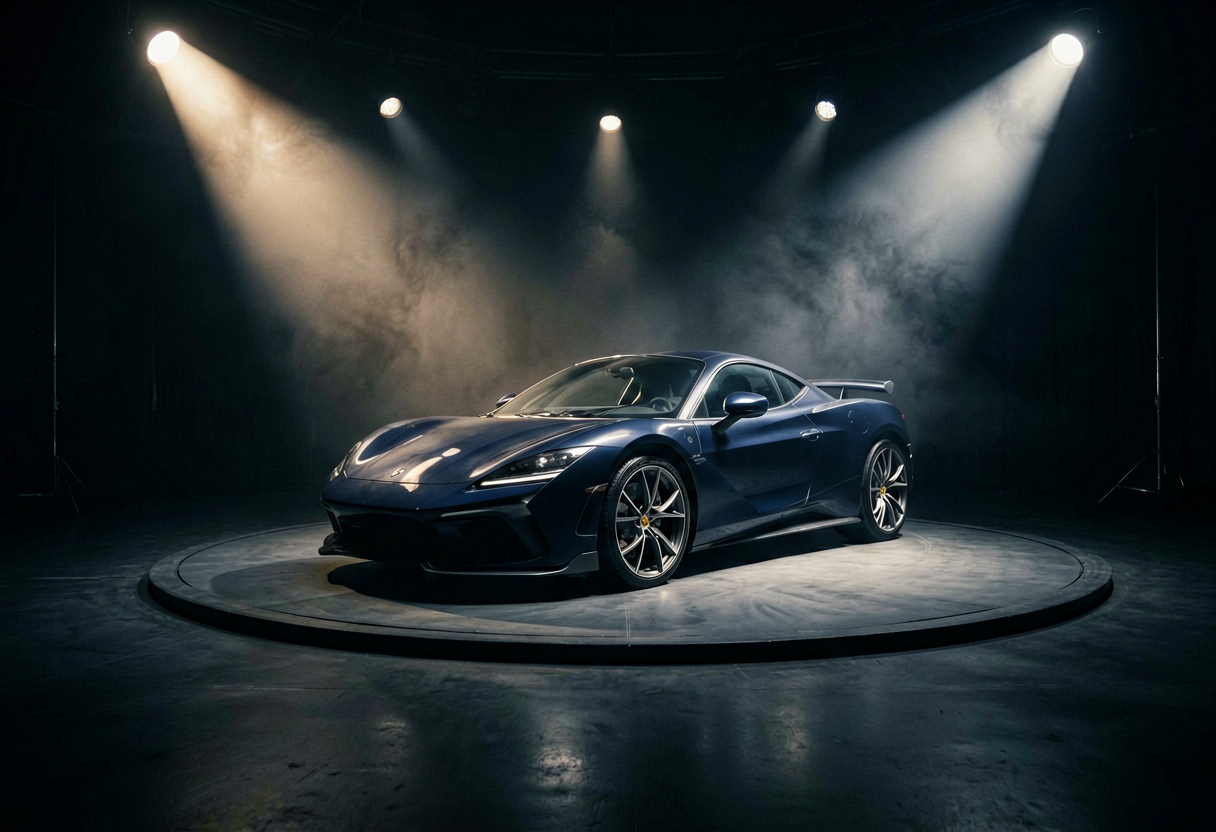

Generator examples
- Slow clockwise orbit around the sports car, constant distance, stable horizon, subtle parallax.Before — Slow clockwise orbit around the sports car, constant distance, stable horizon, subtle parallax.
- Slow dolly in toward the sculpture, centered framing, smooth forward camera move.Before — Slow dolly in toward the sculpture, centered framing, smooth forward camera move.
3D Camera Control FAQ
What does 3D camera control mean for 3D Camera Control?
3D Camera Control describes how the virtual camera moves through a scene while the subject and environment maintain believable spatial relationships.
What is the difference between orbit and pan for 3D Camera Control?
In 3D Camera Control, an orbit travels around the subject, while a pan rotates the camera from a fixed position.
When should I use a dolly move for 3D Camera Control?
Use 3D Camera Control with a dolly in when attention should close toward a clear focal subject in a scene with visible depth.
How do I keep the subject centered for 3D Camera Control?
A 3D Camera Control prompt should name the anchor subject, movement direction, speed, distance, and requirement to remain centered.
Why does the background warp for 3D Camera Control?
3D Camera Control can warp backgrounds when the source image lacks depth cues or the requested travel reveals hidden areas.
Can I combine multiple camera moves for 3D Camera Control?
For reliable 3D Camera Control, test one primary move first; complex combinations are harder to keep spatially consistent.
Should the subject move too for 3D Camera Control?
Keep subject motion subtle while testing 3D Camera Control so camera movement can be evaluated separately from character animation.
Which source images work best for 3D Camera Control?
3D Camera Control benefits from centered subjects, layered foreground and background, clear horizons, and room in the travel direction.
How do I review the generated shot for 3D Camera Control?
Review 3D Camera Control output for stable horizons, consistent subject scale, believable parallax, smooth speed, and clean stopping motion.
Write a precise 3D camera control command
Slow orbit clockwise around the centered subject
Choose the camera move before writing the prompt
Camera terms describe different spatial relationships. Combining all of them usually produces confused motion.
| Move | What viewers feel | Best source image |
|---|---|---|
| Orbit | The world rotates around a fixed subject | Centered subject with visible background depth |
| Dolly in | Attention closes in on the subject | Symmetrical scene with a clear focal point |
| Crane up | The scene opens into a reveal | Wide environment with room above the subject |
| Truck left/right | The viewer discovers space beside the subject | Layered foreground and background |
Read the frame like a camera operator
Use the source image to decide which direction has believable room to travel.
 123
123- 1Keep the subject as the visual anchor.
- 2Use side space for an orbit or truck move.
- 3Preserve headroom during a crane or dolly move.
Direct one shot, not an entire trailer
Do
- Name one primary camera move and its speed.
- Describe what remains centered during the move.
- Keep subject motion subtle when testing camera motion.
Don't
- Stack orbit, zoom, pan, and crane in one short clip.
- Ask for impossible travel through walls or solid objects.
- Confuse subject movement with camera movement.
3D Camera Control examples
These generated examples show two distinct directions. Copy a prompt, replace the subject, and keep the constraints that matter.
Clockwise orbit setup
Describe orbit, dolly, pan, crane, and tilt movements precisely so an image-to-video model creates deliberate cinematic motion. Clean composition, clear subject, controlled lighting, polished result.

Dolly-in composition
Use 3d camera control with a stronger visual style, preserve the core subject, and produce a clean shareable result.
Need geometry you can rotate yourself instead of simulated camera motion? The 2D to 3D converter turns one image into a downloadable GLB model.
Try 3D Camera Control
Describe orbit, dolly, pan, crane, and tilt movements precisely so an image-to-video model creates deliberate cinematic motion.
Start creatingYour privacy, your choice
Optional cookies help us understand usage and measure ads. Essential cookies stay on so Voor works.