

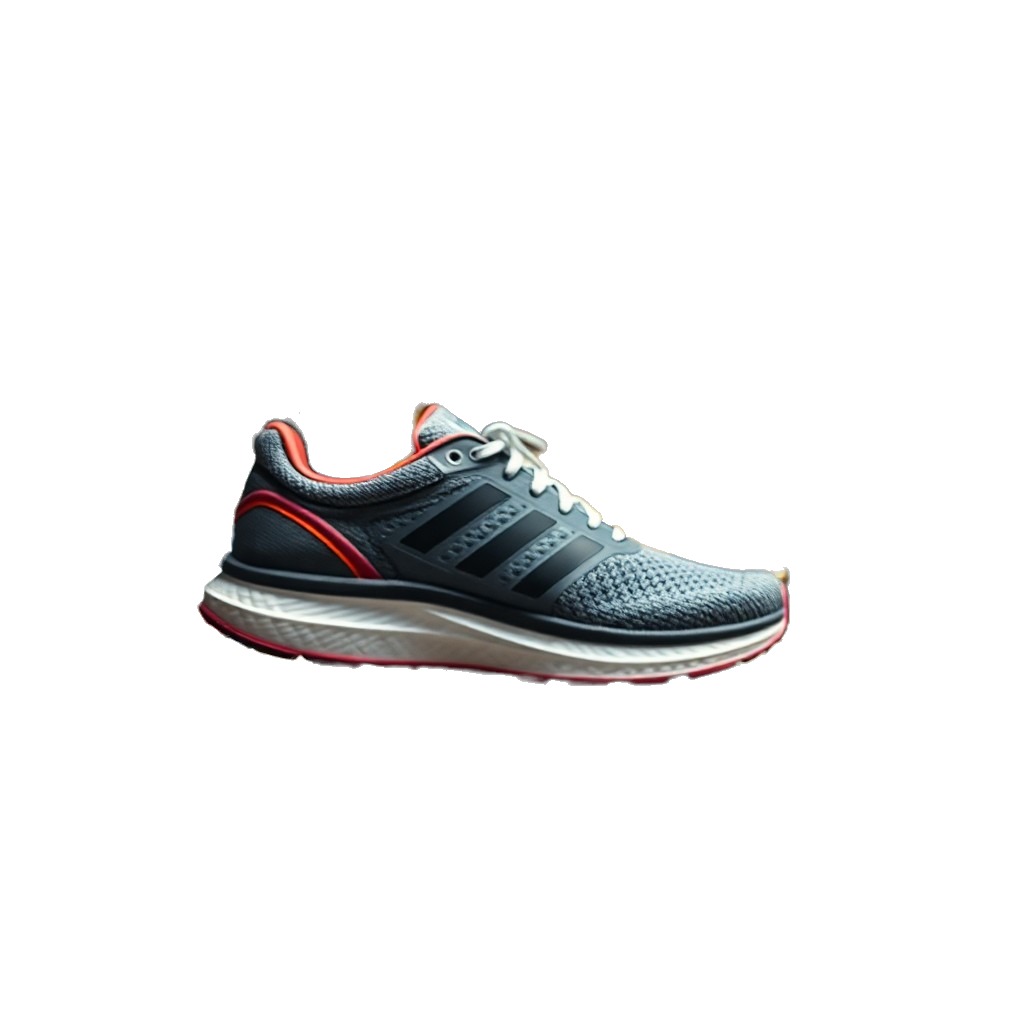
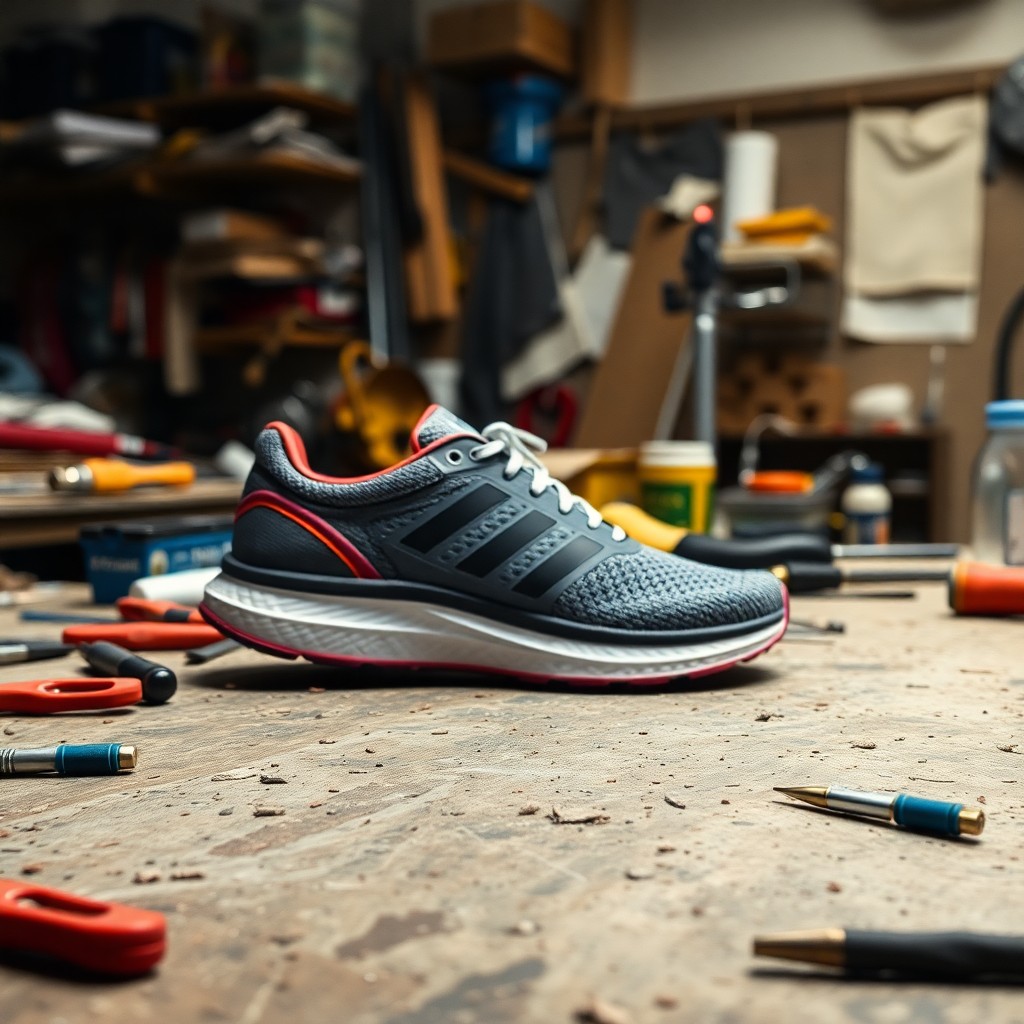
Nano banana background remover — after Banana, before compositing
Nano banana background remover is for teams who already generate on Nano Banana 2 and need a clean alpha before dropping assets into Figma, ads, or motion. Banana builds the scene — the remove-backgrounds tool above strips it. The after panel below is the real matting output on the same export, not a second Banana render.
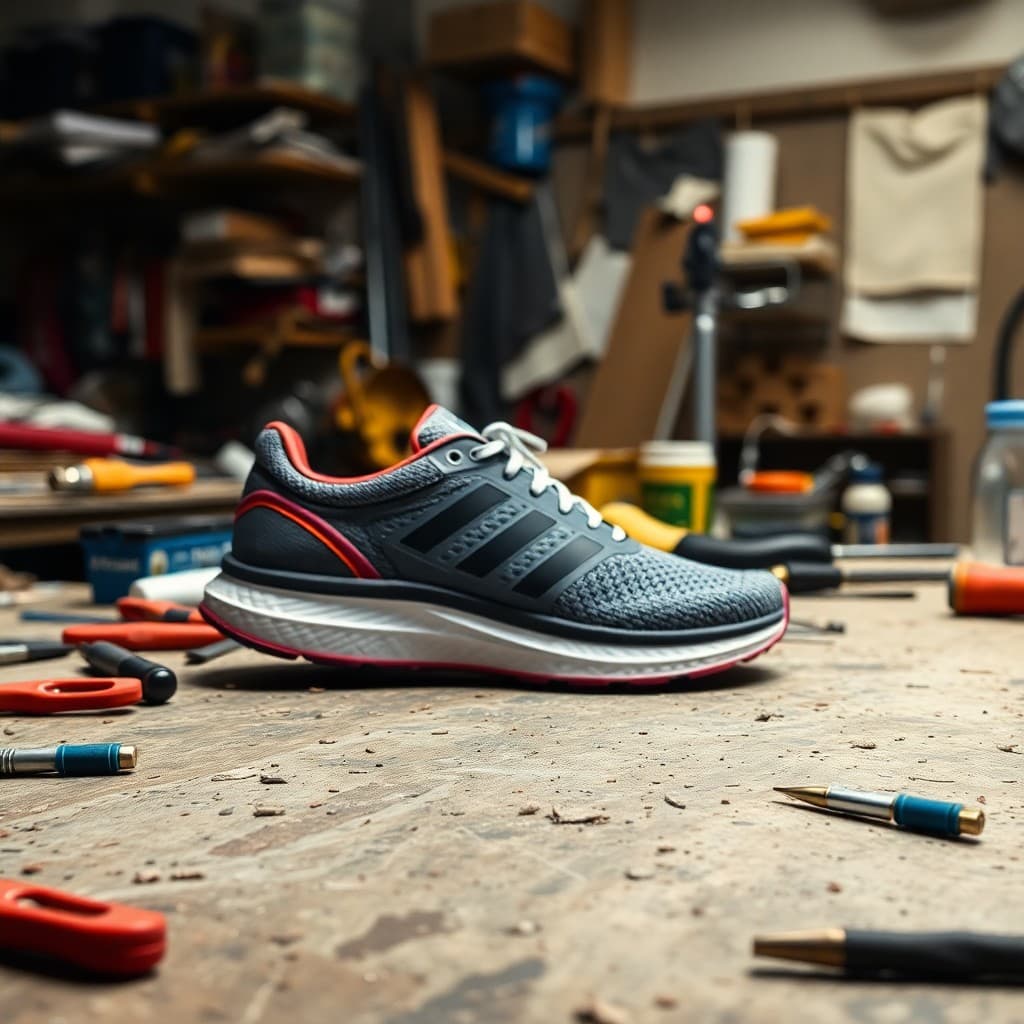
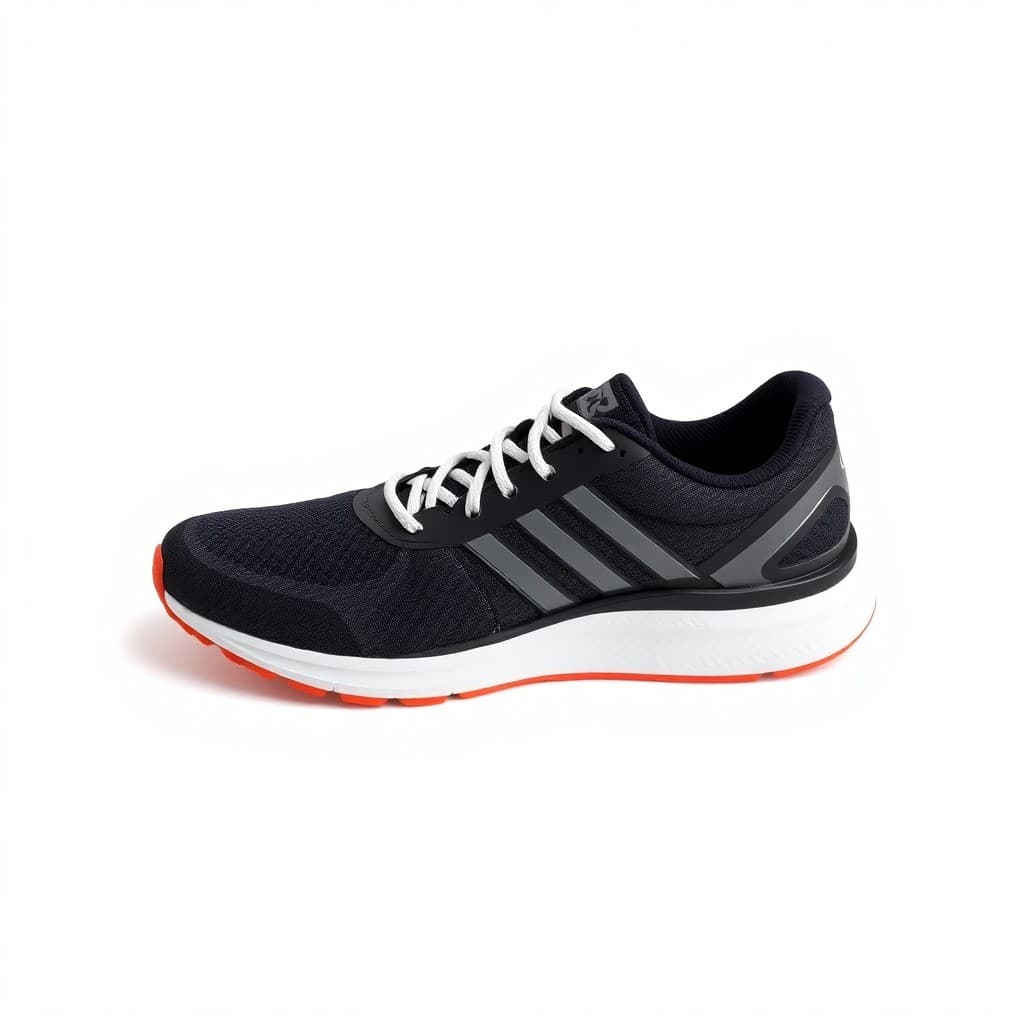
Nano banana background remover workflow
Generate on Nano Banana 2
Prompt your product, portrait, or lifestyle still on Nano Banana 2. Export the JPEG or PNG — busy backgrounds are fine at this stage.
Upload and remove background
Bring the Banana export into the remove-backgrounds generator above. The matting model isolates the subject — inspect hair, product edges, and lace before download.
Download transparent PNG
Nano banana background remover finishes with a PNG alpha you can composite in your design tool, marketplace template, or nano banana video pipeline — without rerolling Banana for a fake cutout.
Who uses nano banana background remover
Ecommerce teams generate hero SKUs on Nano Banana 2, then nano banana background remover the export onto white or transparent PNG for Amazon and Shopify templates. Performance marketers strip Banana lifestyle backgrounds so the same subject lands on brand gradients in Figma. The comparison above is one Banana frame through remove-backgrounds — generate first, matting second.
Batch nano banana background remover workflows: ten Banana variants Monday, matting pass on every approved export Tuesday. Nano Banana does not ship perfect alphas — dedicated remove-background models handle edges Banana smooths over.
Why nano banana background remover
Banana first
Keep generation on Nano Banana 2 — this page only handles the matting pass Banana was never built to do.
Real matting
remove-backgrounds models cut hair, glass, and product edges — the after example is their output on your Banana upload.
PNG for compositing
Download transparent PNG and place the same Banana subject on any backdrop without reprompting generation.
Honest limits
Nano Banana 2 does not remove backgrounds reliably — nano banana background remover exists because inpaint-style “white background” prompts swap the subject. Use remove backgrounds on the export instead. The page preview flattens the cutout on white for readability; grab the transparent PNG from the generator.
Inspect edges after matting — halos from Banana's soft backgrounds are common. Rerun remove-backgrounds with a tighter crop before publishing.
Nano banana background remover FAQ
Does Nano Banana remove backgrounds?
Not reliably — prompt a white background and Banana often redraws the product. Generate the scene on Nano Banana 2, then run the export through remove-backgrounds here for a real alpha.
Transparent PNG output?
Yes from the remove-backgrounds step. Upload your Banana export, download PNG with alpha, composite anywhere — no second Banana pass required.
Which order — Banana or matting first?
Banana first, always. Nano banana background remover assumes you already have a Banana still and only need the background stripped.