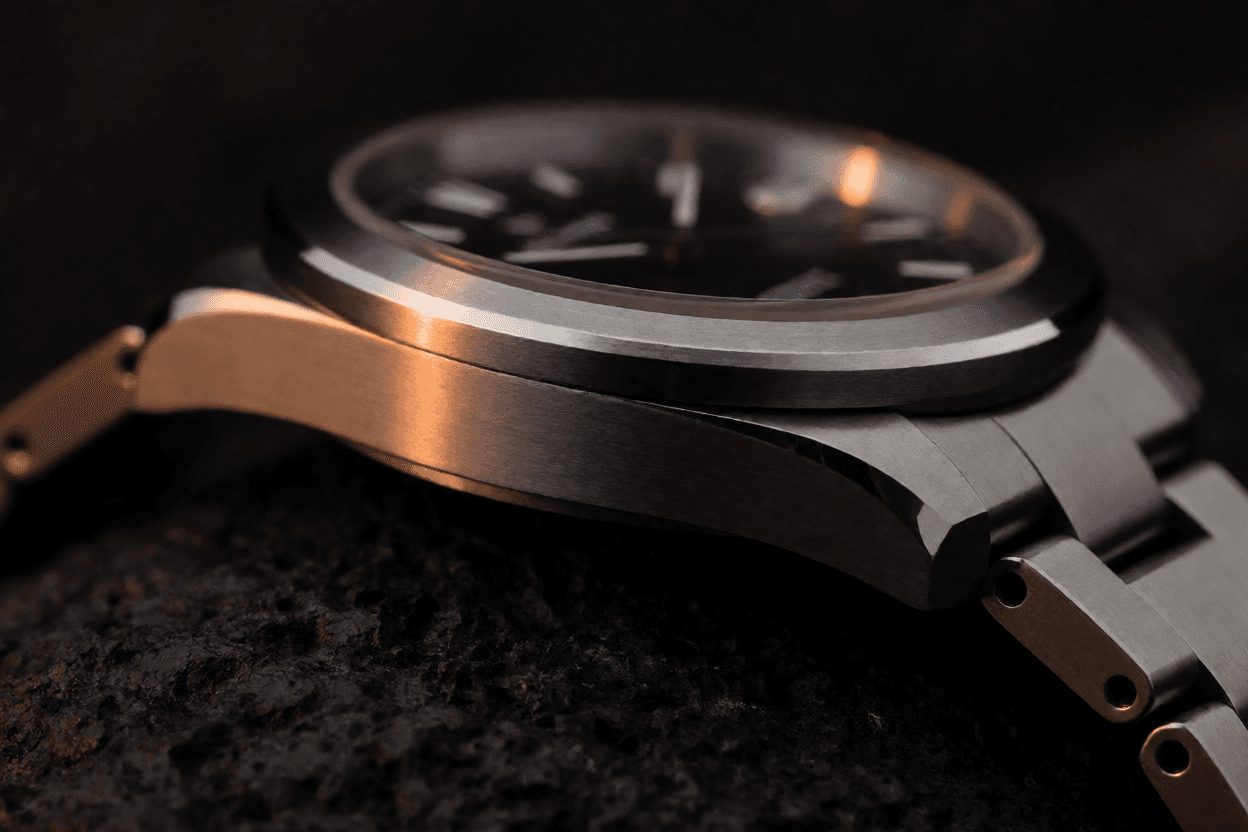

SOL-H3 is a preview of an accelerated video workflow with native audio. Public generation remains closed while the route and billing checks are prepared.

Example Image
Preview SOL-H3 accelerated video with native audio. Public generation stays closed until the live route is verified.

Generator examples

SOL-H3 / Video with native audio

SOL-H3 turns a small
brief into motion and sound.

This SOL-H3 video generator preview is built around native audio. Instead of writing a still image and hoping for movement, describe the scene as a short sequence: what exists, what changes, how the camera follows the action, and what the moment sounds like.

Video + native audioOne focused scene briefPublic generation pendingNo paid requests yet

SOL-H3 scene direction study with a glass bird beside a glowing workshop furnace
Original Voor concept study · workshop fantasy scene
SOL-H3 scene direction study with a paper atlas and a glowing lighthouse
Original Voor concept study · magical realism direction
Scene briefSubject, action, camera, sound
Native audioDesigned into the same brief
Preview pageExplore examples and prompts
Gated releaseGeneration opens after verification

SOL-H3 scene directions

SOL-H3 examples begin with a director’s brief

These original Voor concept studies show how a SOL-H3 brief can combine picture and sound in one direction. They are storyboard studies, not rendered model outputs. Public generation is not open yet, and this page will not start a paid request.

Preview status: SOL-H3 generation is not open on Voor yet. The page is designed for prompt preparation, model research, and visual direction while the provider route, output handling, pricing, and billing checks are completed.

How to write a SOL-H3 prompt

A strong SOL-H3 brief has four visible decisions

Write the scene in the order the viewer experiences it. A structured brief gives SOL-H3 a clear subject, a readable action, a camera path, and a soundscape that belongs to the picture.

Picture first, sound on the same timeline

Start with one subject and one action. Add the setting, the camera move, the light, and the material detail. Then write what the scene sounds like at the beginning, middle, and end.

Avoid stacking unrelated events. A focused SOL-H3 scene is easier to review, easier to revise, and easier to compare when one decision changes.

SOL-H3 scene template

Subject + setting Visible action from first to last frame Camera movement and framing Light, material, and atmosphere Sound: ambience, effect, or dialogue Ending beat and final image
01

One subject and setting

Start with the thing the camera can follow and the place it exists in. A clear subject gives every later camera or sound choice a reference point.

02

One visible action

Describe what changes from the first frame to the last. Keep the action readable instead of listing unrelated events that compete for attention.

03

Camera movement

Say whether the shot pushes in, tracks, arcs, pulls back, or stays fixed. The camera move tells the model how the action should be framed over time.

04

Sound with a cause

Write ambience, a short line of dialogue, or one precise effect. Sound should belong to the scene, not sit on top of it as an unrelated layer.

SOL-H3 use cases

Plan the scenes SOL-H3 is built to direct

SOL-H3 fits scenes where a single action, a deliberate camera move, and a clear sound cue carry the idea. Start focused, then build a longer sequence from approved beats.

Short cinematic scenes

A single clear beat with motion and native audio is the strongest SOL-H3 starting point.

Product and material films

Use macro framing, a moving light, and a precise sound cue to give an object a film-like reveal.

Fantasy and magical realism

Let the environment transform around a small subject. Describe the camera path and the final reveal.

Prompt preparation

Build and compare scene briefs now, then run the approved direction when public generation opens.

DecisionSOL-H3 directionWhat to review
Scene lengthOne clear beat per generationDoes the action resolve?
CameraOne readable moveDoes the frame still make sense?
SoundAmbience, effect, or short dialogueDoes the sound have a visible cause?
ContinuityKeep identity, wardrobe, and light stableWhat changed between takes?

Live alternatives while SOL-H3 is gated: compare the MiniMax H3 and FLUX 3 routes for available video with native audio. When SOL-H3 generation opens, this page will show the same visible model and credit quote used elsewhere in the workspace.

SOL-H3 questions

What is SOL-H3?

SOL-H3 is an accelerated video generation workflow developed by NVIDIA Research. It produces video with native audio from a written scene description, including action, camera movement, and sound.

Can I generate with SOL-H3 on Voor AI today?

Public generation is not open yet. The Voor page is a preview of the model, examples, and prompting approach. The generator shows a coming-soon state until the live route and billing controls are verified.

How should I write a SOL-H3 prompt?

Start with one subject and one visible action. Add framing, lighting, a camera move, and the sound the scene should contain. Keep the brief focused instead of listing many unrelated ideas.

Does SOL-H3 generate sound?

Yes. SOL-H3 is designed to generate video and native audio together. Describe the ambience, a specific effect, or a short line of dialogue as part of the same scene brief.

When will SOL-H3 generation be available?

No public date is promised. Access opens only after the provider route, output handling, pricing, and billing checks pass. Until then, the page remains a preview and cannot start a paid request.

Is this an official NVIDIA or MiniMax website?

No. Voor AI is an independent creative workspace. Model names and trademarks belong to their owners.

Prepare the scene now

Public generation opens only after the route, output handling, and billing checks pass. Until then, keep a clear SOL-H3 brief ready.

Open the SOL-H3 studio preview