
Microsoft AI · generation and editing
MAI Image 2.5 gets the words on the label right
MAI Image 2.5 is Microsoft AI's in-house image model, released in June 2026 and built into PowerPoint. Microsoft promises closer prompt following, more reliable text and better packaging, posters and product shots. Below is our own Pro test: a coffee bag with three lines of label copy.
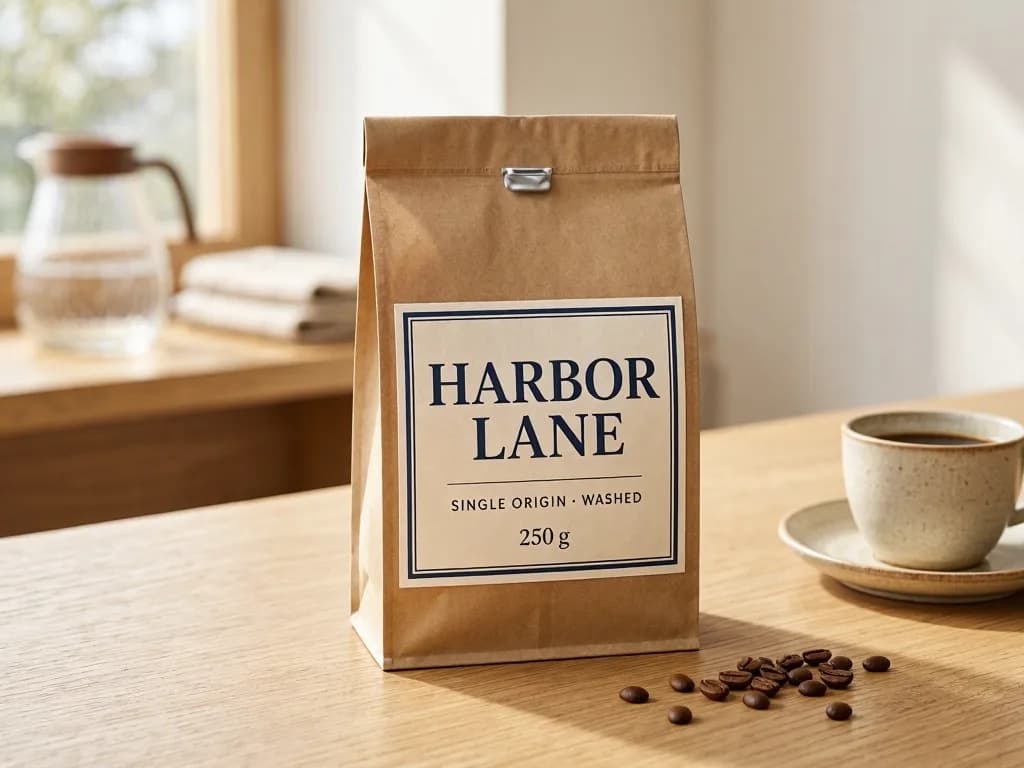
Pick a line from the brief to see where it landed.
Across both routes and a second poster brief, every requested word came back spelled correctly. We tested headline-length lines only; proofread anything longer.
Standard or Pro
One MAI Image 2.5 prompt, two routes
Standard handles everyday generation; Pro is what Microsoft calls its highest-fidelity MAI model, for hero images, portraits and typography. Both return one image of about one megapixel.
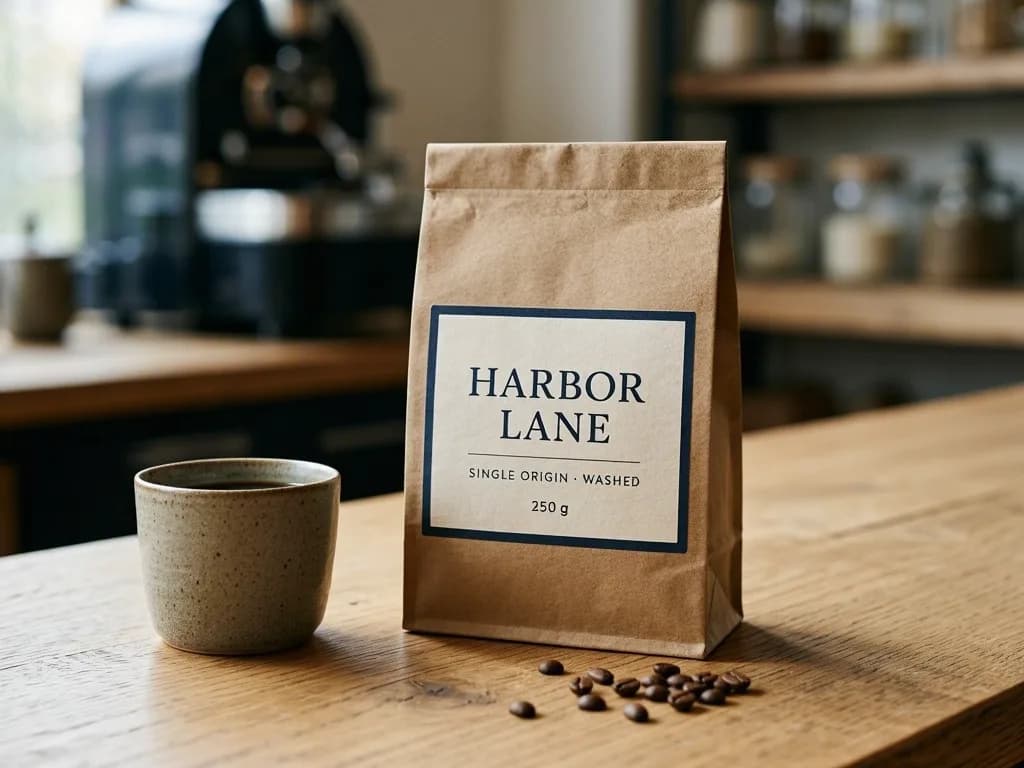
Same prompt for both routesCommercial product photograph of a matte kraft-paper coffee bag on a pale oak cafe counter, morning window light from the left… Label text: “HARBOR LANE”, “SINGLE ORIGIN · WASHED”, “250 g”.
All three lines correct. It moved the scene into a darker cafe.
Same lines, heavier serif, window light kept on the left as asked.
Pro costs 60 credits against 18 and followed scene directions more literally. If the Standard draft already reads right, you may not need Pro.
Beyond product shots
Illustration and portraits from MAI Image 2.5
Microsoft reports its biggest gains in text and in cartoon, anime and fantasy styles. Two more tests: a painted background on Standard and a portrait on Pro.
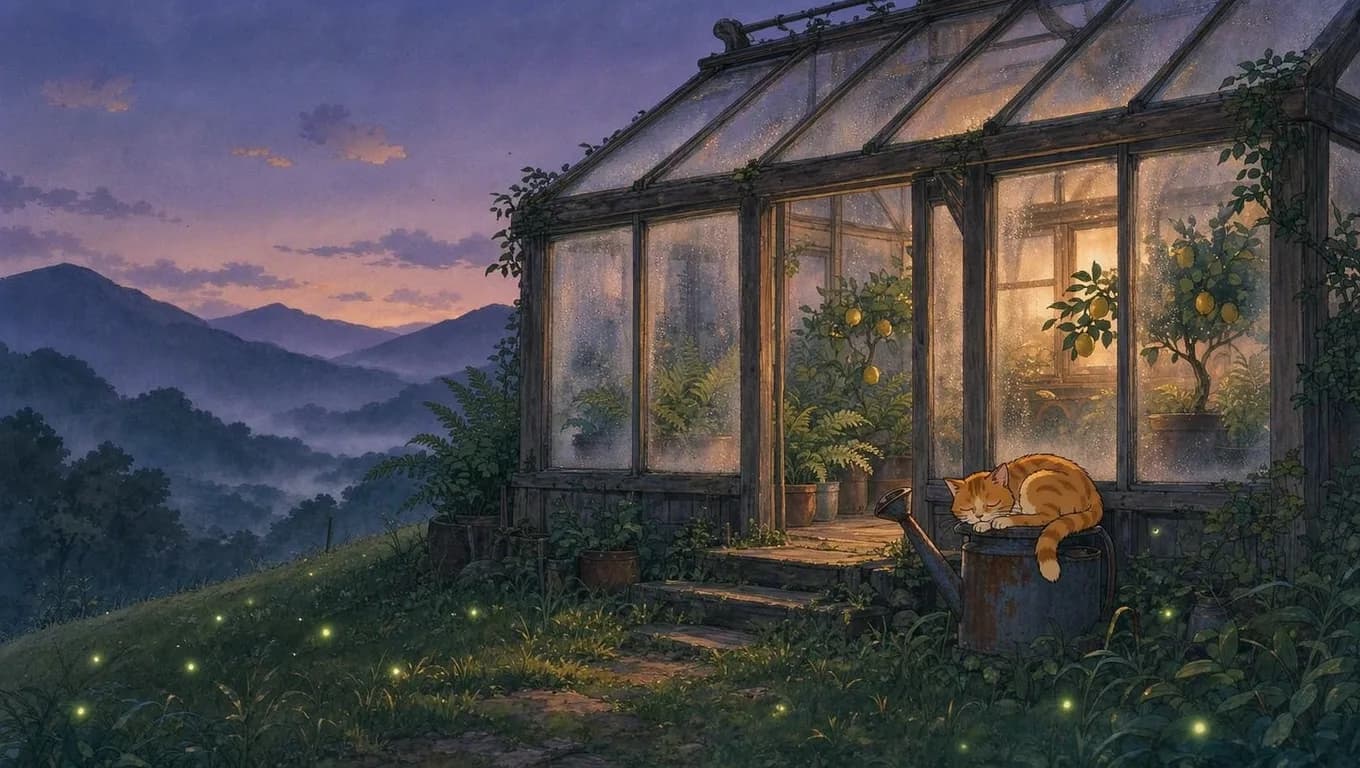
Hand-painted anime background
A first rainy-street attempt filled its signs with invented glyphs. A scene without signage plus “no text anywhere” fixed it.
Show the exact prompt
Anime-style background painting of a cozy wooden greenhouse on a hillside at dusk, warm light glowing through fogged glass panes, potted ferns and lemon trees inside, a ginger cat asleep on a watering can, fireflies over the grass, distant mountains under a violet sky. Hand-painted look, soft rim light, calm and quiet, wide composition, no text anywhere.
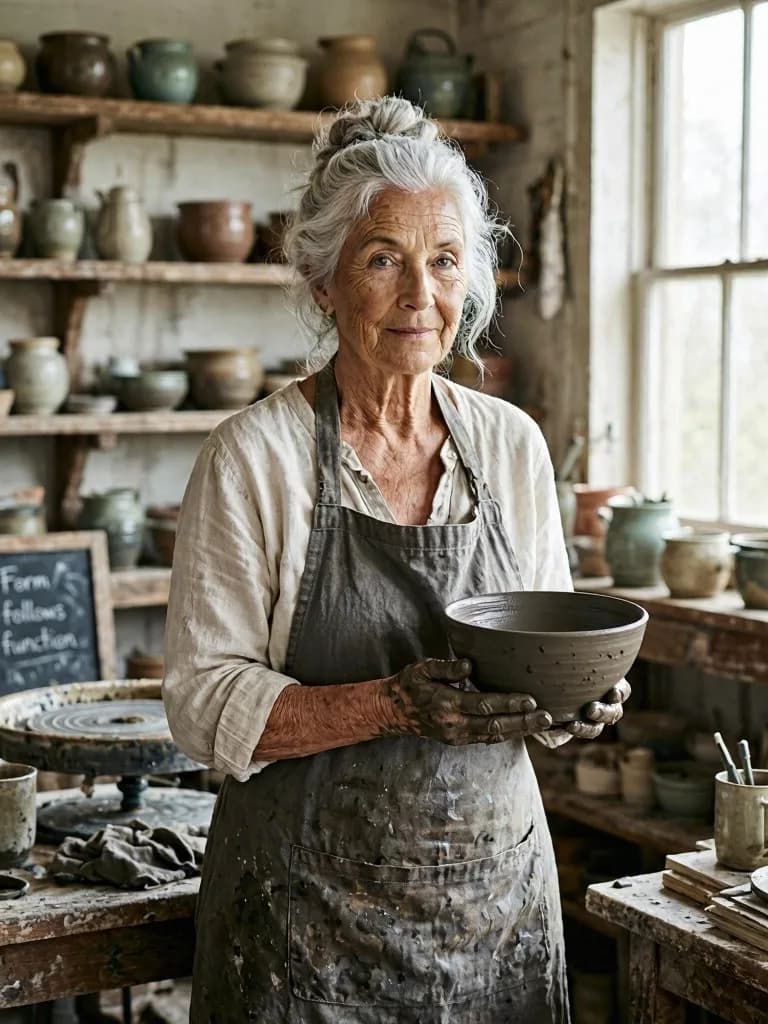
Editorial portrait
Skin, linen and wet clay hold up at full size. The chalkboard lettering was never requested; add “no other text” when surfaces must stay clean.
Show the exact prompt
Environmental portrait of a fictional elderly ceramicist in her pottery studio, silver hair tied back, clay on her hands, holding a freshly thrown bowl, soft north-window light, shelves of glazed pots blurred behind her, natural skin texture, calm direct gaze, 85mm lens look, editorial photography.
Instruction editing
Edit with MAI Image 2.5 and keep the rest
Both edit routes take one reference image and an instruction. Microsoft highlights local changes such as replacing an object or updating text. Drag the divider to check two of ours.
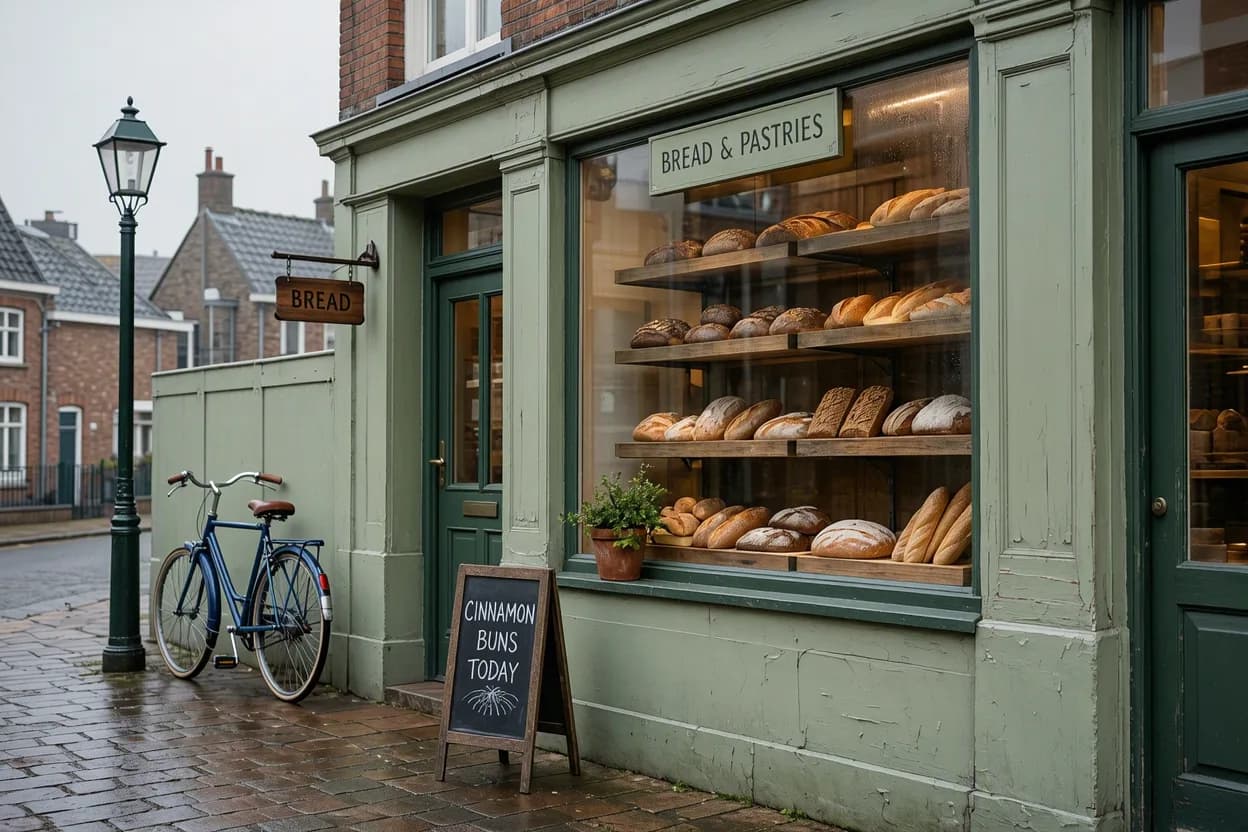
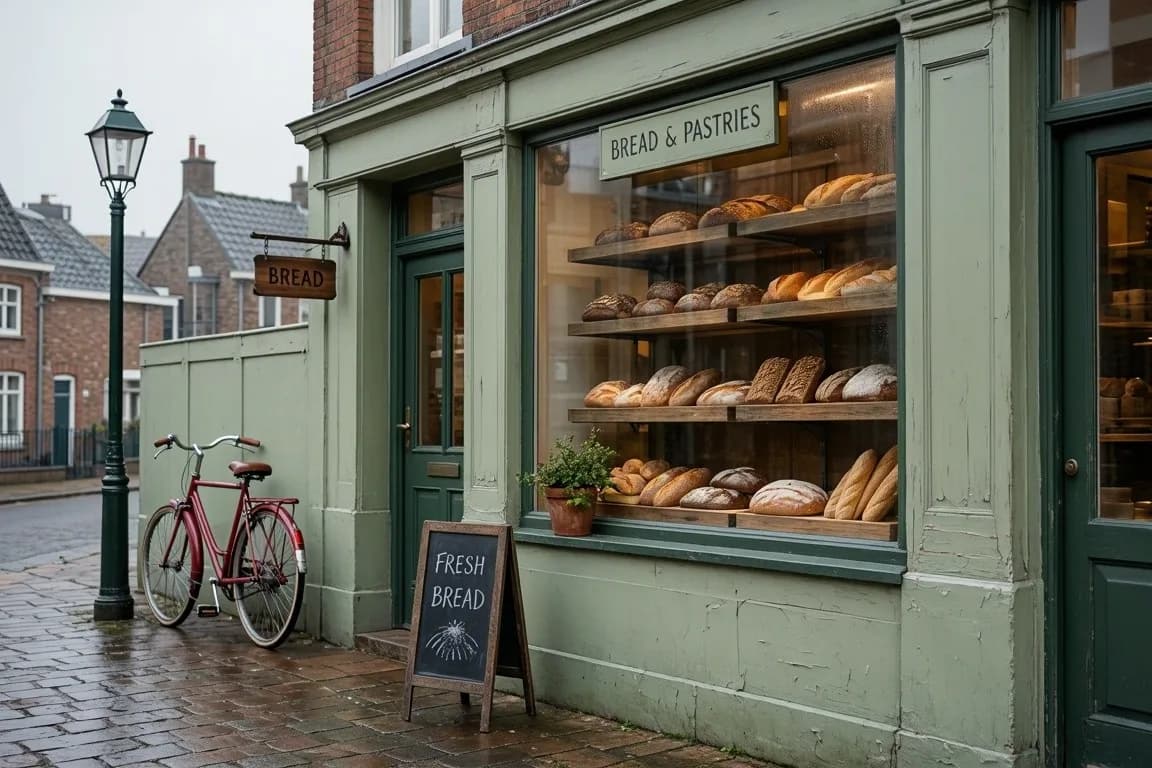
For new words only, the AI text editor for images is built for that job; MAI Image 2.5 suits text and objects changing together.
Credits and settings
Pick a MAI Image 2.5 route by job
One image per run; the only setting is aspect ratio (auto, 1:1, 4:3, 3:4, 16:9, 9:16, 3:2, 2:3). Output stays near one megapixel, so upscale separately for print.
- 18credits
Standard
Drafts, social posts, illustrations
Start here. Same short-text accuracy in our tests at under a third of Pro.
- 25credits
Standard edit
Fix a word, swap an object
One image, one instruction, local changes.
- 60credits
Pro
Hero shots, portraits, final packaging
The cleaner finish once the composition is settled.
- 95credits
Pro edit
Material and lettering changes on a hero image
Change a finish or wordmark on an approved master.
Writing the brief
How to prompt MAI Image 2.5
- 1
Lead with the deliverable
Product photograph, poster, anime background: the first words set the register.
- 2
Quote every word to print
Quote each line and list them top to bottom. That came back exact in every test.
- 3
Place the light and the props
Say where light enters and what sits where. Pro kept our window light on the left.
- 4
Say what stays empty
Add “no other text” when a surface must stay clean.
- 5
Edit instead of rerolling
When the image is close, change one or two things with an edit route.
The label prompt, marked upCommercial product photograph of a matte kraft-paper coffee bag on a pale oak cafe counter, morning window light from the left, soft shadow to the right. Label text, top to bottom: “HARBOR LANE”, then a thin rule, then “SINGLE ORIGIN · WASHED”, then “250 g”. A ceramic cup of black coffee and a few loose beans beside the bag.
Known limits
- One reference image per edit.
- About one megapixel, no resolution setting.
- Microsoft documents English for in-image text on the Pro route.
- Some harmless prompts are refused; rewording helped.
- Roughly 20 to 70 seconds per image in our runs.
Need several reference photos in one picture? Use Muse Image from Meta. Comparing families? GPT Images 2.5 is OpenAI's current route on Voor, and text to image lists every model side by side.