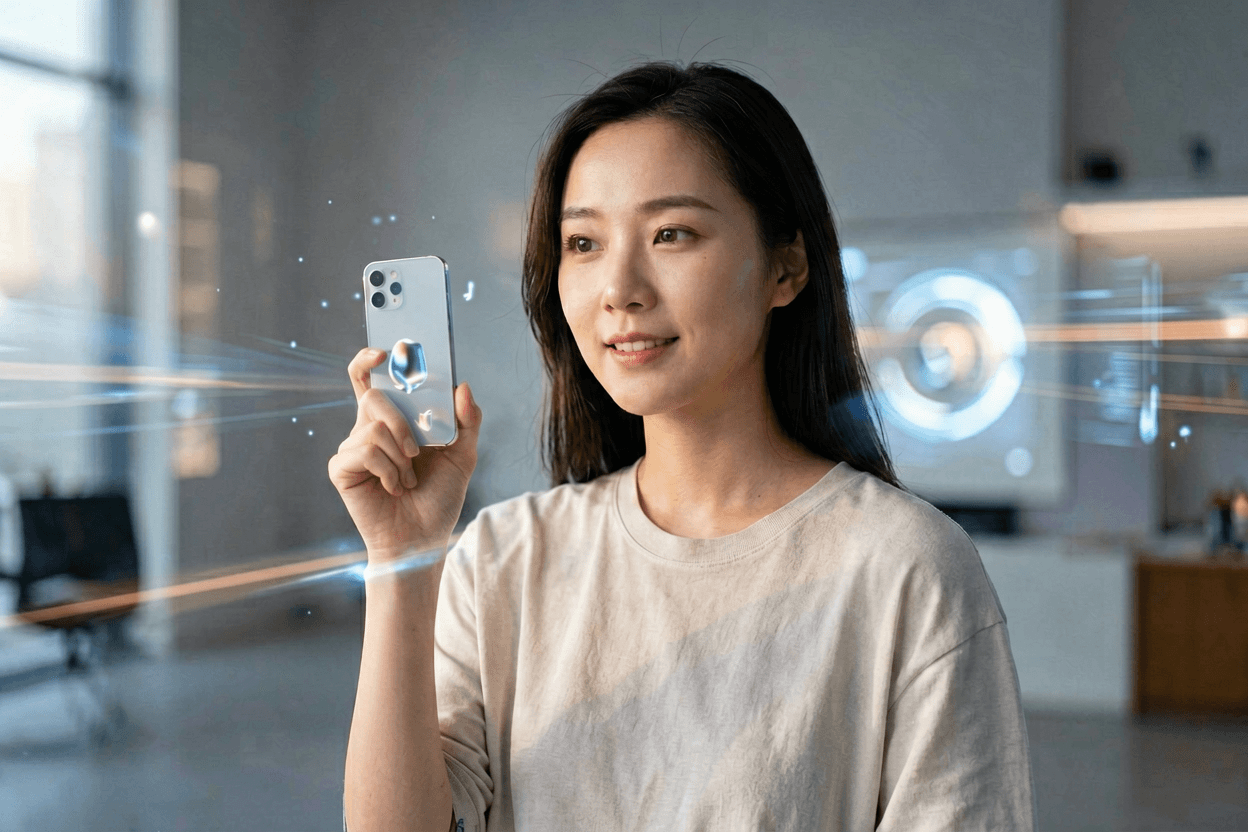
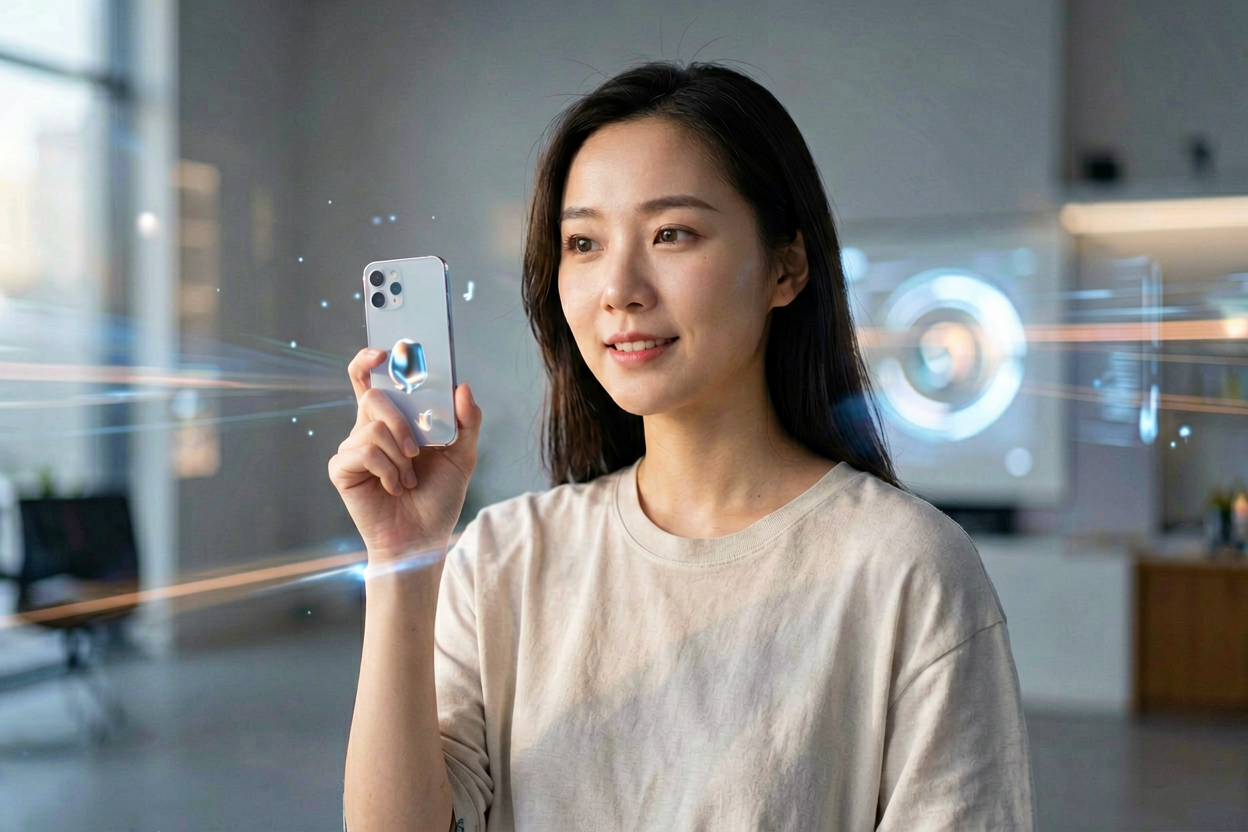
Vidu Q3 Image to Video — start from a still, end with a clip
Vidu Q3 image to video is the image-conditioned mode of Vidu's Q3 video model — you upload a still, describe motion, and the model synthesizes a short clip that keeps the source subject recognizable. On Voor AI, Vidu Q3 image to video lives in the same generator as Seedance, Kling, and FLUX2 klein so you can compare takes without leaving the panel. People search Vidu Q3 image to video specifically because Vidu Q3's reputation is identity preservation on portraits — faces, eyes, jaw structure, hair tend to carry through motion better than they do on most generic image-to-video models. Vidu Q3 image to video also accepts audio-style prompts (laughter, footsteps, gentle wind), which the model translates into subtle motion cues even when the export is silent. The Voor AI dropdown exposes the Vidu Q3 family — Q3 Turbo for speed, Q3 standard for quality — both running the same Vidu Q3 image to video pipeline.
How to run Vidu Q3 image to video
The generator above accepts a still + prompt and routes through the Vidu Q3 image to video model when Vidu Q3 (Turbo or standard) is selected.
Upload a portrait or product still
Vidu Q3 image to video preserves what it can see clearly. Sharp, well-lit references give the best identity lock. Soft phone shots and heavy filters force the model to invent.
Describe motion plus an audio cue
'Subject laughs softly and turns their head right' is a Vidu Q3 image to video-shaped prompt. The audio cue is interpreted as timing, even though the export is silent.
Pick Q3 Turbo or standard
Turbo for fast iteration, standard for the cleaner result. Both run the same Vidu Q3 image to video pipeline — only the speed-quality tradeoff differs.
Why Vidu Q3 image to video has a following
Most image-to-video models share strengths. Vidu Q3 image to video has a real differentiator.
Portrait-grade identity preservation
Vidu Q3 image to video keeps facial structure across motion better than most generic image-to-video models. Useful for influencer-style talking heads, fashion reveals, and brand spokesperson shots where the subject's face cannot drift.
Audio-cue prompting
Vidu Q3 image to video reads audio descriptions ('soft laugh', 'leaves rustling') as motion hints. Even silent exports feel more natural because the model is interpreting timing, not just describing the scene.
Q3 Turbo for fast iteration
Pick Q3 Turbo from the model dropdown when you need to test ten variations before committing. Vidu Q3 image to video Turbo trades some fidelity for speed; the standard Q3 model is there when you want maximum quality.
Lives next to Seedance and Kling
Voor AI puts Vidu Q3 image to video in the same generator as competing models. Run the same upload and prompt through two checkpoints, compare side-by-side, pick the winner.
What Vidu Q3 image to video is, in context
Vidu is a video model family from Shengshu (清华系). Q3 is the third major generation; image-to-video is one of its operating modes alongside text-to-video and reference video. The Vidu Q3 image to video pipeline accepts a still plus a prompt and outputs a short clip — typically two to five seconds — with motion that respects the subject in the reference frame.
Vidu Q3 image to video's specific strength is reference fidelity. Where other image-to-video models will gladly redraw the face after a few frames, Vidu Q3 image to video tends to keep identity locked. That makes it the right model for influencer content, product spokesperson clips, fashion reveals, and any workflow where the person in the reference photo matters.
Honest limits: Vidu Q3 image to video is not the leader on every axis. For wide cinematic camera moves, Seedance 1.5 Pro often produces more dramatic motion. For highly stylized illustration, FLUX2 klein or Kling sometimes wins. Voor AI surfaces all three from the same dropdown so you can pick the right tool per shot rather than committing to one Vidu Q3 image to video pipeline for everything.
Why creators pick Vidu Q3 image to video over generic image-to-video
Influencer content, fashion reveals, spokesperson clips, and product-on-model shots all share one requirement: the person in the reference image must stay recognizable. Vidu Q3 image to video is tuned for exactly that — and the result is fewer rerolls before a usable take.
For everything else (wide cinematic moves, abstract motion, stylized illustration animation), keep Vidu Q3 image to video in rotation alongside Seedance and Kling rather than as the only model in your pipeline.
Vidu Q3 Image to Video — FAQ
Q3 Turbo or standard Q3?
Turbo for fast iteration and exploration; standard Vidu Q3 image to video when you have a final brief and want the highest fidelity take.
Does Vidu Q3 image to video produce audio?
Voor AI exports the visual clip. Vidu Q3's audio-cue prompts are interpreted as motion hints, not actual audio output — score and sound design in post.
How long can the clip be?
Short. Vidu Q3 image to video output is typically two to five seconds. For longer cuts, generate multiple beats and edit them together.
Is identity preservation guaranteed?
Strong on sharp portraits, weaker on profile shots, occlusion, and motion blur. Vidu Q3 image to video is among the leaders for identity but not infallible.