Prompt adherence
Does every named subject, action, and composition constraint appear?
Build Muse Video briefs for prompt-faithful social video, temporal consistency, reference-driven creation, and native audio.
Meta creative video model
Muse Video is built on the same media pretraining foundation as Muse Image and focuses on prompt adherence, visual fidelity, temporal consistency, and native audio. Write the scene as observable action: who enters, what changes, how the camera responds, and where picture and sound resolve. Muse Video is still coming soon, but Muse Image is live on Voor, so you can design and approve the key frames and references for a Muse Video brief now.
Does every named subject, action, and composition constraint appear?
Do faces, objects, materials, and lighting stay stable across frames?
Look at limbs, collisions, splashes, and contact; Meta flags physics as ongoing work.
Listen for sound that lands with movement and speech that matches mouth timing.
Muse Video sits beside Muse Image and Muse Spark as a video layer for reference-driven creation. Plan the idea, organize identity and environment references, animate the approved concept, then review the result for social delivery, provenance, consent, and editorial fit.
Short clips could be made from personal and business references inside Meta products, with provenance signals planned for video.
The Muse family is tied to tool use and self-refinement on the image side; watch whether video inherits a similar planning loop.
Personalized references increase consent and provenance requirements. A convincing output still needs publication context.
Muse Video appears as a Coming Soon model in the selector above.
The retained clip comes directly from Meta’s official announcement.
Name the subject, visible action, camera behavior, reference roles, continuity rule, sound cues, and payoff frame.
Yes. Plan dialogue, foley, ambience, and the exact visual moment each sound should support.
Prompt adherence, visual fidelity, temporal consistency, reference-driven creation, and native audio.
Inspect limbs, collisions, splashes, object contact, camera blur, and audio timing frame by frame.
Assign separate references to identity, environment, motion style, and composition, then declare which source wins on conflict.
Meta plans to extend its invisible AI provenance watermark from images to video.
Review likeness consent, music and art rights, branded locations, factual claims, captions, crop, provenance, and platform requirements.
Real output gallery
Friend group enters a bright photo booth, coordinated gesture, playful flash sequence, upbeat room sound, faces stable
 Example 2
Tiny paper city unfolds across a desk as morning light travels through windows, macro camera, tactile sound
 Example 3
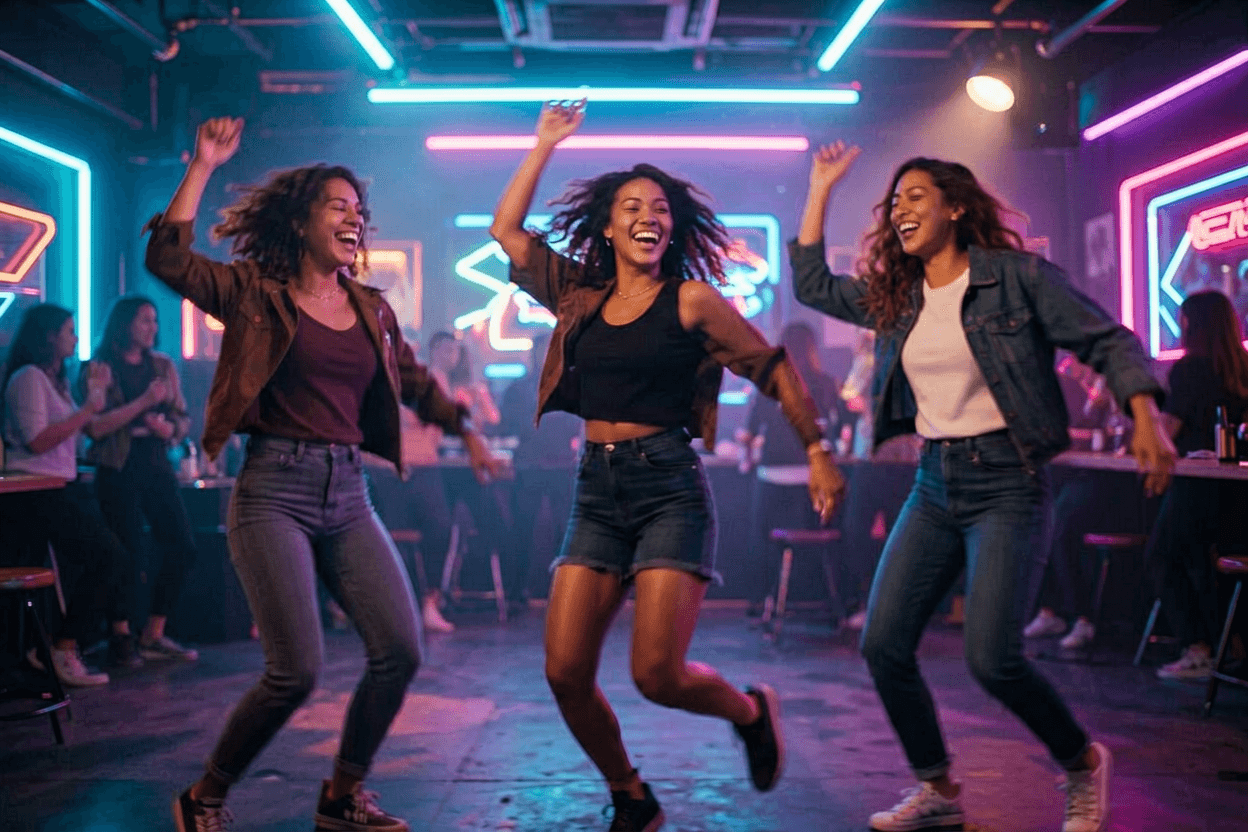
Three friends dancing under neon club lights, coordinated gesture, faces stable, energetic limb motion, upbeat room sound
 Example 4
Tiny paper city unfolds on a wooden desk as morning light travels through windows, macro camera, tactile paper sound
 Example 5
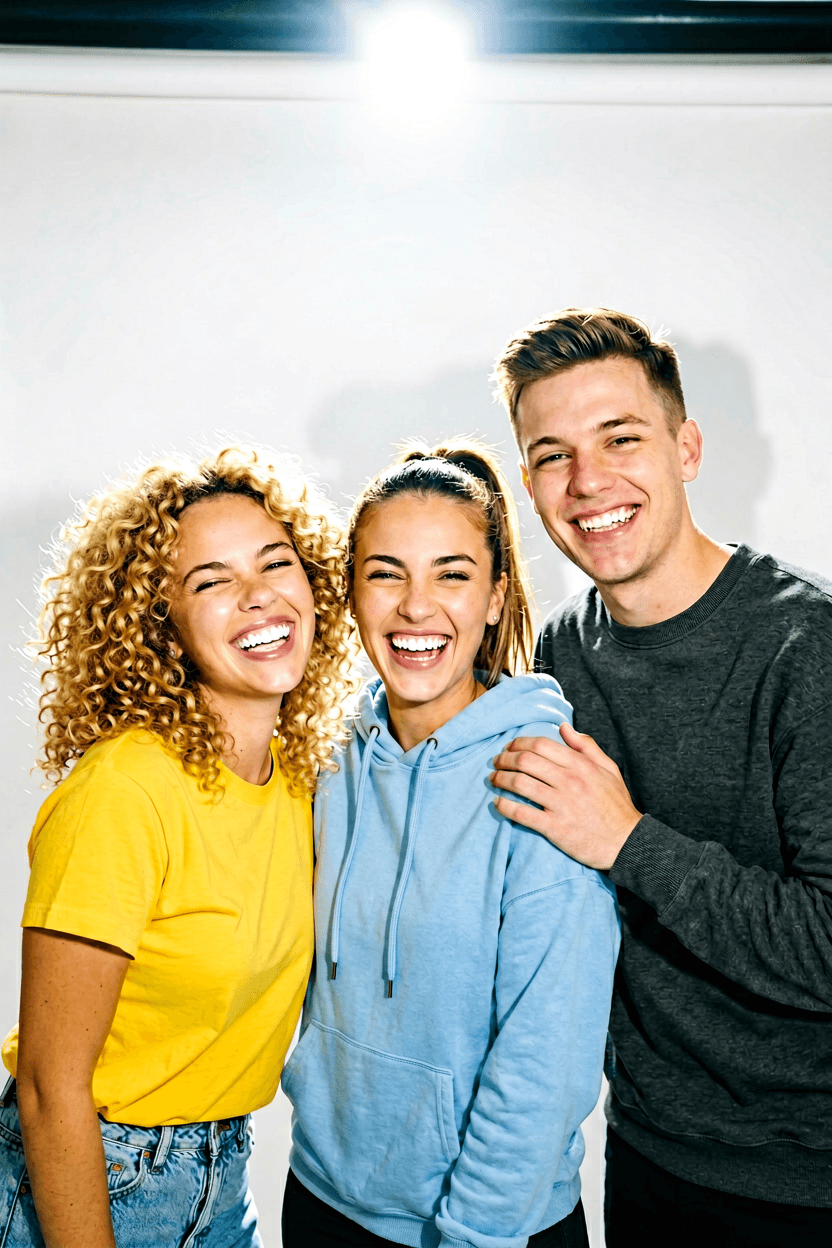
Friend group squeezed into bright photo booth, playful flash, coordinated pose, joyful faces, vertical social crop
Optional cookies help us understand usage and measure ads. Essential cookies stay on so Voor works.