Voor.ai
Voor.ai
AI AvatarHistoryPricing
Voor.ai

The unified studio for the best AI image & video models. One prompt. Every modality. Production quality in seconds.

Tools
  • Text to Video AI
  • Image to Video AI
  • Text to Image AI
  • Image to Image AI
  • AI Creative Agent
More tools
AI Video Models
  • Seedance 2.5
  • Muse Video
  • HappyHorse 1.1
  • Seedance 2.0 Mini
  • Kling 3.0 Turbo workflow
  • Veo 3
  • Kling v2.1
  • Vidu Q3
More video models
AI Image Models
  • Seedream 5 Lite
  • Seedream 5 Pro
  • GPT Image 2
  • Nano Banana 2
  • Nano Banana
  • Ideogram v3 Quality
  • Seedream 4.5
  • Seedream 4
More image models
Company
  • Pricing
  • Blog
  • What's New
  • Contact Us
  • Terms and Conditions
  • Privacy Policy
  • Refund Policy
  • SeeWhatNewAI
  • Findly.tools
  • CurateClick
  • YouTube
  • Discord
Partners
  • Krea 2 AI workspace
  • Seedance 2.5 AI workspace
  • Seedream 5.0 Pro workspace
  • Toolsify AI directory
  • AI Website Directory listing
  • FutureTools AI directory
  • ShowMySites directory
  • make.rs maker directory
  • Featured on ToolDirs
  • Featured on Wavel
  • Stork Verified — stork.ai AI tools directory
  • Featured onAInexfinder — AI Tools Directory
  • AiTop10 Tools
  • Featured on AI Tool Zaar
  • LogoFeatured onTools Rollerss
  • Featured on Smol Launch
  • Featured on AIExtension.ai
  • Featured on Findly.tools
  • Featured on DeepLaunch.io
  • Featured on ShowMeBestAI
  • Featured on Twelve Tools
  • Launched on Fazier
  • Good AI Tools
  • Listed on Turbo0
  • Voor AI - Featured on Startup Fame
  • Featured on Aura++
  • Featured on toolfame.com
  • Featured on saasfame.com
  • Featured on aitoolfame.com
  • Featured on FoundrList
  • OpenHunts Club Member
  • Featured on PopWebTools
  • Feature On Launch Vault
  • Featured on AIBoom.Tools
  • Listed on SaaS Cubes
  • Featured on Web Review
  • Featured on Dofollow.Tools
  • Featured on SumoDir
  • Featured on Wired Business
  • Featured on FreeAI
  • Featured on Gets.Tools
  • Featured on AIBlog.Tools
  • Featured on doforai.tools
  • Listed on SwapLink
  • Featured on Best AI Tool
  • Featured on AiWebsite.run
  • Featured on LaunchBoosts
  • SeekTool.ai Tools Directory
  • Top AI Tools
  • AI Tool Trek
  • List on Similarlabs
  • YouWant.ai
  • What Is Ai Tools
  • Launched on Tiny Startups
  • Listed on uno directory
  • Powered by Startup Fast
  • Featured on submitdeck.com
  • Featured on TheAIToolsDir
  • Featured on Toolfio
  • Featured on NewTool.site
  • Find us on Indie.Deals
  • Verified on DANG!
  • Featured on Starter Best
  • Find us on Firsto
  • Tool Ignite
  • SaaS Avenue
  • Appsy Tools
  • LiftOff launch badge
  • ai tools code.market
  • Featured on Super Launch
  • Featured on Open-Launch
  • Listed on AI Tools Lister
  • MossAI Tools
  • AI Hustle
  • Featured on geoly.net
  • Submit AI Tools
  • RightAI Tools
© 2026 Voor.ai. All rights reserved.Crafted for creators

Generate with the original Seedream 4 checkpoint for reproducible legacy briefs, 4K stills, and instruction-based image work.

Required

Sign in to upload

Paid access required for this setup · 9 credits · failure refunded
Example Image
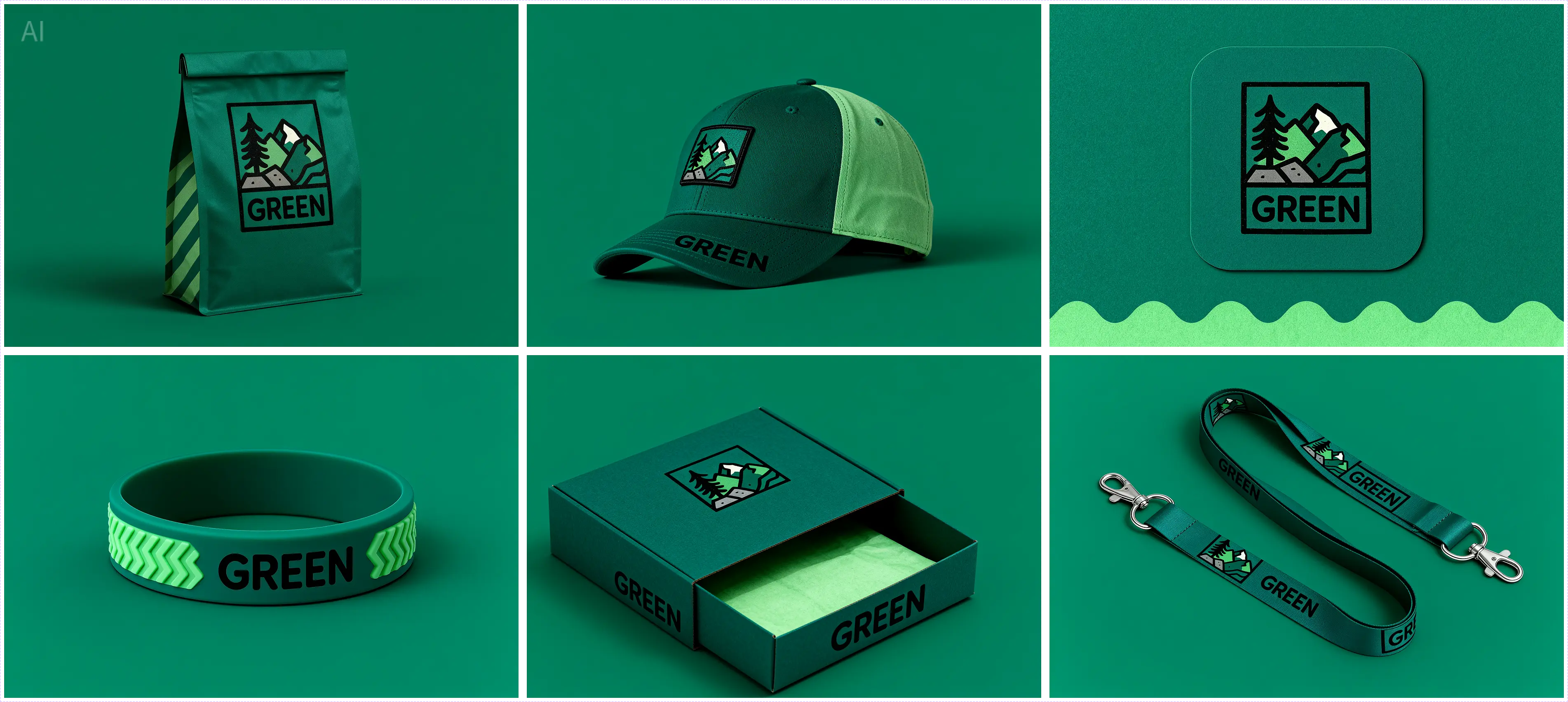
Seedream 4 ByteDance model-page output demonstrating high-resolution image generation.

Generator examples

  • Seedream 4 ByteDance model-page output demonstrating high-resolution image generation.
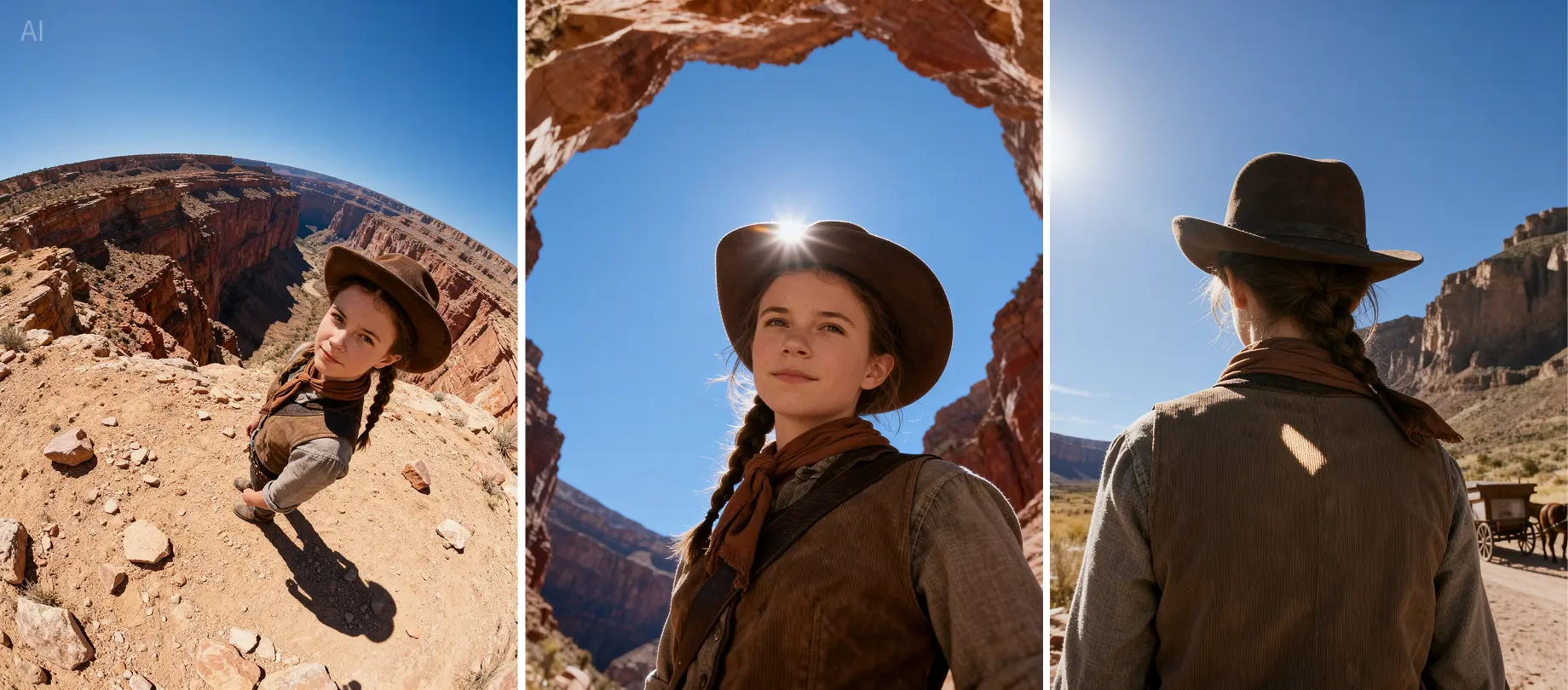
  • Seedream 4 ByteDance model-page output demonstrating multi-image composition.

Seedream 4: unified generation and image editing

Seedream 4 is a unified image model for creating new visuals and editing existing ones with the same underlying system. It supports multiple references, sequential output, concise on-image text, structured compositions, and high-resolution rendering up to 4K. Its strength is controlled image work: preserving a visual language across a campaign, combining supplied references, or applying one clearly scoped change without rebuilding the entire scene.

For the best results, treat every request as a design brief. Name the subject, composition, light, material, and any text that must remain readable. When editing, state the requested change first, then list the elements to preserve: identity, pose, product geometry, camera angle, palette, and background. This gives the model a clear boundary between transformation and continuity.

Seedream 4 production recipes

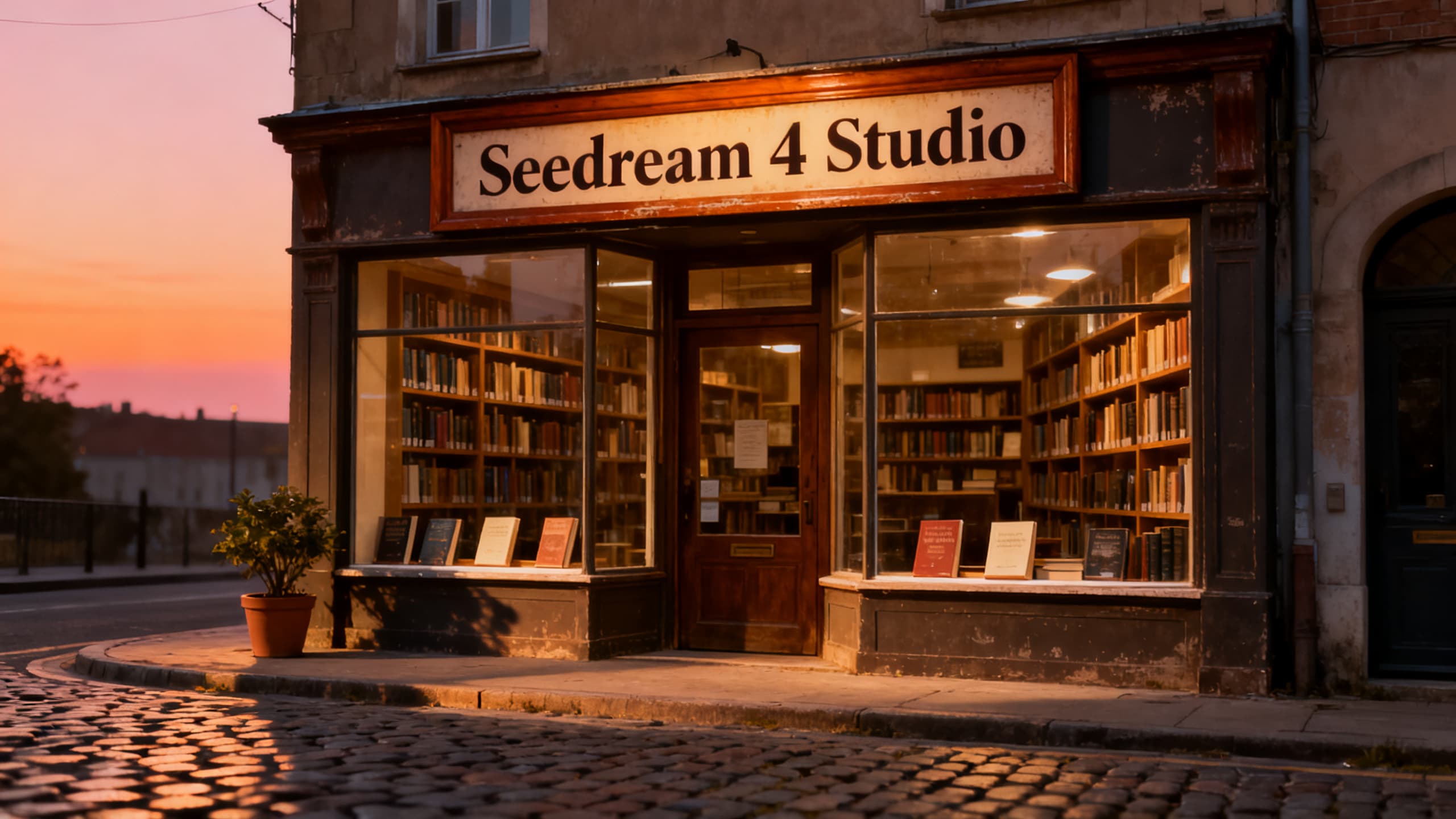
Storefront typography

Quote the exact sign text, limit it to one short phrase, place it once, and inspect every letter.

Catalog variation

Use sequential generation for related views; lock product shape, material, palette, and light direction.

Multi-reference composite

Name which input supplies subject, garment, prop, and environment. Protect face and camera framing.

Single-sentence edit

State one change and a preservation list. Seedream 4 can edit without a separate inpainting model.

Knowledge illustration

Define facts and reading order, then verify the result against a source before publication.

Legacy reproduction

Keep Seedream 4 selected when an old production ticket depends on its specific checkpoint behavior.

Seedream 4 core capabilities

  • Text-to-image and instruction-based editing
  • Multiple image inputs
  • Sequential image generation
  • Aspect ratio and size controls
  • URI array output

When to choose Seedream 4 instead of 4.5 or 5

Choose this checkpoint when reproducibility matters more than novelty, when an approved campaign was built on it, or when an existing workflow depends on its behavior. Choose Seedream 4.5 for a newer production baseline with stronger spatial understanding. Evaluate Seedream 5 when reasoning, search-grounded visuals, or information design is central.

Do not silently migrate a locked automation. Run a fixed benchmark set, compare typography, faces, object placement, palette, failure rate, latency, and cost per approved image. A checkpoint upgrade is a design-system change.

Seedream 4 FAQ

What is Seedream 4 best for?

Seedream 4 is best for controlled image generation, multi-reference composition, sequential variations, and instruction-based edits.

Are the examples real?

They show representative Seedream 4 image work across composition, product detail, and visual consistency.

Can this checkpoint edit images?

Yes. Generation and instruction-based editing share the same model architecture.

Does it support multiple references?

Yes. Multiple image inputs can guide composition and editing when each reference has a clear role.

Can it generate multiple related images?

Yes. Sequential generation can produce a related set while keeping the brief, palette, and subject constraints consistent.

How large can output be?

Seedream 4 supports high-resolution output up to 4K, depending on the selected settings.

Seedream 4 vs Seedream 4.5?

Seedream 4 is useful for legacy reproducibility; 4.5 is generally the newer production choice.

Is it good for on-image text?

It can render short text well, but every letter and layout must be checked.

Can I use it commercially?

Review the provider terms and retain rights to prompts, references, brands, and likenesses.

Create with Seedream 4

Real output gallery

Examples from this workflow

2 examples
Legacy storefront brief
Example 1

Legacy storefront brief

Quiet neighborhood bookstore at blue hour, short readable OPEN sign, warm window light, editorial realism

Still-life continuity
Example 2

Still-life continuity

Ceramic teapot and two pears on linen, north window, muted color, calm magazine still life, no text

Continue with Seedream 4

Back to generatorSeedream 4.5Seedream 5Text to Image