Wan animate — landscape and portrait
Wan Animate defaults to Wan 2.2 Animate 2. Upload a character image and a driving video; the examples show the appearance target beside the transferred-motion result.
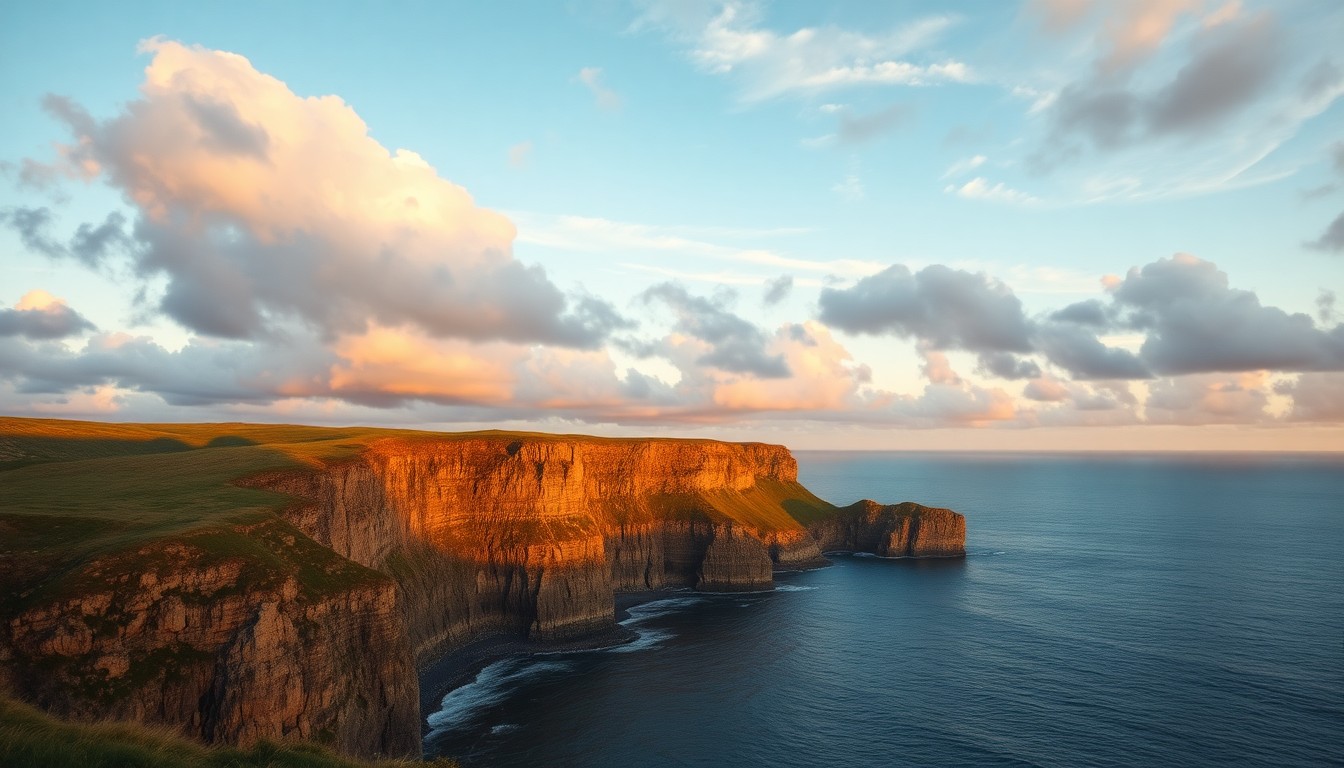
Environment plate
Slow cinematic push in over coastal cliffs at golden hour, gentle cloud drift, subtle parallax, static horizon.

Character image
Animate 2 result
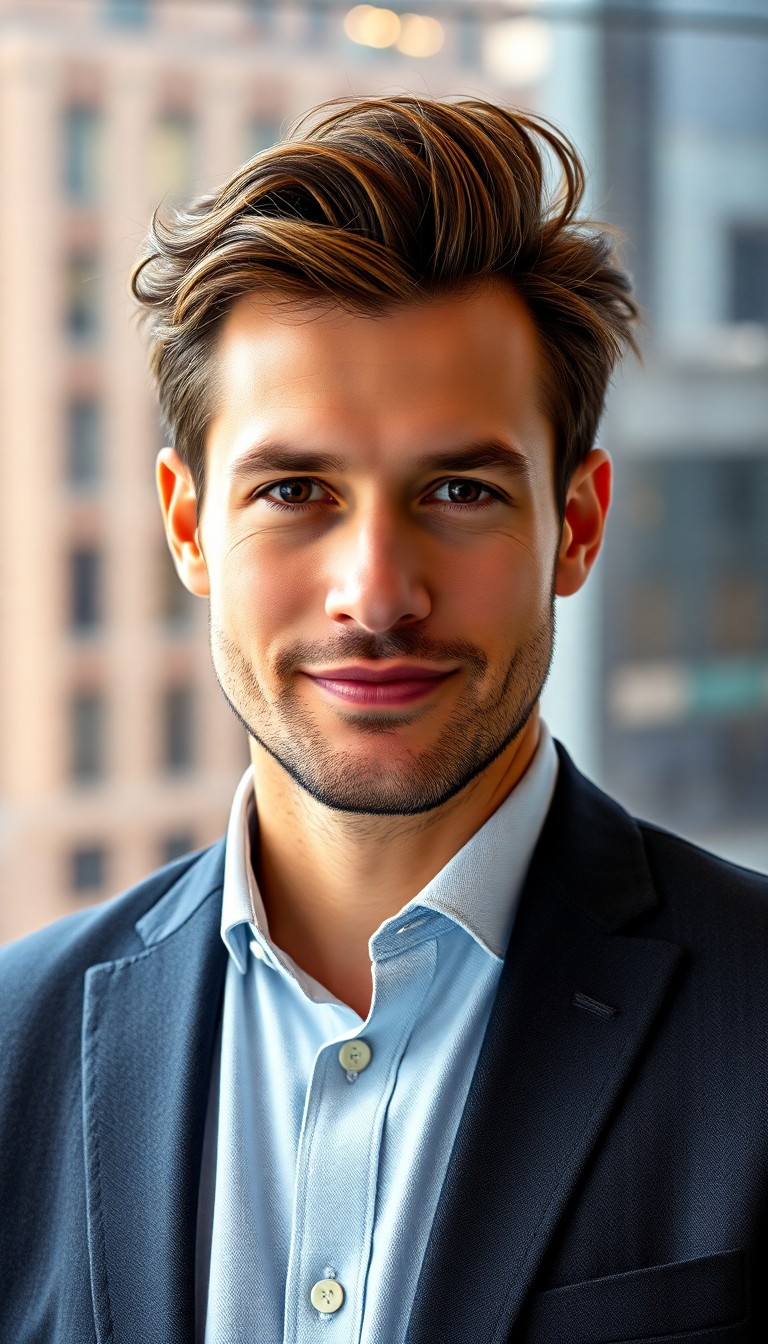
Talent frame
Subtle head turn and soft breathing, city window bokeh unchanged, gentle parallax, face stays sharp.

Character image
Animate 2 result
Wan animate model picker
Wan 2.2 Animate 2 (default)
Transfer movement from a driving video to the subject in a character image. See Wan 2.2 Animate 2 for the dedicated workflow.
Wan image-to-video
Switch to a standard image-to-video model when you have a still and prompt but no driving performance clip.
Wan T2V Fast
No still? Switch to text-only wan animate for environment plates and abstract b-roll.
What is wan animate?
Wan Animate on this page starts with motion transfer: the image supplies character appearance and the driving video supplies the action. The optional prompt can refine the transfer. Wan animate differs from generic image to video pages by generic still animation by making both source roles explicit.
If you do not have a driving clip, switch to a standard Wan image-to-video option in the model picker.
Agencies wan animate archive photography for pitch decks: a still from last season's shoot gains parallax without returning to location. DTC brands wan animate packshots when photography backlog exceeds launch dates — upload the approved PNG, prompt a slow orbit, ship the MP4 to paid social the same afternoon.
Open-weight Wan habits matter for wan animate power users: you can swap between Fast distilled checkpoints without leaving Voor AI. Wan animate history keeps every variant so producers pick the winning take instead of guessing which motion verb performed on mobile feeds.
When wan animate output looks soft, check upload resolution first — wan animate cannot invent texture that was never in frame one. Sharpen stills upstream, then wan animate rerolls stay predictable on PDP and Reels.
Editors wan animate B-roll from stock stills when footage licenses expire — same wan animate discipline, new motion without clearing rights again. Wan animate keeps the original grade when the still was already approved.
Wan animate in four moves
- Upload a clear character or subject image.
- Add a driving video with the movement you want to transfer.
- Add a short motion prompt only when the transfer needs extra direction.
- Compare renders in history; download MP4 for the winning wan animate take.
Wan animate FAQ
Landscape vs portrait for wan animate?
Both work — the examples above show environment plates (landscape) and talent frames (portrait). Wan animate preserves aspect from upload.
When to use Wan 2.2 instead?
Wan 2.2 Animate 2 is already the default here. See Wan 2.2 Animate 2 for the dedicated motion-transfer guide, or Wan 3.0 for newer video generation options.
Talking heads?
Use when dialogue timing is the core task; Animate 2 is focused on transferring movement.