
Window Seat · measured from the sung lyrics
SectionAskedHeardDrift
Verse 10:120:14+2.4s
Chorus0:420:45+2.5s
Verse 21:051:04−1.0s
Final chorus1:301:31+0.7s
Last sung wordChorus ran short; the outro filled the gap1:551:48−7.5s
End2:052:07+1.9s
Google DeepMind's music model: sound, timed sections and lyrics in one prompt, plus an optional mood image. Songs or instrumentals up to about three minutes, 35 credits each.
Real Lyria 3.5 outputs · generated on Voor, October 4, 2026
Lyria 3.5 is Google DeepMind's music model. One prompt holds the sound, a timed section plan and your lyrics. These unedited Lyria 3.5 tracks show when each line was actually sung — tap a line to check it.
Lyric sheet · measured from the output · tap a line to hear it
Pads and guitar arpeggio, no vocal
Same four chorus lines, sung once
Vocal ends early; the guitar outro runs about 20 seconds
Every written line was sung in order. The vocal entered two seconds after the planned 0:12 and the song finished at 2:07 against a two-minute request.
Timestamps in, timing out
No length slider: write “about 2 minutes” or mark sections such as [0:42-1:05] Chorus. Most Lyria 3.5 sections landed within three seconds of the plan.

Optional image input
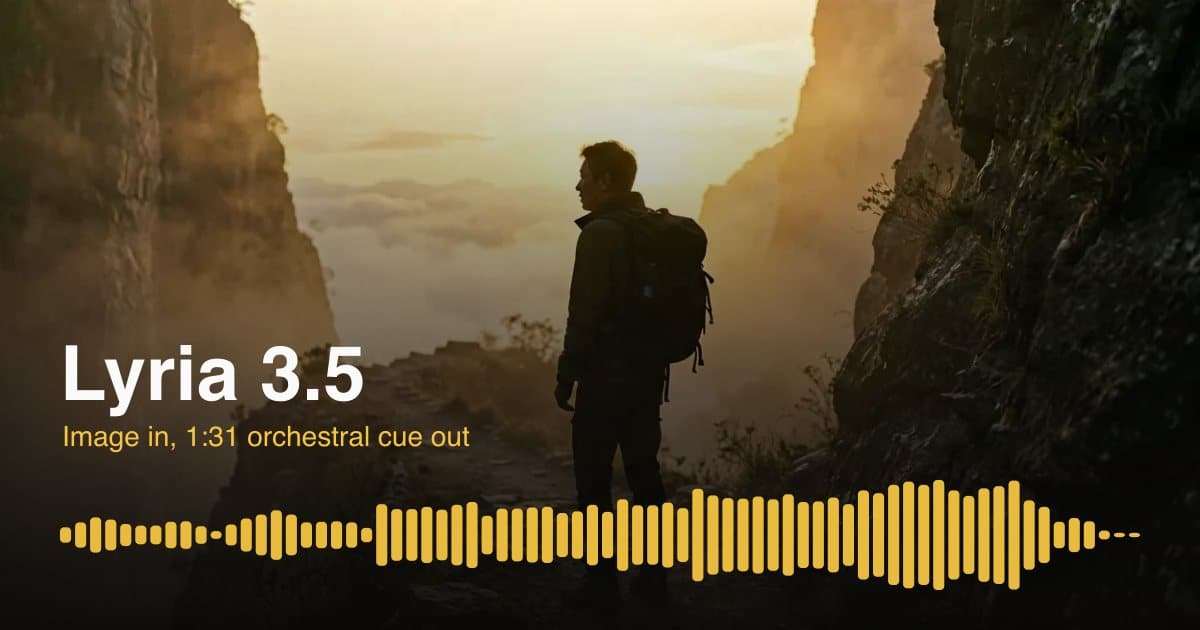
Add a picture in the Reference images field and Lyria 3.5 uses it as a mood guide. Our prompt also described the scene, so keep genre, length and structure in the text. For a moving shot, make the clip with image to video and score the same frame.
The exact Window Seat prompt
Dreamy indie synth-pop, 104 BPM, A major. Warm analog pads, chorus-soaked clean guitar arpeggios, punchy drum machine, round synth bass. Soft, breathy female lead vocal with stacked harmonies on the chorus. Wistful but hopeful, like a night train crossing a lit-up city. About 2 minutes long.
[0:00-0:12] Intro: pads and guitar arpeggio only.[0:12-0:42] Verse 1: sparse drums, close vocal.[0:42-1:05] Chorus: full drums, harmonies open up.[1:05-1:30] Verse 2.[1:30-1:55] Final chorus, biggest moment.[1:55-2:05] Outro: guitar arpeggio fades out.Lyrics: then [Verse 1], [Chorus], [Verse 2], [Chorus] — the words in the sheet above. Repeat a chorus in full where it should be sung again.
117/117 written words sung
No extra words added
111/114 written words sung
+22 words of ad-lib outro the model added
Checked against a speech-recognition transcript. End the plan with a timed outro to stop Lyria 3.5 filling spare seconds with ad-libs.
Settings, credits and alternatives
Switch when you need a separate lyrics field and a duration number up to five minutes.
Switch when you need a fixed female or male lead, or a song written from a one-line idea.
Switch when you need a short sung hook with a clean button ending.
Switch when words must be spoken, then lay a Lyria 3.5 instrumental under them.
Lyria 3.5 is Google DeepMind's music generation model. One text prompt returns a complete vocal song or an instrumental of up to about three minutes as a 44.1 kHz stereo MP3.
Yes. Add a Lyrics: line and put your words under [Verse] and [Chorus] tags. In our tests Lyria 3.5 sang every written line in order, and added a short ad-lib outro when time was left over.
Up to about three minutes. Write the length or timestamped sections into the prompt; our three Lyria 3.5 tracks ended within two seconds of the requested length.
Yes. Start with “Instrumental only, no vocals”. Our orchestral Lyria 3.5 cue returned no vocals and hit its planned timestamps within two seconds.
English, Spanish, German, French, Portuguese, Hindi, Japanese and Korean. Write the lyrics in that language and name it in the style line.
It gives Lyria 3.5 a visual reference for mood and theme. Genre, length, structure and lyrics still come from the prompt.
35 credits per track at any length, with or without an image. New accounts receive free welcome credits.
No. Lyria 3.5 blocks prompts that mimic real artists' voices. Describe the sound instead, and only submit lyrics you wrote or may use.
Lyria 3.5 for timestamp planning, multilingual vocals or an image-led score; MiniMax Music 3 for a duration number up to five minutes; Mureka AI for a set female or male lead or background music.
Write the sound in one paragraph, add a timestamp for each section, paste your lyrics under them, and compare two takes before you download.
Generate with Lyria 3.5Optional cookies help us understand usage and measure ads. Essential cookies stay on so Voor works.