Pick a dance video, add one photo — Kling 3.0 motion control uses reference-driven generation to make the subject perform that exact dance, face and outfit kept recognisable.

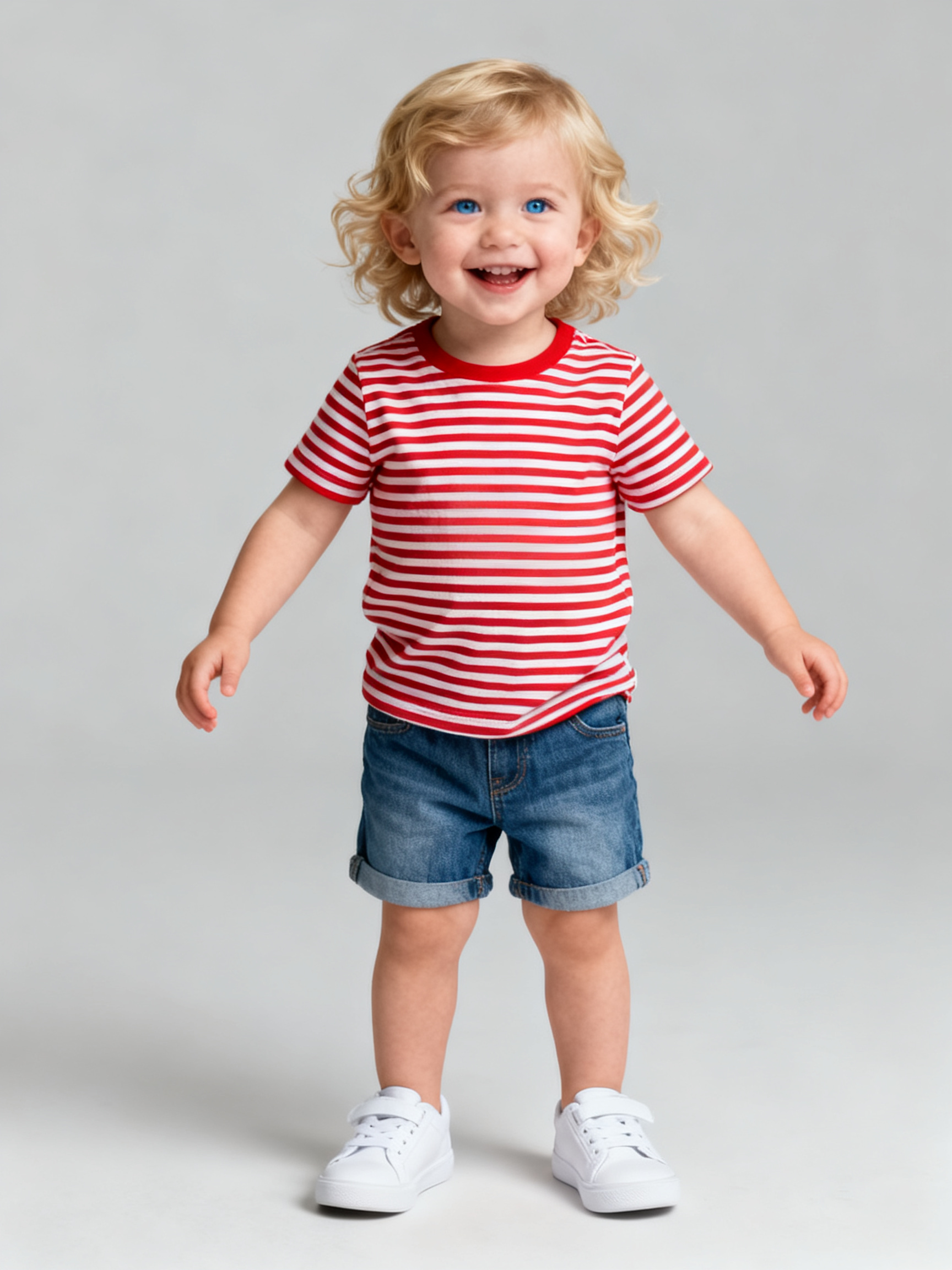
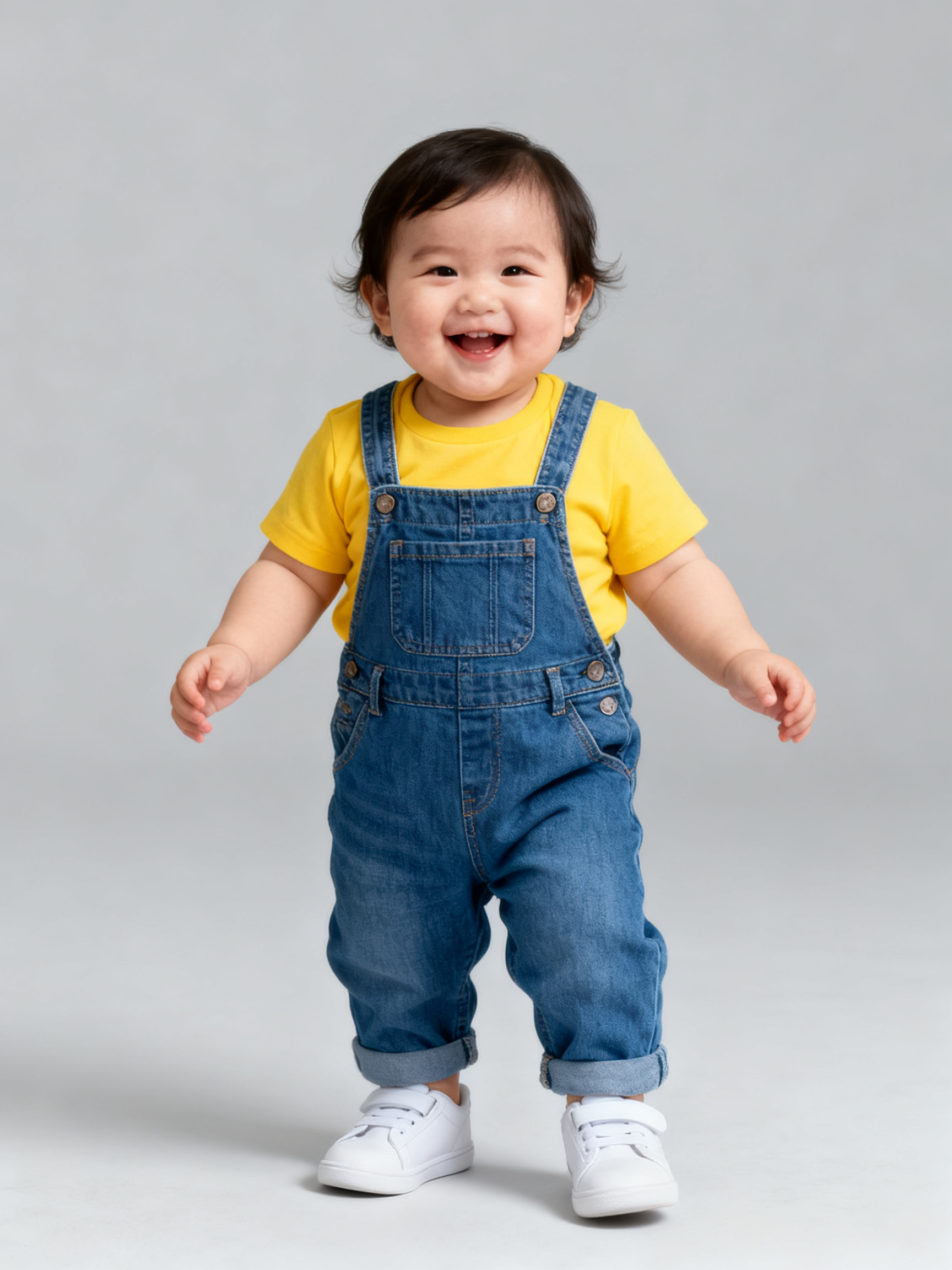
Generator examples
- The toddler from the photo performs the exact dance from the reference clip — Kling 3.0 motion control copies the choreography and timing while keeping the face and outfit recognisable, plain studio background, wholesome short dance loopBefore — The toddler from the photo performs the exact dance from the reference clip — Kling 3.0 motion control copies the choreography and timing while keeping the face and outfit recognisable, plain studio background, wholesome short dance loop
- A different reference dance, a different child — the baby from the photo copies the same choreography move for move, plain studio background, wholesome short dance loopBefore — A different reference dance, a different child — the baby from the photo copies the same choreography move for move, plain studio background, wholesome short dance loop
One dance video + one photo — Kling 3.0 motion control copies the choreography
This is the real Kling 3.0 motion control workflow — reference video plus subject photo, not a text prompt. Kling 3.0 Motion Control takes the dance clip as the reference motion and the photo as the subject, then re-performs the exact same choreography. Everything below is the actual input and output from the AI Baby Dance examples.
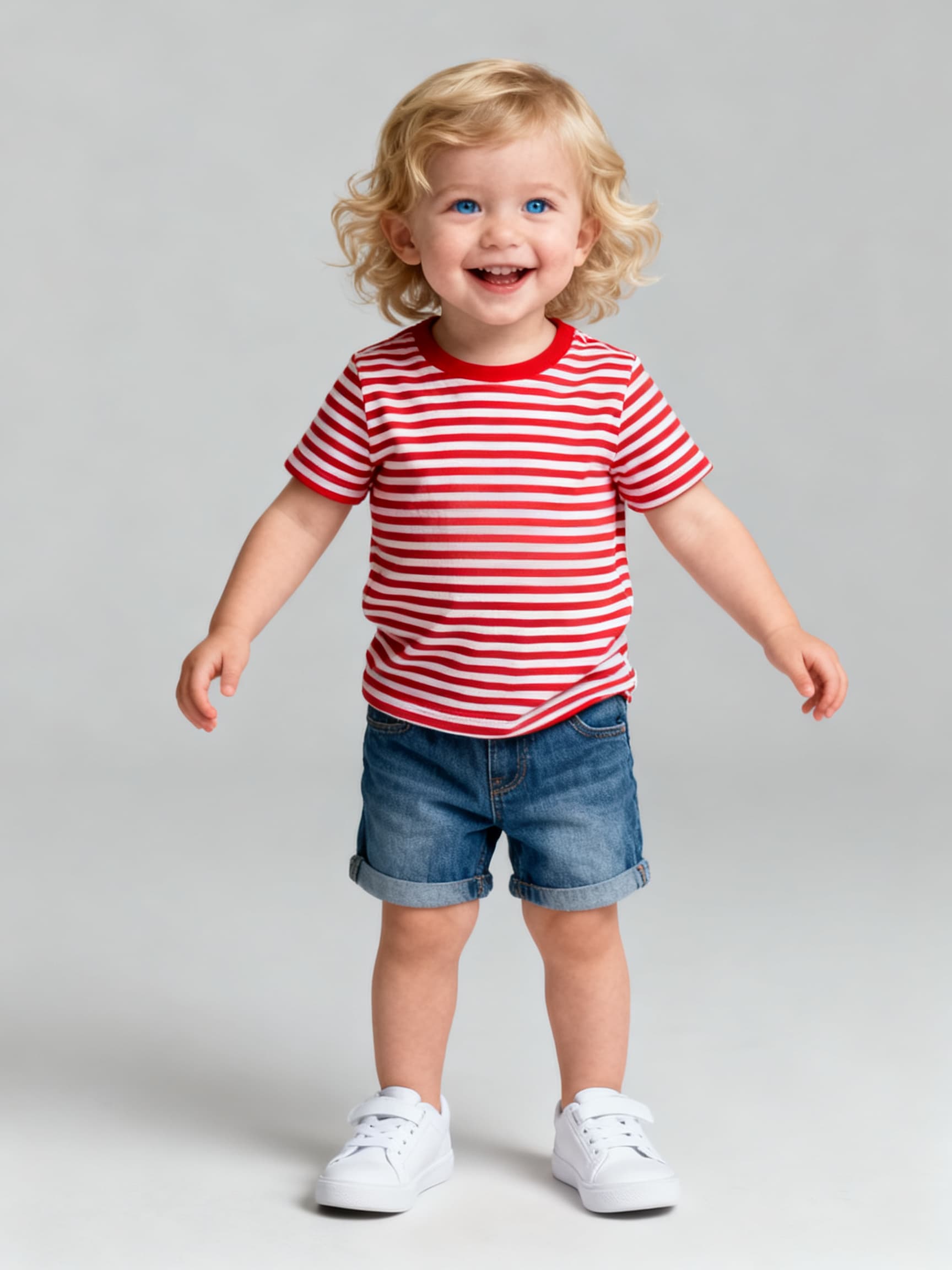
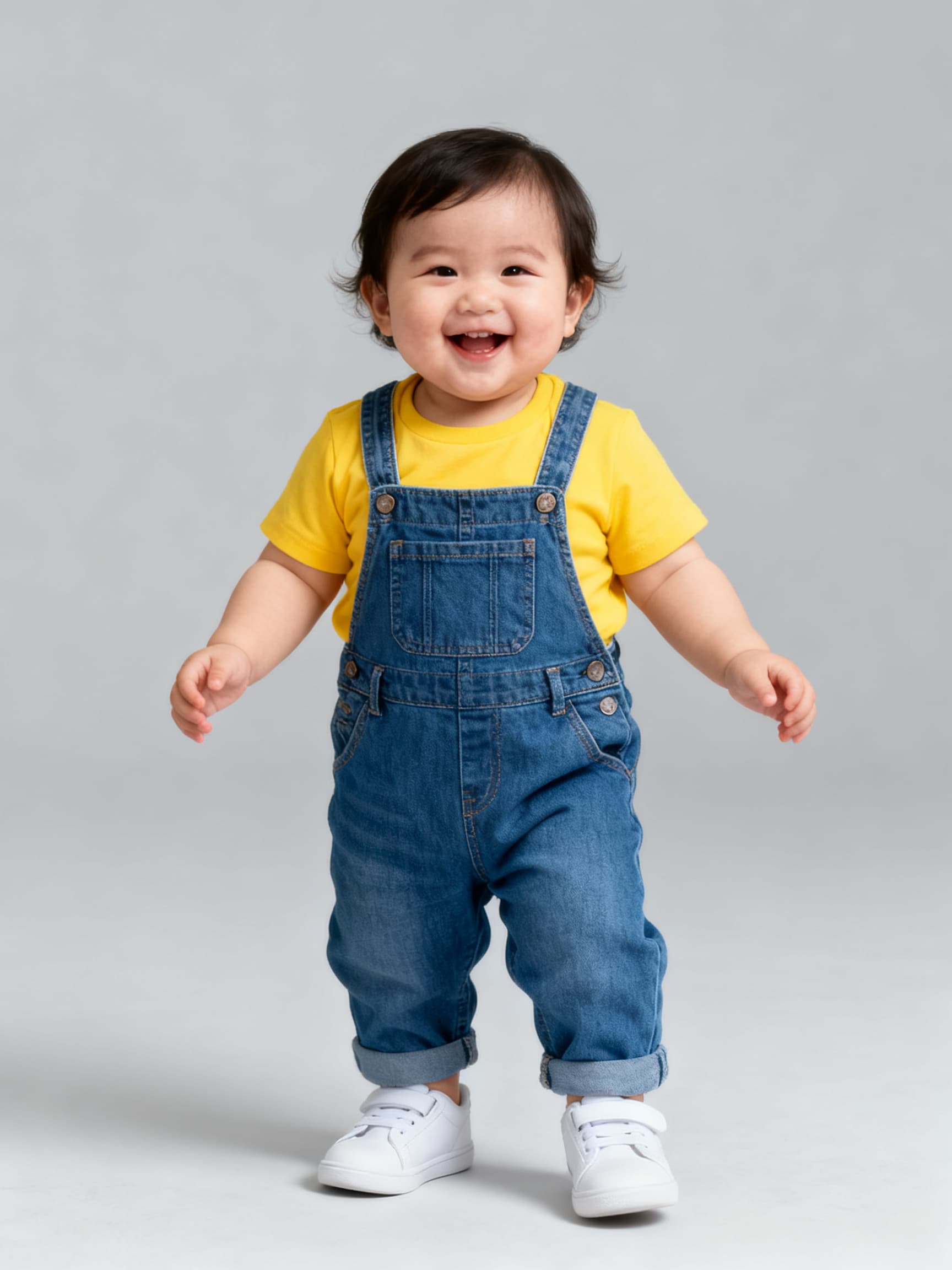
Want a different subject or move? AI Baby Dance and AI Motion Control run the same reference-video motion control on other photos.
1 dance clip
the reference motion Kling 3.0 motion control follows
1 photo
the subject Kling 3.0 motion control puts in the dance
Same moves
Kling 3.0 copies the choreography exactly
50 welcome credits
for new accounts
How Kling 3.0 motion control works
Reference-driven dance following — the clip supplies the choreography, your photo supplies the star.
01
Add the dance video
Upload a 3–10s clip of the dance you want as the reference video. Kling 3.0 motion control reads the moves, timing and framing from it.
02
Add the subject photo
Drop in one clear, front-facing photo with the body visible. Kling 3.0 motion control uses this person as the subject.
03
Generate & share
Kling 3.0 Motion Control re-performs the exact same dance with your subject, keeps the face recognisable, and hands you a short loop for Reels or TikTok.
12 Kling 3.0 motion control clips to try
One dance clip, one photo. Each line is a ready starting point for Kling 3.0 motion control.
- 01
Trend cover — feed a viral dance clip and let your photo copy it move for move.
- 02
Birthday clip — a friend or baby performing a fun dance for the group chat.
- 03
Announcement — a reveal set to a dance everyone already knows.
- 04
Duo post — run each photo against the same dance, cut them into a side-by-side.
- 05
Throwback — bring an old photo to life on a modern dance.
- 06
Cosplay cover — your character photo copying a choreography from the fandom.
- 07
Pet edition — swap in the family dog as the subject on the same dance.
- 08
Holiday card — a festive dance clip in a seasonal outfit.
- 09
Milestone — pair the clip with a caption about the moment.
- 10
Group remix — each friend photo on the same reference dance.
- 11
Side-by-side — show the dance clip next to your subject's version.
- 12
Weekly challenge — pick this week's dance and drop your photo into it.
Getting a clean Kling 3.0 motion control clip
Do
- Give Kling 3.0 motion control a clear 3–10s dance clip with the dancer's full body in frame.
- Use a sharp, front-facing photo with the upper body and, ideally, the legs visible.
- Keep the dance simple — steady, full-body moves copy more cleanly onto the subject.
- Use your own photos and keep the tone playful.
Don't
- Don't feed Kling 3.0 motion control a blurry photo or a shaky, fast-cut dance clip.
- Don't crop the subject so tight the body is hidden — the motion needs room.
- Don't post anyone else's likeness without consent.
- Don't expect a long film; Kling 3.0 motion control is built for short, shareable loops.
Kling 3.0 motion control — FAQ
What is Kling 3.0 motion control?
Kling 3.0 motion control is reference-driven video generation on Voor AI: you give a dance clip and a subject photo, and Kling 3.0 Motion Control re-performs that exact choreography with the person in the photo. The dance video supplies the moves and timing; your photo supplies the star. It is not a text prompt that invents random dancing.
How does Kling 3.0 motion control work?
Add a short dance clip as the reference video and a photo as the subject. Kling 3.0 reads the choreography, timing and framing from the clip and re-performs the identical dance with the person from your photo, keeping the face and outfit recognisable.
Do I need a dance video, or just a photo?
You need both. Kling 3.0 motion control does not invent choreography from text — it copies the motion from a real dance clip. Upload a 3–10s clip of the dance you want plus one clear photo, and the subject will perform that specific dance.
What dance clip works best for Kling 3.0 motion control?
A steady 3–10s clip with the dancer's full body in frame, simple full-body moves and a static camera. Fast, shaky, heavily cut clips are harder to copy cleanly. The clearer the reference motion, the more faithful the subject's version.
What subject photo works best?
A sharp, well-lit, front-facing photo with the upper body and ideally the legs visible. Kling 3.0 motion control needs to see the subject to place them into the dance, so avoid heavy shadow, blur or tight crops that hide the body.
Will the subject still look like the photo?
That is the goal — Kling 3.0 motion control keeps the face, hair and outfit recognisable so it clearly reads as your subject, just dancing. If a result drifts, re-upload a sharper, front-facing photo and reroll.
Is Kling 3.0 motion control free on Voor AI?
New accounts receive 50 welcome credits. Additional Kling motion-control clips require purchased credits.
Which model powers Kling 3.0 motion control?
The motion-control collection on Voor AI preselects kwaivgi/kling-v3-motion-control — the same reference-video workflow shown in the examples above.
Kling 3.0 motion control vs AI motion control?
Both use the same Kling reference-video motion control on Voor AI. This page is branded for Kling 3.0 searches and shows the baby dance examples; AI Motion Control covers the same workflow with generic subject wording.
Can I use Kling 3.0 motion control for babies, kids or pets?
Yes — the same motion control works on any subject you photograph. Add the dance clip and a photo of the subject, and Kling 3.0 drops whatever you give it into the dance. For babies specifically, see the AI Baby Dance page.
People also search for
- kling 3.0 motion control free
- kling 3.0 motion control online
- kling 3.0 motion reference video
- kling 3.0 character animation
- kling 3.0 dance from video
- kling 3.0 image to video motion
- kling 3.0 motion control tutorial
- kling 3.0 ai video motion
Whichever Kling 3.0 motion control search brought you here, the workflow up top is the answer: one dance clip as the reference motion, one clear photo as the subject, and Kling 3.0 Motion Control re-performs the same dance — face kept recognisable, 50 welcome credits.
Try Kling 3.0 motion control
Add a dance clip, add one photo, and let Kling 3.0 motion control make the subject perform that exact choreography.
Generate with Kling 3.0 motion controlYour privacy, your choice
Optional cookies help us understand usage and measure ads. Essential cookies stay on so Voor works.