Upload flat art or a dimensional reference still and generate a real 3D mesh (GLB) with Trellis, Pixal3D, or Hunyuan3D-2. New accounts get 20 free credits — no card required.
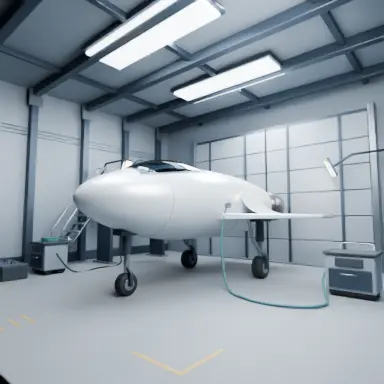


Generator examples
- Text to 3D — GPT-6 Astra from a written brief: a compact uncrewed exploration spacecraft on three landing legs inside a maintenance hangar, with a gantry, equipment carts and a closed hangar door around it. Brushed metal and off-white ceramic panels, dark rubber, smoked glass, subtle wear, orange service panels, no people or readable text.Written brief render — Text to 3D — GPT-6 Astra from a written brief: a compact uncrewed exploration spacecraft on three landing legs inside a maintenance hangar, with a gantry, equipment carts and a closed hangar door around it. Brushed metal and off-white ceramic panels, dark rubber, smoked glass, subtle wear, orange service panels, no people or readable text.
- Image to 3D — GPT-6 Astra from one photograph: reconstruct the steam locomotive in the reference photo as a detailed 3D asset with a short section of track — keep the boiler, smokebox, chimney, brass domes, green cab, wheel arrangement and red spoked wheels, and build coherent unseen sides with matching mechanical parts. No buildings, people, smoke, text or branding.Reference photo — Image to 3D — GPT-6 Astra from one photograph: reconstruct the steam locomotive in the reference photo as a detailed 3D asset with a short section of track — keep the boiler, smokebox, chimney, brass domes, green cab, wheel arrangement and red spoked wheels, and build coherent unseen sides with matching mechanical parts. No buildings, people, smoke, text or branding.
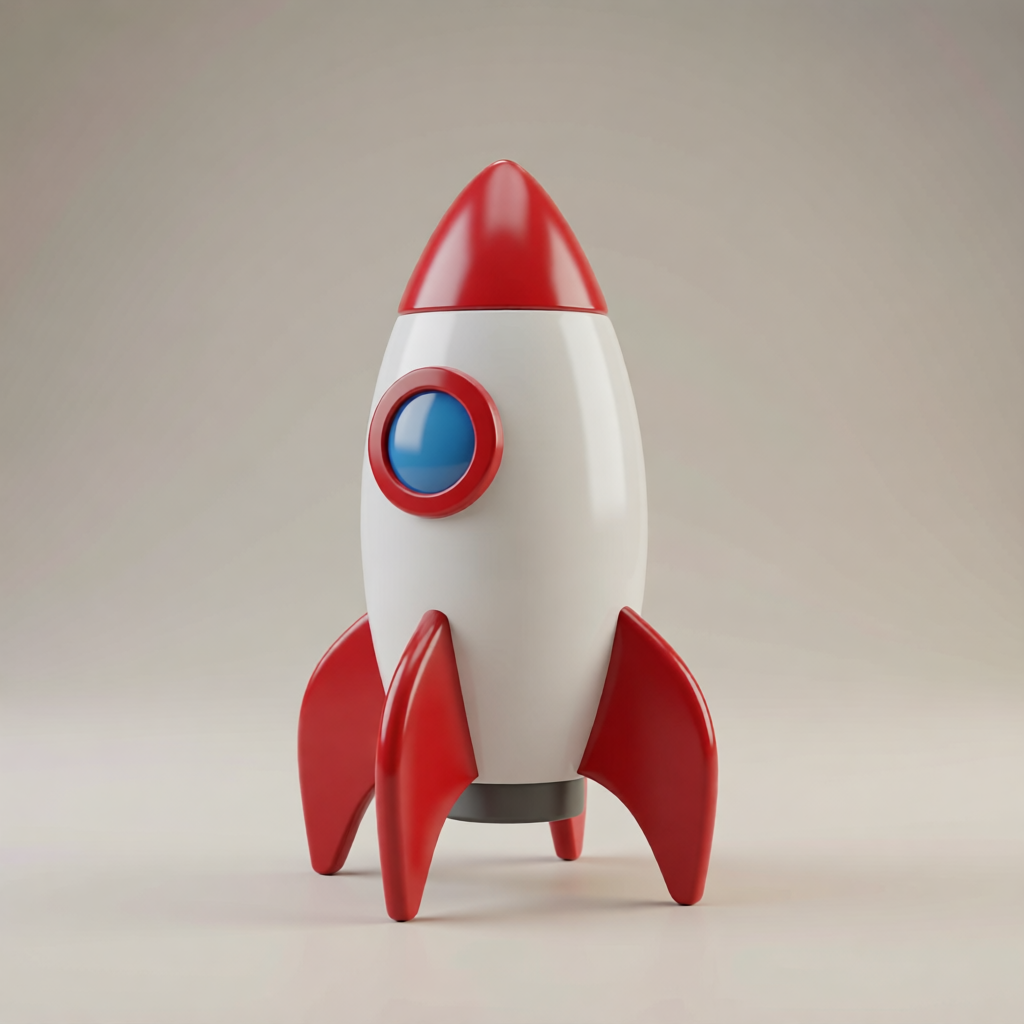
- Pixal3D GLB from a toy rocket render — import into Blender or Unity.Before — Pixal3D GLB from a toy rocket render — import into Blender or Unity.
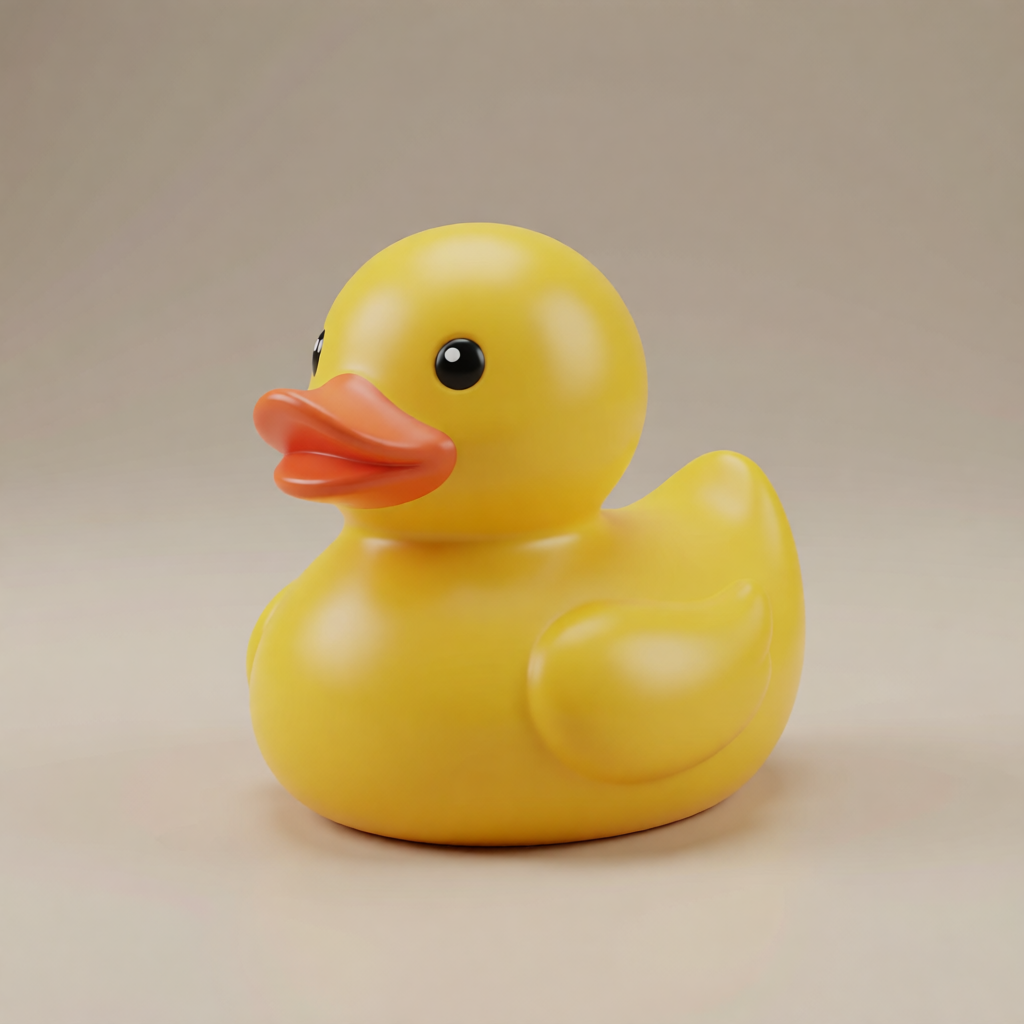
- Pixal3D figurine mesh from a rubber duck render — real geometry, not a flat image.Before — Pixal3D figurine mesh from a rubber duck render — real geometry, not a flat image.
Upload once — get a real GLB mesh back
The 2d to 3d converter runs image-to-3D models like Pixal3D, Trellis, and Hunyuan3D-2. You upload a flat drawing or a dimensional reference still; the generator reconstructs geometry and returns a downloadable GLB — not a repainted flat picture.
Need editable parametric solids rather than an AI-reconstructed mesh? Start from a written, dimensioned brief in Text to CAD AI.
A flat upload is not the only way in. When the model has to match a real object, send photographs instead and open Image to 3D; when there is nothing to photograph yet, describe it and use Text to 3D. Both return the same downloadable GLB.
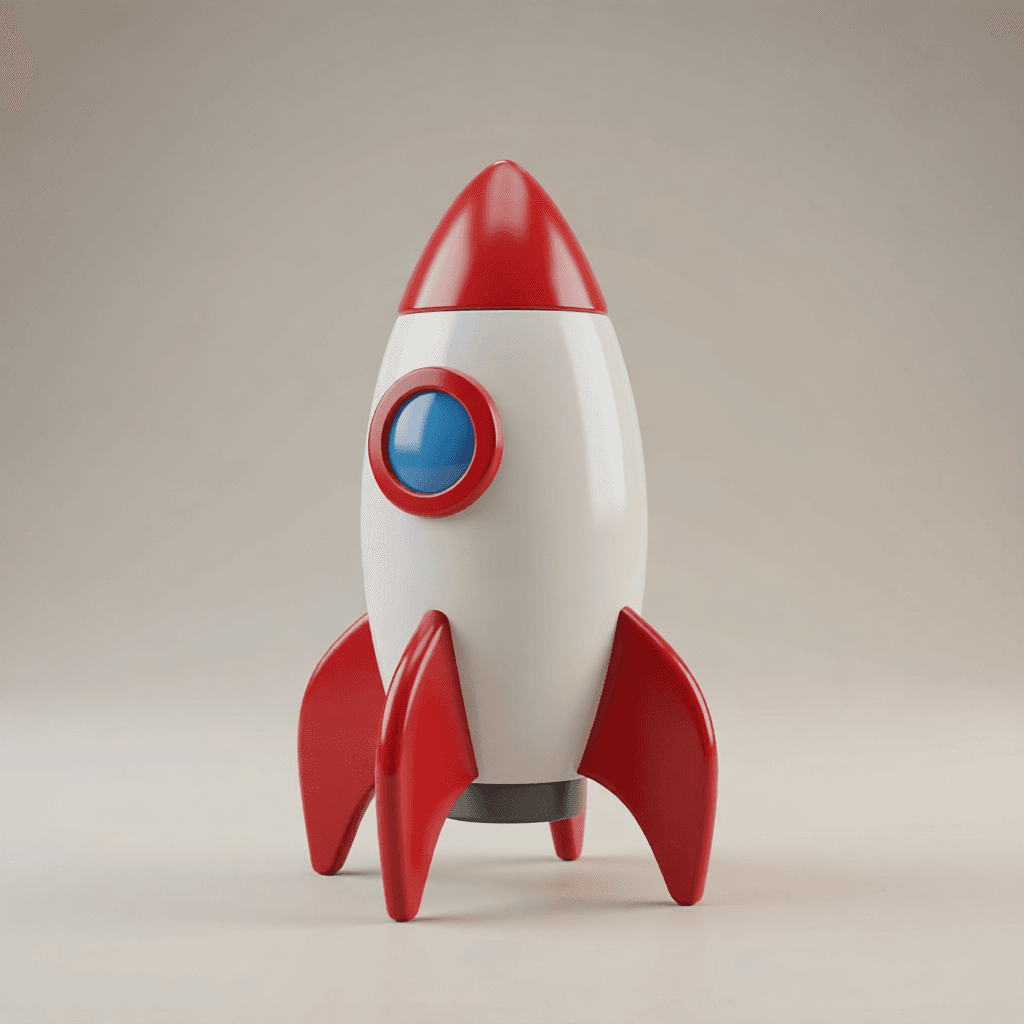 Input still
Rocket icon → GLB prop
A clean dimensional still reconstructs into a textured GLB you can orbit, download, and drop into a game scene or pitch deck.
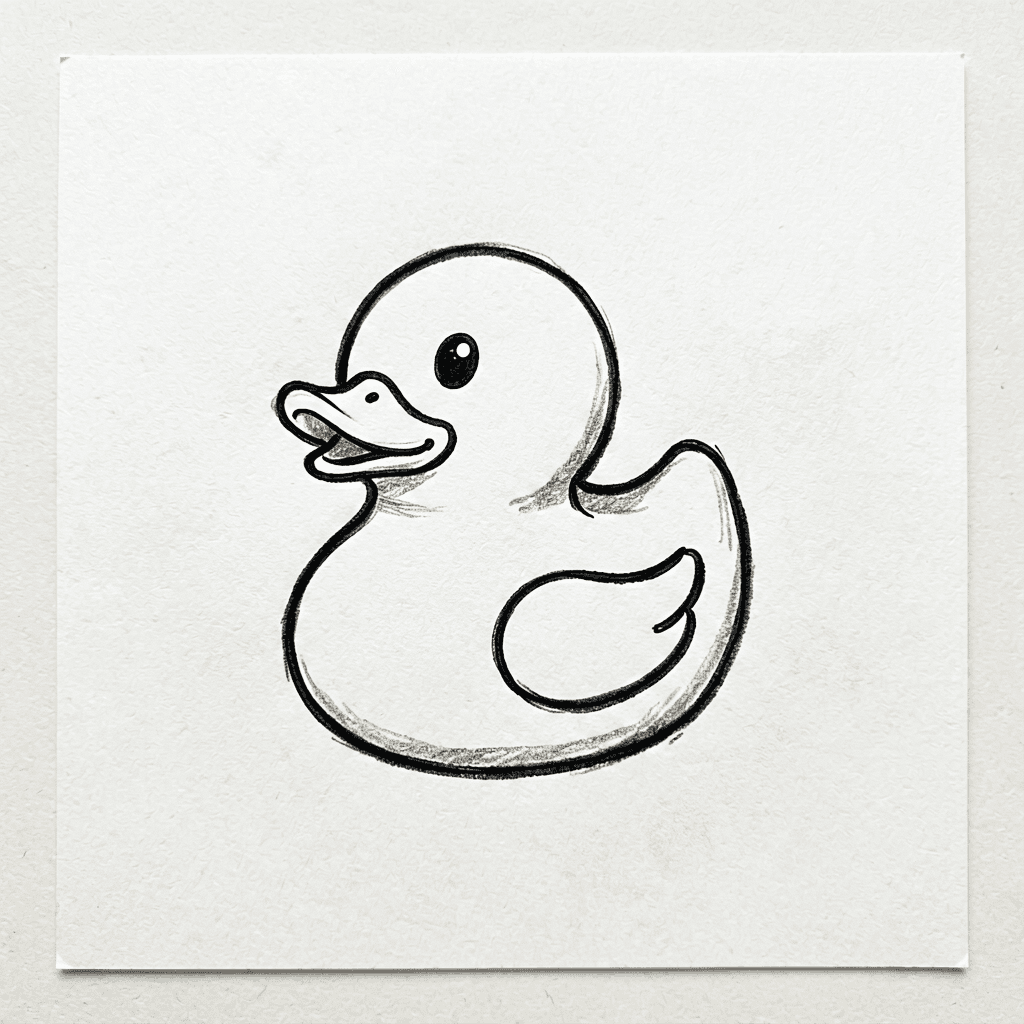 Flat upload
Sketch → printable mesh
Flat line art with a readable silhouette still works — Pixal3D invents back surfaces, so inspect the turntable before you ship.
How the 2D to 3D converter works
Three steps from one upload to a downloadable mesh — no manual modelling required.
01
Upload one clear image
Feed the converter a flat logo, icon, sketch, product photo, or dimensional reference still on a clean background.
02
Pick an image-to-3D model
Trellis is preloaded for a fast first mesh; Pixal3D and Hunyuan3D-2 are in the selector when you want to compare turntables.
03
Download the GLB
Orbit the preview, inspect invented back surfaces, then export the GLB for Blender, Unity, AR, or a slicer.
What the 2D to 3D converter is — and isn't
The converter outputs real geometry. Knowing the line saves you time:
| You want… | Image upscaler | Image-to-image restyle | This 2D to 3D converter |
|---|---|---|---|
| A rotatable GLB/OBJ mesh | No | No — flat image only | Yes — its whole job |
| A quick 3D-looking picture | No | Yes — minutes | Overkill — use Image to Image AI |
| Import into Blender or Unity | No | No | Yes — download GLB |
| Print on a home 3D printer | No | No | Yes — after mesh cleanup in a slicer |
12 things to run through the 2D to 3D converter
One clean subject per run. Each line is a working starting point for a GLB mesh.
- 01
Convert a flat mascot into a figurine GLB for scale checks in Unity.
- 02
Convert a product sketch into a mesh prototype before CAD time.
- 03
Convert a game sprite into a low-poly prop GLB for block-out scenes.
- 04
Convert a logo into a dimensional mesh for AR or motion previews.
- 05
Convert a coin or medal scan into a relief-style printable GLB.
- 06
Convert flat typography into an extruded mesh for 3D signage tests.
- 07
Convert a doodle into a mesh concept for a pitch deck turntable.
- 08
Convert a sticker design into a charm GLB for e-commerce 360 views.
- 09
Convert a flat badge into a beveled mesh for merch mockups.
- 10
Convert a poster element into a standalone mesh asset.
- 11
Convert a character sheet pose into a printable mini base mesh.
- 12
Convert a dimensional still into a higher-fidelity Pixal3D reconstruction.
Getting the cleanest GLB conversion
Do
- Feed the converter one centred subject on a plain background.
- Orbit the preview and check the back before you download.
- Use bold, high-contrast shapes — they reconstruct more reliably.
- Compare Pixal3D and Trellis on the same upload when quality matters.
Don't
- Don't expect a flat marketing still — this tool outputs a mesh file.
- Don't feed busy collages; reconstruction spreads detail too thin.
- Don't skip thin-line logos without inspecting lettering in the turntable.
- Don't send a mesh straight to print without slicer repair and scaling.
2D to 3D converter — FAQ
What does the 2d to 3d converter actually do?
The 2d to 3d converter runs image-to-3D models — Pixal3D, Trellis, Hunyuan3D-2 — on one uploaded image and returns a real mesh file (GLB). Orbit the preview, download the file, then import it into Blender, Unity, or a slicer.
Does the 2d to 3d converter create a real 3D model or mesh?
Yes. The output is downloadable geometry — typically GLB — not a flat image that only looks three-dimensional. If you need a quick marketing still instead of a mesh, use Image to Image AI on a separate page.
What kind of image should I feed the 2d to 3d converter?
One clear subject on a clean background works best: a flat logo, icon, sketch, product shot, or a dimensional reference still. Busy collages and overlapping characters confuse reconstruction.
Can the 2d to 3d converter handle logos and flat icons?
Yes — bold silhouettes convert well. Fine type and hair-thin lines are harder; inspect the turntable and reroll once if lettering melts.
Is the 2d to 3d converter free?
New accounts receive 20 welcome credits; the generator shows the credit cost before you run it. Each run spends credits by model — Pixal3D, Trellis, and Hunyuan3D-2 price differently.
How do I get a cleaner GLB from the 2d to 3d converter?
Crop to one subject, use plain backgrounds, and prefer front-facing art with readable edges. After generation, orbit the preview — invented back surfaces are what you are checking.
Will the 2d to 3d converter keep my original subject recognizable?
Front fidelity is usually strong; the model guesses unseen sides. Compare two models on the same upload if the first mesh drifts from your design.
Can I print what the 2d to 3d converter makes?
Yes — download the GLB and open it in a slicer. Expect to scale, repair, and sometimes clean up invented geometry before sending plastic to the printer.
How is the 2d to 3d converter different from an image upscaler?
An upscaler keeps a flat image and adds pixels. The 2d to 3d converter builds a 3D file you can rotate, edit, and export — a different deliverable entirely.
People also search for
- 2d to 3d converter free
- 2d to 3d converter online
- 2d to 3d converter ai
- 2d image to 3d model converter
- convert flat logo to 3d mesh
- 2d to 3d converter glb
- photo 2d to 3d converter
- best 2d to 3d converter
Whichever 2d to 3d converter search brought you here, the generator above is the answer: upload one image, pick Pixal3D or Trellis, and download a real GLB mesh you can orbit — not a repainted flat picture.
Convert your first image to a GLB
Upload one clean subject, generate with Trellis, and download a mesh you can import or print.
Run a 2D to 3D conversionYour privacy, your choice
Optional cookies help us understand usage and measure ads. Essential cookies stay on so Voor works.