Upload flat art or a dimensional still — 2d to 3d ai reconstructs real geometry with Pixal3D, Trellis, and Hunyuan3D-2. Orbit the GLB in the preview, then download for Blender, Unity, or a slicer.

Generator examples
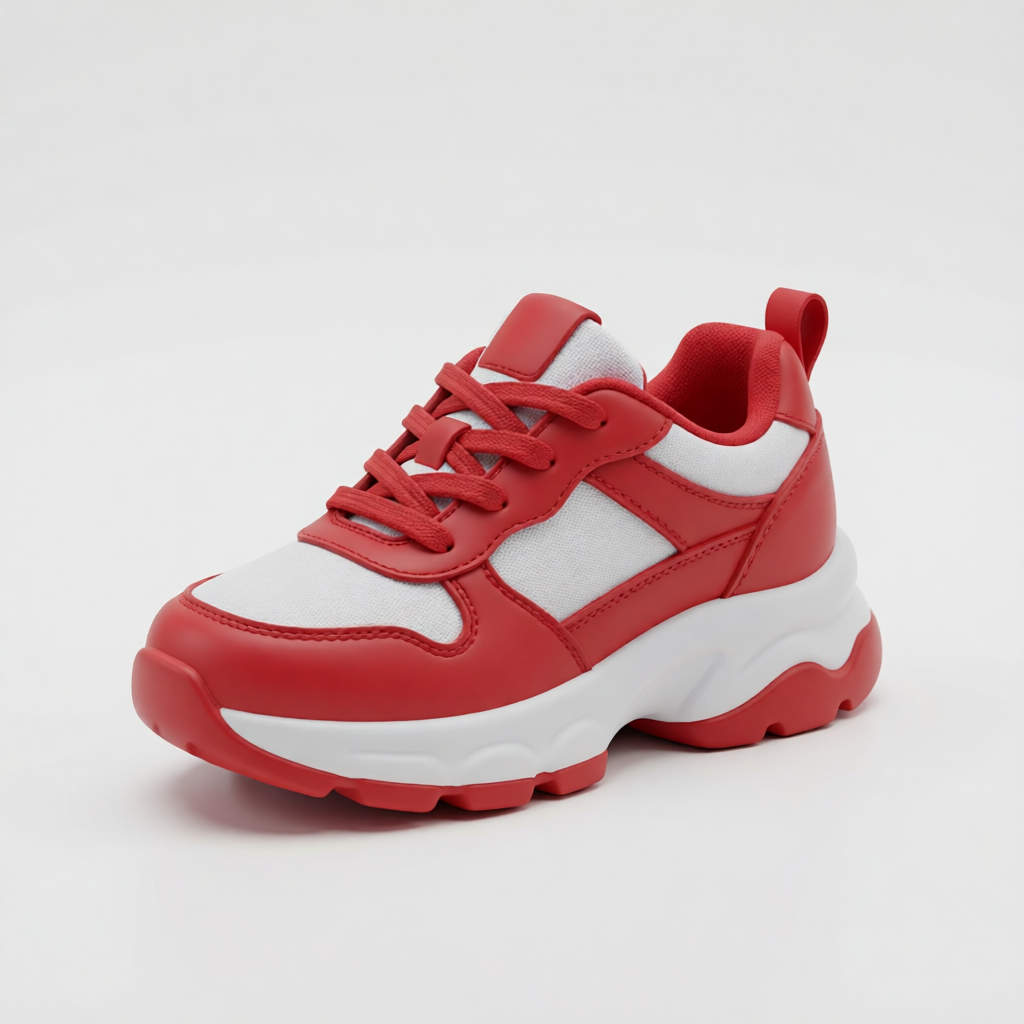
- Pixal3D mesh from a toy sneaker render — opaque rubber and fabric, orbit the GLB in the preview.Before — Pixal3D mesh from a toy sneaker render — opaque rubber and fabric, orbit the GLB in the preview.
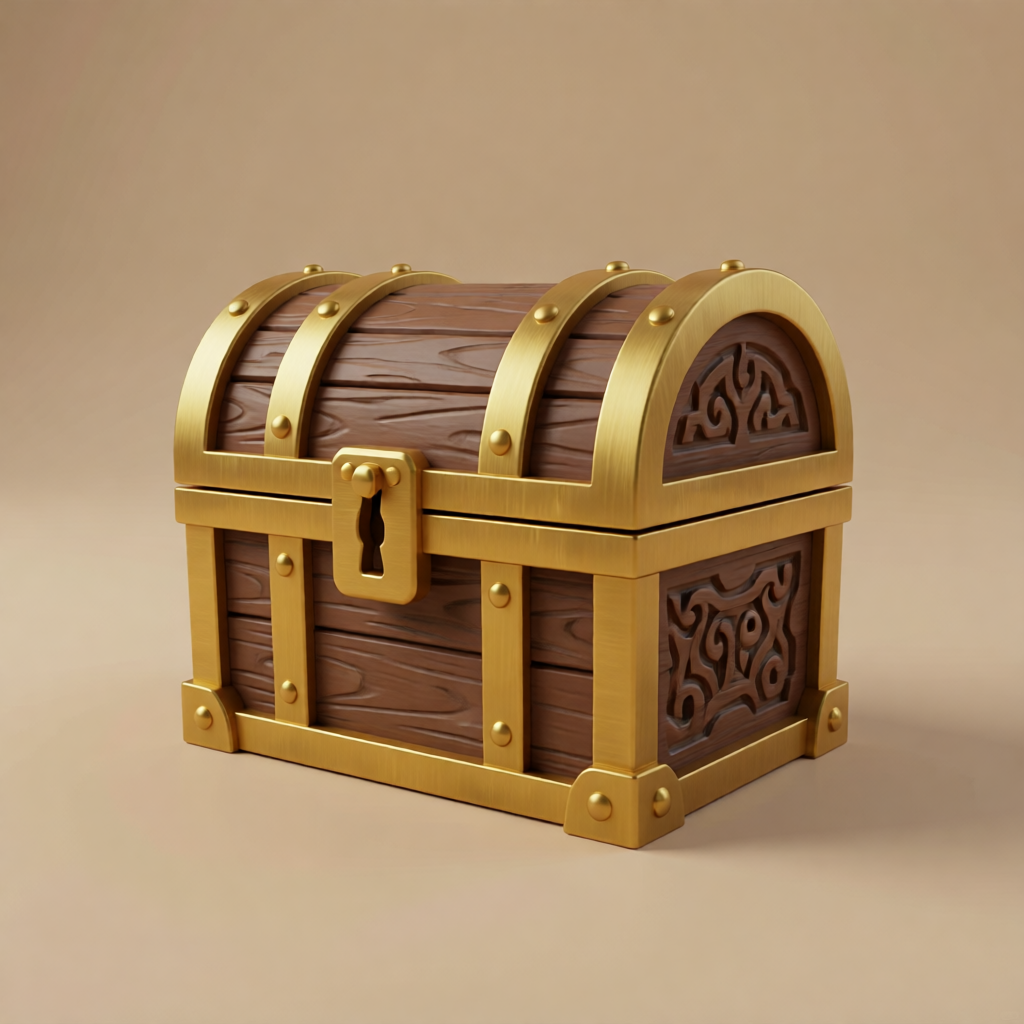
- Pixal3D mesh from a treasure chest render — wood and metal prop GLB for game engines.Before — Pixal3D mesh from a treasure chest render — wood and metal prop GLB for game engines.
Flat art in, downloadable GLB out
Both examples below start from real flat uploads on this page. The generator reconstructs geometry with Pixal3D, Trellis, or Hunyuan3D-2 — drag each GLB below to orbit, then download the mesh.
 Flat upload
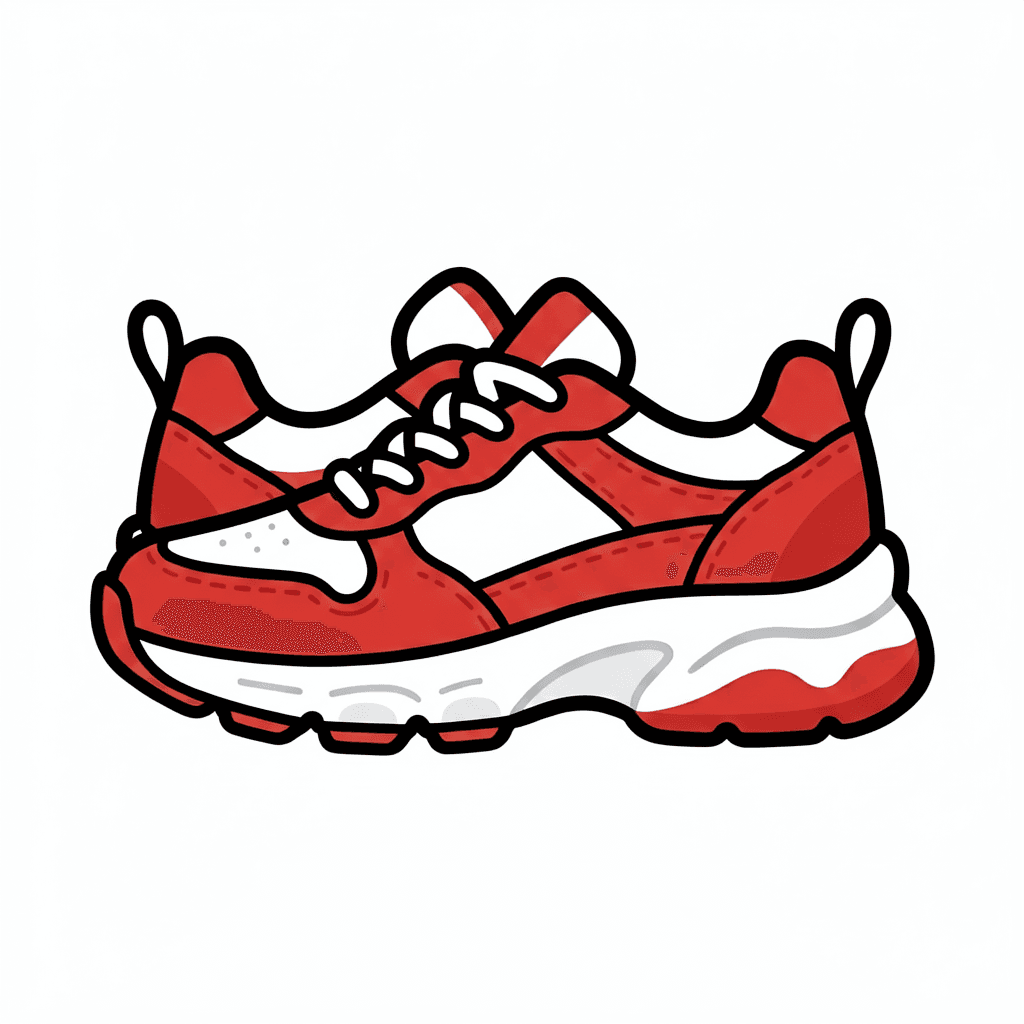
Sneaker icon → product mesh
Flat shoe art in, downloadable GLB out — sole, laces and color blocks carry into opaque geometry you can orbit, scale, or drop into a scene.
 Flat upload
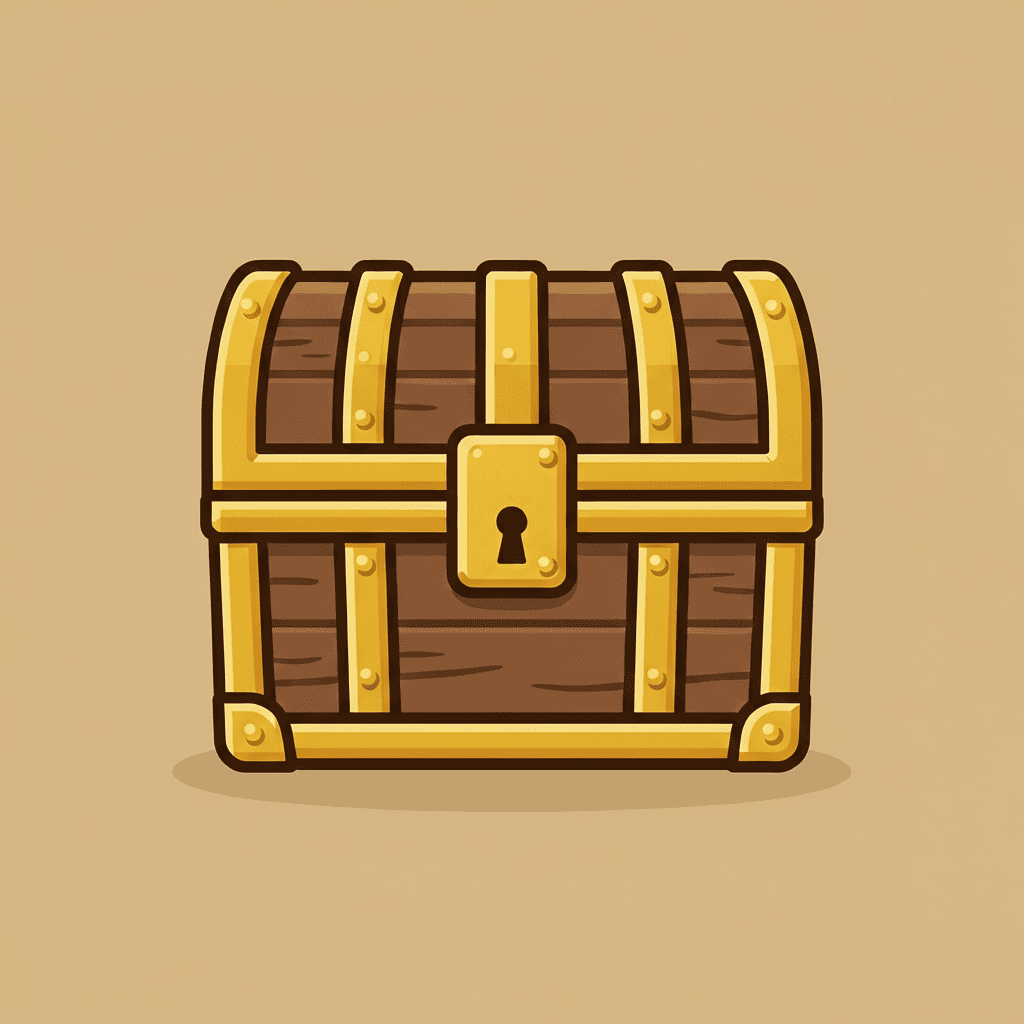
Game chest → prop mesh
Simple chest silhouette reconstructs into a solid wood-and-metal GLB — no glass or transparency, ready for engine block-outs or turntable captures.
01 Feed 2d to 3d ai one clean silhouette per run — crop before you convert.
02 Check the 2d to 3d ai turntable from behind; invented surfaces live there.
03 Compare Pixal3D and Trellis on the same upload when the first GLB drifts.
04 Keep the 2d to 3d ai source flat-lit — baked-in shadows confuse reconstruction.
Image-to-3D models on this page
Every run on 2d to 3d ai returns a real mesh file — typically GLB — you can orbit in the preview, download, and finish in Blender, Unity, or a slicer. Pixal3D is preloaded; Trellis and Hunyuan3D-2 sit in the model selector when you want to compare turntables on the same upload. Two newer options sit in the same selector: Meshy 7 when the surface detail matters or you can upload several views of one drawing, and Tripo P2 when you need a light game-ready mesh.
Pixal3D
Tencent's high-fidelity reconstructor — strong on dimensional stills and clean silhouettes. Default on this page.
Trellis
Balanced mesh generation for characters and props — fast turntable previews and compact GLB exports.
Hunyuan3D-2
Useful when geometry is harder or you want a second opinion on the same flat upload.
Need a flat picture that only looks 3D — no mesh? Use Image to Image AI instead. For the same downloadable-geometry workflow with converter-specific examples, open the 2D to 3D converter.
When there is no flat picture to upload, start from words instead: Text to 3D builds a mesh from a written brief alone. If the object exists and its proportions matter, shoot it and use Image to 3D instead — photographs pin the silhouette in a way flat art cannot.
12 things people run through 2D to 3D AI
Every idea below ends in a downloadable GLB — start with one flat image in the generator above.
- 2D to 3D AI for mascots — flat brand character in, figurine GLB out, merch validated before tooling.
- 2D to 3D AI for logos — simple geometry reconstructs into a textured mesh for AR or motion.
- 2D to 3D AI for game props — concept sketch to GLB, dropped straight into a Unity scene for scale checks.
- 2D to 3D AI for kids' drawings — the crayon monster becomes a printable GLB for the home printer.
- 2D to 3D AI for product sketches — pencil mug design to mesh prototype while the meeting is still going.
- 2D to 3D AI for retro sprites — pixel characters re-read as low-poly props with readable silhouettes.
- 2D to 3D AI for tabletop minis — one character sheet per hero, one GLB per slicer night.
- 2D to 3D AI for AR stickers — flat art to GLB to your camera app's face-filter pipeline.
- 2D to 3D AI for pitch decks — export a turntable capture from the preview panel for slides.
- 2D to 3D AI for figurine shops — mesh previews before you commit to production tooling.
- 2D to 3D AI for turntable reels — screen-record the preview orbit or send the GLB to Image to Video AI.
- 2D to 3D AI for dimensional stills — upload a rendered reference still for higher-fidelity Pixal3D output.
From drawing to downloadable mesh
- Step 1
Prep one clean subject
Crop to a single character, product or logo on a plain background. Silhouette clarity is the whole game for 2d to 3d ai reconstruction.
- Step 2
Generate and inspect the turntable
Run Pixal3D or Trellis above, then orbit the preview. Front fidelity is usually strong; invented back surfaces are what you're checking.
- Step 3
Export GLB and finish downstream
Import into Blender for cleanup or rigging, Unity for game use, or a slicer for printing. The mesh is yours.
Why this beats the old detour: manual modelling takes weeks; 2d to 3d ai gets a reviewable GLB the same afternoon from art you already have. Download, clean up in Blender if needed, then ship to engine or printer.
2D to 3D AI — FAQ
Does 2d to 3d ai give me an actual file I can import or print?
Yes — the generator on this page runs image-to-3D models like Pixal3D, Trellis, and Hunyuan3D-2 that output real mesh files (GLB). Drop them into Blender, Unity, or a slicer after you inspect the turntable.
Which inputs convert best with 2d to 3d ai?
A single subject with a clear silhouette on a plain background. Busy scenes and overlapping characters confuse reconstruction — crop to one subject per run.
Will my character stay on-model through 2d to 3d ai?
Front-facing source art with clean colors carries over well. The model invents unseen surfaces — the back of the head, the underside — so check the turntable before shipping.
Can 2d to 3d ai convert photos, not just drawings?
Yes — product photos and figures work. Logos and flat art are classic inputs, but anything with readable shape converts.
Can I upload a dimensional reference still instead of flat art?
Yes — Pixal3D often produces stronger GLB files from a clean 3D-style render still. Flat uploads still work when the silhouette is bold.
Which 2d to 3d ai model should I start with?
Pixal3D is preloaded for high-fidelity meshes; Trellis is a balanced default for characters and props; Hunyuan3D-2 is worth a second pass on harder geometry.
Can I animate the 2d to 3d ai result?
Download the GLB and rig it in Blender or Mixamo. For a quick spin clip, screen-record the preview orbit or send a still to Image to Video AI.
Why does text in my logo break during 2d to 3d ai conversion?
Type is the hardest detail to carry through reconstruction. Simplify the mark, reroll with another model, or composite the wordmark back after export.
What does a 2d to 3d ai run cost?
Each generation consumes credits by model; new accounts receive 20 welcome credits, then purchase credits to compare Pixal3D, Trellis, or other options.
People also search for
- 2d to 3d ai free
- 2d to 3d ai online
- 2d to 3d ai converter
- 2d to 3d ai model generator
- 2d to 3d ai image
- 2d to 3d ai for printing
- 2d to 3d ai glb
- best 2d to 3d ai
- 2d to 3d ai from drawing
- 2d to 3d ai logo
- 2d to 3d ai figurine
- 2d to 3d ai blender
Whichever 2d to 3d ai search brought you here, the generator above returns a real GLB mesh from one upload — apply the 20 welcome credits toward the displayed cost, then purchase credits to compare more models.
Make something flat feel heavy
Upload the drawing, generate a GLB, orbit the preview. 2d to 3d ai turns art you already have into geometry you can import, animate, or print.
Convert my artYour privacy, your choice
Optional cookies help us understand usage and measure ads. Essential cookies stay on so Voor works.