
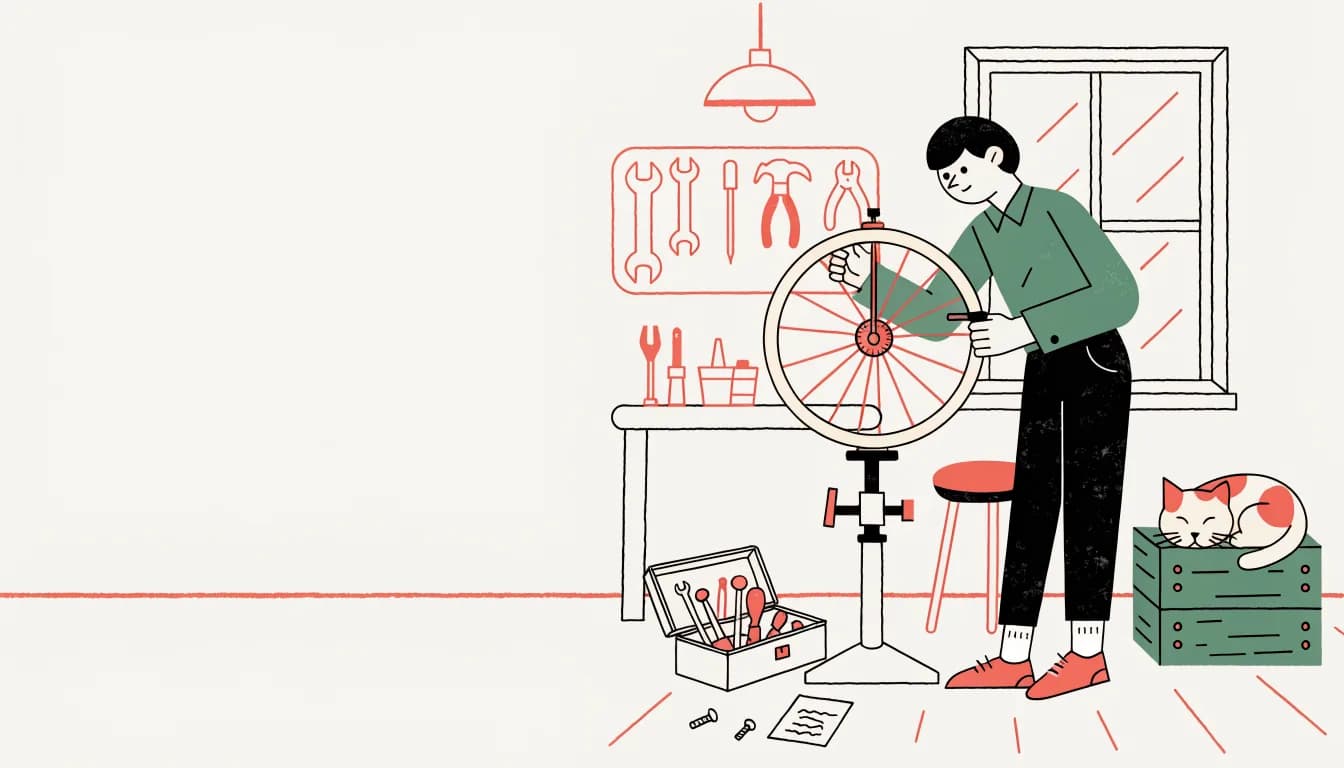
Recraft V4
13 credits- Output
- WebP · about 1 MP
- Sizes seen
- 1024 × 1024 square, 1344 × 768 at 16:9
- Use it for
- Illustrations, icons and brand scenes for screens: blog headers, onboarding, app tiles.
Recraft V4 turns a design brief into an illustration, icon, logo or packaging image, at standard or Pro resolution or as an editable SVG.
Vector inspector
Recraft V4 is the current image model from Recraft, the design-tool company; Voor runs its V4.1 update in three routes: Standard, Pro and Vector. The Vector route returns an SVG with real paths. Zoom into three files generated for this page and compare each with the same artwork exported as a 512 px PNG.


Zoomed on ridge line. Wordmark spelled correctly, two flat colours as asked, ridge drawn as a separate shape you can recolour.
Logo for a fictional mountain coffee roaster. A single coffee bean whose center crease is drawn as a mountain ridge line, placed above the wordmark "SUMMIT BEANS" in a bold geometric sans serif. Two flat colors, espresso brown and warm orange, on a plain cream background, centered, clean vector shapes, no gradients.
Three routes, one prompt style
All three Recraft V4 routes read the same kind of design brief. They differ in output format, resolution and credits — pick by the place the asset ends up, not by how polished the preview looks. Each offers five canvas shapes (1:1, 3:4, 4:3, 9:16 and 16:9), the live quote appears before every run, and new accounts start with free welcome credits.
Small-size check
An app icon is judged on a home screen, not at 1024 pixels. This tile came from Recraft V4 standard with one prompt: “App icon for a fictional budgeting app: a rounded-square tile with a soft mint-to-teal background and a simple white piggy bank with a single coin slot, subtle depth, centered, no text.” Read it at each size from left to right.
The pig silhouette still reads at 60 pixels, though the coin slot fades; at 29 it is a white blob. Part of the problem is the white margin: the model drew its own rounded tile on a white canvas, so crop or mask it before you submit it to an app store. For a guided icon brief, start from the app icon generator.

Retry log · Recraft V4 Pro
The first festival poster had the right layout and the wrong word: the E’s in “WEEK” turned into arrow shapes. One added phrase fixed it on the second run. Both are unedited Recraft V4 Pro outputs at the 3:4 preset.
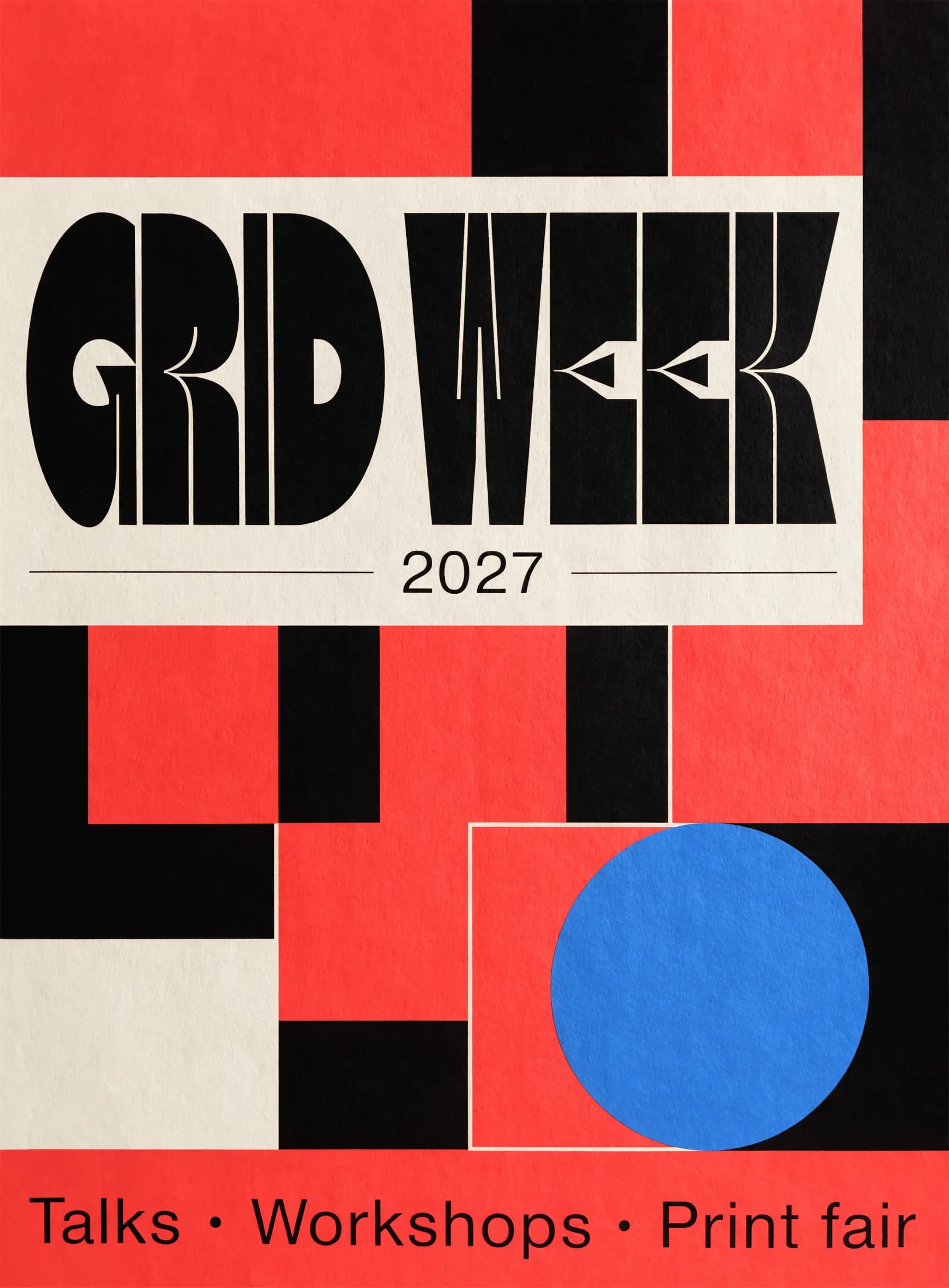
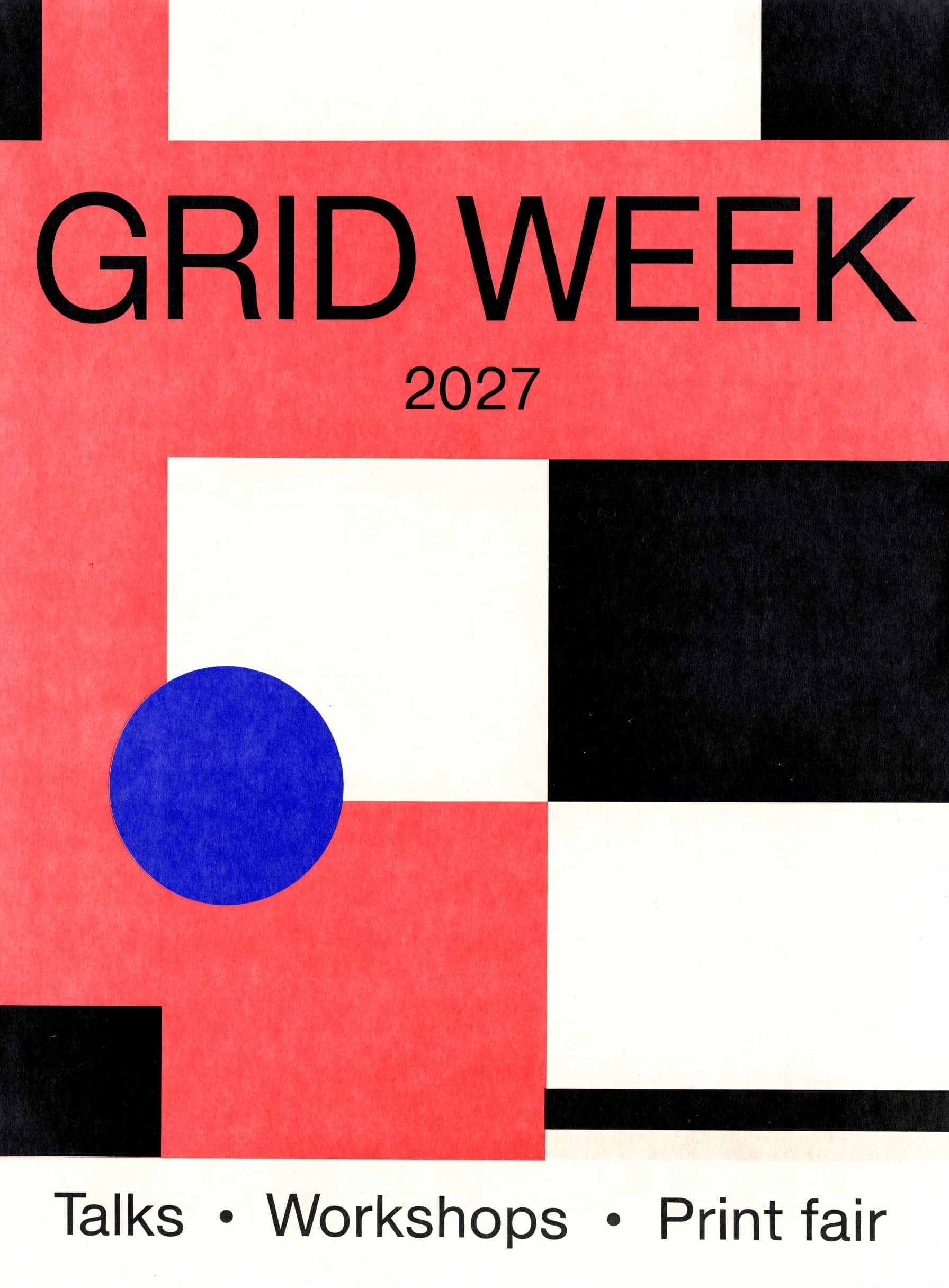
Prompt changePoster for a fictional graphic design festival. Big Swiss-style headline "GRID WEEK" set in a plain heavy grotesk with standard, unmodified letterforms, the year "2027" in a smaller weight underneath, and a line "Talks · Workshops · Print fair" at the bottom. Bold modular composition of overlapping red, black and off-white rectangles and one blue circle, printed paper texture.
Prompt structure
Every prompt on this page follows the same order. It reads like a note to a designer because that is what Recraft V4 responds to: deliverable, palette, construction, words, exclusions.
“App icon”, “logo”, “set of nine icons”, “packaging hero shot”. Recraft V4 picks composition, margins and background from the kind of asset you name first.
Name two to four colours and say “flat” or “no gradients” when the file has to be recoloured later. There is no colour picker on Voor yet, so the prompt carries the palette.
Stroke weight, corner radius, outline or filled, how many items and in what grid. Consistency instructions are what make an icon set look like a set.
Put names in quotes and ask for standard letterforms when legibility matters more than personality.
“No text, no lettering, no caption” keeps illustrations clean; “plain white background” keeps a vector easy to place.
Exploring a mark before you commit? The best logo generator AI guide covers silhouette and small-size checks; generate the chosen direction here with Vector when you need the SVG. For posters, labels or signs where every word has to be exact, compare with Ideogram 4.5. The older Recraft 3 and every other image model sit in text to image.
Recraft V4 is the current image model from Recraft, built for design work such as logos, icons, illustrations, packaging and posters. Voor runs its V4.1 update in three routes: Standard and Pro for raster images, and Vector for SVG files.
Yes. The Recraft V4 Vector route returns an SVG made of editable paths that you can open in Figma, Illustrator or any vector editor. Our test files had between 19 and 55 paths. On paid plans you download the SVG itself; accounts without a paid plan receive a watermarked PNG preview.
Each image costs 13 credits on Recraft V4 Standard, 74 on Recraft V4 Pro and 28 on Recraft V4 Vector. The canvas shape does not change the price, and the generator shows the quote before you run.
Both read the same brief. Standard renders at about one megapixel, for example 1024 × 1024 or 1344 × 768, while Pro renders up to 2048 pixels on the long side for hero images, packaging and print.
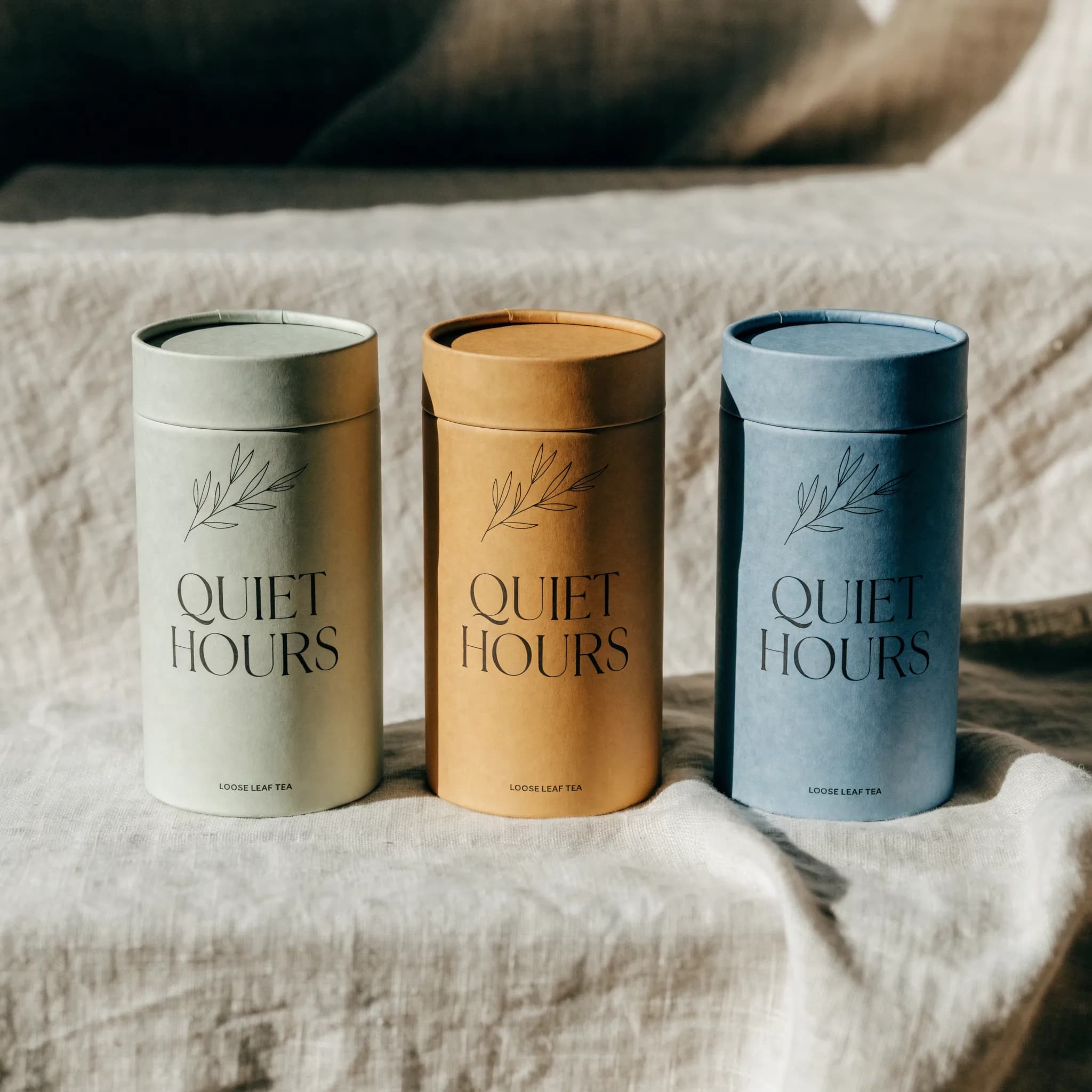
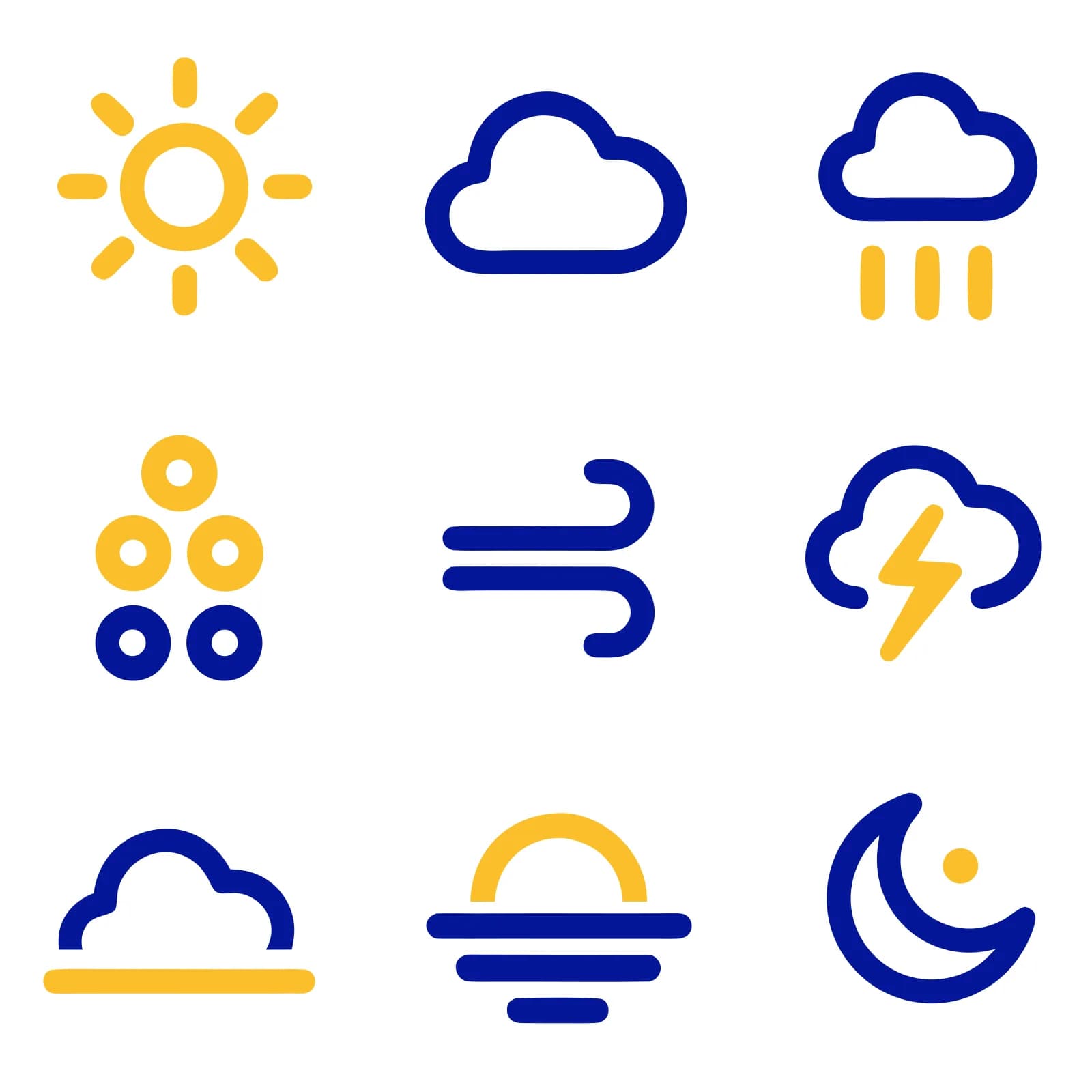
It is one of its strengths: palettes stay flat, strokes stay consistent across a set and wordmarks were spelled correctly in our tests. Check every icon at small sizes and every glyph of a set, because one icon in our nine-icon set missed.
Yes, short names and headlines rendered correctly in our logo, packaging and poster tests. Expressive display lettering can distort letters, so ask for standard letterforms when the words must be read, and use Ideogram 4.5 for text-heavy layouts.
Five canvas shapes on every route: 1:1, 3:4, 4:3, 9:16 and 16:9. Vector files scale without loss, so their shape matters more than their pixel size.
Not with a colour picker on Voor yet. Name two to four colours in the prompt and add “flat” or “no gradients”; in our tests the requested palettes were followed closely.
Recraft 3 remains available in the text to image picker. Recraft V4 is the newer generation, and on Voor it adds a high-resolution Pro route and a Vector route that returns SVG files.
Name the deliverable, fix the palette, describe the construction, then pick Standard, Pro or Vector for where the file is going.
Create with Recraft V4Optional cookies help us understand usage and measure ads. Essential cookies stay on so Voor works.