Wan 2.2 animate — see the delta immediately
Wan 2.2 Animate 2 starts from two sources: the image supplies the character or subject appearance, and the driving video supplies the movement. The generator now opens with that exact motion-transfer model and shows both required upload fields.
How Wan 2.2 animate runs
Four steps — upload a character image, add a driving video, clarify the movement if needed, then download the generated MP4.
01
Upload character image
Use a clear subject with visible face, clothing, and body shape. This image defines the appearance to preserve.
02
Upload driving video
Choose a clip with readable movement and a compatible body framing. This video supplies the performance.
03
Refine the transfer
Use the motion prompt only when you need to clarify direction, intensity, or a movement detail.
04
Download MP4
Review face, hands, clothing, and contact points, then export the strongest motion-transfer result.
Two plates, same workflow
These plates show target images and resulting clips. In the live generator, add a driving video as the second required source.
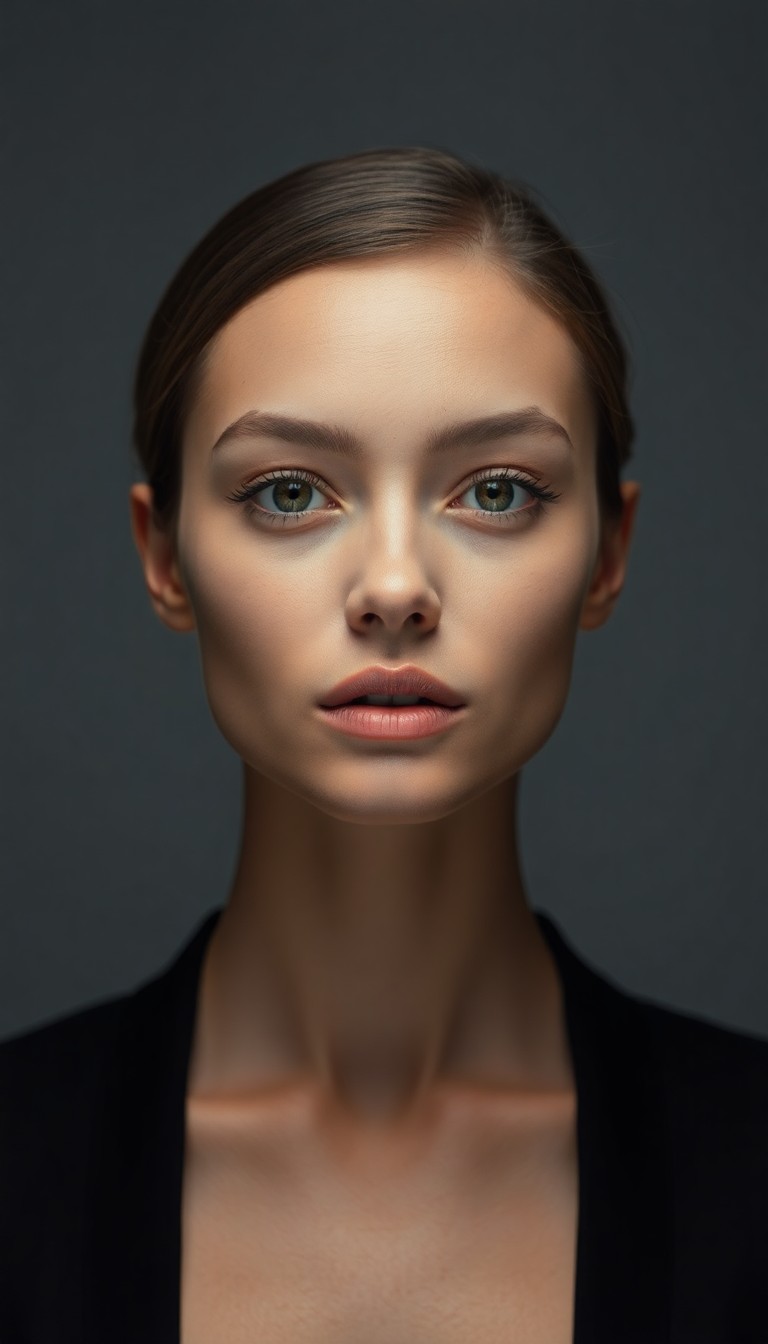
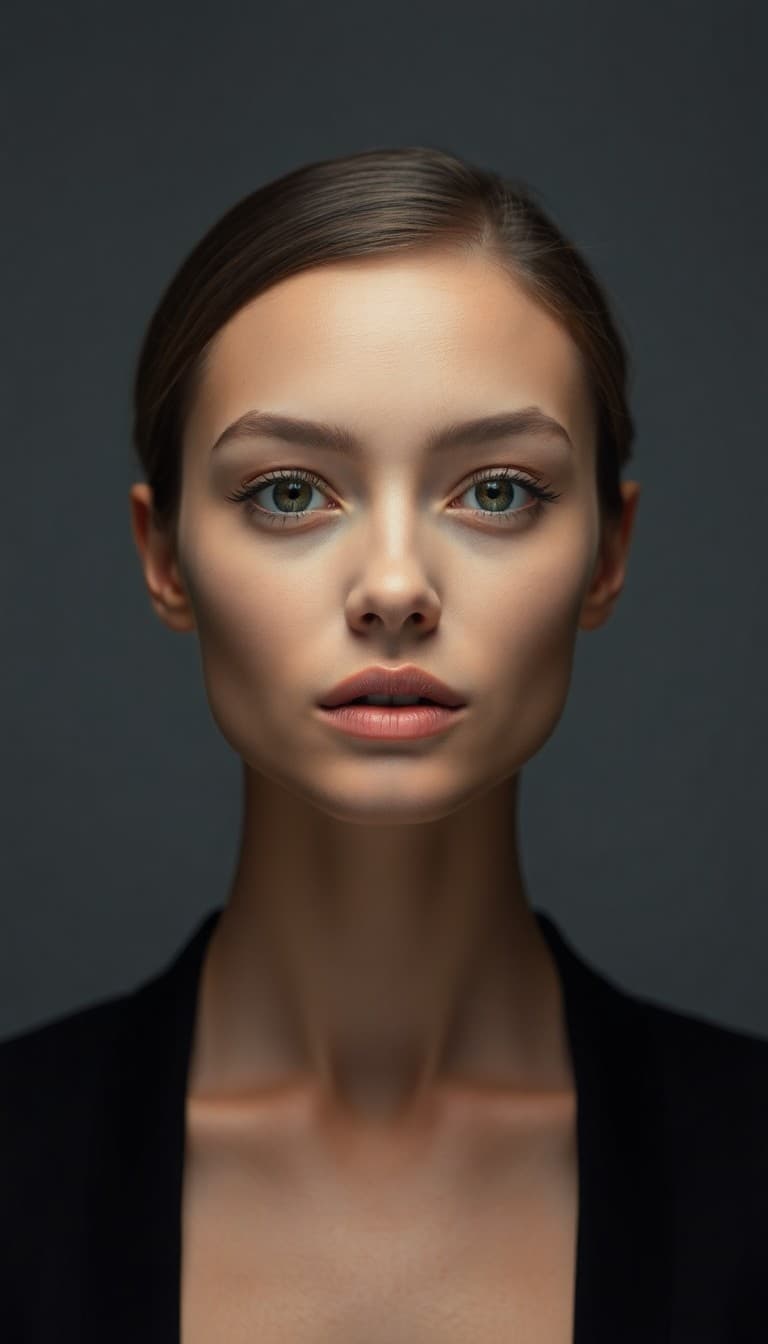
Portrait loop
Subtle breathing and gentle hair movement, soft studio lighting unchanged, slow push in, static horizon.

1. Character image
2. Animate 2 result → MP4
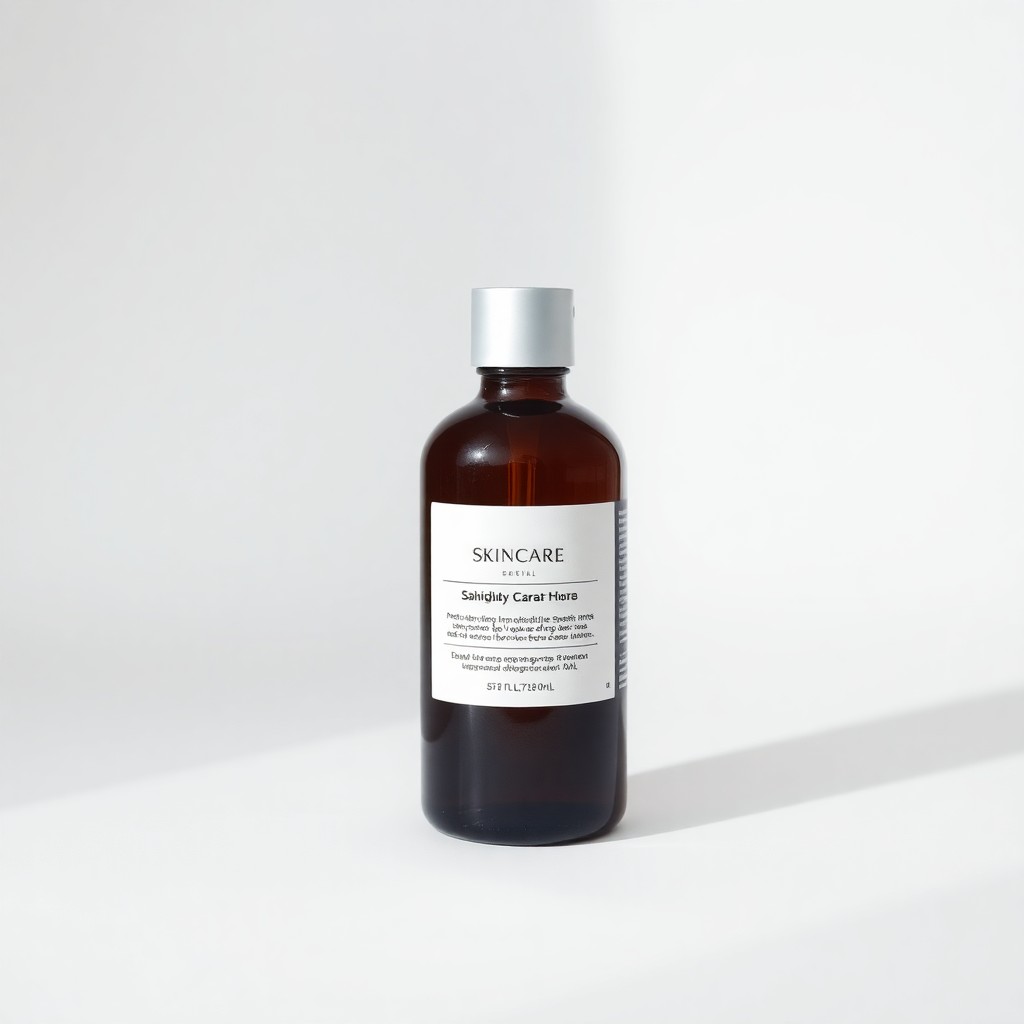
Product orbit
Slow gentle orbit around the skincare bottle, soft studio shadow, label text stays sharp, static white background.

1. Character image
2. Animate 2 result → MP4
Wan 2.2 Animate 2 is a motion-transfer workflow, not a one-image animation shortcut. Pair a clear character image with a readable driving video, then use a short prompt only to refine how the movement should carry across.
When Wan 2.2 animate wins
Motion from a driving video
Upload the movement reference separately from the character image instead of trying to describe a complex performance in text alone.
Appearance from the image
The character image establishes face, clothing, silhouette, and style while the driving clip supplies the action.
Prompt-guided refinement
Use the optional motion prompt to clarify direction or emphasis. For speech-specific mouth timing, continue with .
Wan 2.2 vs Wan animate
This page is specific to Wan 2.2 Animate 2 motion transfer. For the broader Wan family picker, see Wan animate. Use a standard image-to-video model when you have no driving clip, or move to Wan 3.0 when the clip needs synchronized audio and broader reference controls.
FAQ
Which two source files are required?
One image for the character or subject and one video for the movement. Use clear, uncropped subjects in both.
Commercial use?
Yes under your Voor AI plan — clear source image rights first.
Portrait vs product for Wan 2.2 animate?
Portraits are the clearest fit because the driver can map body motion to a visible character. Product motion may work when the source geometry and driving clip have a compatible structure.
Upgrade path?
Use Wan animate to switch to a standard image-to-video model when you only have a still and a written motion brief.