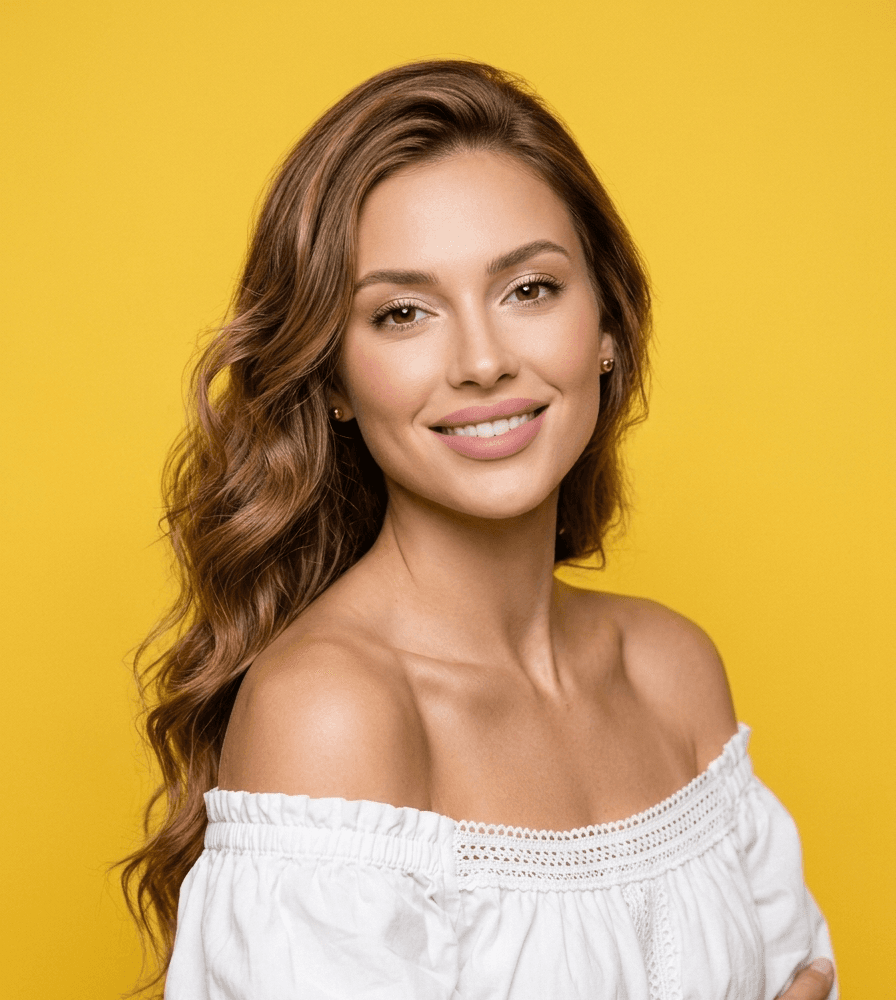
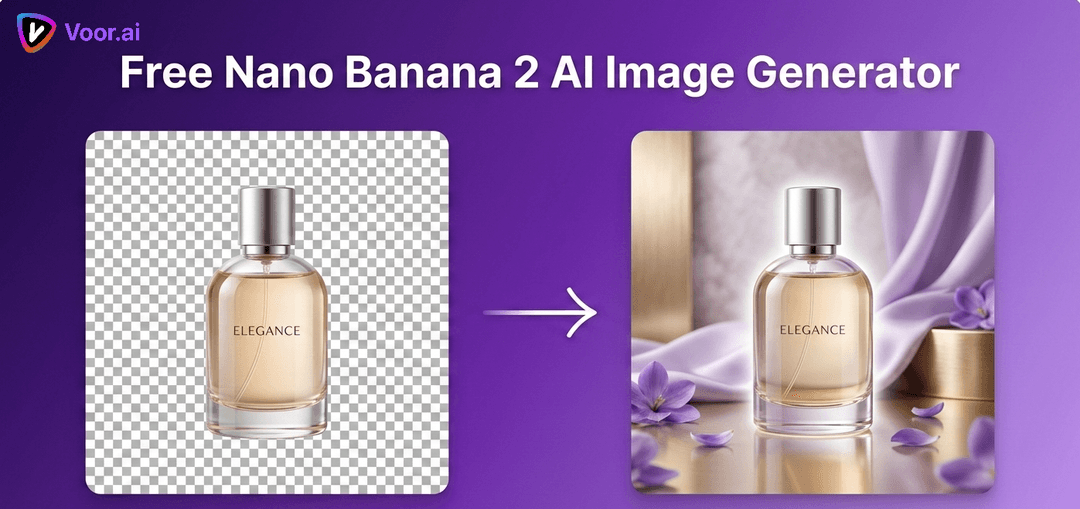
Upload references in subject → scene → style order, choose a remix brief, then edit the visible prompt before generating. This is a Voor workflow powered by Nano Banana 2, not the official Google Labs Whisk site.
The leading Whisk AI results converge on the same job: combine a subject, a scene, and a style, then iterate rather than writing a long prompt from scratch. Voor adds the missing production layer—an explicit reference order, a visible prompt you can edit, the runnable model name, and the credit estimate before submission.
These project-CDN images demonstrate the reference roles and a real Nano Banana 2 before/after edit. They are not presented as one fabricated four-frame generation.
Start with a production decision, not a vibe
Each brief names what must survive, what may change, and what the third reference is allowed to influence. Apply one, then replace the generic nouns with details from your own inputs.
01
Product in a new campaign world
Image 1 is the product identity reference: preserve silhouette, material, color, label placement, and proportions. Image 2 is the scene reference: use its camera height, environment, light direction, and negative space. Image 3 is the style reference: borrow only palette, texture, and finish. Create one believable campaign still, no invented claims, no extra logo, no duplicate product.
02
Character as a tactile collectible
Image 1 is the character reference: preserve face structure, hair shape, clothing colors, and one defining accessory. Image 2 defines the tabletop scene and camera angle. Image 3 defines a tactile enamel-pin and soft-vinyl material treatment. Keep the character recognizable while simplifying small details; centered object, clean shadow, no text.
03
Editorial scene transfer
Image 1 is the subject reference and has identity priority. Image 2 supplies the location, composition, and time of day. Image 3 supplies editorial color grading, grain, and print texture without copying its subject. Preserve realistic anatomy and scene lighting. Create a 4:3 magazine still with quiet copy space and no lettering.
Review the remix by role
Subject
Does the face, product silhouette, clothing, or defining accessory still identify the intended subject?
Scene
Did camera height, light direction, scale, and contact shadows move together into the new environment?
Style
Did the result borrow material and palette without importing unwanted objects or another creator’s signature?
Output
Is the crop usable, text absent unless requested, and every hand, label, reflection, and repeated object plausible?
What Voor reproduces—and what it does not
Google’s official introduction describes Whisk as a visual ideation tool that captions source images and captures their essence rather than making an exact replica. Voor reproduces the useful three-role workflow with Nano Banana 2; it does not claim to be Google Labs or expose the exact Whisk backend.
Whisk AI works by combining three references — subject, scene, style — so the jobs it suits are the ones where those three are genuinely separate decisions.
Product in new settings
Lock the subject reference, swap only the scene. A Whisk AI run keeps the product recognisable while the environment changes completely.
Style exploration
Same subject and scene, many style references. This is where Whisk AI is fastest — you are testing treatments, not compositions.
Mood boards
Feed a rough style reference and let Whisk AI propose directions before anyone commits to art direction.
Character in context
A character reference plus a location reference gives you the same figure across several settings without rewriting a prompt each time.
Campaign variants
Fix two of the three Whisk AI slots and rotate the third. That constraint is what makes a batch feel like one campaign.
Brief-to-image handoff
When a written brief keeps producing the wrong thing, a Whisk AI reference usually communicates it in one image.
01Change one reference slot at a time — a Whisk AI run with all three swapped tells you nothing about which one worked.
02The style reference should carry the treatment, not the subject; a busy style image bleeds its content into the result.
03Crop the subject reference tightly so Whisk AI reads it as the subject rather than as a scene.
04Keep the generated brief text — editing it is usually faster than replacing a reference.
05If the output drifts, the subject reference is almost always the slot to fix first.
Whisk AI workflow FAQ
What is Whisk AI?
Whisk is a Google Labs image-remix experiment built around visual prompting. Instead of relying only on a long text prompt, the original workflow lets a creator provide references for a subject, scene, and style. Google explains that Gemini captions those references and an image model generates a new interpretation rather than copying the source pixel for pixel.
Is this the official Google Whisk website?
No. Voor is not Google and this page is not the official Google Labs Whisk product. It recreates the useful subject, scene, and style briefing workflow with Voor’s runnable Nano Banana 2 image model so you can upload references, edit the generated prompt, see the credit estimate, and create an image in one workspace.
How should I order the three reference images?
Upload the subject first, the scene second, and the style third. Then keep the same role names in the prompt: Image 1 defines who or what must remain recognizable, Image 2 defines the environment and composition, and Image 3 defines material, palette, and rendering treatment.
Will Whisk AI preserve the exact face or product?
No image-remix model can promise an exact copy. Google describes Whisk as capturing the essence of a subject rather than reproducing it precisely. For identity-sensitive portraits, products, packaging, or logos, compare the result against the source and rerun with a shorter preservation checklist.
Can I use only one or two references?
Yes. A subject-only upload can produce a restyled portrait or product. Subject plus scene is useful when the environment matters more than an art reference. Subject plus style is useful for stickers, editorial illustration, toys, and material studies. State which role is missing so the model does not guess the reference order.
Which model does Voor use for this workflow?
This page pins Google Nano Banana 2 in Voor’s image generator. It is a real credit-based generation route with multi-image input; it is not a claim that Voor exposes Google Labs’ private Whisk interface or its exact internal model chain.
Do I need permission to upload style and subject references?
Yes. Use images you own or are allowed to process. Do not use the workflow to impersonate a real person, counterfeit a product, or claim another creator’s work as your own. A style reference should guide broad visual properties, not request a deceptive copy of a living artist’s signature work.
Why does the result drift from one of my references?
The three references can conflict. A close portrait, a wide scene, and a flat illustration may imply incompatible camera, lighting, and geometry. Decide which role wins, write that priority in the prompt, and remove decorative references that do not change the decision.
People also search for
whisk ai image generator
google whisk ai
whisk ai alternative
subject scene style image generator
image remix ai
visual prompt image generator
nano banana multi image
ai style reference generator
Whisk AI searches center on visual remixing. This page keeps the same subject, scene, and style job while clearly identifying Voor’s runnable Nano Banana 2 model.
Remix the references, not the instructions
Upload the subject first, then the scene and style. Choose a role-aware brief and make the final priorities explicit before you generate.