Choose a visual pose, describe the exact body position you want, or adjust a 3D mannequin — then repose your photo while keeping face, outfit, and setting.
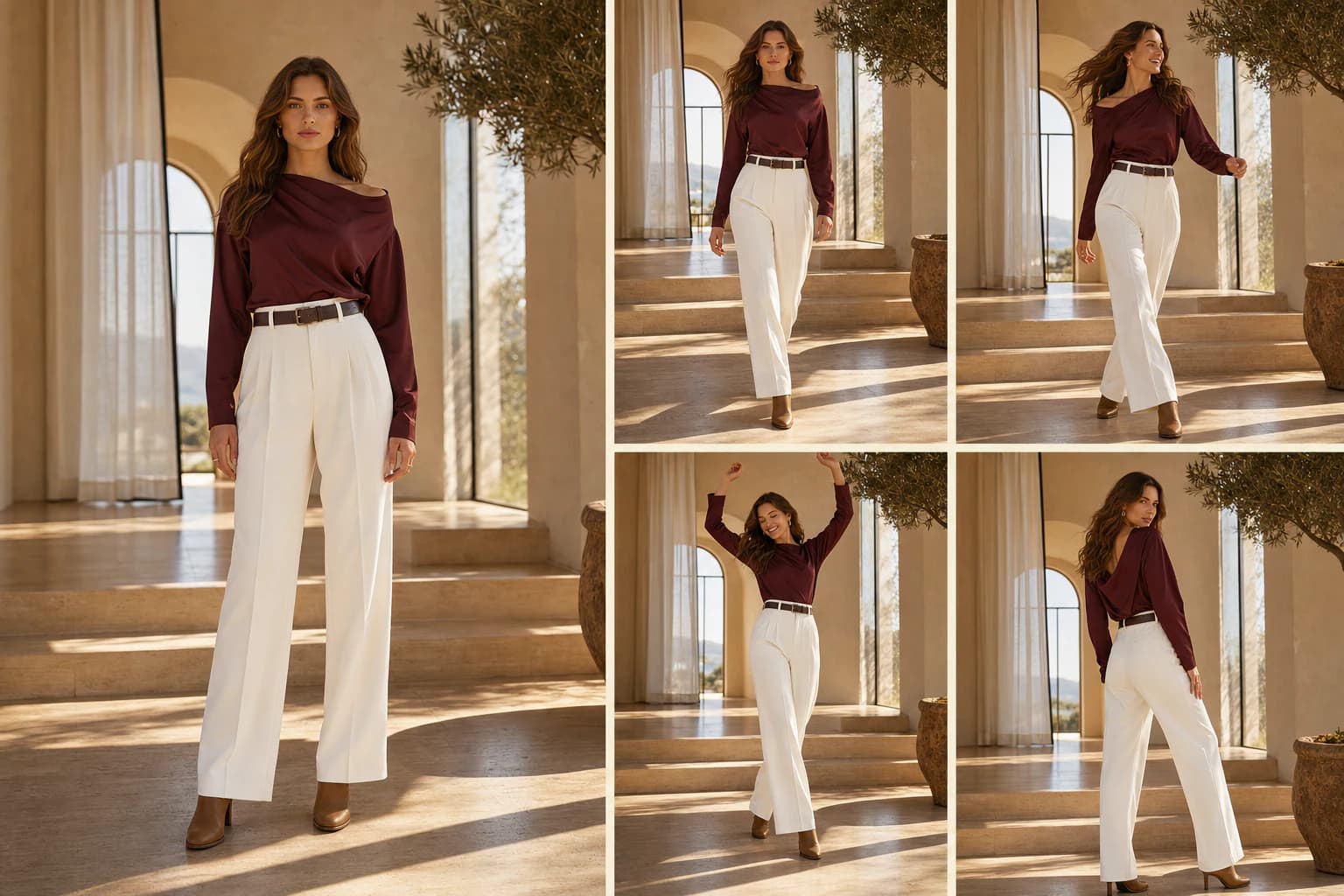


Generator examples
Keep the person. Change the energy.
One input becomes four distinct poses while the model, outfit, light, and setting stay recognizable.
Input4 pose outputs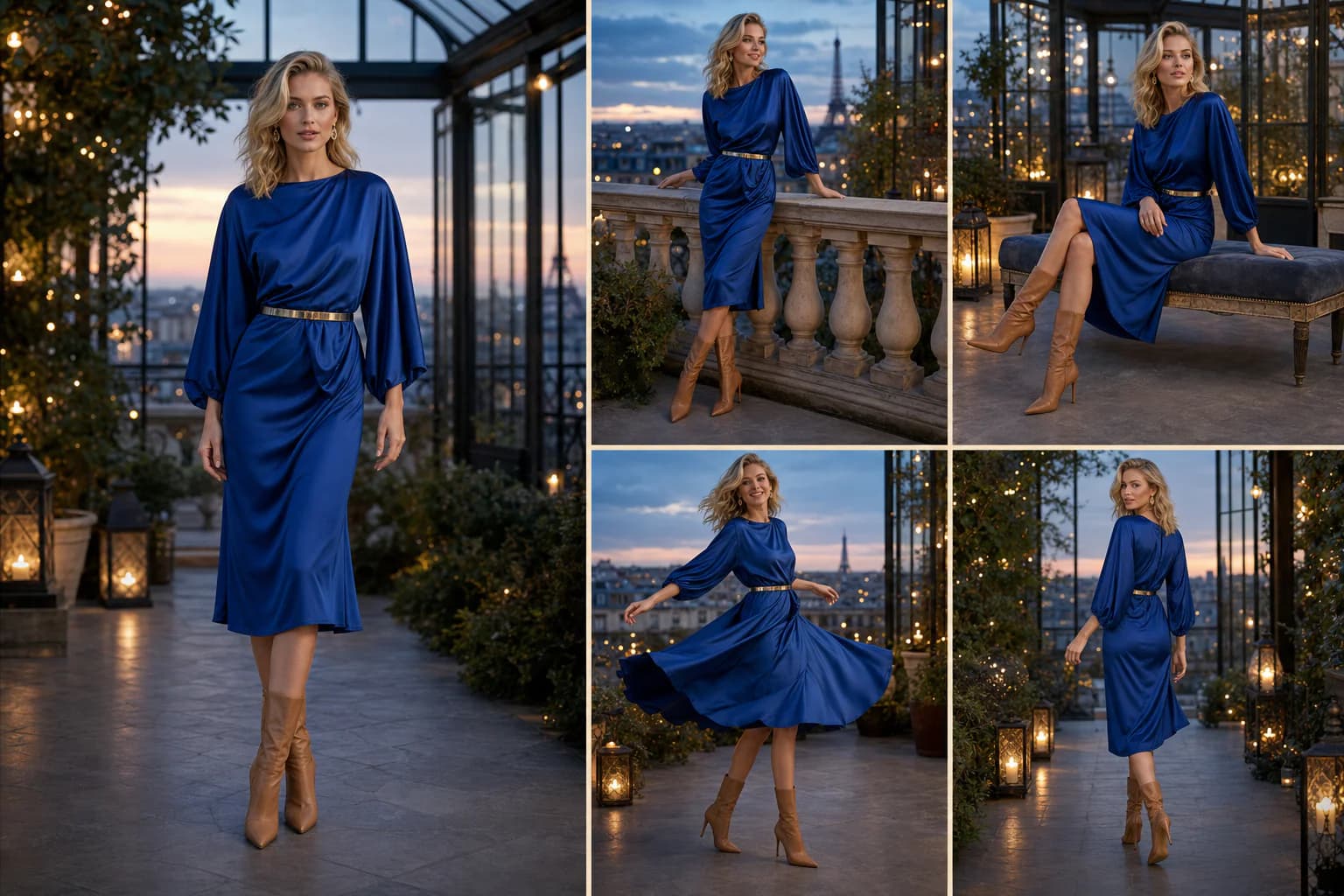 Input4 pose outputs
AI Pose Generator FAQ
What is AI Pose Generator?
AI Pose Generator reposes a person in your uploaded photo to match a target pose. Choose a visual preset, describe the pose in your own words, or adjust limbs in the 3D mannequin while preserving identity, outfit, and background.
How do preset poses work?
Each preset loads a readable 3D body pose in the viewer. Select a chip, upload your photo, and the model applies that body position to your subject.
How does the 3D pose editor work?
Switch to 3D adjust, orbit the mannequin, tune limb sliders, then click Use this 3D pose. Voor captures the reference and applies it with your uploaded photo at generation time.
Do I need a full-body photo?
Full-body input gives the best AI Pose Generator results because hands, feet, and weight are all visible. Upper-body photos can work for simpler standing presets.
Can AI Pose Generator help image-to-video?
Yes. Repose a character photo first, then send the result into image-to-video or motion control so the clip starts from a readable key pose.
How do I avoid bad hands in the output?
Use a sharp source photo, pick poses with visible hands, and review fingers before using the result as reference. Simpler standing presets usually beat extreme action on the first pass.
Is AI Pose Generator the same as a 3D rig export?
No. The 3D editor helps you define a target pose visually. The output is a repose photo, not a downloadable skeleton rig or animation file.
Can I use fashion and action poses?
Yes. The preset library includes runway walk, editorial relaxed, running, jumping, fighting stance, and more. Use 3D adjust when you need an angle the presets do not cover.
Is AI Pose Generator free?
Voor gives new accounts 50 welcome credits to use toward preset or custom pose variations. The generator shows the exact cost before each run.
How AI Pose Generator works
- 1Set the target pose three ways: pick a visual from the pose library, write your own direction in Describe, or fine-tune limbs in 3D pose.
- 2Upload a clear photo with the body visible — full-body framing works best.
- 3Generate: the model reposes your subject to match that target while keeping face, outfit, and setting.
- 4Check hands, feet, and balance — switch presets, rewrite the description, or adjust the 3D pose and try again.
People also search for
- ai pose generator online
- pose transfer ai
- change pose in photo ai
- character pose generator
- fashion pose generator ai
- ai pose reference from photo
- full body pose generator
- 3d pose editor ai
AI Pose Generator works best as pose transfer: pick a target pose, upload your photo, and review hands, feet, and weight before using the output as reference or in image-to-video.
Repose your photo
Pick a visual pose, write your own direction, or adjust the 3D mannequin — then generate the same person in that exact body position.
Generate pose