Discord

Run FLUX 1.1 Pro and Pro Ultra from one page, with a production comparison for typography, product shots, raw mode, resolution, and aspect ratio.

Example Image
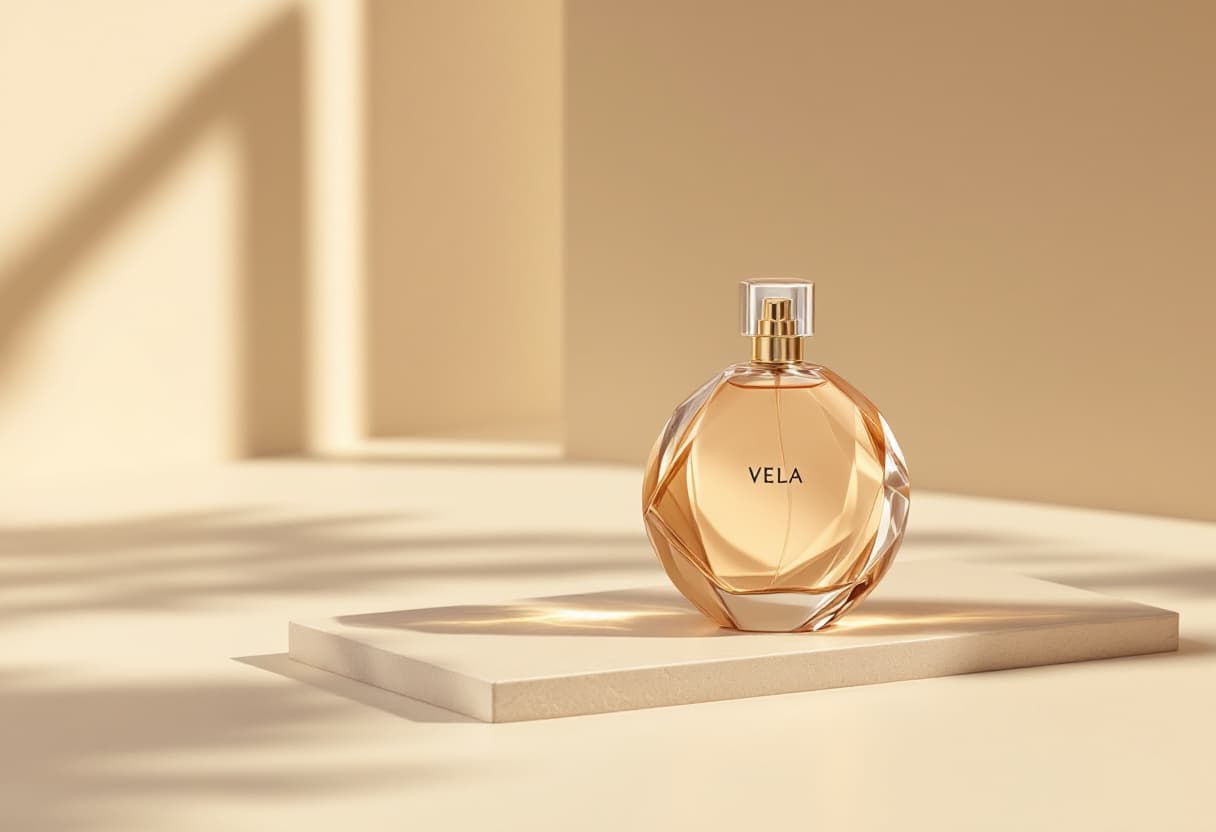
FLUX 1.1 Pro — same production brief
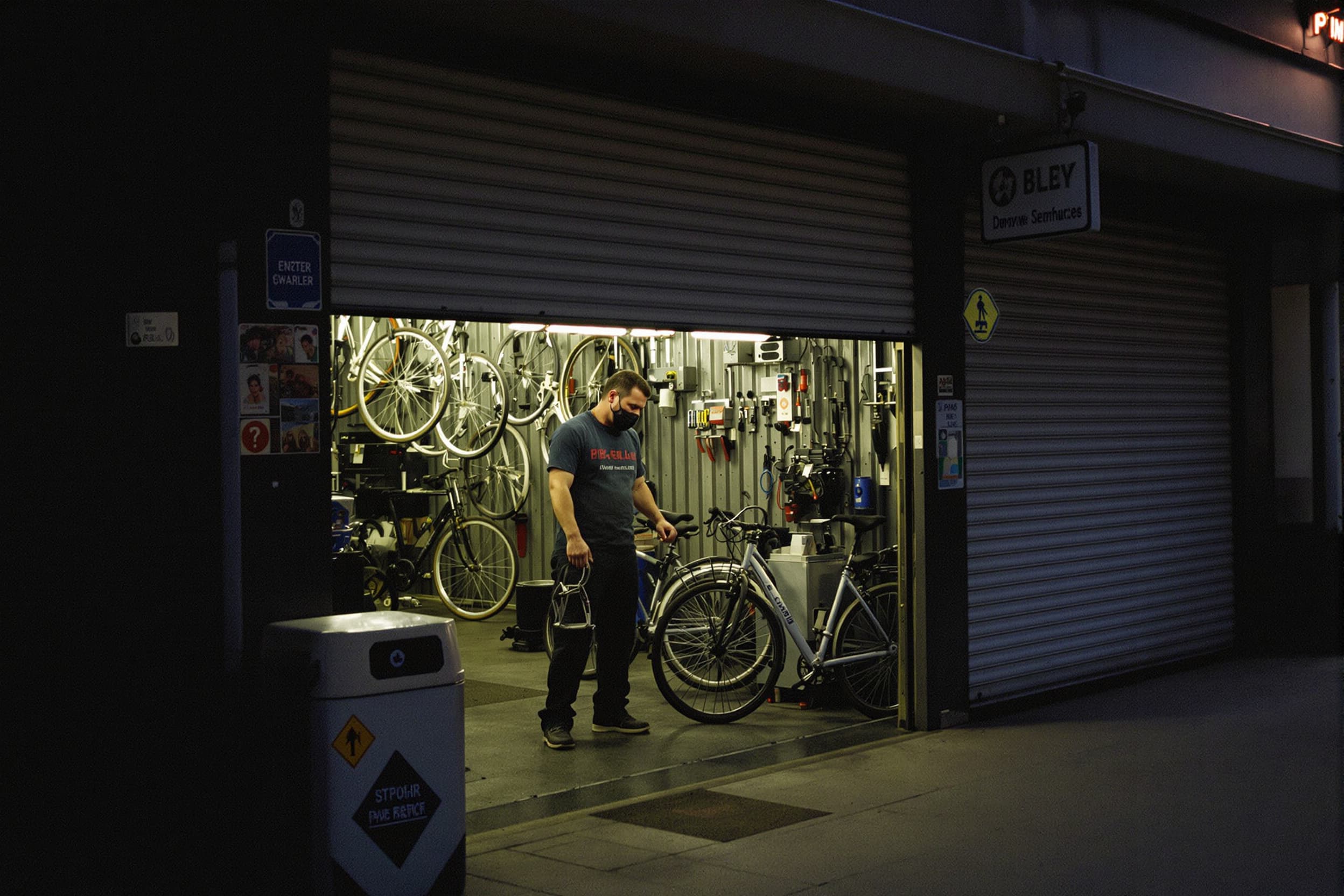
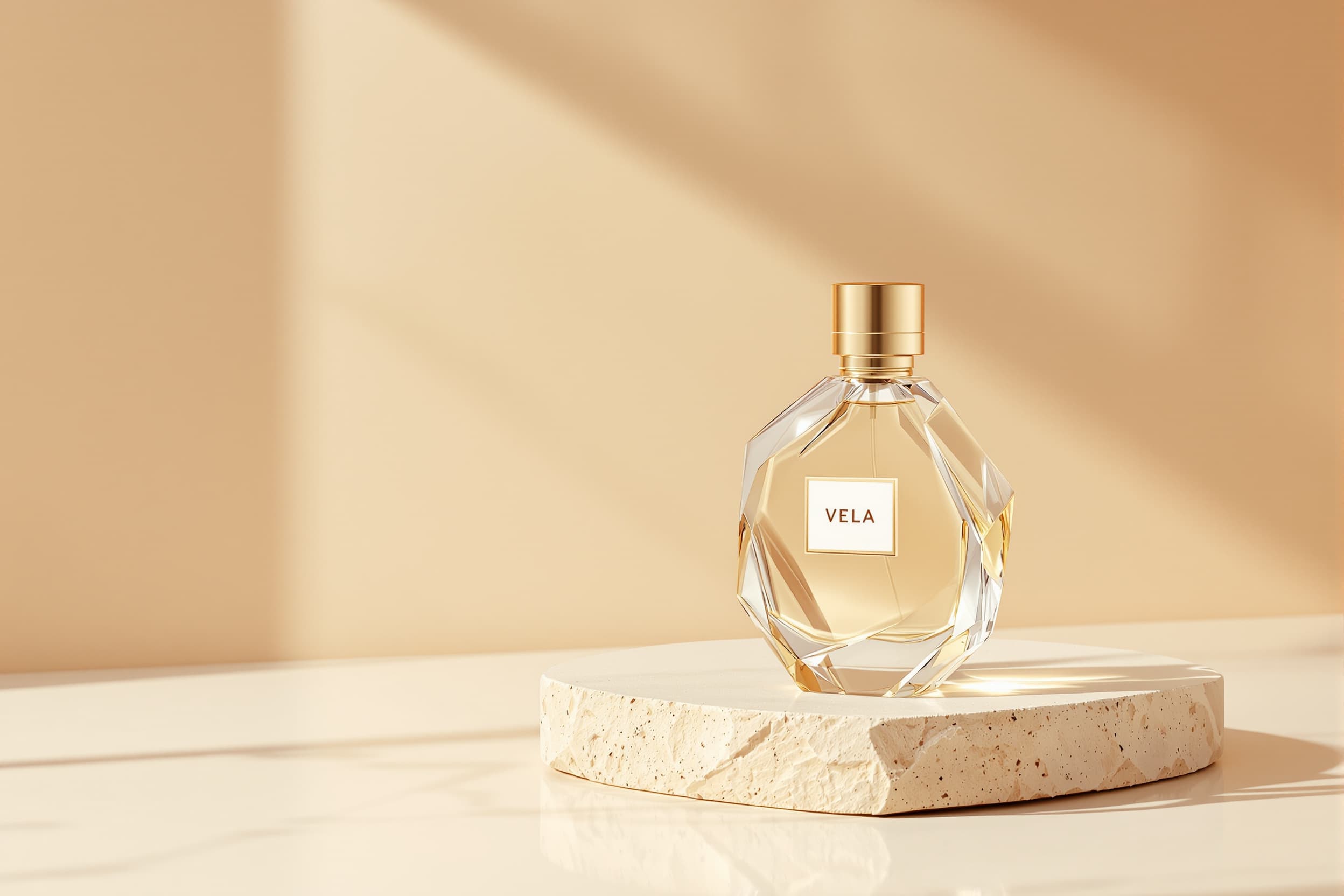
FLUX 1.1 Pro — same production brief thumbnailPro Ultra — same brief at higher resolution thumbnailPro Ultra RAW — restrained photographic register thumbnail

Generator examples

FLUX 1.1 Pro

FLUX 1.1 Pro vs Ultra — test the output, not the suffix

FLUX 1.1 Pro remains useful even after newer FLUX families arrive. Compare the real Pro and Pro Ultra model options for high-resolution campaign stills, natural RAW-looking photography, typography, unusual aspect ratios, and dependable product rendering. Ultra is not universally better; judge whether its extra detail changes the deliverable you need.

Exact model options · Same-brief comparison · Production review

Try FLUX 1.1 Pro
Perfume product brief generated with FLUX 1.1 Pro
FLUX 1.1 Pro — same production brief
Same perfume product brief generated with FLUX 1.1 Pro Ultra
Pro Ultra — same brief at higher resolution
Natural bicycle workshop photograph generated with FLUX 1.1 Pro Ultra RAW
Pro Ultra RAW — restrained photographic register

Where Pro and Ultra separate

A useful comparison keeps the brief fixed and reviews the places a client or production team will actually notice.

Same perfume product brief generated with FLUX 1.1 Pro Ultra
Pro Ultra — same brief at higher resolution

Resolution and micro-detail

Ultra belongs at the finishing end when fabric weave, surface texture, foliage, and small product detail survive the final crop. Pro is often sufficient for ideation and standard web delivery.

FLUX 1.1 Pro and Pro Ultra are established Black Forest Labs model options with different production profiles. Pro is a strong default for prompt-led still generation. Ultra extends the quality ceiling and supports workflows where high resolution and photographic nuance justify the additional generation cost.

Natural bicycle workshop photograph generated with FLUX 1.1 Pro Ultra RAW
Pro Ultra RAW — restrained photographic register

RAW photographic register

The natural RAW direction asks for plausible exposure, restrained grading, and unvarnished texture instead of a synthetic campaign sheen. Review skin, highlight rolloff, lens behavior, and color separation.

Use the model selector with one of three production presets: Ultra detail, natural RAW, or poster with text. Run the same concept on both model options and compare the results against the final use rather than a static feature checklist.

Short text and layout

Quote exact short copy and reserve a clear text zone. Neither model replaces a designer's final typography pass, but a cleaner first render reduces masking and reconstruction work.

Wide and tall frames

Ultra is valuable when a nonstandard aspect ratio needs coherent detail across the entire canvas. Inspect corners and secondary subjects, not only the central hero object.

Build a Pro-versus-Ultra evidence sheet

One prompt and two model options are enough to make a useful decision when the review rubric is written first.

  1. Choose a hard but relevant brief

    Include one material challenge, one layout constraint, and exact short text only if the real project needs it. Do not benchmark on a random fantasy portrait.

  2. Lock the frame

    Use the same aspect ratio and output intent. A square Pro image and a wide Ultra image are different composition tests, not a model comparison.

  3. Score repair minutes

    Record text corrections, masking, anatomy cleanup, and rerolls. The better-looking raw output does not always produce the faster approved asset.

  4. Archive the model

    Save the exact model label with the prompt and result so a later campaign can reproduce the chosen register.

Why FLUX 1.1 Pro still has a job

Perfume product brief generated with FLUX 1.1 Pro detail crop

For product work, define geometry, label placement, material, lens, surface, shadow, and crop. For portraits, define identity only when the reference and model support it, then review hands, jewelry, hair edges, and skin texture. For posters, treat generated typography as a draft and verify every character.

The newest model is not automatically the lowest-cost route to an approved image. An older model may already be integrated into a team's repeatable prompt library. Migration is worthwhile when a controlled benchmark shows fewer rerolls, less cleanup, or a visible quality gain at delivery size.

Use official sources for current specifications. In the workbench, run both priced model options with the same settings, keep the model name visible, and review the outputs using the same production criteria.

If you are evaluating Pro Ultra, confirm the selected model before generation and compare it with Pro under the same brief. The displayed credit price always follows the model you select.

FLUX 1.1 Pro — practical questions

Is FLUX 1.1 Pro Ultra the same as Pro?

No. They are separate model options. Ultra targets the higher-quality, high-resolution end of the family; Pro is the balanced production model.

Does Ultra always look better?

Not at every delivery size. Compare the same brief and count usable outputs plus repair time.

What is RAW mode for?

It describes a more natural photographic register with restrained processing, plausible exposure, and less synthetic polish.

Can it create posters with readable text?

It can draft short quoted text, but every letter must be reviewed and final production typography may still belong in a design tool.

Why choose FLUX 1.1 after FLUX.2?

The model options, pricing, and established workflows are different. Migrate only when a same-brief benchmark shows that the newer model improves your actual deliverable.

Put FLUX 1.1 Pro to work

Run a project-shaped benchmark, compare Pro and Ultra at the size customers will see, and select the model that produces the cheapest approved asset—not the most impressive zoomed-in crop.

Open FLUX 1.1 Pro