Discord

Generate with the real FLUX.2 family. Start on FLUX.2 Max, then compare Pro, Flex, Dev, and Klein by workload instead of guessing from model names.

Example Image
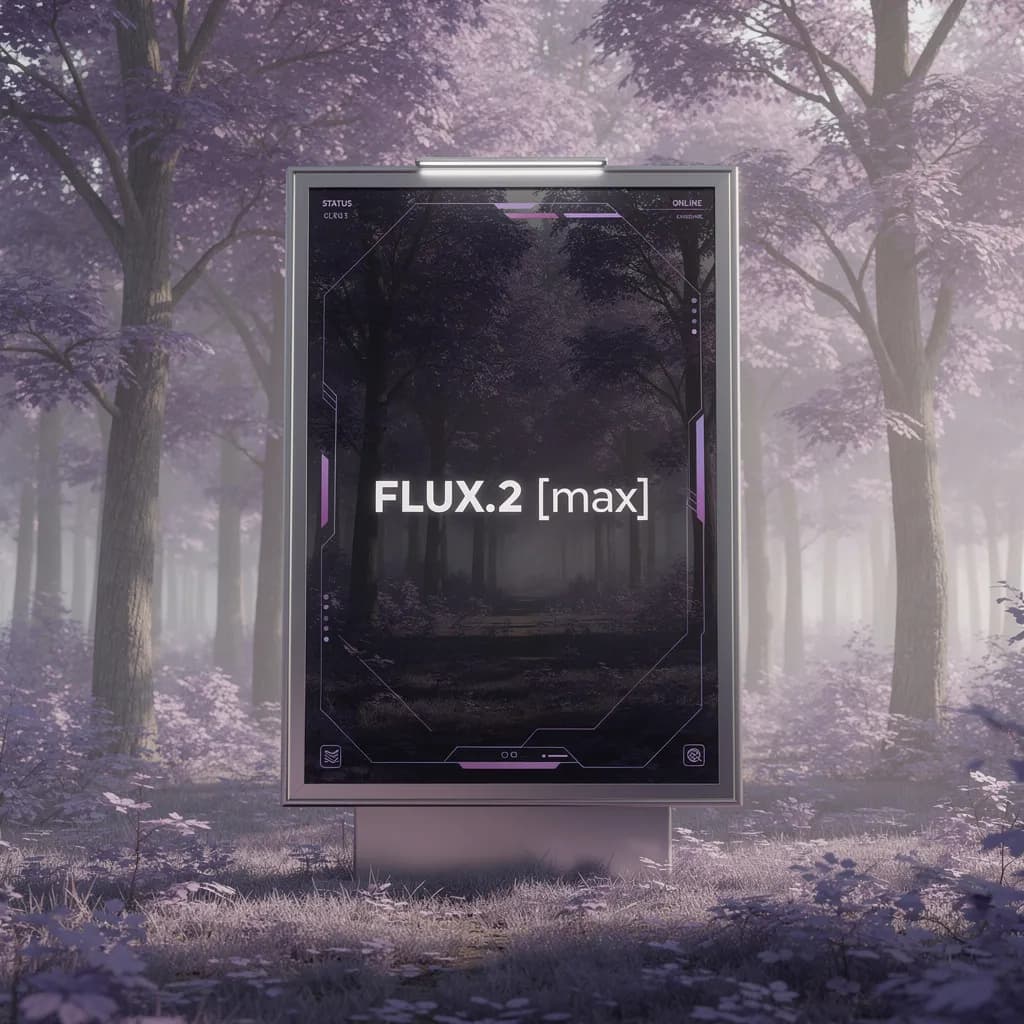
FLUX.2 Max — model sample
FLUX.2 Max — model sample thumbnailFLUX.2 Pro — model sample thumbnailFLUX.2 Flex — model sample thumbnail

Generator examples

FLUX.2

FLUX.2 — choose the tier by the job, not the badge

FLUX.2 is a family rather than one anonymous image model. This workbench starts with the live FLUX.2 Max model and keeps the model selector visible so you can benchmark Max against Pro, Flex, Dev, or Klein with the same brief. Compare the finished deliverables and choose the tier that reaches approval with the least total work.

Real priced models · Model name stays visible · Downloadable output

Try FLUX.2
FLUX.2 Max generation example
FLUX.2 Max — model sample
FLUX.2 Pro generation example
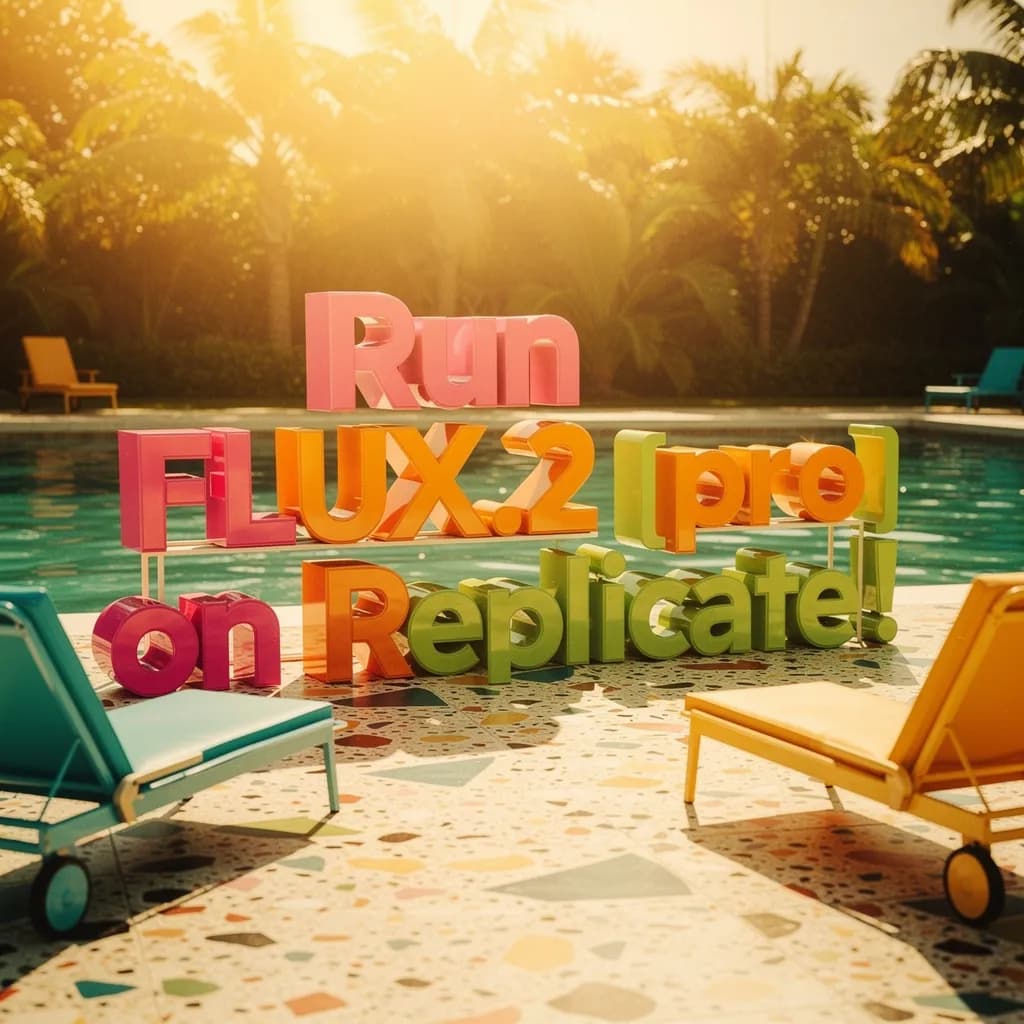
FLUX.2 Pro — model sample
FLUX.2 Flex generation example
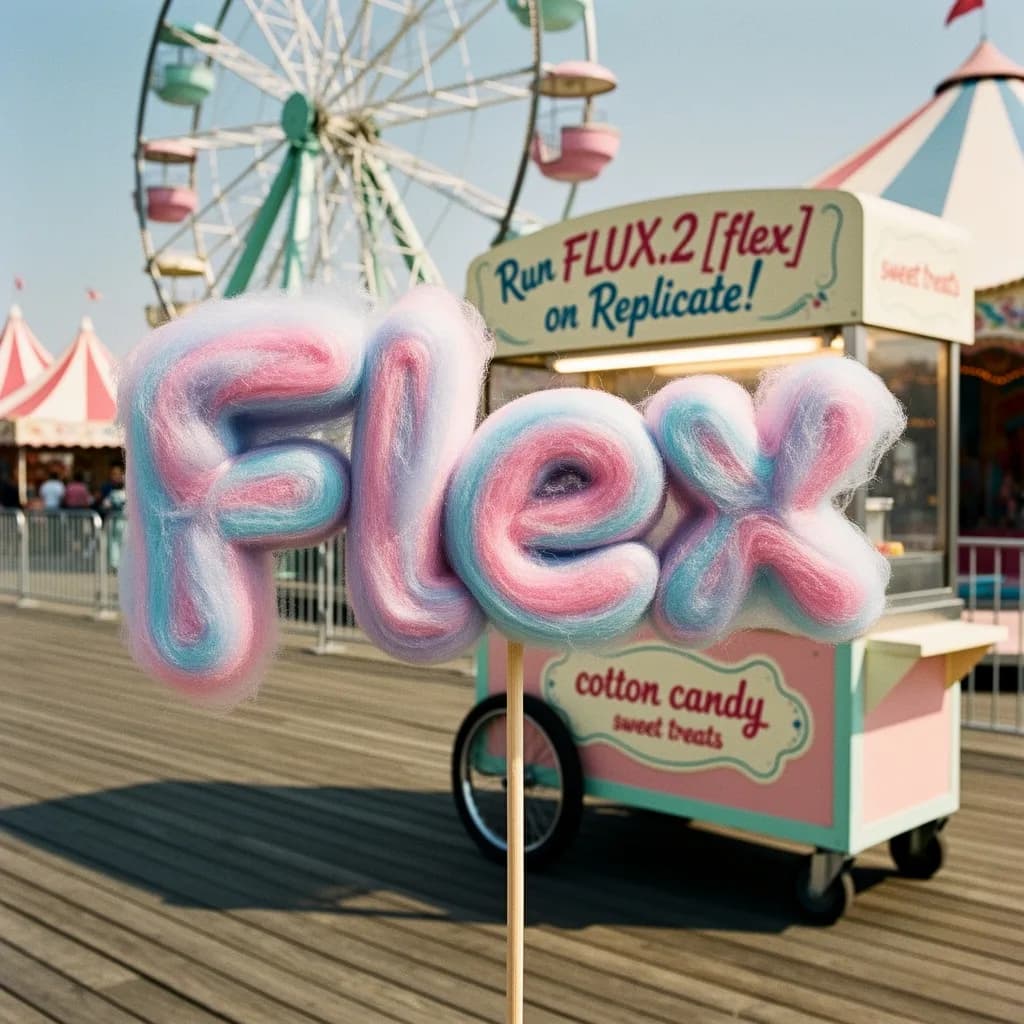
FLUX.2 Flex — model sample

A useful FLUX.2 family map

The practical difference is not a vague quality score. It is how much control, iteration speed, reference fidelity, and finishing effort a deliverable requires.

FLUX.2 Pro generation example
FLUX.2 Pro — model sample

Max for the final hero

Start FLUX.2 Max when one image must carry a campaign: dense art direction, material realism, short typography, and several visual constraints. Keep the winning prompt and seed so a cheaper tier can be tested against the same target instead of against a different idea.

The Black Forest Labs family spans compact Klein checkpoints through Max. Choose the model before generation: Klein favors rapid exploration, Pro balances production quality and throughput, and Max is the strongest starting point for a demanding final image. Switching model options can change available controls, speed, and credit price, so keep the brief fixed when you compare them.

FLUX.2 Flex generation example
FLUX.2 Flex — model sample

Pro for daily production

FLUX.2 Pro is the balanced production model for product scenes, editorial stills, and layouts that need strong instruction following without always paying for the heaviest pass. Compare usable-output rate, not only the prettiest single render.

Start with one of three workload presets: campaign key visual, product packshot, or editorial portrait. Selecting one fills the editable prompt with production constraints; add your subject and art direction before generating so the comparison begins with a real deliverable rather than an abstract quality label.

Flex for controlled iteration

Flex belongs in workflows that value tunable quality and speed. Use it for controlled option generation, then promote a chosen composition only when the extra detail of Max has a visible business purpose.

Dev for open workflow testing

FLUX.2 Dev is useful when reproducibility and ecosystem access matter. It is not automatically the best client-delivery choice; judge text, hands, product geometry, and retouch time on your own benchmark.

Klein for rapid exploration

Klein keeps the first creative loop fast. Use it to reject weak compositions early, then carry the structured brief to Pro or Max. Open the dedicated Klein workspace when you need to choose explicitly between its 4B and 9B variants.

Run a same-brief FLUX.2 benchmark

Treat the generator as a controlled test bench. One changing variable produces a decision; five changing variables produce anecdotes.

  1. Write the acceptance test

    Before generating, state the deliverable, required objects, exact short text, forbidden changes, crop, and one measurable quality threshold. This prevents the review from becoming a preference contest.

  2. Start at Max, then bracket

    Run the final-quality target once on Max, then repeat on Pro and one faster tier. Keep inputs identical. If the lower tier already clears the acceptance test, the expensive pass has not earned its place.

  3. Review at delivery size

    Inspect the actual ad crop, marketplace thumbnail, slide, or hero width. FLUX.2 detail that disappears after compression should not drive a pricing decision.

  4. Record the winning recipe

    Save prompt, model, ratio, reference roles, and revision notes. A repeatable recipe is more valuable than a lucky image that nobody can reproduce.

What changed in FLUX.2

FLUX.2 Max generation example detail crop

A fair benchmark uses the same prompt, aspect ratio, reference roles, and review rubric. Score subject accuracy, material behavior, text legibility, spatial relationships, and manual repair minutes. A slower, more expensive output can be cheaper overall if it removes two rerolls and a retouching pass; a fast model wins when most concepts will be discarded.

FLUX.2 does not remove normal image review. Check protected marks, factual labels, anatomy, cultural details, and whether a reference is licensed for the requested use. Save the model label with every exported candidate because a clean audit trail matters when a team later asks why two similar prompts produced different results.

Use the official overview for current family specifications, then test the live model options here with the same prompt, ratio, and review criteria. Klein, Pro, and Max are separate choices rather than aliases.

Check the model label and credit price before refining a long prompt. Save each result in the benchmark ledger, reuse the same preset, and move to Kontext or FLUX Tools when the job requires instruction editing or structural control.

FLUX.2 — practical questions

Is FLUX.2 Max selected here?

Yes. FLUX.2 Max is selected by default. You can switch to another available FLUX model in the model selector before generating.

Is FLUX.2 the same as FLUX.2 Klein?

No. Klein is the compact, speed-focused branch of the broader FLUX.2 family. Use the dedicated Klein workspace when you need its 4B or 9B variant.

Which tier should I use for product ads?

Benchmark Pro and Max with the same product reference. Choose by label fidelity, geometry, reflection quality, and repair time rather than by tier name alone.

Can FLUX.2 edit reference images?

Support depends on the selected model and the input fields shown in the generator. Use FLUX Kontext for instruction editing, or FLUX Tools for Canny, Depth, Fill, and Redux workflows.

Can I see the generation price before I start?

Yes. The generator displays the credit price for the selected model before you submit the request.

Put FLUX.2 to work

Begin with one brief that has a real acceptance test, run Max as the quality ceiling, then earn your way down to the fastest tier that still ships. That workflow makes FLUX.2 selection an economic and creative decision instead of a model-name preference.

Open FLUX.2