Subtle hairline edits that still look real
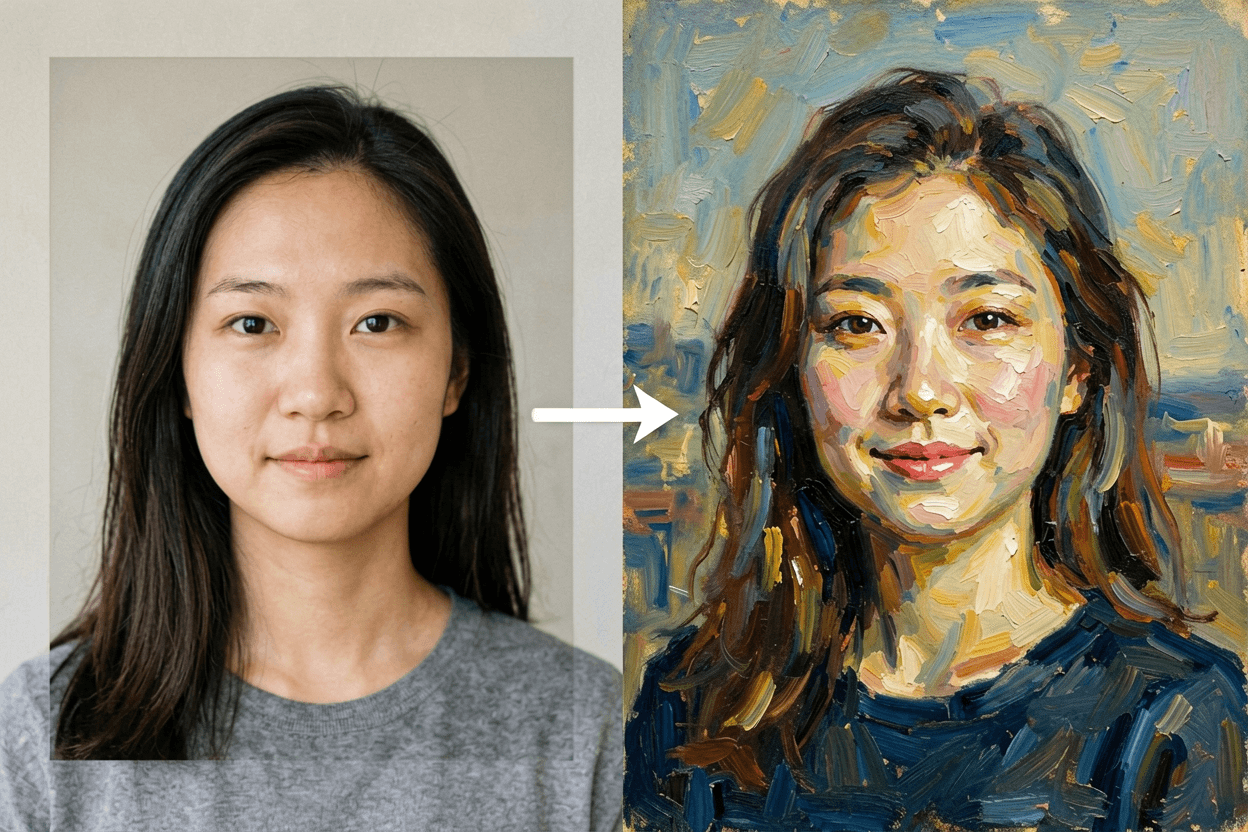
A hairline photo editor retouches the edge of the hair: filling a receding temple, tidying flyaways or softening a hard line, while keeping your face, skin and expression. Upload one front-facing portrait and pick an edit.
Three ready-made hairline edit options
Upload your photo in the generator above, pick a direction and check the live credit estimate before you generate. The default is Seedream 4.5, a reliable low-cost image editor; you can switch to another image model in the picker.
Fuller Temples
Retouch only the hairline of the person in the uploaded portrait. Keep the face, skin texture, eyes, expression, lighting and background unchanged. Natural hair growth direction, realistic fine baby hairs, no wig look. Fill the receding temples so the hairline looks fuller and natural.
Clean Edge
Retouch only the hairline of the person in the uploaded portrait. Keep the face, skin texture, eyes, expression, lighting and background unchanged. Natural hair growth direction, realistic fine baby hairs, no wig look. Tidy flyaways and stray hairs for a clean, neat hairline.
Slightly Lower
Retouch only the hairline of the person in the uploaded portrait. Keep the face, skin texture, eyes, expression, lighting and background unchanged. Natural hair growth direction, realistic fine baby hairs, no wig look. Lower the hairline slightly with a soft, natural edge.
Start with the right photo
Use a front-facing portrait with the forehead and hairline clearly visible, hair pushed back, even light.
How to make it
Upload your photo in the generator above, pick a direction and check the live credit estimate before you generate. The default is Seedream 4.5, a reliable low-cost image editor; you can switch to another image model in the picker.
Upload one photo
Use a front-facing portrait with the forehead and hairline clearly visible, hair pushed back, even light.
Pick a hairline edit
Choose Fuller Temples, Clean Edge or Slightly Lower, or use Custom prompt to write your own direction. The prompt fills in automatically and you can edit it.
Generate and review
Compare the result with your photo and rerun or adjust the prompt if a detail drifted. Download the image or animate it in the image-to-video tool.
Before you share
AI results are new interpretations, not real footage. Label them as AI edits when you post, do not use them to impersonate anyone, and keep the person or pet in the photo comfortable with being shared.
Hairline photo editor questions
Is this a medical preview?
No. It is a cosmetic photo edit for preview and fun, not a prediction of a treatment result.
Will it change my face?
The prompt edits only the hairline. If the face shifts, rerun with a sharper, front-facing photo.
How many credits does one image cost?
About 14 credits per image with the default Seedream 4.5 model, so a new account can run it with its welcome credits. The exact estimate is shown before you run.
Whose photos can I upload?
Only photos of yourself, of adults who agreed, of your own pets, or of children you are the parent or guardian of. Photos of celebrities and public figures are not allowed.