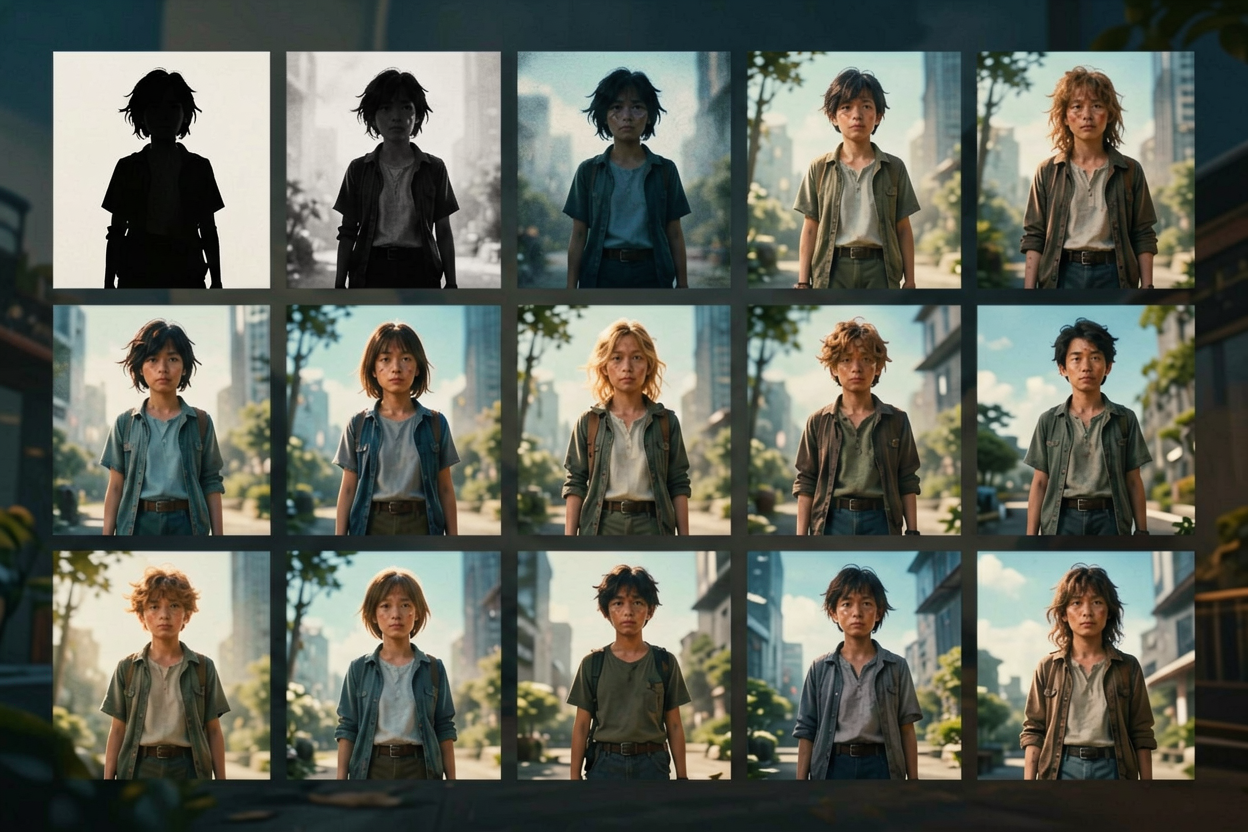
Sprite Sheet Generator — character to multi-frame strip
A sprite sheet generator turns one character design into a grid of frames you can drop into a game engine, a website, or a UI mockup. On Voor AI, the sprite sheet generator takes either a text prompt or a reference image and produces multi-pose, multi-frame outputs aimed at indie game devs, prototypers, and motion designers who need 2D character animation without a full rig. Searches for sprite sheet generator come from Unity and Godot developers who want concept art they can iterate on, jam developers who need placeholder characters in an afternoon, and educators teaching pixel-art workflows. A good sprite sheet generator produces frames that share silhouette, palette, and proportions across poses — that consistency is what separates a useful sprite sheet generator session from a bag of unrelated character drawings. Voor AI's sprite sheet generator pipeline locks the master pose first, then iterates additional poses against that anchor so the resulting strip reads as one character.
How to get a usable sprite sheet generator session
The sprite sheet generator panel is above. Two paths: text-to-sheet or image-to-sheet.
Lock the master pose first
Generate one strong reference of your character in a neutral idle pose. The sprite sheet generator uses this as the anchor for every subsequent frame.
Describe each pose explicitly
'Same character, mid-walk, left foot forward, sword arm relaxed'. The sprite sheet generator delivers cleaner inheritance when each frame prompt names the action precisely.
Cut out backgrounds in post
Sprite sheet generator output usually needs background removal before going into an engine. Run a quick matte pass in your image editor or use a background-removal tool.
What a sprite sheet generator is, in practice
A sprite sheet is a grid of frames representing different poses or animation steps of the same character. A sprite sheet generator is any tool that produces those frames. Traditional sprite work is hand-drawn pixel by pixel; an AI sprite sheet generator uses an image model to produce frames from prompts or reference images. The headline benefit is throughput — concepts that took a week of pixel-art work now take an afternoon of prompting and curation.
The honest tradeoff: a sprite sheet generator does not produce production-final assets for AAA games. Inter-frame consistency is good but not pixel-perfect, and small details (eye pupils, weapon angles) can drift between frames. Use the sprite sheet generator for prototypes, jam games, concept exploration, and pre-production. Hand off to a pixel artist for shipped retail releases.
Common workflows: indie developers generate a locked design and a walk cycle as placeholders, then ship the prototype before committing to final art. Educators use a sprite sheet generator to show students how multi-frame animation reads on a grid. Motion designers use a sprite sheet generator to prototype UI mascots without commissioning custom illustration.
What a useful sprite sheet generator delivers
Sprite work lives or dies on consistency. A sprite sheet generator that does not preserve character is just a slow drawing tool.
- Silhouette-first character lockThe sprite sheet generator starts by generating a strong reference pose. Subsequent frames inherit silhouette, palette, and proportions from that anchor so the whole sheet reads as one character.
- Pose iteration without redesignWalk cycle, idle, attack, hit, victory — describe the pose in prompt form and the sprite sheet generator delivers a frame that matches the locked design. No need to redraw from scratch for every action.
- Transparent-background mindsetSprite sheet generator output is usable in engines only if the background is removable. Voor AI's pipeline biases toward clean, isolated subjects you can cut out with a single matte pass.
- Engine-agnostic outputThe sprite sheet generator does not care whether you target Unity, Godot, Phaser, or a custom WebGL renderer. Output is a standard image you import into your engine's animation tool.
Why indie devs and prototypers reach for a sprite sheet generator
Custom pixel art is slow and expensive. For a game jam, a school project, a prototype pitch, or a marketing mockup, a sprite sheet generator delivers usable frames in an afternoon — fast enough to keep momentum, good enough to ship a playable demo.
The sprite sheet generator also pairs well with downstream animation tools. Once you have a locked design and a set of pose frames, importing into a sprite animator (Spine, Spriter, or your engine's built-in animator) gives you a playable character without commissioning a frame-by-frame artist.
Sprite sheet generator — FAQ
Can a sprite sheet generator deliver pixel-perfect retail-ready art?
Usually not. Use the sprite sheet generator for prototypes, jams, and pre-production; commission a pixel artist for final retail polish.
Will frames stay consistent across poses?
Mostly. A sprite sheet generator preserves silhouette and palette well; small details (pupils, weapon angles) can drift. Generate two takes per frame and pick the winner.
Transparent backgrounds?
Run a background-removal pass after generation. Sprite sheet generator output is biased toward clean isolated subjects but rarely ships with a perfect alpha channel out of the box.
What engines is the output compatible with?
All of them — a sprite sheet generator delivers a standard image. Unity, Godot, Phaser, GameMaker, Construct, custom WebGL all accept the same file format.