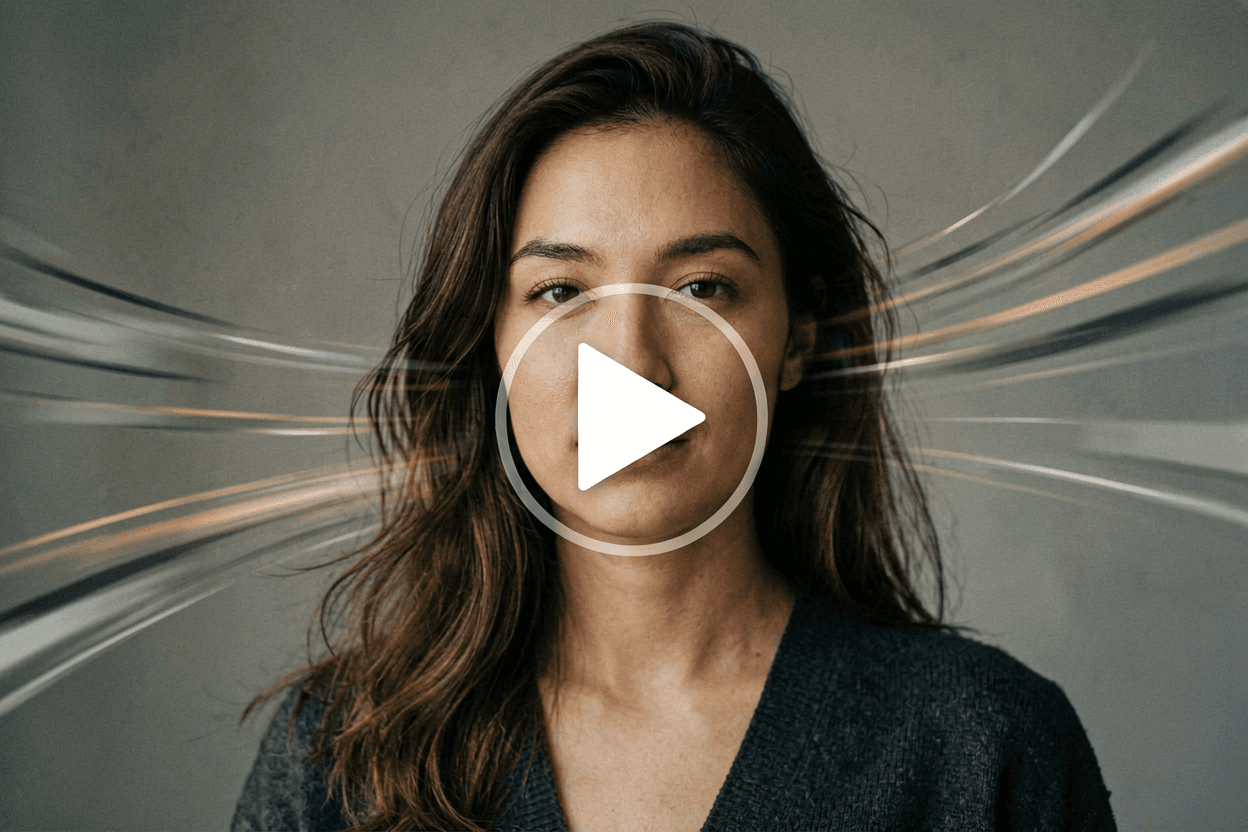
Image to video AI — animate stills with intent
Image to video AI turns a single still into a believable clip without rebuilding the scene in 3D. When someone searches image to video AI, they usually need marketing motion, social teasers, storyboard validation, or quick B-roll that would cost hours to shoot. Strong image to video AI workflows keep identity from the source frame: costume colors, facial likeness, and prop placement should carry into motion instead of drifting. On Voor AI, image to video AI pairs your upload with verbs — pan, dolly, walk, blink, wind, footsteps — so the model knows what changes and what stays sacred. Treat every image to video AI pass as a draft you can reroll: the phrase image to video AI describes a category, but your output still depends on the brief. Voor AI exposes several image to video AI checkpoints — Seedance 1.5 Pro, Vidu Q3, Kling v2.1, FLUX2 klein — from the same generator so you can compare two takes on the same prompt and pick the cleaner one.
What is image to video AI, exactly?
Image to video AI is a class of generative video model that synthesizes a sequence of frames conditioned on a reference image plus a text prompt. Unlike a slideshow, image to video AI infers optical flow, parallax, and micro-expressions inside policy limits. The phrase image to video AI covers consumer tools (Voor AI, Runway, Pika) and research checkpoints alike — they all share the same input shape: still + brief, output: clip.
Professionals use image to video AI for advertising, ecommerce loops, mood films, and game juice. Hobbyists use image to video AI for memes and music visuals. Educators use image to video AI to teach shot grammar without renting cameras. The common workflow is upload a still, describe motion, generate, review, iterate — image to video AI rewards iteration more than it rewards heroic single-shot prompting.
Legally, only run image to video AI on images you have the right to use. Consent, copyright, and trademark rules still apply — image to video AI is not a bypass for likeness rights. If you can't ship the source still in a campaign, you probably can't ship its image to video AI output either.
What useful image to video AI looks like in production
Image to video AI is not random wiggling — it is controlled motion. These pillars separate a working image to video AI session from a mushy one.
- Identity lock from the stillImage to video AI works best when your reference is sharp and well lit. Blurry uploads force the image to video AI model to invent detail, which reads as morphing. Center the subject, pick a clean crop, and give the image to video AI pipeline a real master to anchor on.
- Verb-first promptingImage to video AI prompts should name actions before adjectives. 'Subject walks toward camera', 'fabric ripples in wind', 'rain falls steadily' — concrete beats produce coherent image to video AI motion. If the output feels floaty, tighten the verbs.
- Short clips, edited togetherTwo to five seconds is the sweet spot for image to video AI. Expecting a full short film from one image to video AI call usually disappoints. Sequence shorter beats and cut them in your editor instead.
- Multiple models, same panelVoor AI lets you switch between image to video AI models without leaving the page. Seedance for cinematic moves, Vidu Q3 for portrait-grade identity preservation, Kling for stylized motion — same upload, different image to video AI outputs to compare.
How to run a disciplined image to video AI session
Use the generator above. Treat each render as one take inside a broader image to video AI edit.
Prepare a clean master still
Crop clutter, balance exposure, export PNG or high-quality JPG. The cleaner the plate, the more stable image to video AI motion looks on top of it.
Describe camera and subject motion separately
Example: 'slow dolly in; subject turns head left; scarf moves with wind'. Layered descriptions help image to video AI disambiguate what is moving and what is staying still.
Generate, compare, cut
Save two winners from different image to video AI models, then trim heads and tails in your editor. Image to video AI rarely lands a perfect first frame — editing is normal.
Why teams budget for image to video AI
Image to video AI cuts location costs and weather risk. You can explore ten camera ideas before committing to a shoot day. For global campaigns, image to video AI also lets you localize motion without flying crews — same plate, different prompts, regional cuts.
Image to video AI shines when brand guidelines already mandate specific stills. Motion overlays sell products without reshooting hero pack-shots. The hardest part of image to video AI adoption is convincing teams that a 'two-second clip from one photo' is enough to test before the next shoot.
Image to video AI — FAQ
Will image to video AI preserve faces perfectly?
Usually close on sharp portraits, less so on hard profiles or motion blur. Image to video AI preserves perceived identity rather than pixel-exact features — expect touch-up rerolls.
Can image to video AI replace stock footage?
For stylized or product-specific shots, often yes. For documentary realism, real plates still win. Image to video AI is best as a complement, not a wholesale replacement.
Do I need a local GPU?
No. Browser-based image to video AI runs in the cloud. Upload size limits and credit costs still apply.
How do I avoid uncanny motion?
Keep moves modest, avoid conflicting verbs, shorten duration. Most image to video AI 'creepiness' comes from asking too much in one prompt.