Discord

Turn your own portrait or group photo into a festive dance clip with Santa, elf, snow-globe, and party presets plus camera-safe motion guidance.

Example Video
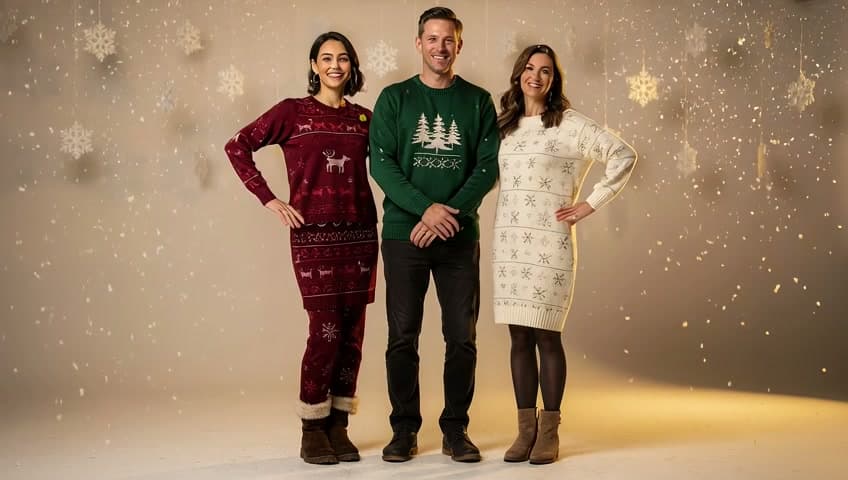
PreviewPreview — Turn the group photo into a gentle snow-globe waltz while keeping all three people readable.
Video
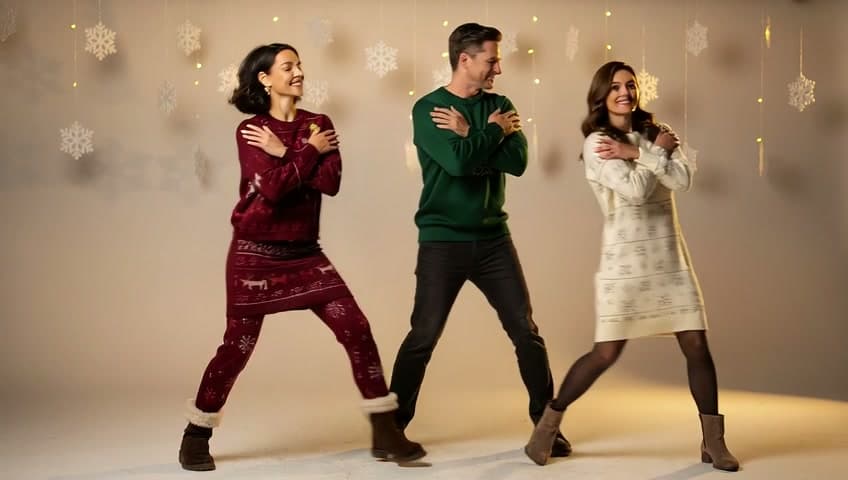
Turn the group photo into a gentle snow-globe waltz while keeping all three people readable. thumbnailAnimate the same group source with simple synchronized Christmas party choreography and a wide static camera. thumbnail

Generator examples

AI Christmas dance maker

AI Christmas dance maker — a festive clip that still looks like you

A modern Christmas dance effect can animate the full portrait and scene rather than pasting a face onto stock choreography. Voor keeps the instant fun but avoids pretending every upload suits every movement. Choose Santa, original elf, snow-globe waltz, or group party, then generate with a real image-to-video model and a brief that protects identity, limbs, foot contact, and family-friendly tone.

Family-friendly presets · Real I2V · Original costumes

Try AI Christmas dance maker
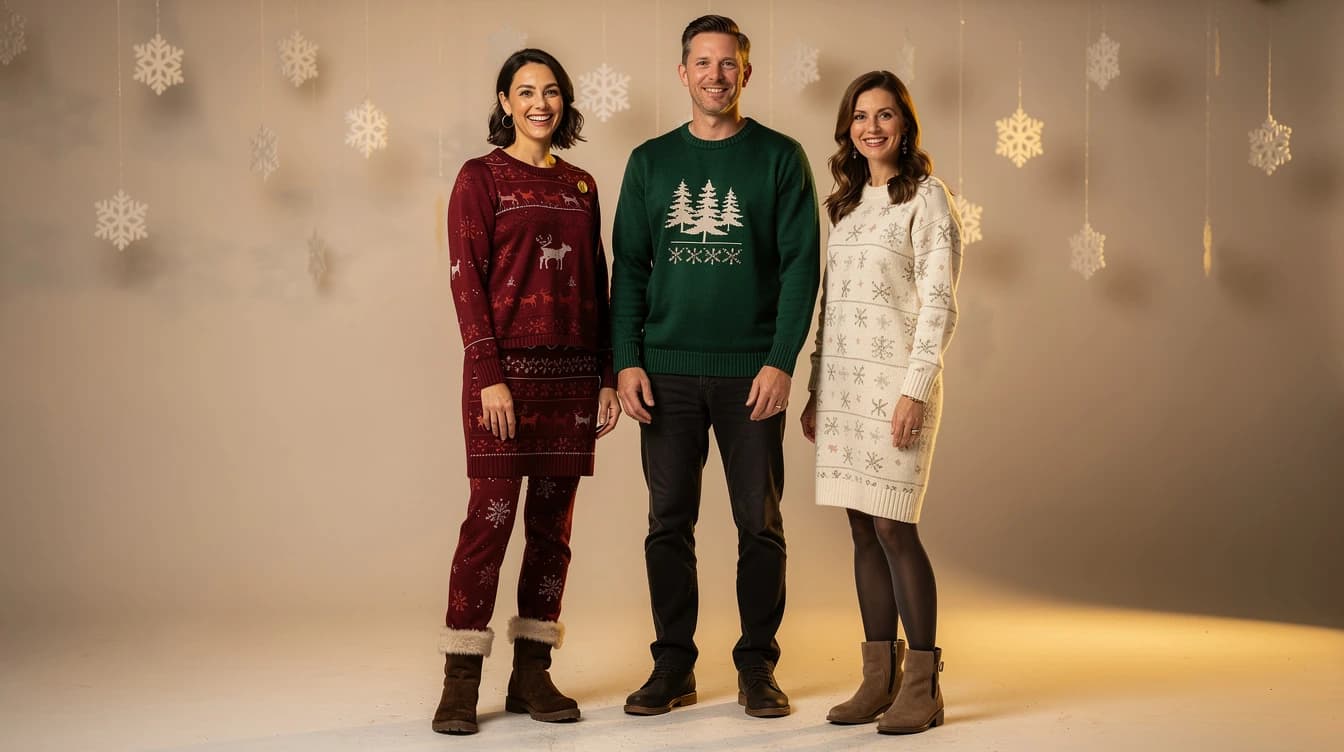
Snow-globe waltzVoor-owned five-second Christmas dance output generated with xai/grok-imagine-video from the group source shown above.
Fictional adult group source used for an AI Christmas dance
Source frame — three full bodies with clear spacing
Festive party danceA second real generation testing simple synchronized group choreography and a wide static camera.

Compare a second take before you spend another generation

The second clip is not decorative footage. Use it to compare framing, identity, contact, camera movement, and whether the final beat gives you a usable edit point.

From face paste to generated holiday scene

Fictional adult group source used for an AI Christmas dance detail crop

Use your own portrait or images you have permission to animate. For children, keep sharing private and age-appropriate. Avoid copying trademarked characters, misleading viewers about a real event, or turning someone else's photo into a public joke without permission.

Judge a holiday clip at phone size, because that is where it will be shared. Check the opening hook, facial identity, limb stability, foot contact, festive color separation, safe crop for captions, and whether the final beat can loop or hold for a greeting.

Selection stays playful and immediate while the workflow adds editable prompts, an explicit model, group guidance, original-character wording, and a path into the rest of the video toolchain.

That combination supports both casual greetings and creator work. A family can make one warm clip, while a social editor can reuse the stable end frame for captions, transitions, or an extended scene.

Four holiday formats with different source needs

The best preset is the one your source can support, not simply the loudest thumbnail.

Frame from an AI snow globe Christmas dance video
Grok Imagine Video — snow-globe waltz

Dance with Santa

A single clear subject works best. The preset adds an original fictional Santa beside them, uses a simple shared rhythm, and keeps the source outfit unless the prompt requests a change.

A festive dance flow should make scene choice visible before processing. Face placement, choreography intensity, subject count, and camera framing all change which source photo can support the effect.

Frame from an AI festive party dance video
Grok Imagine Video — party dance

Original elf dance

This mode changes costume while preserving the face. It asks for an original festive design rather than copying a protected movie or game character.

The scene switch sits above the generator while keeping the actual model form intact. The result is a generated clip whose environment, wardrobe, movement, and sound can respond to the user's brief rather than a fixed stock body.

Snow-globe waltz

A slower movement helps portrait identity survive and makes snow, reflections, and fabric motion readable. It suits greeting cards and warm family messages.

Group party

Use a photo where every face is visible and avoid tightly crossed arms. Simple synchronized steps are more reliable than assigning different choreography to each person.

AI Christmas dance maker — practical questions

Can I animate a group photo?

Yes. Choose Group party and use a source where every face and most bodies are readable.

Is the elf a copyrighted character?

The preset requests an original festive elf costume and avoids protected character replicas or logos.

Will the original outfit stay?

Santa and snow-globe modes ask to preserve it by default. The elf preset intentionally changes wardrobe while protecting identity.

Can I add music?

Use any audio controls exposed by the selected model or add licensed music after download with Voor's audio and video workflow.

Is a child photo allowed?

Use only with guardian permission, keep the output family-friendly, and avoid public sharing that compromises the child's privacy.

Make the source do half the work

A clean portrait and modest choreography usually beat an elaborate prompt on a cropped or blurry image.

  1. Match preset to framing

    Use a full-body image for energetic dance, three-quarter framing for waltz, and a clear group photo for synchronized motion.

  2. Keep one visual joke

    Santa, elf wardrobe, snow globe, or party choreography is enough. Combining all four makes identity and scene continuity harder.

  3. Reserve caption space

    State vertical or landscape delivery and keep faces away from social UI. Ask for a stable opening or ending frame for the greeting text.

  4. Review before sharing

    Watch for face swaps, extra people, broken hands, costume logos, and any movement that feels unsafe or embarrassing to the subject.

Put AI Christmas dance maker to work

Pick one festive idea, match it to a source that shows the required movement, and keep the result kind, recognizable, and easy to share. Holiday charm comes from timing and identity, not visual overload.

Open AI Christmas dance maker