Pick your starting point
Four ways into a video
The best tool depends on the material already in your hands.
From words
Write the shot
Describe the scene, action, camera, and mood.
Start hereFrom a frame
Bring it to life
Animate a photo, illustration, or product image.
Start hereFrom performance
Direct the motion
Transfer movement and control the camera path.
Start hereFrom existing video
Finish the cut
Extend, repair, restyle, or improve a clip.
Start hereBrowse by job
Every tool has a place in the cut
Looking for model specs instead? Compare pricing, duration, resolution, and native audio in the video model catalog.
Animate an image4
Give a photo, product shot, sketch, or generated frame a new life.
Still frame → motion
Wan 2.6 Image-to-Video
Wan 2.6 I2V on Voor AI — upload a still, pick a camera preset, and review the credit estimate before generating motion.
Open toolStill frame → motion
Wan 2.2 Animate
Turn still images into short videos with Wan 2.2 I2V Fast. Upload, prompt motion, download MP4.
Open toolStill frame → motion
Wan Animate
Pick Wan 2.2 Fast or 2.5 I2V, prompt motion, download MP4. Full Wan family guide.
Open tool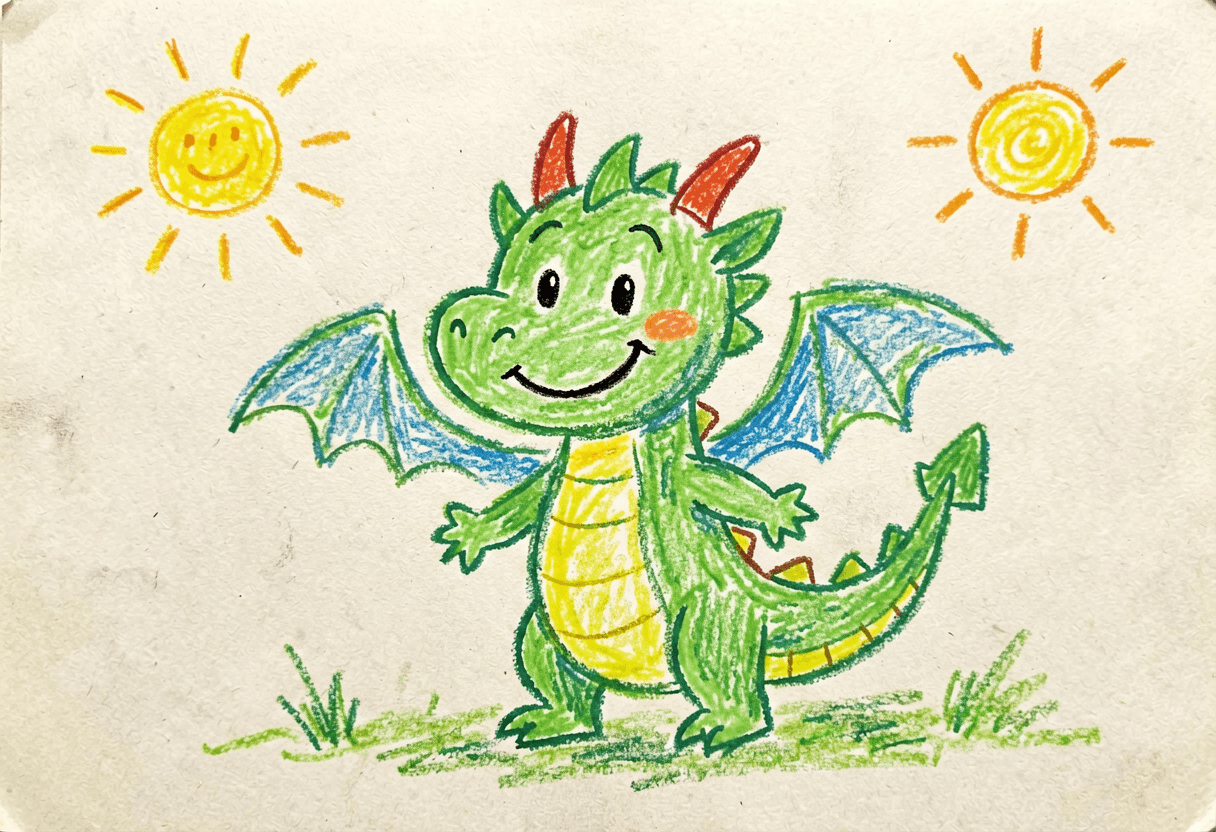
Still frame → motion
Draw to Video
Animate your sketches, doodles, and storyboards while the line style stays yours.
Open toolDirect motion & camera11
Control the performance, camera path, pose, and timing.
Reference → directed move
Seedance Prompting Guide
Write better Seedance video prompts — story beats, camera moves, and director planning tips.
Open tool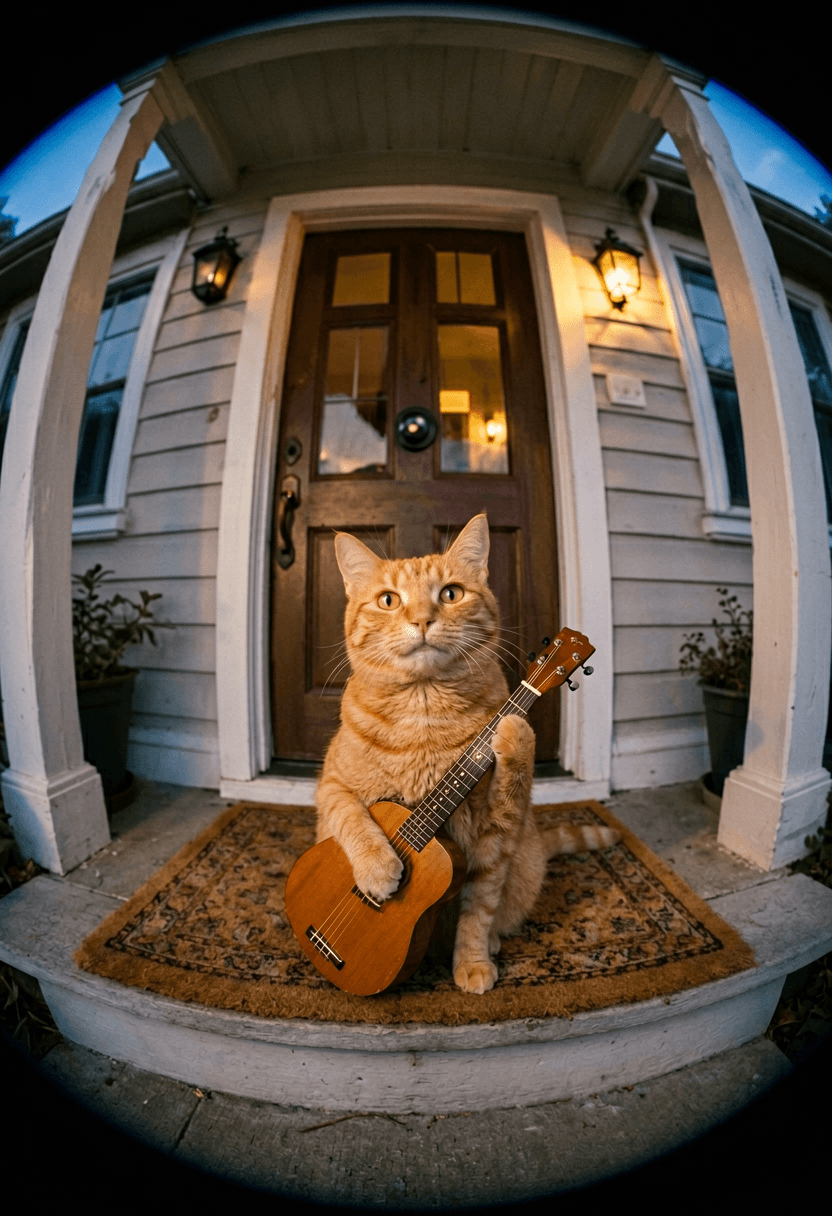
Reference → directed move
AI Doorbell Camera Video
Ring/Nest style fisheye porch POV, IR night vision, security-cam texture. Animate any porch still.
Open toolReference → directed move
AI Baby Dance
Pick a dance video, add a baby photo — Kling motion control makes the child perform that exact dance.
Open toolReference → directed move
AI Motion Control
Pick a dance video, add a photo — Kling motion control makes the subject perform that exact choreography.
Open toolReference → directed move
3D Camera Control
Describe orbit, dolly, pan, crane, and tilt movements precisely for deliberate cinematic motion.
Open toolReference → directed move
3D Camera Transform
Transform a still scene with deliberate orbit, dolly, crane, and perspective changes.
Open toolReference → directed move
Kling 3.0 Motion Control
Upload a dance clip and a subject photo — Kling 3.0 re-performs that exact choreography with the person in the photo.
Open toolReference → directed move
Seedance 2.5
Plan multimodal cinematic video briefs with references, camera direction, and sound cues.
Open toolReference → directed move
Seedance 2.0 Mini
Generate 4-15 second video with audio from a prompt, a still image, or a reference set.
Open toolReference → directed move
AI Doodle Dance Partner
Upload a full-body photo to make a short dance video with your sketched double. Choose a doodle style and preview the credit estimate before generating.
Open toolReference → directed move
Make a Storm II sync dance video from one photo
Turn one full-body photo into the Storm II sync dance trend: slow synced arm waves and a sharp freeze in a stormy, moody scene, in a vertical clip.
Open toolVoice, sound & lip sync4
Make dialogue, music, and facial performance land together.
Audio → synced performance
Create AI Image to Video with Audio and Emotions
Generate emotion-led silent motion from one still, then sync your own track in an editor.
Open toolAudio → synced performance
Image Audio to Video
Wan 2.6 I2V: generate motion from a still and optionally attach MP3 or WAV as background audio.
Open tool
Audio → synced performance
Photo to Video with Music
Free browser slideshow: upload photos and BGM, export a video with music — no credits.
Open toolAudio → synced performance
Create Video from Audio AI
Audio-driven video: upload a still and voiceover or music, generate cinematic motion.
Open toolExtend, edit & enhance4
Repair footage, continue a shot, or polish it for delivery.
Existing clip → final cut
Video Transition
Upload multiple clips, add cross-dissolve, fade, wipe, or hard cuts, and export in your browser.
Open tool
Existing clip → final cut
AI Video Quality Enhancer
Enhance video quality online: upscale, sharpen, and denoise soft footage for YouTube and archival clips.
Open toolExisting clip → final cut
Fix Blur in Video AI
Remove motion blur, lens blur, and compression artifacts. Sharpen and enhance video quality online.
Open tool
Existing clip → final cut
Nano Banana Background Remover
Nano Banana 2 stills with clean cutout backgrounds, then animate with Veo 3 motion.
Open toolProducts, ads & social1
Build campaign-ready video around a product, channel, or format.
Models, effects & experiments36
Try a specific model, visual effect, or format-driven workflow.
Idea → unexpected result
Gemini Omni 1.2 Flash
Generate 3–15 second videos with synchronized audio from text, or animate a still with an optional end frame, at 360p through 4K.
Open toolIdea → unexpected result
Gemini Omni 1.1 Flash
Generate or edit 3–10 second videos with synchronized audio from text, a still, mixed references, or an existing clip.
Open tool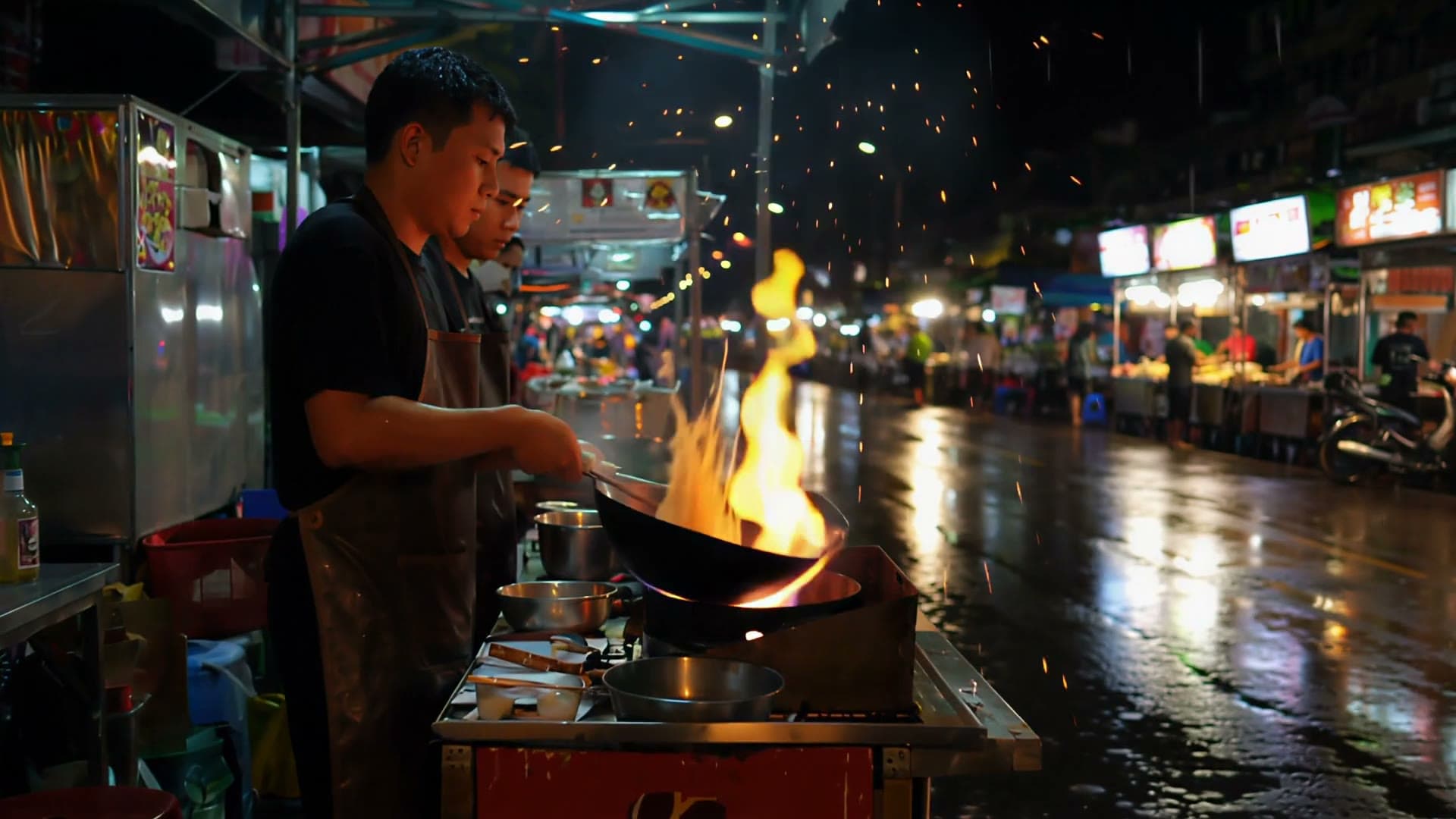
Idea → unexpected result
PixVerse V6
PixVerse V6: 1–15 s video up to 1080p from text, a still, two keyframes, or a clip to extend.
Open tool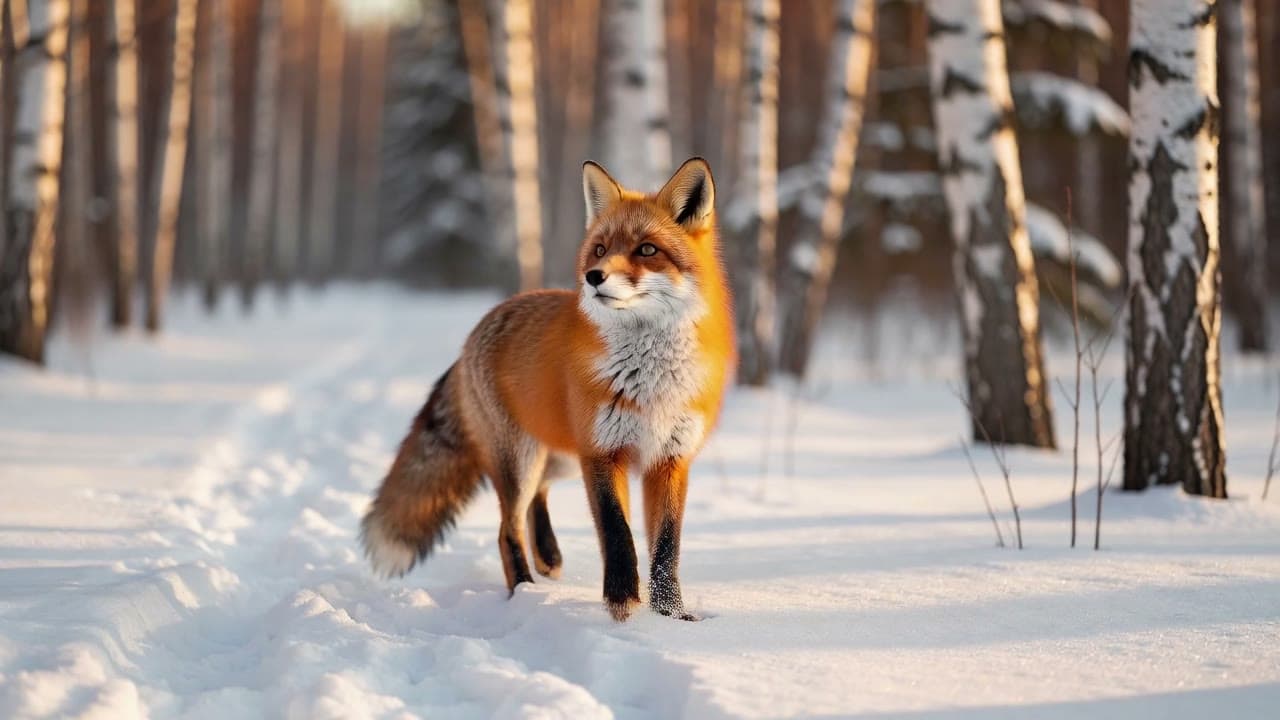
Idea → unexpected result
Grok Imagine Video 1.5
xAI's video model with sound: text, a still or up to seven references to 1–15 s clips, in Standard and Lite tiers.
Open tool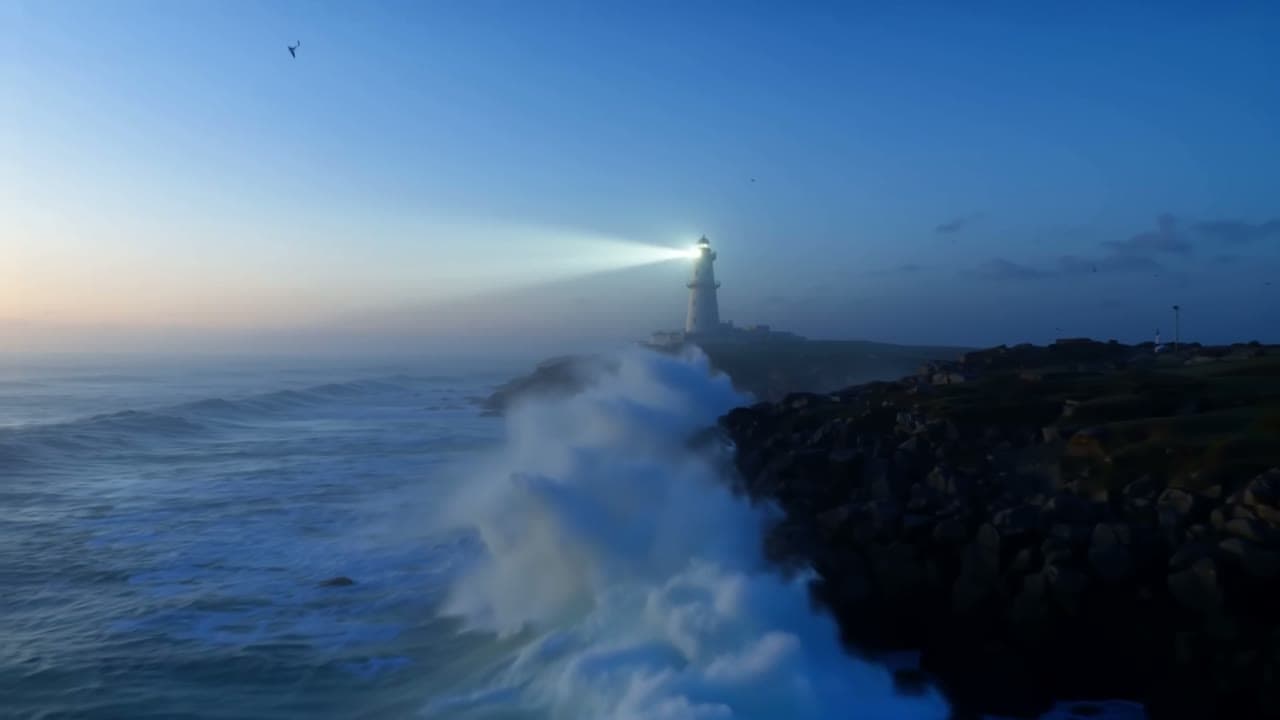
Idea → unexpected result
LTX 2.5
Lightricks' video model with sound: up to 4K or 20 s, camera presets, start and end frames, and audio to video.
Open toolIdea → unexpected result
Wan 3.0 Prime
The premium Wan 3.0 tier: 2–30 second videos with synchronized audio from a prompt, a still, or reference media, at a higher per-second price than Wan 3.0.
Open toolIdea → unexpected result
Wan 3.0
Alibaba's newest Wan video model — 2 to 30 seconds with synchronized audio from a prompt, a still, or reference media.
Open tool
Idea → unexpected result
Gemini Omni 1.1 Flash vs H3 Max
Compare real same-prompt video outputs, observed generation time, Voor credits, resolution, audio, motion, and the best workflow for each model.
Open tool
Idea → unexpected result
Gemini Omni 1.1 Flash vs Wan 3.0
Compare two reference-capable native-audio models with real same-prompt outputs, timing, credits, duration, resolution, and editing tradeoffs.
Open tool
Idea → unexpected result
H3 Max vs Wan 3.0
Measure fast iteration against longer, reference-led generation using real same-prompt files, observed time, credits, audio, and output review.
Open toolIdea → unexpected result
AI GIF Generator
Turn a photo or prompt into a short, seamless looping animation delivered as a crisp MP4.
Open toolIdea → unexpected result
AI Body Inflation Generator
Turn a photo or prompt into a funny balloon-up clip — the subject swells and floats off-frame.
Open tool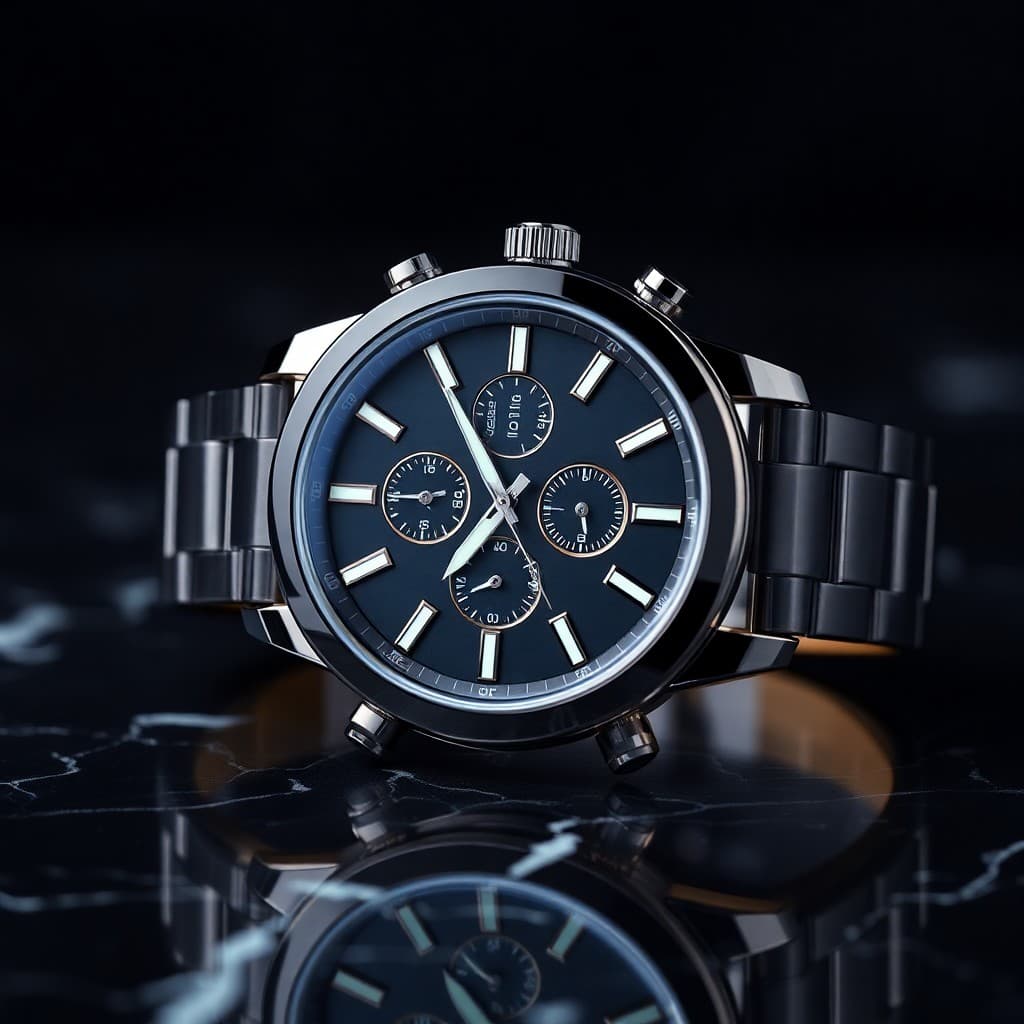
Idea → unexpected result
Nano Banana Video
Animate Nano Banana 2 stills with Veo 3 Fast — turn character stills into short clips.
Open tool
Idea → unexpected result
Banana AI Video
Nano Banana stills → Veo 3 motion. Two-step Google creative pipeline on Voor AI.
Open tool
Idea → unexpected result
Gemini Omni
Turn images, audio, and text into grounded video with a Gemini Omni-style workflow on Voor AI.
Open tool
Idea → unexpected result
De Imagen a Video IA Hunyuan
Convierte fotos en vídeo con Tencent Hunyuan Video en Voor AI — en español.
Open tool
Idea → unexpected result
Make Cute Pet Video
Turn your pet photos and clips into stylized cute pet videos in seconds with AI.
Open tool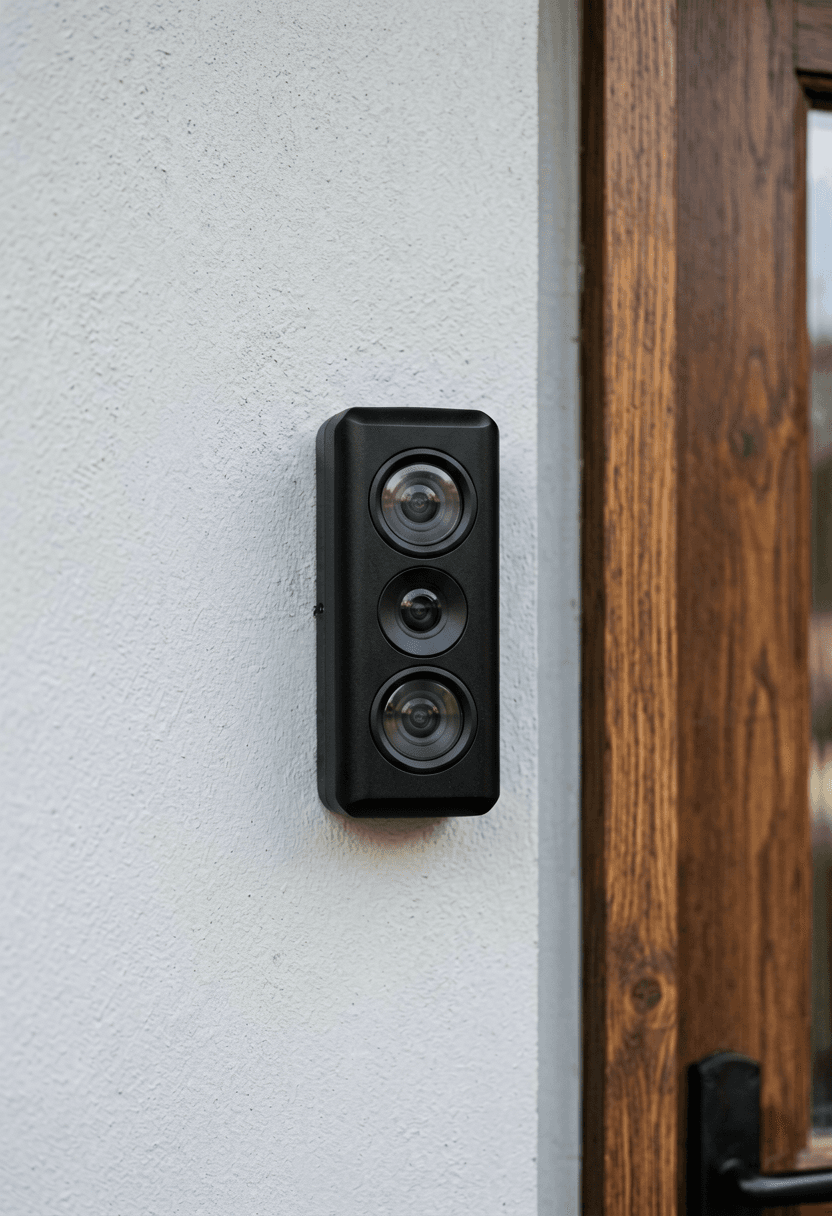
Idea → unexpected result
Doorbell AI Mouth
Generate doorbell-camera and peephole POV clips — fisheye, night vision IR, security-cam texture.
Open tool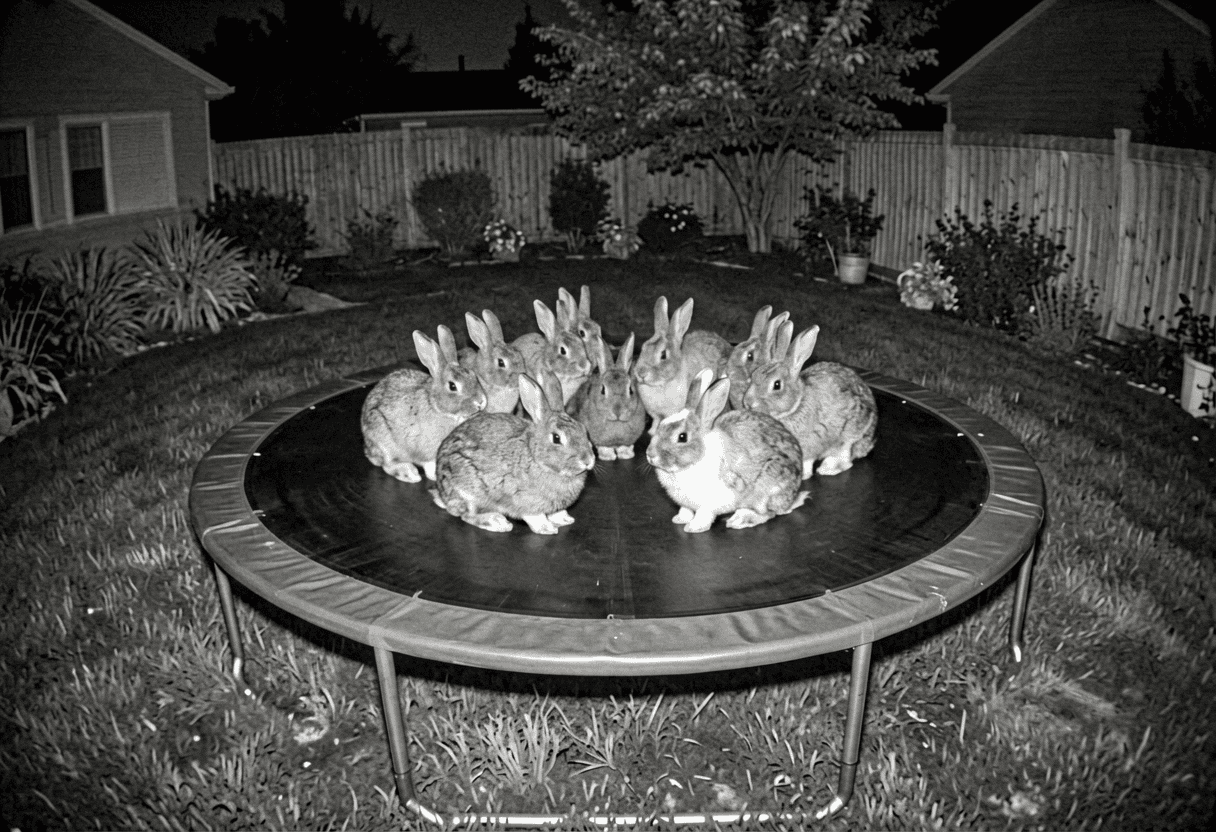
Idea → unexpected result
AI Bunnies Trampoline
Create an AI bunnies trampoline video in night-vision or daylight security-camera style.
Open tool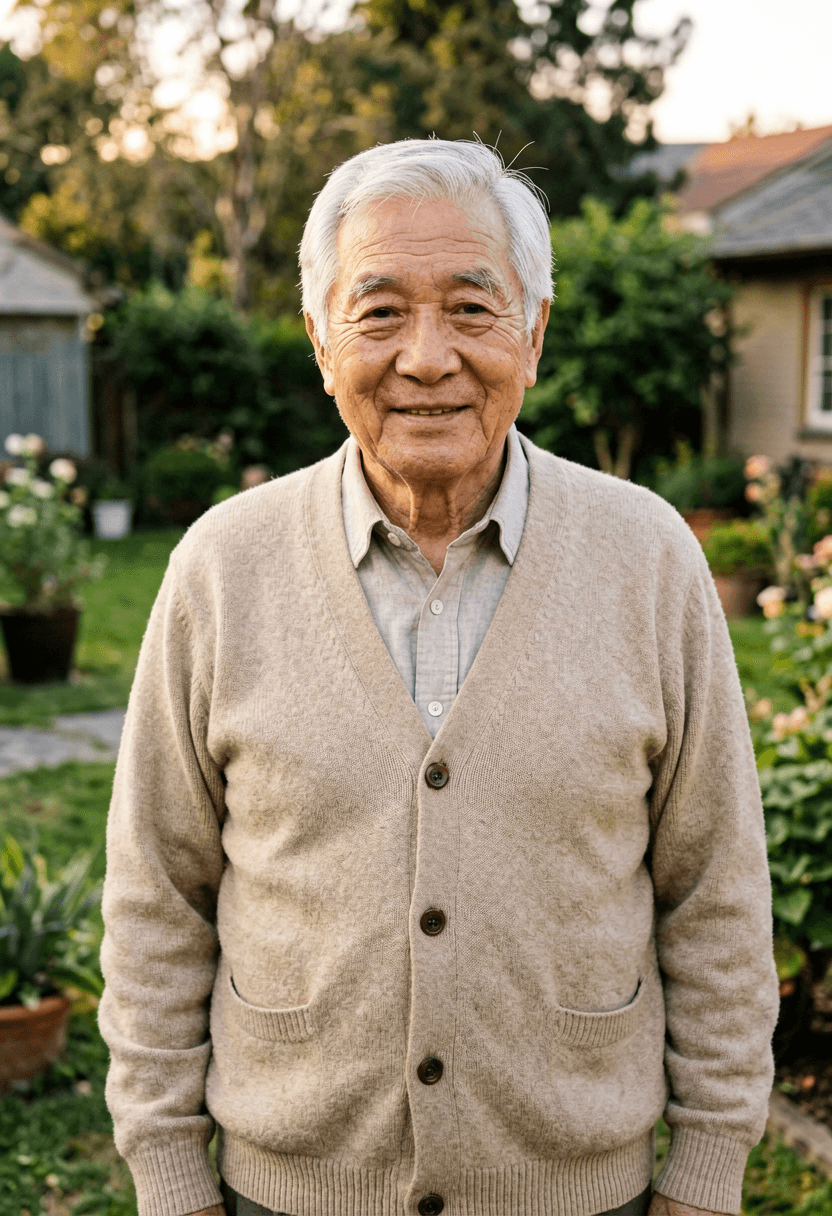
Idea → unexpected result
AI Tiger Hug
Where the trend came from, the anatomy of clips that feel real, the ethics — and where to generate your own.
Open tool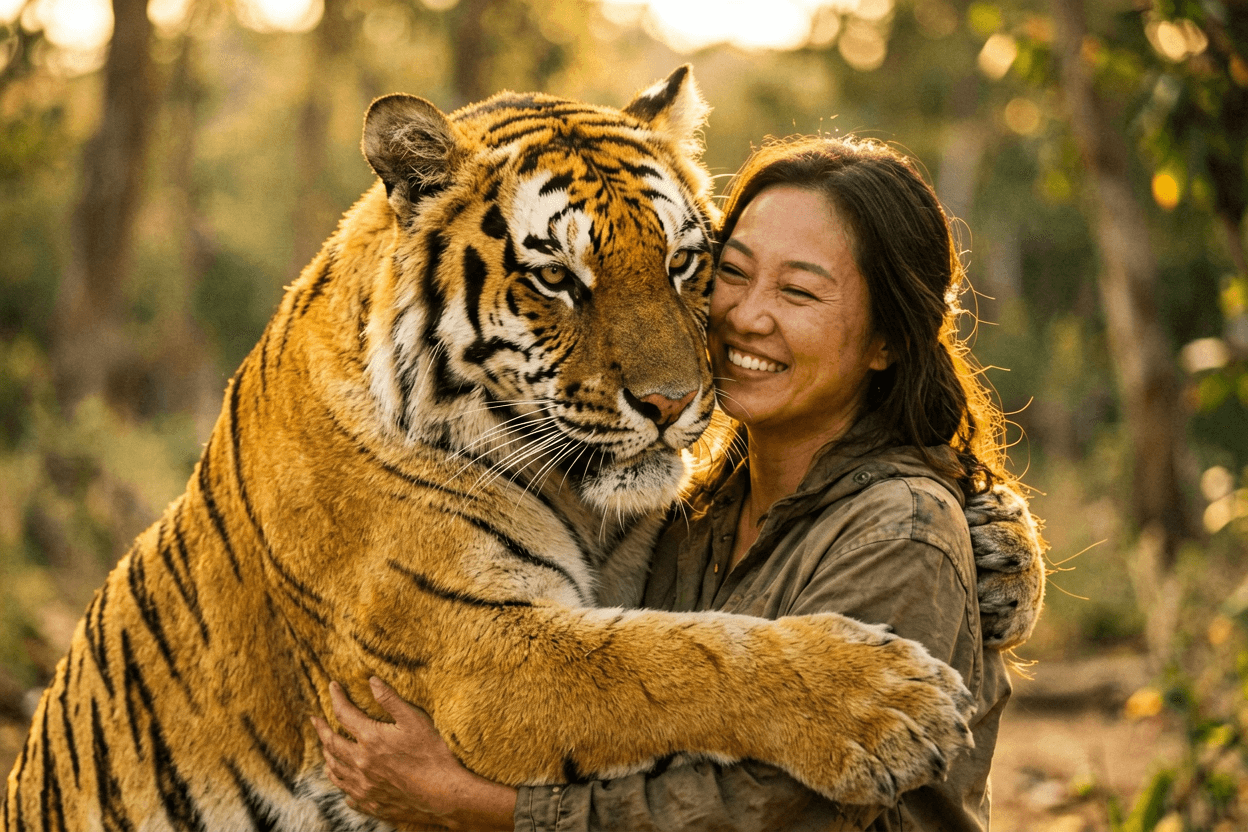
Idea → unexpected result
AI Tiger Hug Video Generator
Upload a photo, pick a hug scenario, get the viral five-second clip — identity preserved.
Open tool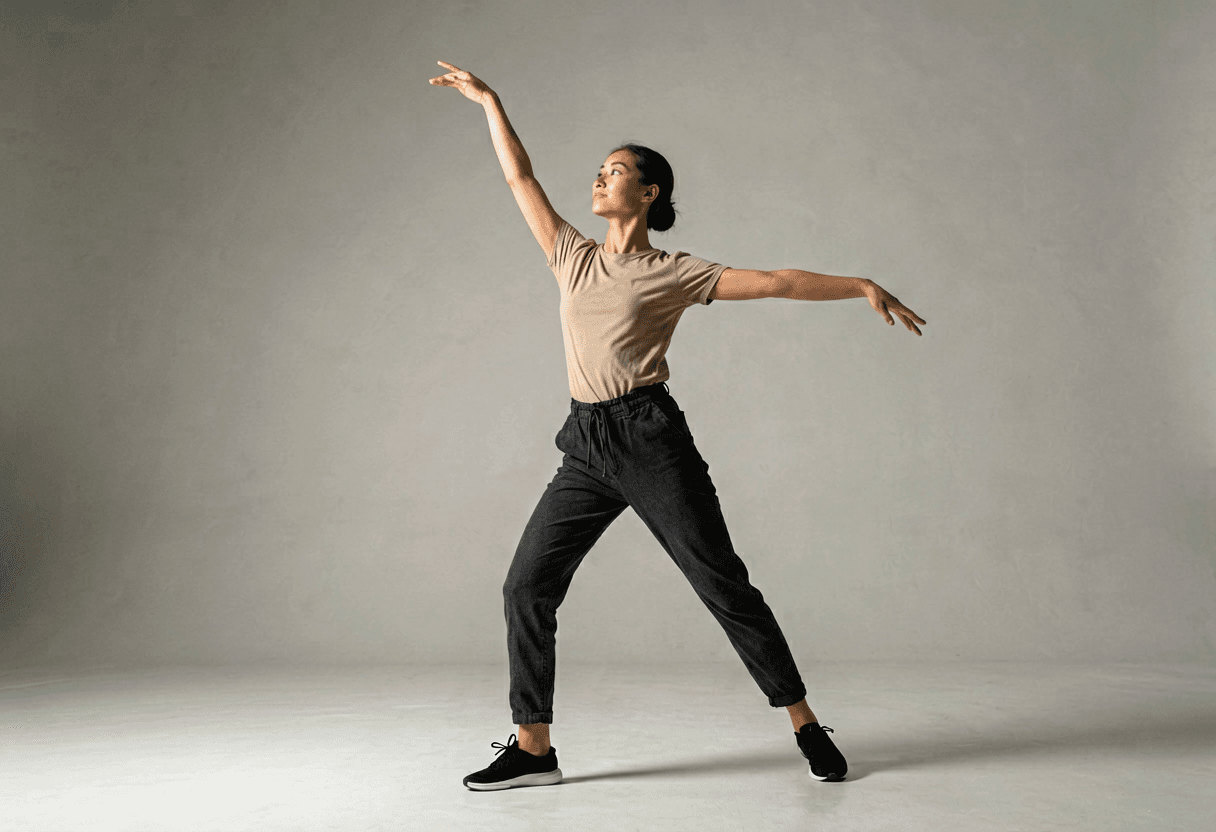
Idea → unexpected result
AI Hip Shake / Hippie Shake AI
Turn a full-body portrait into a short rhythmic hip-shake dance clip — identity and clothing preserved.
Open tool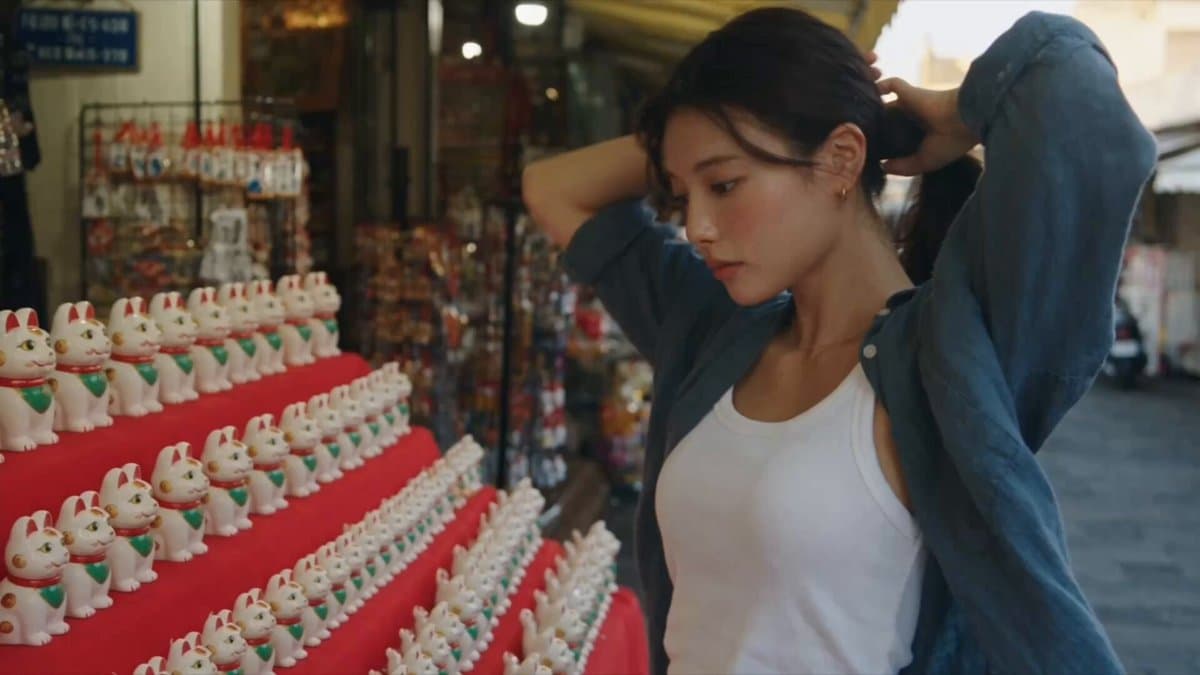
Idea → unexpected result
AI Video Prompts
Reviewed AI video prompt ideas with reference playback, style tags, and one-click apply to the floating generator.
Open toolIdea → unexpected result
HappyHorse 1.1
Build dialogue-led narrative video briefs with character and audio continuity.
Open toolIdea → unexpected result
Kling 3.0 Turbo
Create fast cinematic Kling v3 shot drafts for product, fashion, and social video.
Open toolIdea → unexpected result
Muse Video
Explore multimodal social-video concepts with references, continuity rules, and remix ideas.
Open tool
Idea → unexpected result
SOL-H3
Explore SOL-H3 video with native audio. Shape cinematic scenes with focused prompts, deliberate camera movement, and sound.
Open tool
Idea → unexpected result
FLUX 3
Generate up to 20 seconds of video with native audio from a prompt, a still, a first and last frame, or a clip.
Open toolIdea → unexpected result
Santa Nice List AI Video
Turn one portrait into a Christmas video where Santa opens his list and reveals your photo in a festive frame. Choose a scene and generate on Voor AI.
Open toolIdea → unexpected result
Make a Birthday Video Card From a Photo
Turn a photo of the person sending the birthday wishes into a short video card. Choose cake and candles, a confetti wave, or a gift reveal.
Open toolIdea → unexpected result
Make the robot-steals-your-phone bedtime video
Upload one photo of yourself scrolling in bed and get the viral clip: a small robot walks in, grabs your phone and tucks you in so you finally sleep.
Open toolIdea → unexpected result
Turn a photo into a zombie ambush video
Upload one photo of yourself or your pet and get the zombie ambush clip: a calm moment, a sudden ambush and a cinematic zombie transformation with sound.
Open toolIdea → unexpected result
Make the evil eye bead body trend video
Upload one photo of yourself or a couple and get the Nazar Boncuğu trend clip: blue evil eye beads spread over the body until you shine like a glass charm.
Open toolIdea → unexpected result
Ride a wild horse sprint from one photo
Upload one photo and get the wild horse sprint effect: you ride a galloping wild horse across open land, dust flying, camera tracking alongside.
Open toolIdea → unexpected result
Make the all-cash money trend video
Upload one photo and get the viral rich trend clip (فلوسي كلها كاش): stacks of cash, money raining down and a confident pose, in a vertical video with sound.
Open toolIdea → unexpected result
Make a champagne pop birthday video
Upload one photo and get the birthday-date trend clip: a champagne bottle pops, confetti falls and your birthday year sparkles behind you.
Open toolOne connected workflow
Start with a tool. Keep building in Voor.
Generate the shot, add sound, extend the sequence, and polish the result without rebuilding your workflow elsewhere.