Pick your starting point
Four ways into a video
The best tool depends on the material already in your hands.
From words
Write the shot
Describe the scene, action, camera, and mood.
Start hereFrom a frame
Bring it to life
Animate a photo, illustration, or product image.
Start hereFrom performance
Direct the motion
Transfer movement and control the camera path.
Start hereFrom existing video
Finish the cut
Extend, repair, restyle, or improve a clip.
Start hereBrowse by job
Every tool has a place in the cut
Looking for model specs instead? Compare pricing, duration, resolution, and native audio in the video model catalog.
Animate an image3
Give a photo, product shot, sketch, or generated frame a new life.
Still frame → motion
Turn a photo into an animated cartoon video
Upload one photo and get a short cartoon video: you, your kid or your pet as an animated 3D or 2D character moving through a cartoon scene with sound.
Open toolStill frame → motion
Image to Video AI
Upload a photo or keyframe and describe motion, camera, and pacing. Image to video AI turns stills into clips for ads, social posts, and prototypes.
Open toolStill frame → motion
Vidu Q3 Image to Video
Vidu Q3 image to video keeps subject identity while adding motion, camera language, and synced audio cues—built for creators who start from a still.
Open toolDirect motion & camera20
Control the performance, camera path, pose, and timing.
Reference → directed move
Make a Gangnam Style-inspired horse-ride dance video
Animate one full-body photo into a vertical Gangnam Style-inspired horse-ride dance with crossed wrists, gallop steps, a lasso move and upbeat sound.
Open toolReference → directed move
Catch Santa on camera in your own living room
Upload a photo of your tree, fireplace or front door and get grainy night-cam footage of Santa visiting that exact room, ready for Christmas morning.
Open toolReference → directed move
Make a WYW My Sweetie dance video from one photo
Turn one full-body photo into the WYW my sweetie dance: the Jersey Club bounce, quick footwork and a sweet point at the camera, in a vertical clip with music.
Open toolReference → directed move
Make a missed train dance video from one photo
Upload one full-body photo: the train doors shut, you drop to your knees with hands on your face, then get up and dance on the platform anyway.
Open toolReference → directed move
Make a iPhone Kupi dance video from one photo
Turn one full-body photo into the iPhone Kupi clip: you flash a phone at the lens, then dance wildly like the room is empty, in a vertical video with music.
Open toolReference → directed move
Make a KDA Firestarter dance video from one photo
Upload one full-body photo and dance the Firestarter cover: sharp arm poses, a hair flip and the drop, in a vertical clip with a K-pop style beat.
Open toolReference → directed move
Make a Puerto Rican Mami dance video from one photo
Turn one full-body photo into the Puerto Rican Mami dance: arms thrown up, hip sway and the knee lift, in a vertical clip with a reggaeton beat.
Open toolReference → directed move
Make a Pick It Up dance video from one photo
Upload one full-body photo and do the Pick It Up Make It Jump dance: the bounce, both arms thrown up and a turn to the back, in a vertical clip with music.
Open toolReference → directed move
Make a fuzzy dream dance video from one photo
Turn one full-body photo into the fuzzy dream dance: hip sway, a low squat and both hands shaking by the head, in a vertical clip with a dreamy beat.
Open toolReference → directed move
Make a In a Minute Wassup dance video from one photo
Upload one full-body photo and do the In a Minute Wassup sway: a relaxed side-to-side groove with a point at the camera on every beat, in a vertical clip.
Open toolReference → directed move
Make a Grease dance duet video from one photo
Upload one photo of two people and get the Grease dance duet: side-by-side kicks, the swap, the twist and the spin, in a vertical clip with a retro beat.
Open toolReference → directed move
Make a Thank You Baby dance video from one photo
Upload a photo of your toddler, dog or cat and get the Thank You Baby dance: tiny head bobs, a shoulder bounce and a funny face on the beat.
Open toolReference → directed move
Make a La Calabaza dance video from one photo
Upload one photo of your cat or dog and it becomes all three La Calabaza dancers, standing on two legs and moving in sync, in a vertical clip with music.
Open toolReference → directed move
Make a Bby Wow-inspired walk-in dance video
Plan a Bby Wow-inspired AI dance from an authorized photo. Use a walk-in prompt, check face and hand motion, then add your own permitted soundtrack.
Open toolReference → directed move
Plan a neon duo dance video with two clear subjects
Compose two consenting adults in one reference frame, direct a short side-by-side dance and check body separation, faces and neon lighting throughout the clip.
Open toolReference → directed move
Create a Baile Charme-inspired dance scene
Plan a relaxed Baile Charme-inspired dance with full-body framing and a steady camera. Direct a short phrase and review foot placement before editing to music.
Open toolReference → directed move
Plan a C-Walk-inspired AI dance clip
Use full-body framing for a C-Walk-inspired AI dance. Keep both feet visible, direct a simple heel-toe phrase and review the motion frame by frame.
Open tool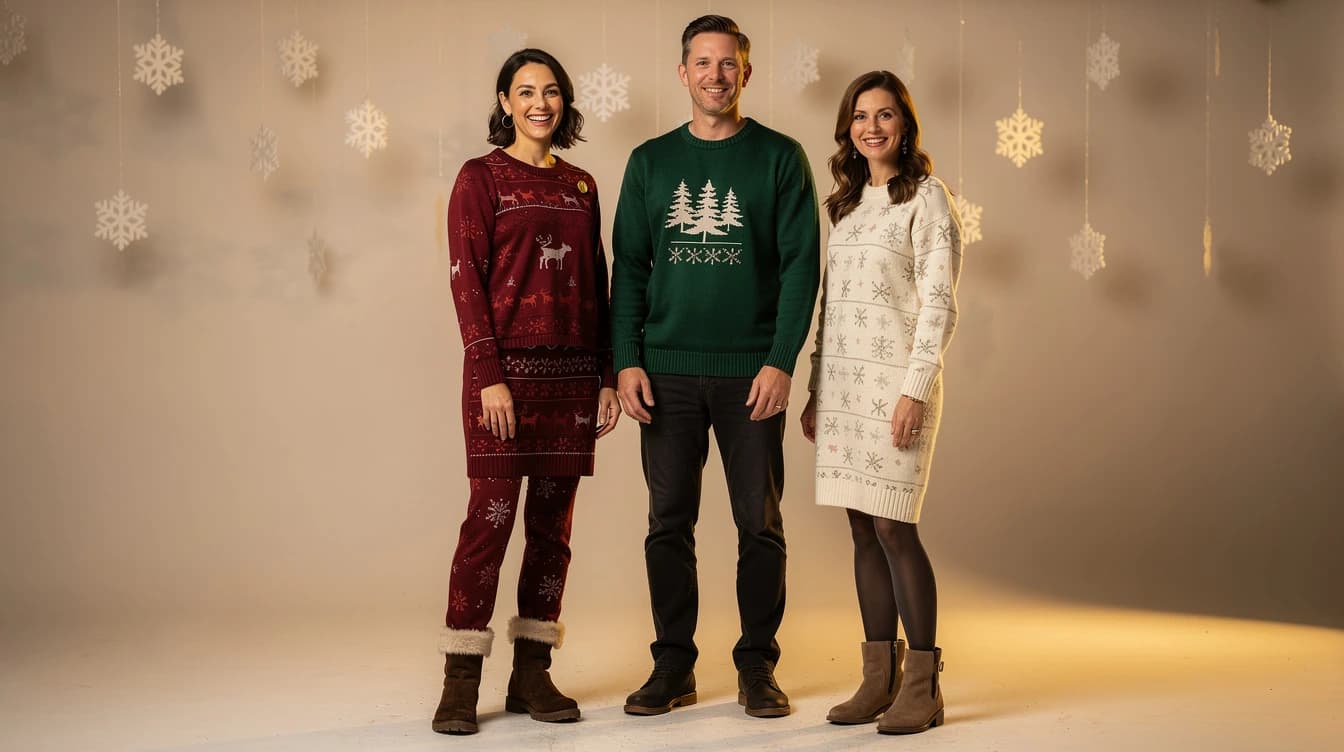
Reference → directed move
AI Christmas Dance Maker
Turn your own portrait or group photo into a festive dance clip with Santa, elf, snow-globe, and party presets plus camera-safe motion guidance.
Open toolReference → directed move
Kling Motion Control (Local)
Lock the background while subjects move—prefix prompts with motion-control instructions for cleaner Kling video output.
Open toolReference → directed move
AI Video Generator — First & Last Frame
Upload a start and end still, describe the transition; the model interpolates the motion in between.
Open toolExtend, edit & enhance3
Repair footage, continue a shot, or polish it for delivery.
Existing clip → final cut
Enhance Video AI
Enhance video quality with AI: upscale, sharpen, and denoise soft footage for YouTube, archival clips, and screen recordings without reshooting.
Open toolExisting clip → final cut
AI Video Clip Transitions
Generate ai video clip transitions with text-to-video on Voor AI — describe the cut, wipe, or match-cut motion and let the model render the transition clip you splice between shots.
Open toolExisting clip → final cut
AI Video Duration Extender
Lengthen clips with an ai video duration extender on Voor AI — upload a short clip and generate a continuation so the total run time reaches your target without reshooting.
Open toolProducts, ads & social3
Build campaign-ready video around a product, channel, or format.
Asset → campaign creative
Clona annunci video
Clona annunci video workflows help Italian marketing teams iterate paid-social cuts, retail promos, and app-install teasers from briefs — text-to-video in browser with Seedance 1.5 Pro by default; refine copy and compliance locally.
Open toolAsset → campaign creative
Video AI Film Agent
Plan multi-shot videos from one theme—the film agent expands your brief into camera moves, locations and beats before generation.
Open toolAsset → campaign creative
Bulk Video Generator
A bulk video generator workflow on Voor AI — queue multiple text-to-video prompts, vary subjects and hooks, and export a batch of short clips for ads and social in one session.
Open toolModels, effects & experiments20
Try a specific model, visual effect, or format-driven workflow.
Idea → unexpected result
Make a ukulele duo video from one photo
Turn one photo of two people or pets into the ukulele duo trend: both strum ukuleles, bob in sync and lean in for the last note, in a vertical clip with music.
Open toolIdea → unexpected result
Make a Smalltown Boy duet video from one photo
Turn one photo of two pets or friends into the Smalltown Boy trend: each one screams into a fisheye lens in turn, then both dance at the red fence.
Open toolIdea → unexpected result
Turn any photo into an Italian brainrot-style creature video
Upload a photo of a pet, object or snack and get an Italian brainrot-style clip: an absurd hybrid creature with a dramatic narrator voice and chaotic sound.
Open toolIdea → unexpected result
Make an app promo video from a phone photo
Upload a photo of your phone or product shot and get a 10-second launch-style promo clip with premium lighting, kinetic color and a final product hold.
Open toolIdea → unexpected result
Turn a toy car photo into a real car video
Upload one toy car photo and get a vertical video where the miniature grows into a real, full-size car with engine sound and a scene you choose.
Open toolIdea → unexpected result
Put yourself in a Tiny Desk-style concert video
Turn one portrait into a vertical desk-concert video: you sing at a crowded desk with a live band, bookshelves and warm lamps, with generated sound.
Open toolIdea → unexpected result
Make a skull cap trend video from one photo
Upload one photo and get the skull cap trend clip: a goofy grin, the cap goes on at the beat, then hood up and a cold stare in a dark room.
Open toolIdea → unexpected result
Make the slow deadpan shaking head trend video
Turn one photo of you or your pet into the shaking head trend: a flat stare, three slow head turns, a locked camera and room on top for your caption.
Open toolIdea → unexpected result
Make a stones to castle comeback video
Upload one photo: a crowd throws stones at you, you stay calm, and the stones rise into a castle you smile from. Vertical video with cinematic music.
Open toolIdea → unexpected result
Put your pet at the podcast mic
Upload one photo of your dog or cat and get a vertical podcast clip: headphones on, a studio mic and your pet talking to camera out loud.
Open toolIdea → unexpected result
Make the baby born with a mustache video
Upload a photo of your own baby and get the viral newborn look: a thick dark mustache over that tiny lip while the baby blinks, yawns and wiggles.
Open toolIdea → unexpected result
Make a happy birthday video starring Grandma
Upload one photo of Grandma and get a vertical birthday clip: she makes a wish, blows out the candles and smiles, with a warm birthday song.
Open toolIdea → unexpected result
Make an elevator outfit change video
Upload one portrait and get the elevator outfit change trend: the doors close and open on new looks, three outfits in one vertical clip.
Open toolIdea → unexpected result
Float your portrait into the deep sea
Upload one portrait and get the deep sea viral video look: you float in vast blue water with drifting hair and clothes, light beams and slow bubbles.
Open toolIdea → unexpected result
Make the Choosin Texas emo rooftop video
Upload one photo and get the night-rooftop emo cover clip: city lights behind you, a fist on your chest and a full-throat emo chorus.
Open toolIdea → unexpected result
Make a Ramalama costume walk video
Upload a photo of your cat, dog or yourself and get the Ramalama costume walk: a low-angle entrance that rises to reveal the full outfit, with a bouncy beat.
Open toolIdea → unexpected result
Make a Shan Shen Bu flash step video from one photo
Upload one full-body photo and do the Shan Shen Bu flash step: the sideways dodge, a kick, both arms up and the deep low stance, in a vertical clip.
Open toolIdea → unexpected result
Make a Bing Bing Bing kick meme video from one photo
Upload a photo of two people or two pets and get the Bing Bing Bing kicking meme: side by side, kicking at the lens in turns, in a vertical clip with sound.
Open toolIdea → unexpected result
Plan an Abra Kadabra-inspired appearance effect
Create a finger-snap reveal concept with a clean starting frame and a deliberate second subject. Check fingers, occlusion and continuity before adding sound.
Open toolIdea → unexpected result
Happy Horse AI — Alibaba's #1 AI Video Generator
Happy Horse (HappyHorse 1.0) is Alibaba's Arena-leading video model. Generate up to 1080p from text or image with native synced audio, multilingual lip sync, and multi-shot storytelling cues.
Open toolOne connected workflow
Start with a tool. Keep building in Voor.
Generate the shot, add sound, extend the sequence, and polish the result without rebuilding your workflow elsewhere.