Storefront typography
Quote the exact sign text, limit it to one short phrase, place it once, and inspect every letter.
Generate with the original Seedream 4 checkpoint for reproducible legacy briefs, 4K stills, and instruction-based image work.

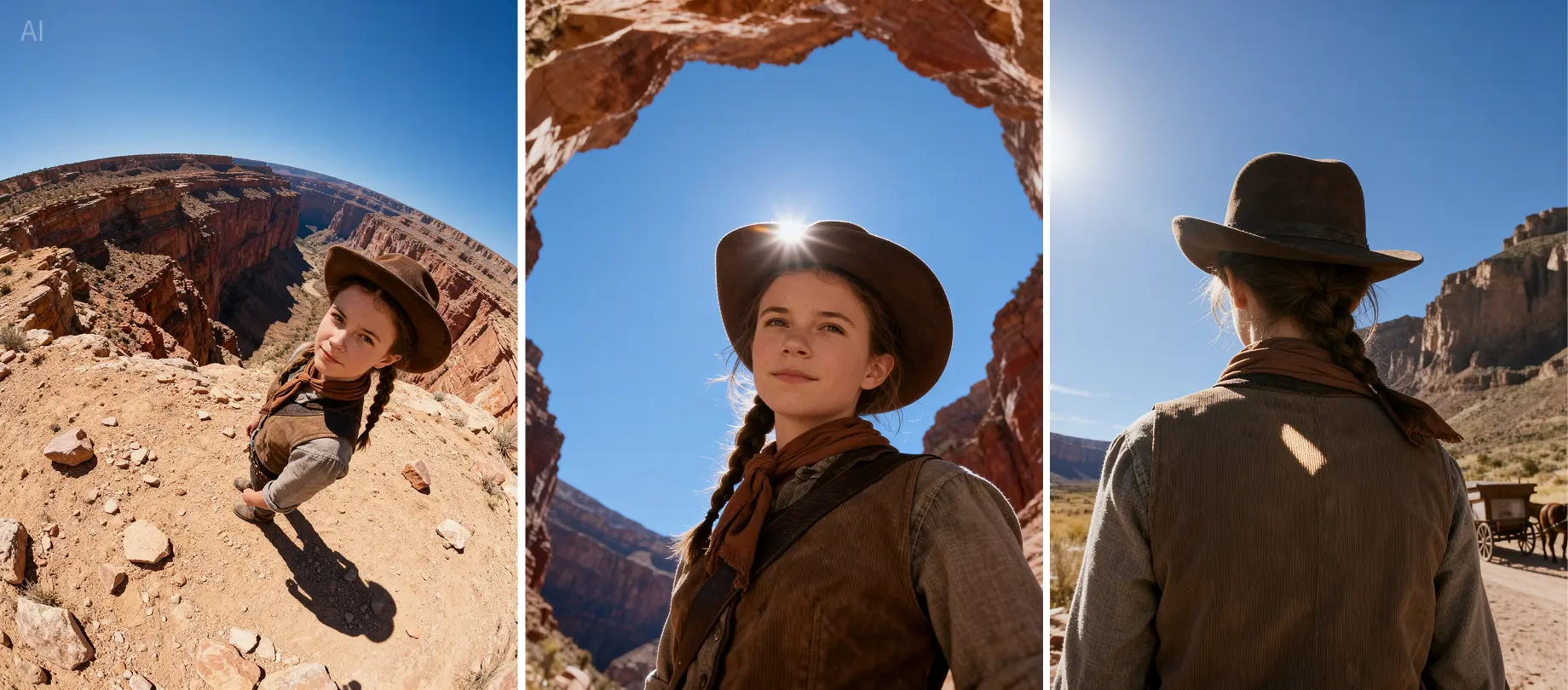
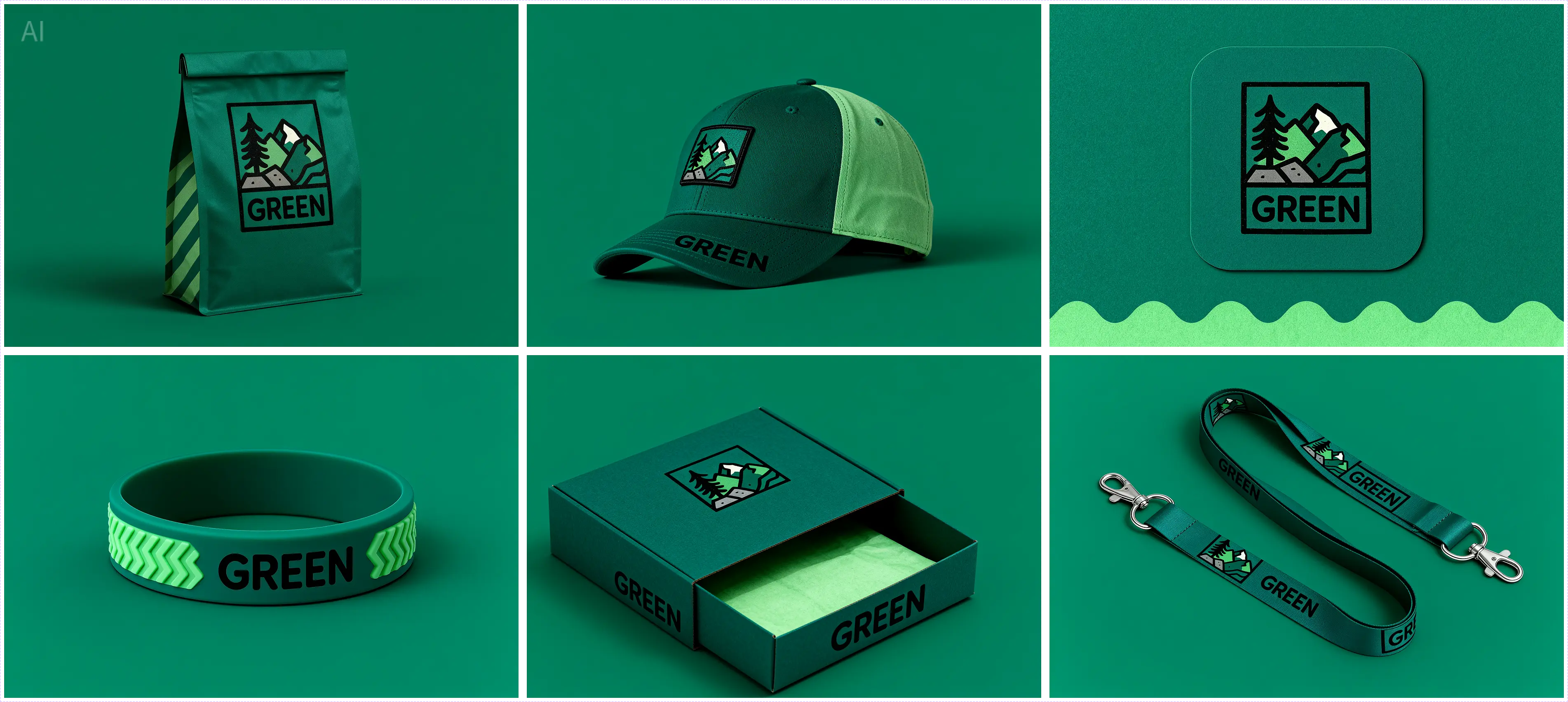
Seedream 4 is a unified image model for creating new visuals and editing existing ones with the same underlying system. It supports multiple references, sequential output, concise on-image text, structured compositions, and high-resolution rendering up to 4K. Its strength is controlled image work: preserving a visual language across a campaign, combining supplied references, or applying one clearly scoped change without rebuilding the entire scene.
For the best results, treat every request as a design brief. Name the subject, composition, light, material, and any text that must remain readable. When editing, state the requested change first, then list the elements to preserve: identity, pose, product geometry, camera angle, palette, and background. This gives the model a clear boundary between transformation and continuity.
Quote the exact sign text, limit it to one short phrase, place it once, and inspect every letter.
Use sequential generation for related views; lock product shape, material, palette, and light direction.
Name which input supplies subject, garment, prop, and environment. Protect face and camera framing.
State one change and a preservation list. Seedream 4 can edit without a separate inpainting model.
Define facts and reading order, then verify the result against a source before publication.
Keep Seedream 4 selected when an old production ticket depends on its specific checkpoint behavior.
Choose this checkpoint when reproducibility matters more than novelty, when an approved campaign was built on it, or when an existing workflow depends on its behavior. Choose Seedream 4.5 for a newer production baseline with stronger spatial understanding. Evaluate Seedream 5 when reasoning, search-grounded visuals, or information design is central.
Do not silently migrate a locked automation. Run a fixed benchmark set, compare typography, faces, object placement, palette, failure rate, latency, and cost per approved image. A checkpoint upgrade is a design-system change.
Seedream 4 is best for controlled image generation, multi-reference composition, sequential variations, and instruction-based edits.
They show representative Seedream 4 image work across composition, product detail, and visual consistency.
Yes. Generation and instruction-based editing share the same model architecture.
Yes. Multiple image inputs can guide composition and editing when each reference has a clear role.
Yes. Sequential generation can produce a related set while keeping the brief, palette, and subject constraints consistent.
Seedream 4 supports high-resolution output up to 4K, depending on the selected settings.
Seedream 4 is useful for legacy reproducibility; 4.5 is generally the newer production choice.
It can render short text well, but every letter and layout must be checked.
Review the provider terms and retain rights to prompts, references, brands, and likenesses.
Real output gallery
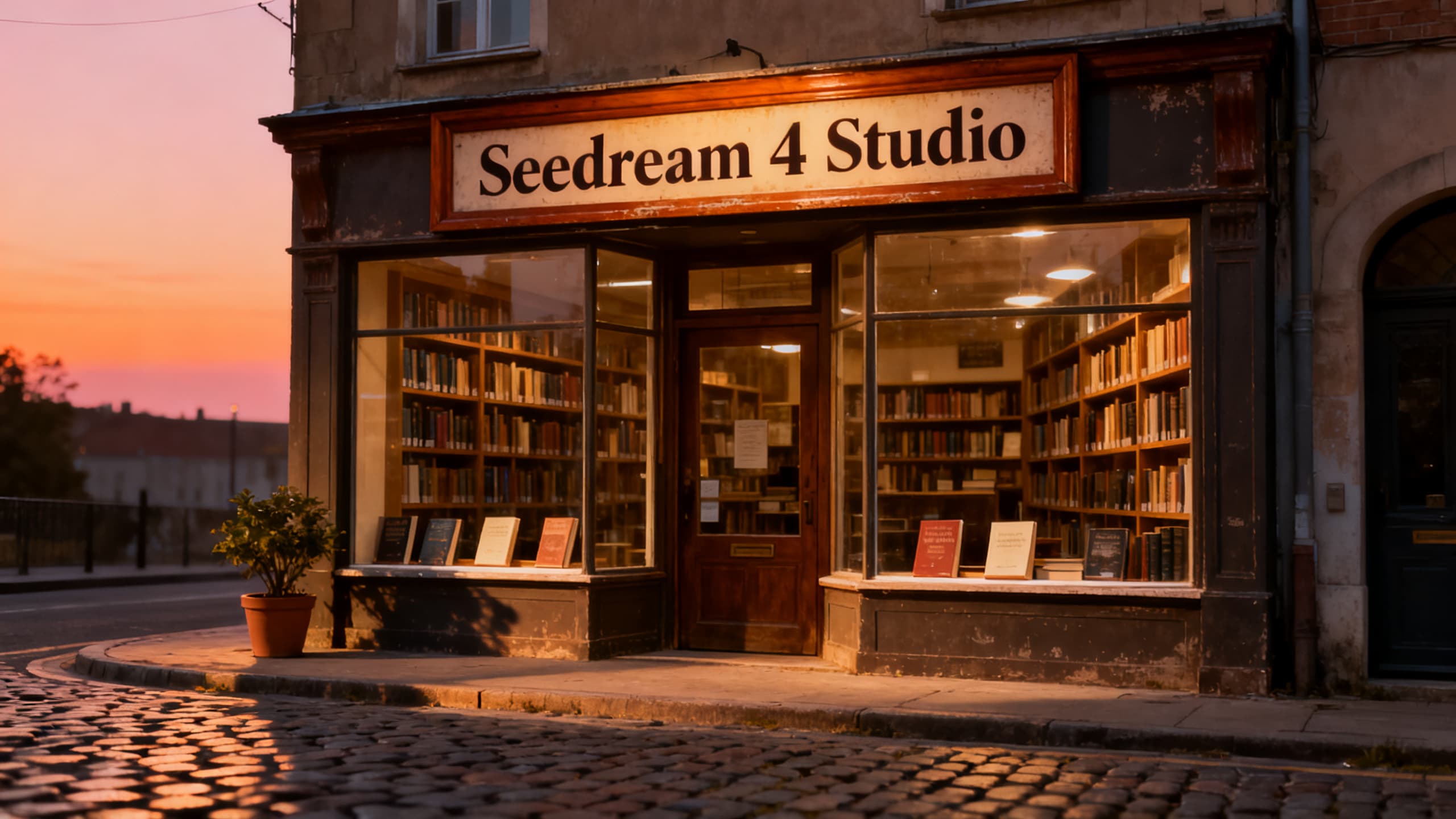 Example 1
Quiet neighborhood bookstore at blue hour, short readable OPEN sign, warm window light, editorial realism
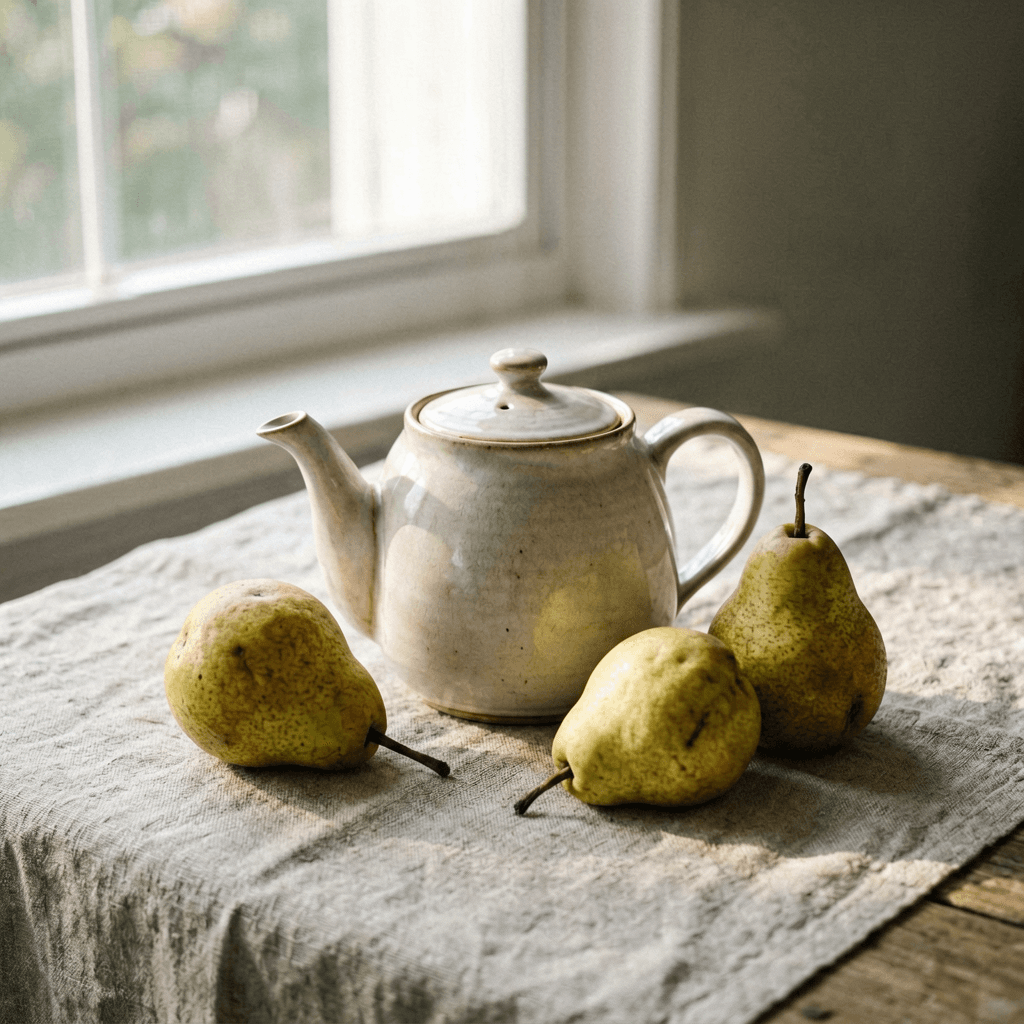 Example 2
Ceramic teapot and two pears on linen, north window, muted color, calm magazine still life, no text
Optional cookies help us understand usage and measure ads. Essential cookies stay on so Voor works.