Lip sync — script drives the mouth
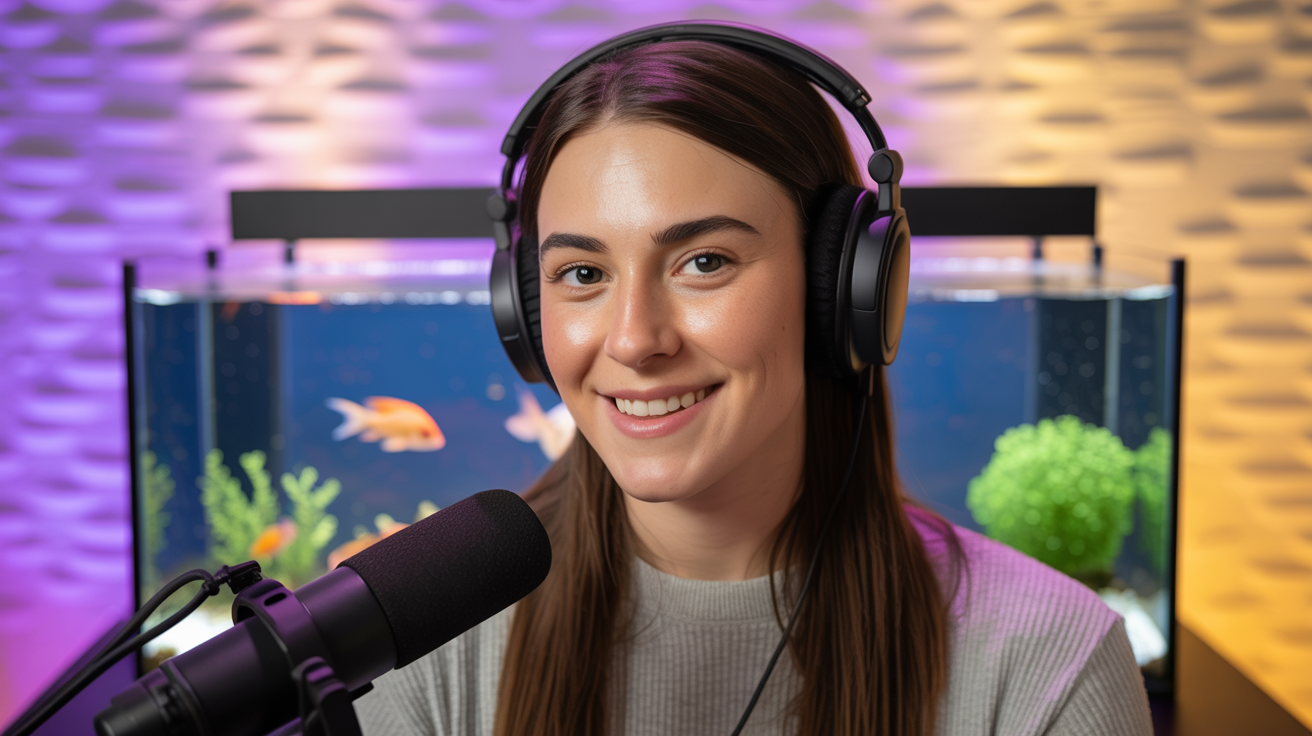
Lip sync on Voor AI means writing dialogue directly in the prompt. Upload a front-facing portrait like the executive still shown, include spoken lines in quotes, and pick any model in the lip-sync collection — they co-generate audio with viseme alignment.

Two talent modes
Corporate host
Lip sync for CEO updates and internal comms — stable wardrobe, steady camera, one to two sentences per render.
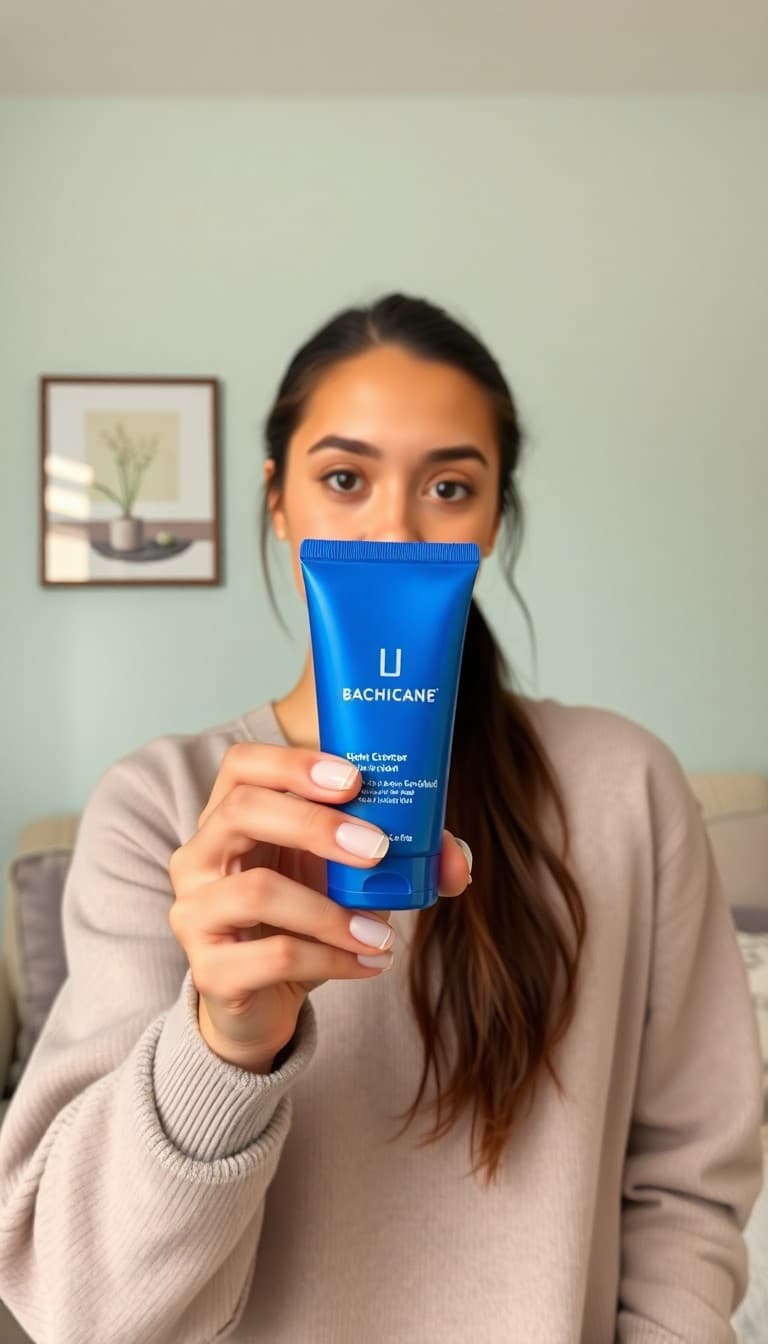
UGC reviewer
Lip sync for product explainers — casual framing, script lists benefits explicitly for mouth shape accuracy.
Lip sync prompt pattern
Portrait upload
Front-facing, well-lit — profile angles weaken lip sync.
Dialogue in quotes
"She says: 'Our Q3 results exceeded forecast.'"
Lip sync render
Pick any model in the lip-sync collection — preview in 30–120s; rerun with shorter lines if alignment drifts.
Lip sync vs silent I2V
Photo to video adds ambient motion without speech. Lip sync requires explicit script text — models shape mouths from phonemes in the co-generated audio track. Teams route CEO updates, UGC reviews, and localized promos through lip sync when the script is fixed before render.
The generator loads every model in the lip-sync collection — pick the one that fits your locale, talent style, and turnaround. Rerun with a different model on the same portrait when you need bilingual or alternate voice character tests.
Lip sync rerolls cost less than VO plus manual mouth animation in After Effects. Keep lip sync lines short, camera steady, and talent front-facing — three habits that lift approval rates on first pass.
Legal and HR teams lip sync policy updates from a single executive portrait — update the quoted script, rerender, ship internal comms the same day without booking a studio block.
Product marketers lip sync UGC-style explainers from one selfie — list benefits explicitly in the quoted script so mouth shapes track product names and price points accurately on the first pass.
Lip sync examples (Omni Human samples)
These clips are official Omni Human examples — portrait still on the left, synced talking video on the right. Upload your own front-facing photo in the generator above.

Fictional corporate script
Synthetic host demonstration — portrait still plus synced talking clip from a clearly fictional business script.

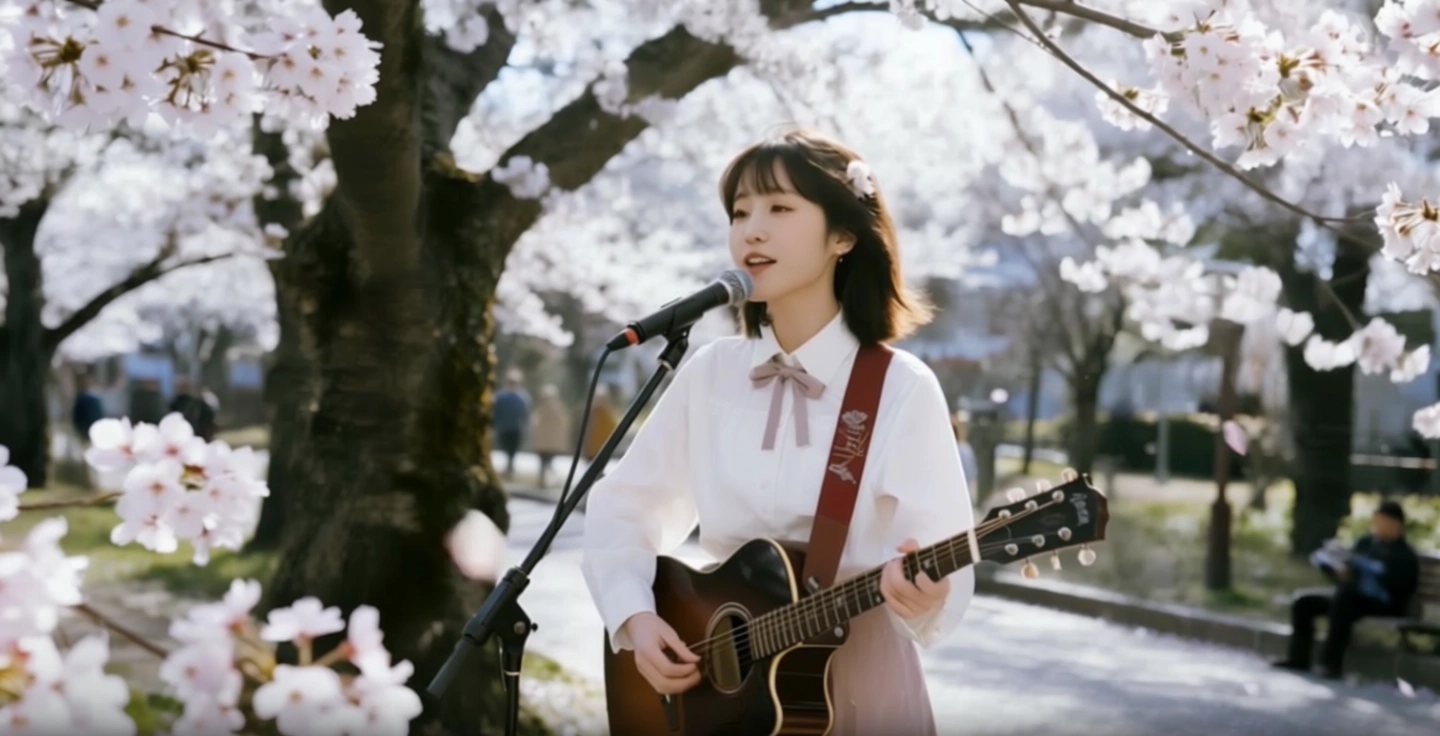
Singing performance
A singer and guitar performance demonstrates expressive motion and visible mouth timing without a fabricated product endorsement.
Lip sync FAQ
Do I upload audio separately?
No — lip sync on Voor AI co-generates speech from dialogue in the prompt. Put lines in quotes; the model aligns visemes to the synthesized track.
Why did mouth shapes drift?
Profile angles, long sentences, or conflicting motion verbs. Lip sync rerolls are cheap — shorten lines and keep the camera steady.
Lip sync vs nano banana lip sync tool?
This page accepts any portrait. The Nano Banana lip sync tool documents the Nano Banana 2 → lipsync two-step for Google Banana characters.
Which portrait angle works best for lip sync?
Front-facing, well-lit, mouth unobstructed. Three-quarter angles weaken viseme alignment — reroll with a straighter crop if mouths drift.
How long should lip sync lines be?
One to two short sentences per render. Long monologues increase drift; split into multiple clips and cut together in your editor.
Can I lip sync in languages other than English?
Yes — write dialogue in the target language inside quotes. Pick a lip-sync collection model that matches your locale and talent style.
People also search for
- lip sync ai free
- lip sync video generator online
- lip sync from photo
- ai lip sync no watermark
- talking photo ai
- lip sync for tiktok
- best lip sync ai
- lip sync with dialogue prompt
Every lip sync search above lands on the same workflow: front-facing portrait, dialogue in quotes, pick a lip-sync model, reroll with shorter lines if mouths drift.