T2V
Start with the scene
Use when action, dialogue, and sound matter more than an approved first frame.
Generate short narrative videos with dialogue, sound, and consistent references across three HappyHorse 1.1 modes.


Two published outputs · play with sound
One clip starts from storyboard references; the other starts from a text brief. Compare how identity, cuts, dialogue, and ambience hold.
More references are not automatically better. Give each input one clear job.
Use when action, dialogue, and sound matter more than an approved first frame.
Use when composition, character, or product view has already been approved.
Use when separate images define identity, wardrobe, object, or location.
15-second cue sheet
Room tone, subject enters, camera holds
Action, one short line, visible reaction
Effect decays, final frame holds
Additional narrative reel
Play the clip once for the emotional beat, then again for continuity. Follow who owns each prop, where each character looks, how cuts preserve direction, and whether sound belongs to the visible space.
Four production-ready starting points
Mode selection is a source decision. The scene still needs ordered action, concise speech, event-linked sound, and a finish condition.
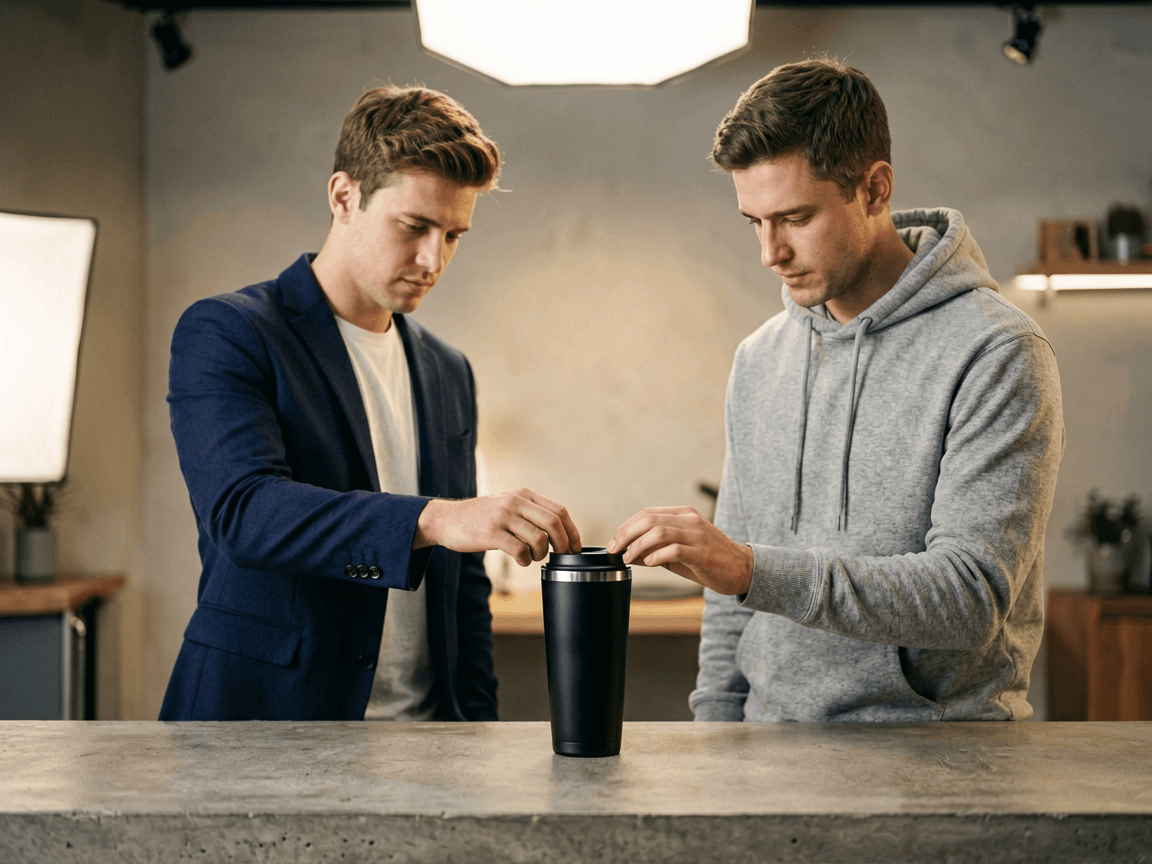
Text to video
A founder states one promise; a commuter tests the lid and reacts. Locked medium two-shot, exact short dialogue, quiet room tone, settled product-facing finish.

Image to video
Begin from the approved frame. Preserve face, wardrobe, product geometry, logo, light, and crop. The subject turns, lifts the product once, and returns to the original pose.

Reference to video
One reference for face and coat, one for the bicycle, one for the street. Tie rain, wheel, and door sounds to visible events. One objective per generation.
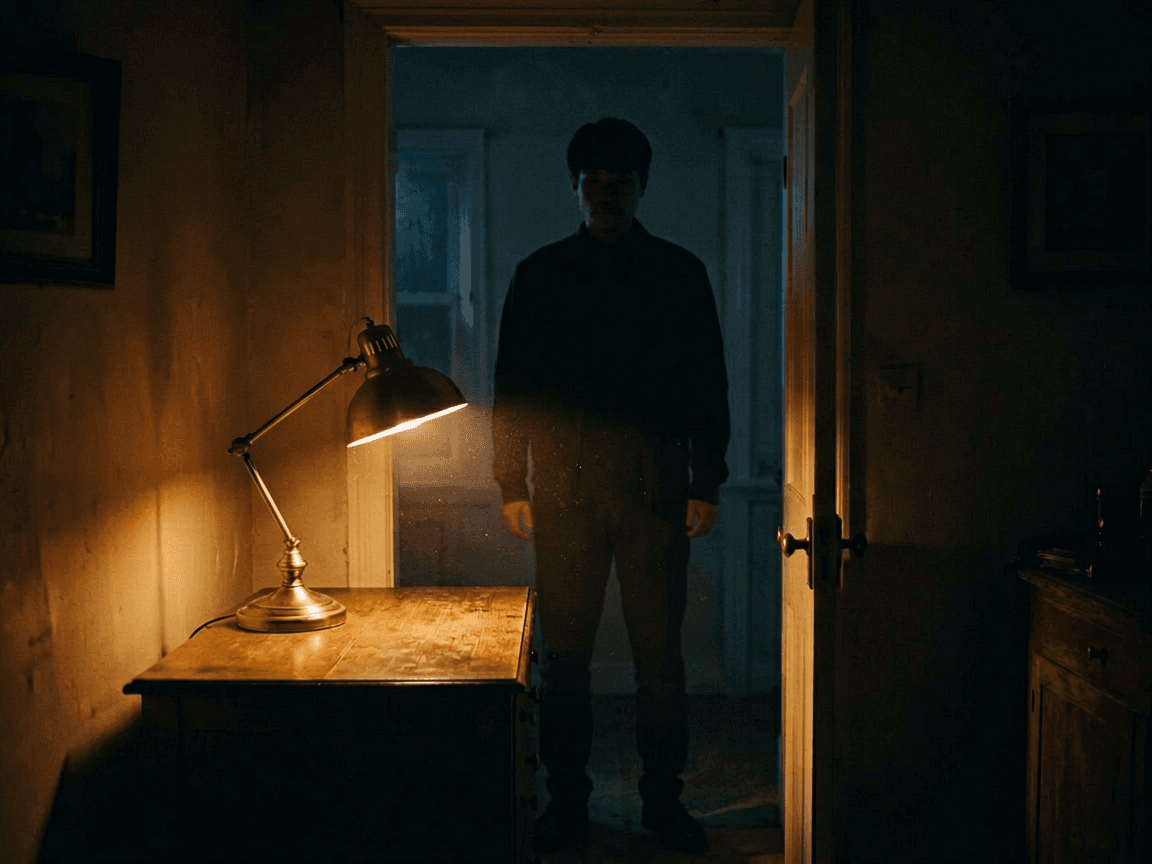
Text to video
A character enters a dim room, switches on a lamp, and pauses. Slow push-in, one breath, no dialogue. End after the expression changes and the camera settles.
Track faces, wardrobe, scale, eyelines, and prop ownership through every cut and reaction.
Time exact lines aloud, keep speakers explicit, and leave space for breath, listening, and a readable reaction.
Separate dialogue, foley, ambience, and music. Every prominent effect should have a visible cause in the scene.
Approve the opening, story turn, payoff, direction across cuts, and a calm final frame with room for titles.
HappyHorse 1.1 FAQ
A polished key frame is not enough. The useful result preserves identity, completes the action, makes speech intelligible, and ends where an editor can continue.
HappyHorse 1.1 is built for short narrative video where character identity, ordered action, camera work, dialogue, foley, and ambience need to land as one coherent beat. It fits compact ads, reaction shots, recurring-character episodes, demonstrations, and story moments more naturally than a disconnected motion loop. The distinction from a pure motion model is that HappyHorse treats speech and performance as first-class concerns, not features bolted on after the picture is rendered. If the shot needs a person to say a line, react to a product, or hold identity across cuts, that is the territory this model is designed for.
Use text to video when the scene can be invented from a written brief alone. Use image to video when an approved opening composition — a campaign frame, a product hero, a character portrait — must anchor the shot and the model adds motion on top of it. Use reference to video when faces, wardrobe, props, or locations need separate evidence files that the model reconciles into one scene. Choose the lightest mode that supplies the control you need; adding references you do not strictly require introduces conflicts the model has to resolve, and every conflict is a place where identity can drift.
Read the script aloud with a timer and leave room for action, reaction, and the final hold. One short sentence or a compact two-line exchange is safer than dense copy — models lose lip sync when lines run long or overlap with physical action. Name each speaker and quote exact lines in the brief. Keep legal claims, prices, and final advertising typography in post-production title layers, not baked into the generated dialogue. If the line runs past five seconds, split the shot into two generations and edit them together; that gives you a clean cut point and two chances to get the performance right.
Reuse the same approved reference images and role labels, repeat identity-critical features in every prompt, and keep wardrobe and prop descriptions stable across the series. Generate one action beat per clip and archive the prompt with its source files so you can trace what produced each take. Consistency improves when a series deliberately changes location or camera angle rather than changing every variable at once. If the character drifts between shots, strengthen the reference role descriptions rather than adding more unrelated images — two clear references with explicit roles outperform five vague ones every time.
The workflow is built around speech, sound effects, and ambience generated alongside the picture in the same pass. Write sound in layers: exact quoted dialogue with a named speaker, event-linked foley tied to visible actions, and one restrained environment bed that establishes the space without competing with the voice. Review with headphones first, then mute the clip to confirm the visual action still explains the timing and emotional beat on its own. Audio that only works when you can hear it means the visual storytelling is leaning on the soundtrack instead of standing on its own structure.
Give every uploaded file one explicit role — face, wardrobe, product, vehicle, location, or visual style — and state which source wins if two references disagree on the same detail. Remove generic mood-board images that do not control a specific decision in the output. Fewer well-labelled references are easier to preserve and reuse across a series than a large pile of loosely related inspiration. A reference without a role is just noise the model has to ignore, and models do not always ignore things cleanly. Label first, upload second, and treat the role list as a contract the output should honour.
The brief probably contains too many actions, cuts, characters, or camera ideas for the available duration. Simplify the physical order to one cause-and-effect event, keep prop ownership explicit so the model knows which hand holds what throughout, choose one camera behaviour, and reserve at least two seconds for the ending. If identity drifts mid-clip, strengthen reference role descriptions rather than adding more unrelated adjectives. Continuity failures are almost never about the model lacking capability — they are about the brief asking for a workload that does not fit the time, and the model compressing by dropping the details you cared about most.
Hold the character, line, action, camera, duration, and ending constant while changing one performance variable — lighting, gesture intensity, delivery speed, or background detail. Review lip timing, eye contact, hand placement, object permanence, cut continuity, ambience level, and the final frame. Record the specific reject reason so the next generation corrects a known issue instead of becoming an unrelated creative take. Without a reject log, iteration becomes random exploration, and random exploration on a credit-based system is expensive. One controlled change per run, one clear verdict per result.
Review the current Voor plan and model terms, then clear rights in every reference face, voice, wardrobe, brand mark, music, location, and spoken claim. Generated media still needs the same editorial, legal, and brand review as footage shot with a camera — the generation method does not exempt you from clearance. Keep source permissions, prompts, reference images, generated outputs, subtitle files, and final approvals archived together with the released asset. That archive is not bureaucracy; it is what lets you regenerate a variant, answer a rights inquiry, or prove provenance six months after the campaign shipped.
Ready to make a version of your own?
Optional cookies help us understand usage and measure ads. Essential cookies stay on so Voor works.