

Film noir
Jaw edge under hard shadow

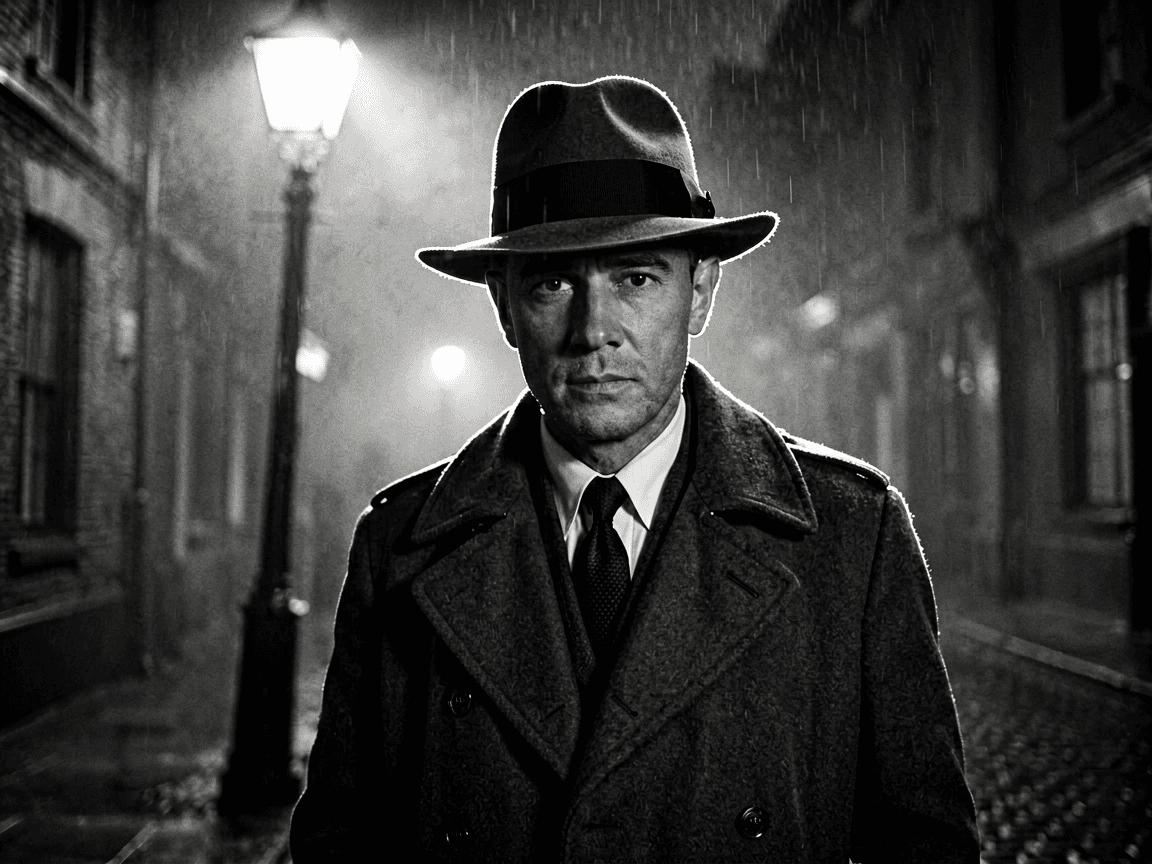
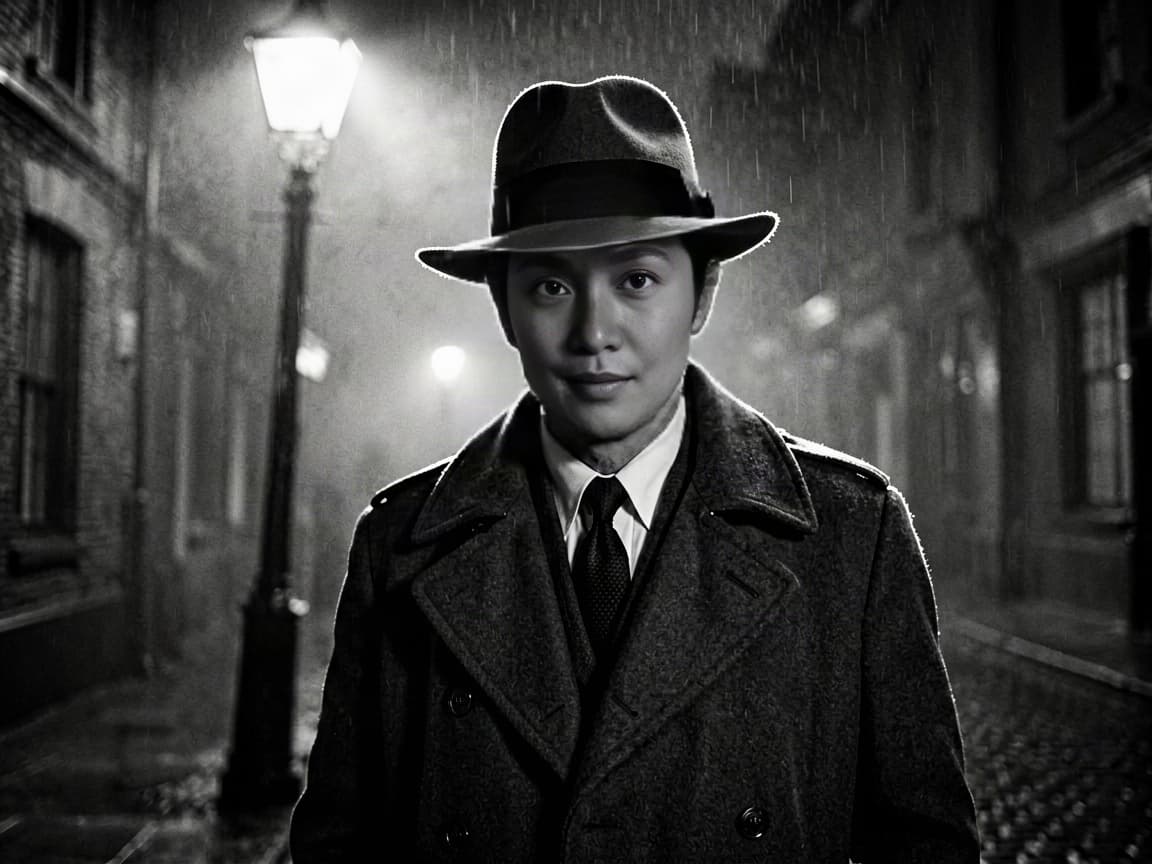
Upload the target shot first, add one clear source face, generate the photo swap, and inspect identity plus scene preservation before download.
Six real proof runs · all visible
Jaw edge under hard shadow
Helmet reflections stay target-owned
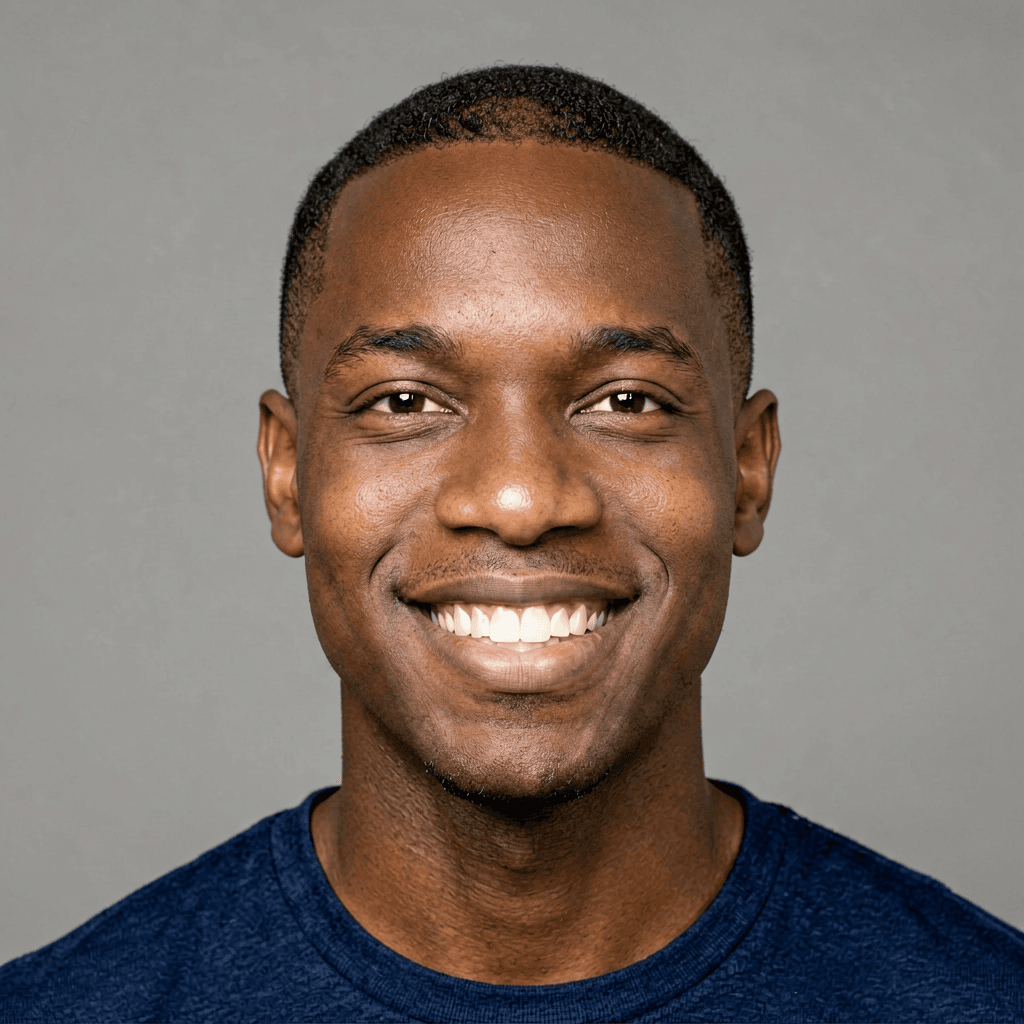

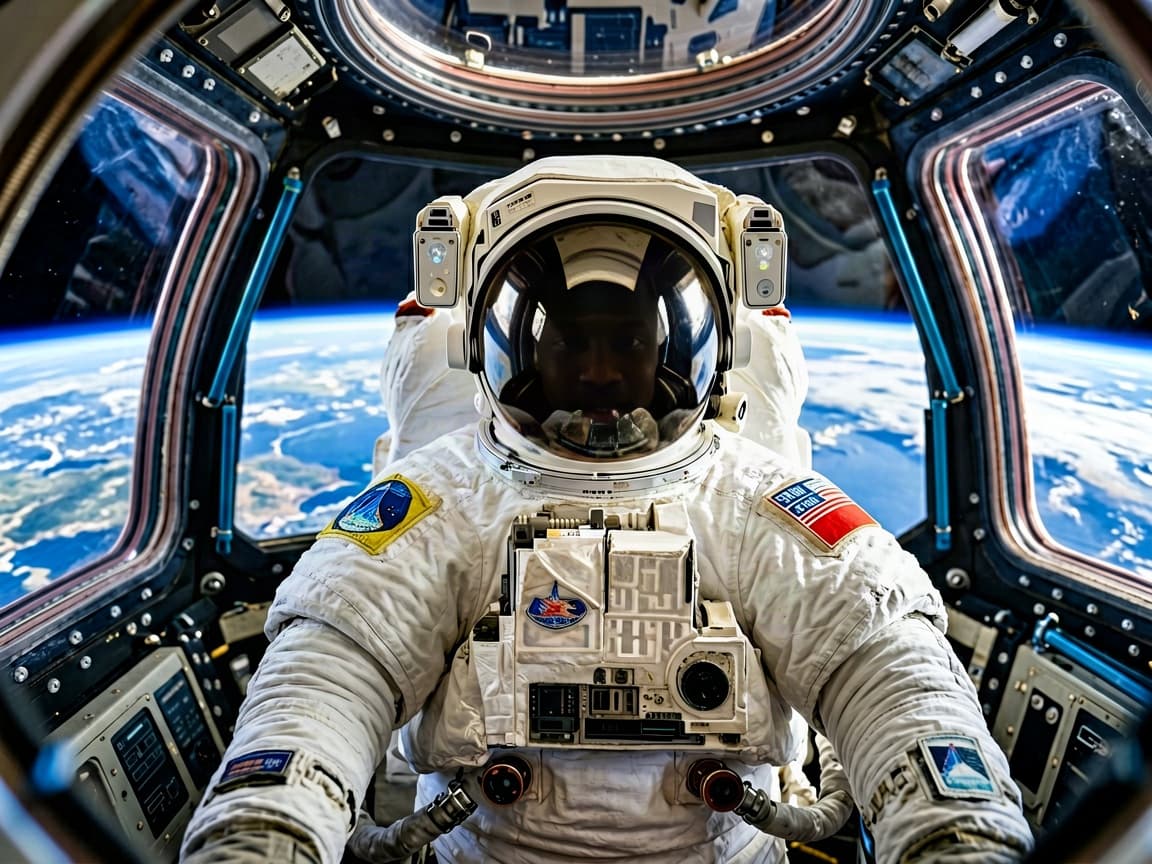
Canvas texture survives the swap

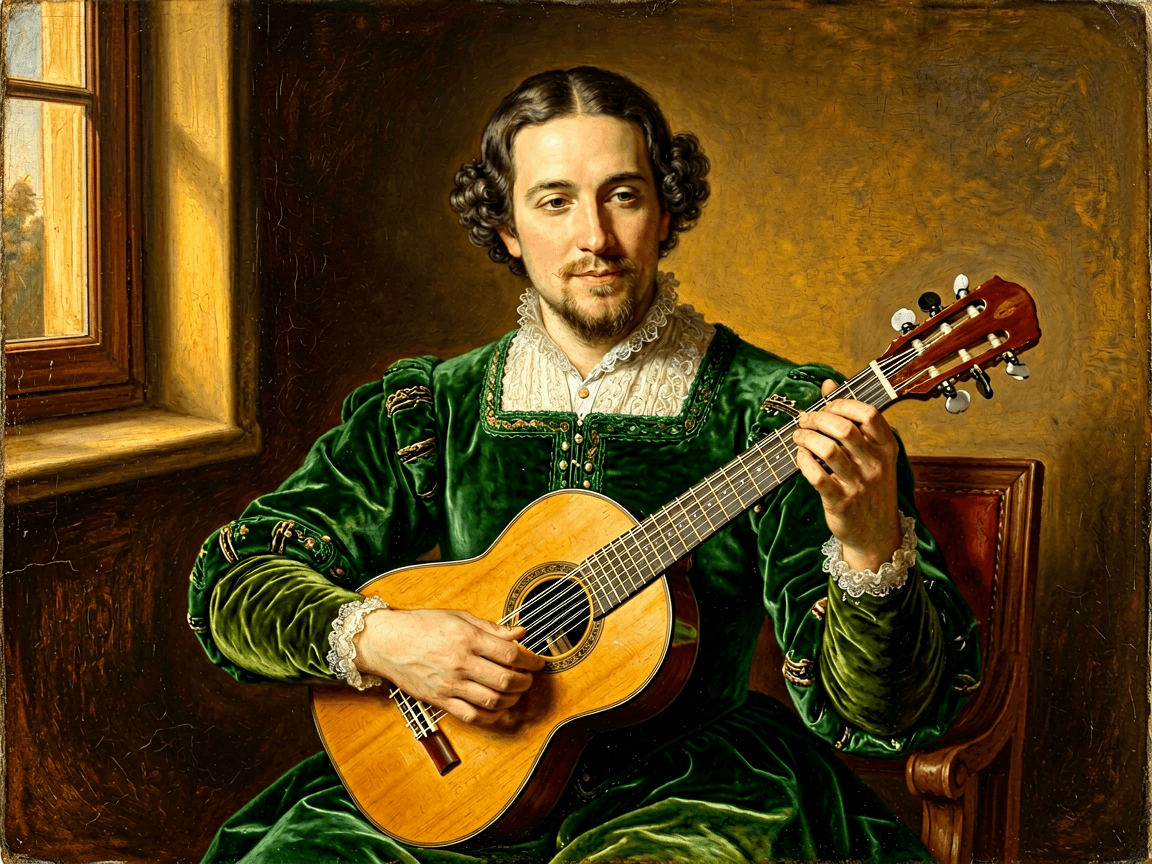
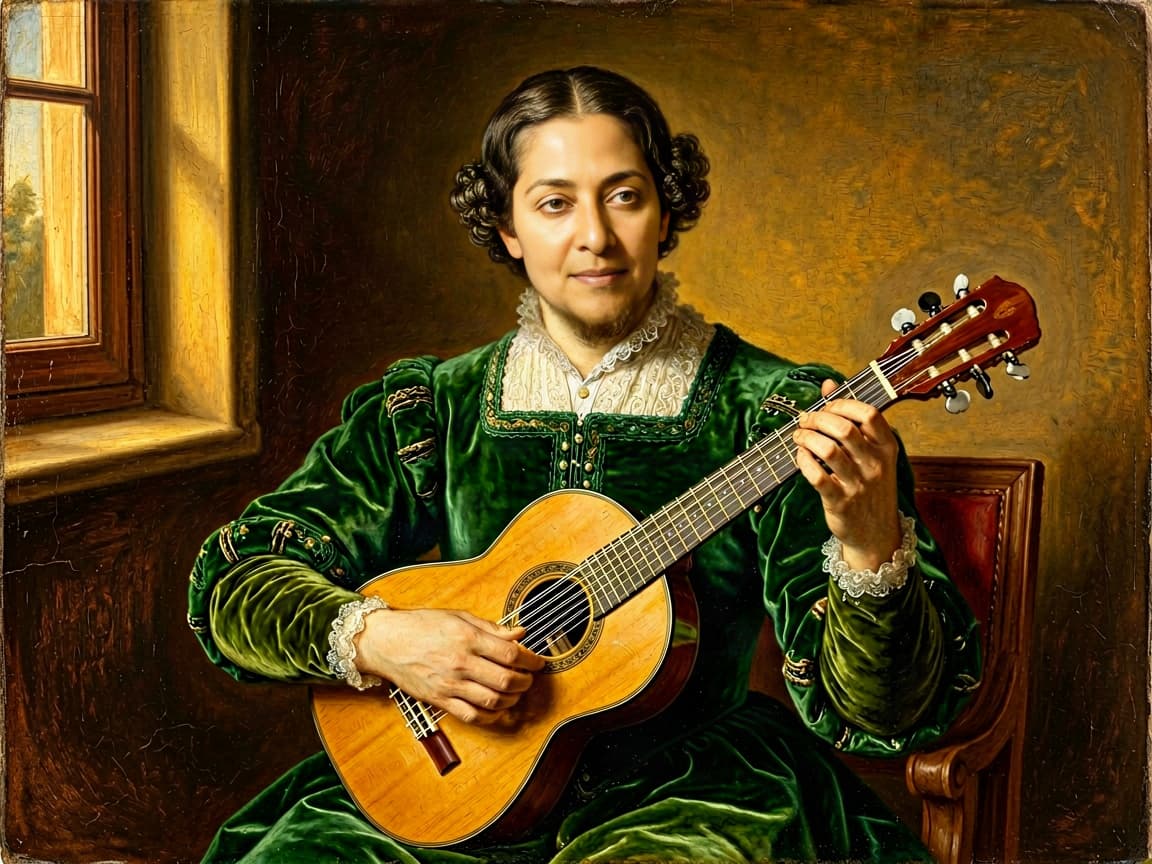
Camera height and expression align
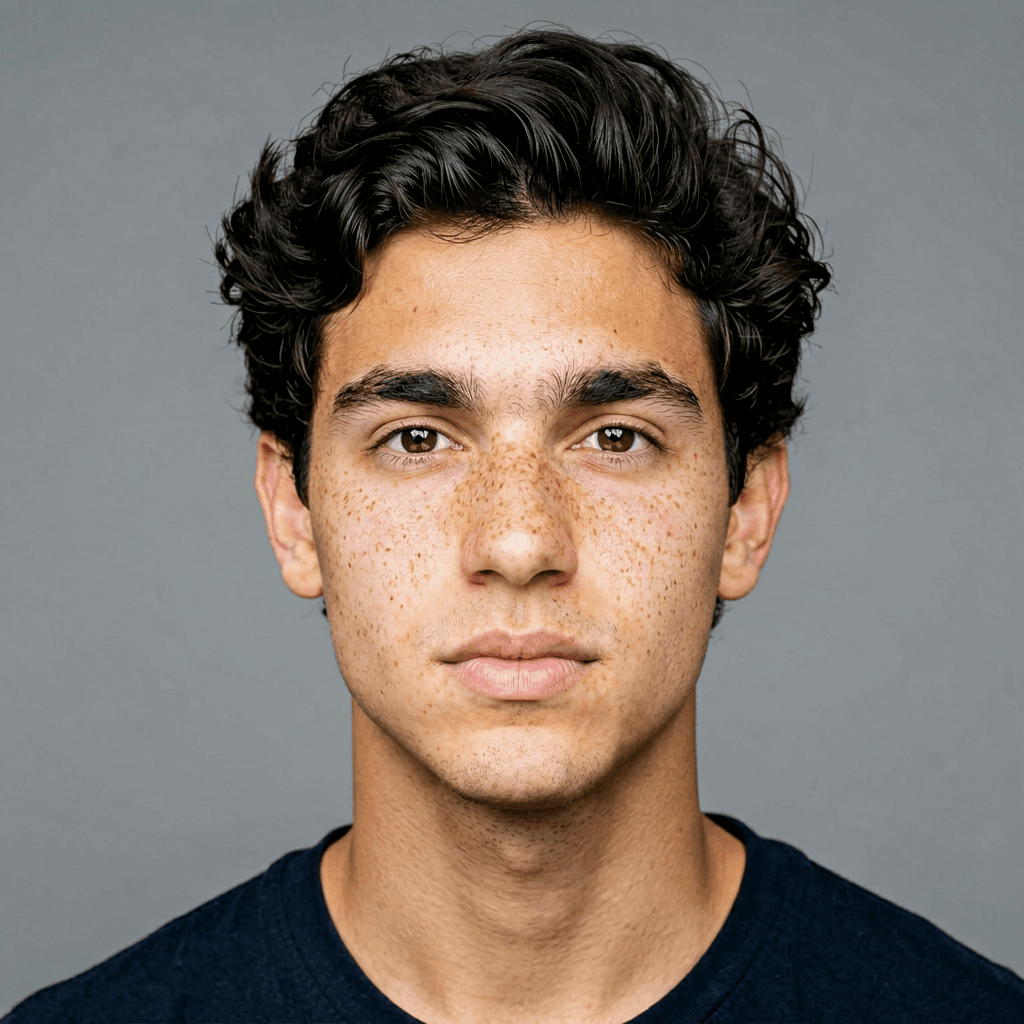
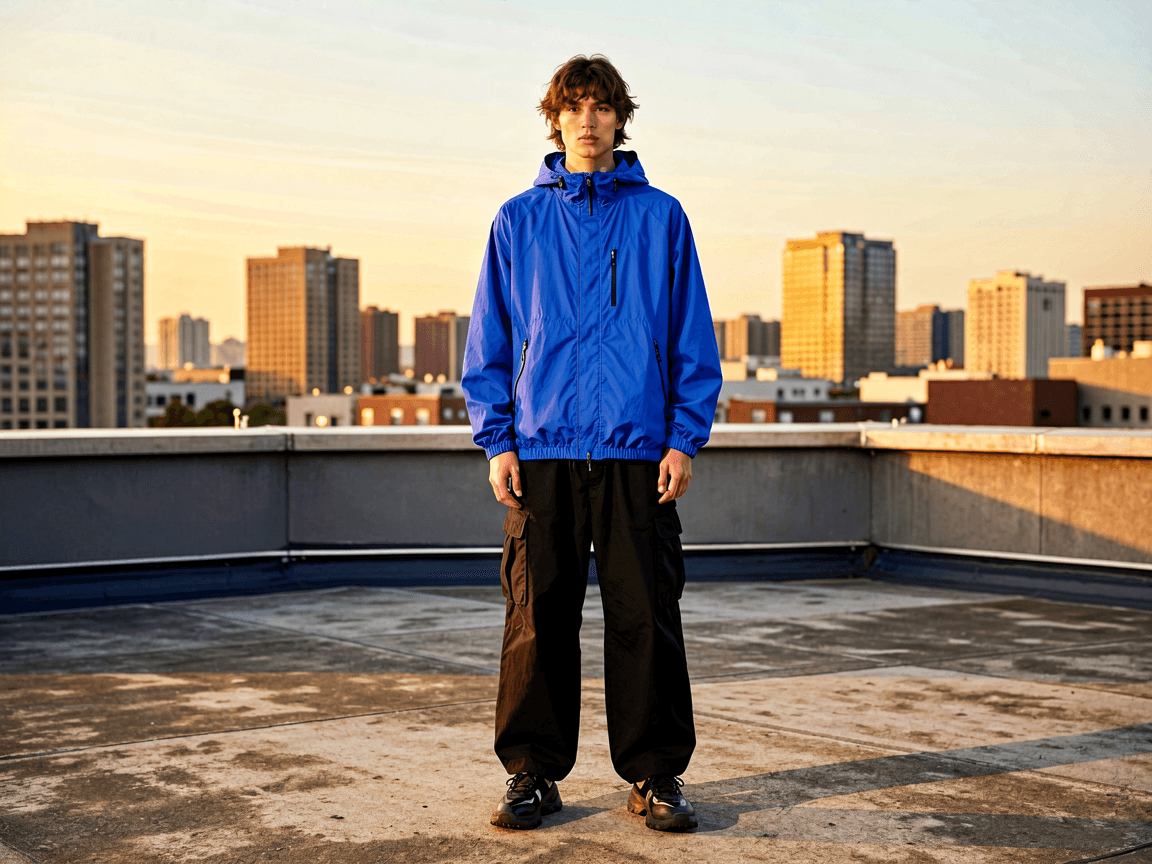
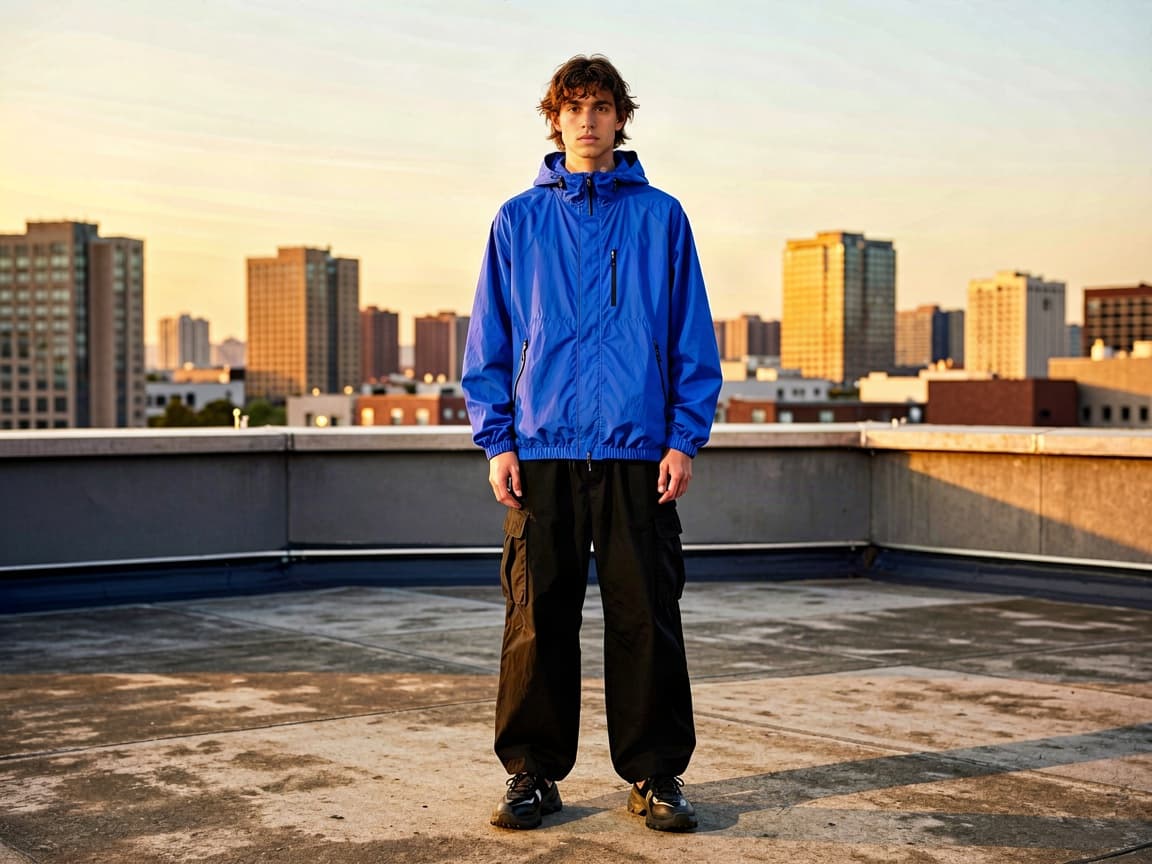
Skin temperature matches the scene



Hair and wardrobe remain intact
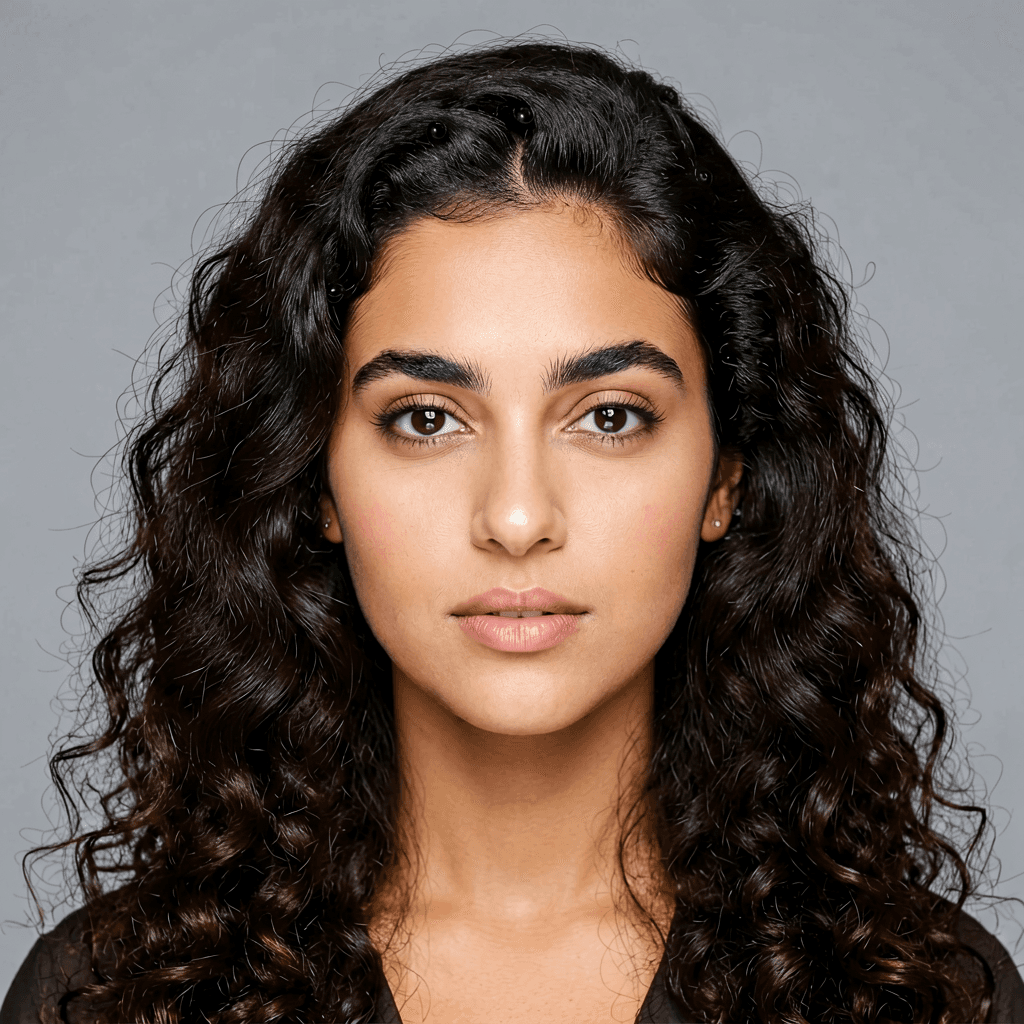

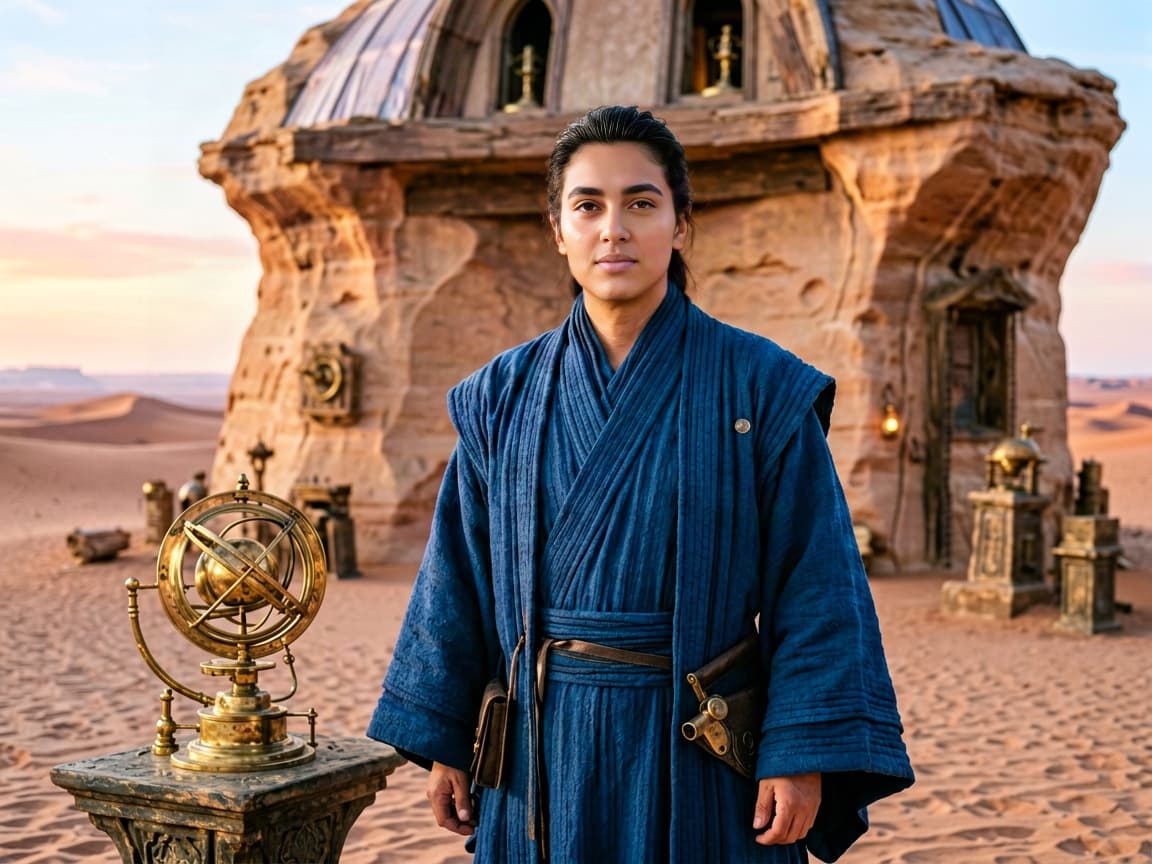
30-second preflight
Our failed runs were usually predictable before generation. A clean source cannot rescue a target with an incompatible angle, expression, or lens.
The photo tool above returns one edited image. A moving target needs identity reacquisition and temporal consistency; independently swapping frames creates flicker. Review video at normal speed and frame by frame, or change the whole character when identity is only one part of the brief.
Delivery gate
Your face, a contracted model, or an adult who approved this exact context.
Label synthetic identity when viewers could mistake it for a real event or endorsement.
No minors, sexualized edits, fraud, harassment, identity documents, or deception.
Retain source portraits only as long as the approved project requires.
If the subject would be surprised by the finished context, stop and get consent.
The target owns pose, body, wardrobe, lighting, and background. The source supplies facial identity. This Voor tool is intentionally image-only and should not be confused with Higgsfield's separate video product.
Higgsfield Face Swap is Higgsfield's photo and video identity-replacement app. It takes a source face and a target image or clip, then aligns geometry, lighting, and texture while preserving the target pose and composition.
No. This is an independent workflow guide plus a clearly labeled Voor alternative. Use the official Higgsfield app when you specifically need Higgsfield's own photo or video product.
Upload one target image that contains the pose, clothing, background, and lighting you want to keep, then one clean source portrait containing the face you have permission to use. The tool returns a single swapped image.
Higgsfield offers a separate Video Face Swap workflow designed for frame-to-frame identity tracking. The Voor alternative on this page is intentionally image-only; a still-image model should not be presented as a video face-swap system.
Match source and target yaw, pitch, expression, age presentation, and lens distance. Use an unobstructed source face, avoid beauty filters, and choose a target whose shadows do not split the face in a way the source never shows.
A near-profile target hides landmarks that a front-facing source cannot supply. Hair, hands, glasses, motion blur, and hard shadows can also cross the face boundary, making alignment and blending less reliable.
Only with permission and a legitimate purpose. Do not use face swap for impersonation, harassment, sexual content, fraud, identity documents, or misleading claims. Tell viewers when an edit could reasonably be mistaken for a real event.
Yes. We generated new source portraits and target scenes for this page, then ran every pair through the live Voor face-swap workflow. Each example shows the source, target, and actual result together.
Use face swap when the target body, hair, outfit, action, and scene are already right. Use character or body replacement when more than the face must change, because stretching a face-swap model across wardrobe and anatomy creates obvious seams.
Pick a clear, permissioned face; match yaw, pitch, expression, and lens distance; then inspect the blend at full size before sharing.
Try the image face swapOptional cookies help us understand usage and measure ads. Essential cookies stay on so Voor works.