- Start
- 50 welcome credits for new accounts
- Direct
- Text, reference image, motion, and sound
- Return
- Every task continues in shared history
Direct one usable shot
Give the model a beginning, an action, and an ending
A short clip becomes easier to approve when the prompt describes observable motion instead of stacking visual adjectives.
Director's brief
Four layers, one shot
- Subject
- One object or character the viewer can track
- Action
- A physical change with a visible beginning and end
- Camera
- One move, one framing rule, one pace
- Sound
- Exact dialogue, ambience, or a deliberate silent result
Start from the strongest material
The best workflow depends on what already exists
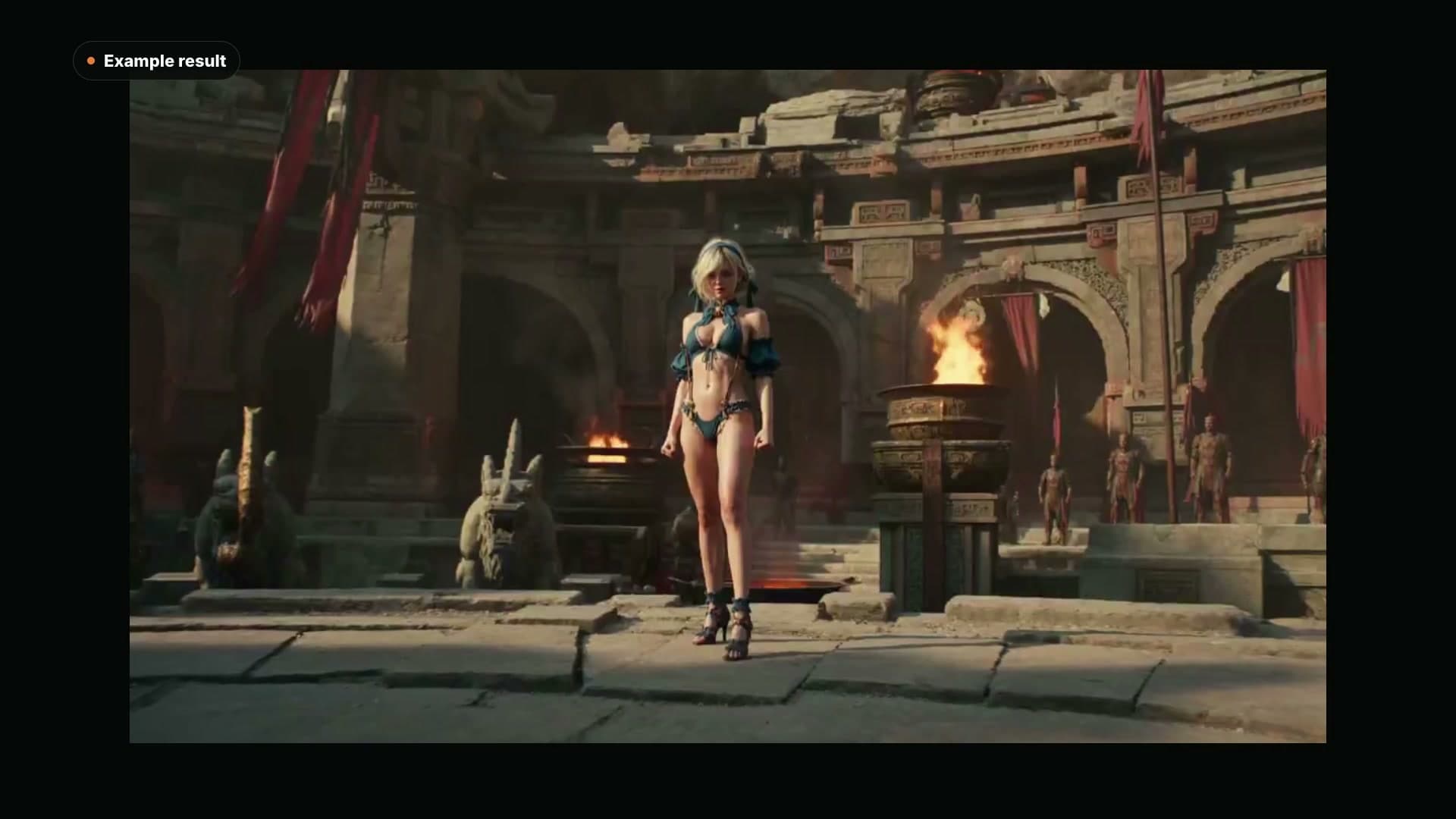
Approved first frame
Animate an image without losing its starting composition
Approval, not autoplay
Review the clip like an editor
A visually impressive frame can still fail as a usable shot. Check picture, physics, sound, and the edit point separately.
- Opening frame: is the subject readable immediately?
- Contact points: do feet, hands, wheels, and props stay connected?
- Continuity: do face, wardrobe, geometry, and light remain stable?
- Camera: does it make one intentional move rather than drift?
- Sound: are dialogue, ambience, and effects clean and synchronized?
- Ending: can the final frame hold, loop, or cut into the next shot?
Model choice
Pick the model after you define the shot
Google / Gemini Omni 1.1 Flash
Google's stable multimodal video model for text, image, and reference generation plus conversational editing, with synchronized native audio and 360p through 4K output.
NewxAI / Grok Imagine Video 1.5
xAI's Grok Imagine Video 1.5: 1-15 second clips with generated sound from a prompt, a still or up to seven reference images, in a Standard tier and a lower-cost Lite tier.
HotMiniMax / H3 Max Director
Direct live video and audio with new prompts during a server-managed session.
HotLightricks / LTX 2.5
Lightricks' LTX 2.5 renders picture and sound together from a prompt, a start and end image, or an audio track, with a Fast tier up to 4K and 20 seconds and a quality-focused Pro tier.
HotBefore you render
AI video generator FAQ
Can I try the AI video generator for free?+
New accounts receive 50 welcome credits with no credit card required. Video cost depends on the selected model, duration, resolution, and other settings, so check the estimate shown in the generator before starting.
Can I make a video from text or from an image?+
Yes. Use the generator above for a written shot and supported reference inputs, or open the dedicated Image to Video workflow when an approved still needs to control the opening composition.
Do all AI video models generate audio?+
No. Audio support varies by model. Use the labels and fields in the current model picker as the source of truth, and always review dialogue, ambience, effects, and lip sync with sound on before publishing.
How long does AI video generation take?+
Render time varies by model, duration, resolution, and queue demand. The task continues in your Voor history, so you can leave the generator and return to the result when it is ready.
Are generated videos private?+
Generations made with welcome credits are public and include a small watermark. After any paid plan, new creations are private by default and downloads are watermark-free.
What makes a better AI video prompt?+
Define one subject, one action, one camera behavior, the intended sound, and a clear ending. Short, testable shot directions are easier to judge and revise than a paragraph of unrelated cinematic adjectives.
One shot is enough to start
Direct the first AI video, then review it like an editor
Choose a starting brief above, select the model that fits the shot, and check the visible credit estimate before rendering.