Edit a source image with precise change and preserve instructions while reviewing identity, layout, and text accuracy.
No history yet
Your generated results will appear here after you create something.
Qwen Image Edit examples
These generated examples show two distinct directions. Copy a prompt, replace the subject, and keep the constraints that matter.

Interior restyle edit
Edit a source image with precise change and preserve instructions while reviewing identity, layout, and text accuracy. Clean composition, clear subject, controlled lighting, polished result.
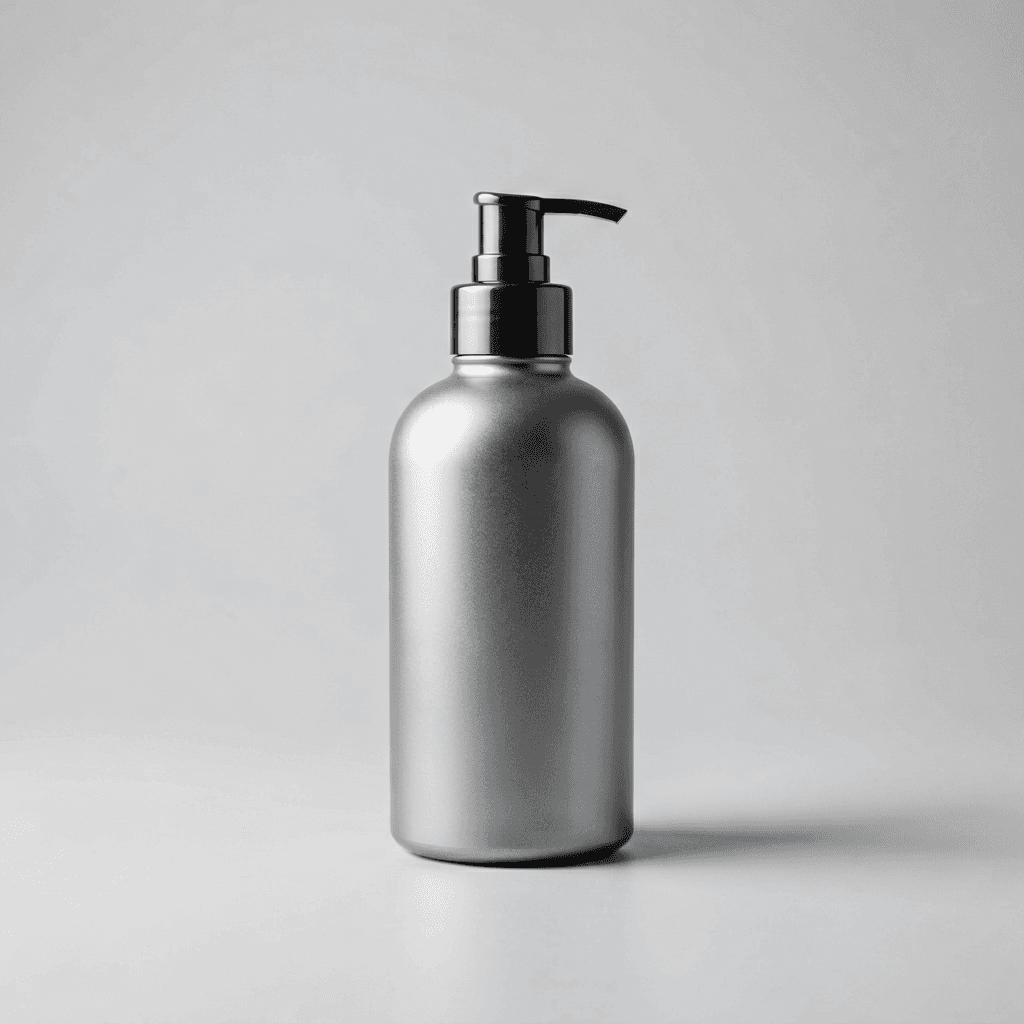
Product background edit
Use qwen image edit with a stronger visual style, preserve the core subject, and produce a clean shareable result.
Build a Qwen Image Edit instruction
A Qwen Image Edit request is easier to review when the change and preserve list are explicit.
Change only the requested element
Separate the change from the preserve list
| Edit goal | Change | Preserve |
|---|---|---|
| Room refresh | Wall color and furniture style | Windows, floor, camera angle |
| Product campaign | Background and props | Product shape, label, materials |
| Portrait cleanup | Small distractions and color balance | Identity, expression, hairstyle |
Review Qwen Image Edit as a controlled edit
Do
- Name one primary change.
- List details that must remain identical.
- Compare the result against the source at full size.
Don't
- Rewrite the entire scene when one edit is needed.
- Assume labels and small text remain correct.
- Accept identity drift in a portrait edit.
Qwen Image Edit FAQ
How should I handle edit scope with Qwen Image Edit?
Qwen Image Edit works best when edit scope is treated as a specific review decision. Define the intended result, keep the relevant constraints visible, compare alternatives, and reject output that does not remain believable or useful.
How should I handle preserve list with Qwen Image Edit?
Qwen Image Edit works best when preserve list is treated as a specific review decision. Define the intended result, keep the relevant constraints visible, compare alternatives, and reject output that does not remain believable or useful.
How should I handle source image quality with Qwen Image Edit?
Qwen Image Edit works best when source image quality is treated as a specific review decision. Define the intended result, keep the relevant constraints visible, compare alternatives, and reject output that does not remain believable or useful.
How should I handle identity protection with Qwen Image Edit?
Qwen Image Edit works best when identity protection is treated as a specific review decision. Define the intended result, keep the relevant constraints visible, compare alternatives, and reject output that does not remain believable or useful.
How should I handle text accuracy with Qwen Image Edit?
Qwen Image Edit works best when text accuracy is treated as a specific review decision. Define the intended result, keep the relevant constraints visible, compare alternatives, and reject output that does not remain believable or useful.
How should I handle lighting match with Qwen Image Edit?
Qwen Image Edit works best when lighting match is treated as a specific review decision. Define the intended result, keep the relevant constraints visible, compare alternatives, and reject output that does not remain believable or useful.
How should I handle variant review with Qwen Image Edit?
Qwen Image Edit works best when variant review is treated as a specific review decision. Define the intended result, keep the relevant constraints visible, compare alternatives, and reject output that does not remain believable or useful.
How should I handle edge inspection with Qwen Image Edit?
Qwen Image Edit works best when edge inspection is treated as a specific review decision. Define the intended result, keep the relevant constraints visible, compare alternatives, and reject output that does not remain believable or useful.
How should I handle final export with Qwen Image Edit?
Qwen Image Edit works best when final export is treated as a specific review decision. Define the intended result, keep the relevant constraints visible, compare alternatives, and reject output that does not remain believable or useful.
Try Qwen Image Edit
Edit a source image with precise change and preserve instructions while reviewing identity, layout, and text accuracy.
Start creating