Voor AI blog
Guides & workflows
Long-form articles on models, editing workflows, and creative techniques — each with a live generator when you are ready to try it.
For product release notes, see What's New.
 Workflow
Animate Image AI Image to Video Tool
Upload a locked still, pick a motion preset, and export an MP4 loop where identity stays consistent — dolly, orbit, ambient, or parallax.
Read article → Workflow
Unwrap Image AI — Flatten Curved Labels & Posters
Flatten curved labels, angled posters, and wrapped mockups into cleaner front-facing references without rebuilding the design by hand.
Read article → Tutorial
Turn Name Into Flowers
Spell a name with blooms for nursery prints, wedding signs, cards, and tattoo concepts — with a spelling audit before you export.
Read article →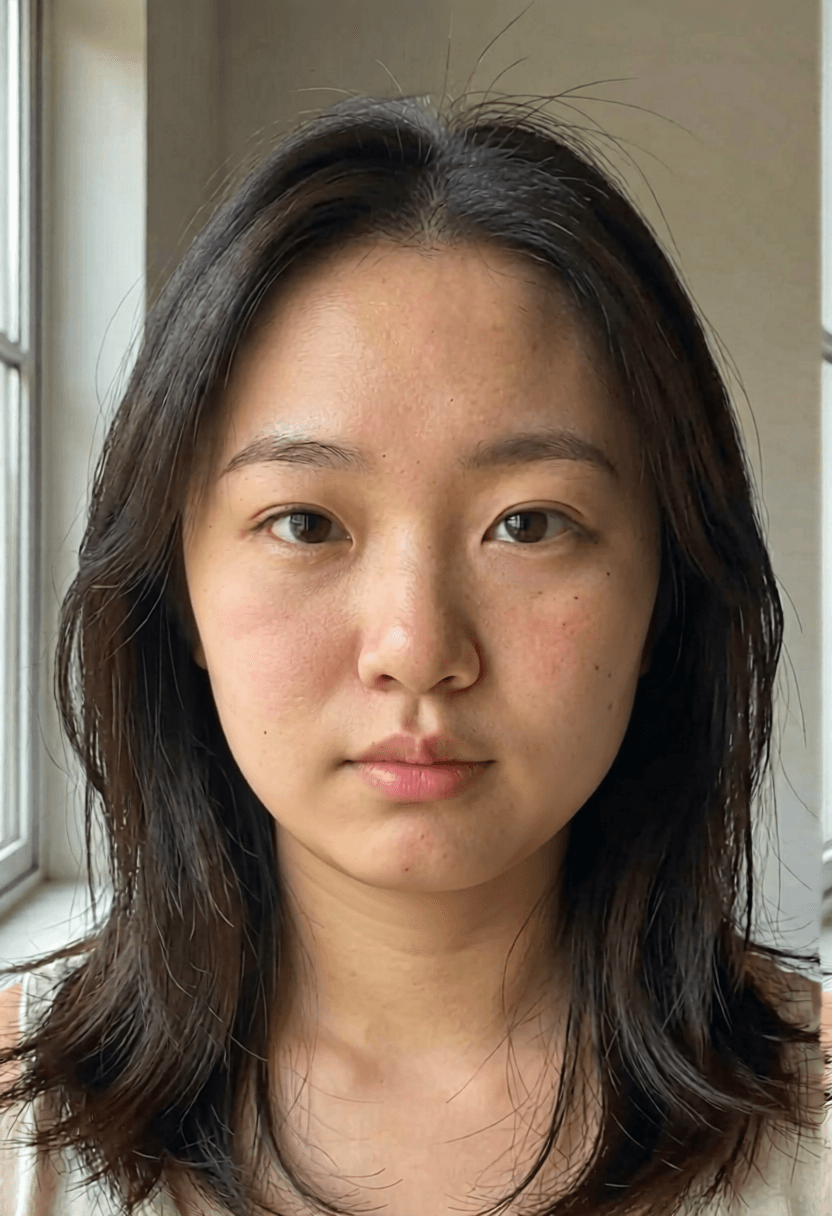 Workflow
Face Slimming AI — Natural Portrait Refinement
Dial in subtle jaw and cheek refinement with strength presets, before/after review, and honest limits on what AI retouching should change.
Read article →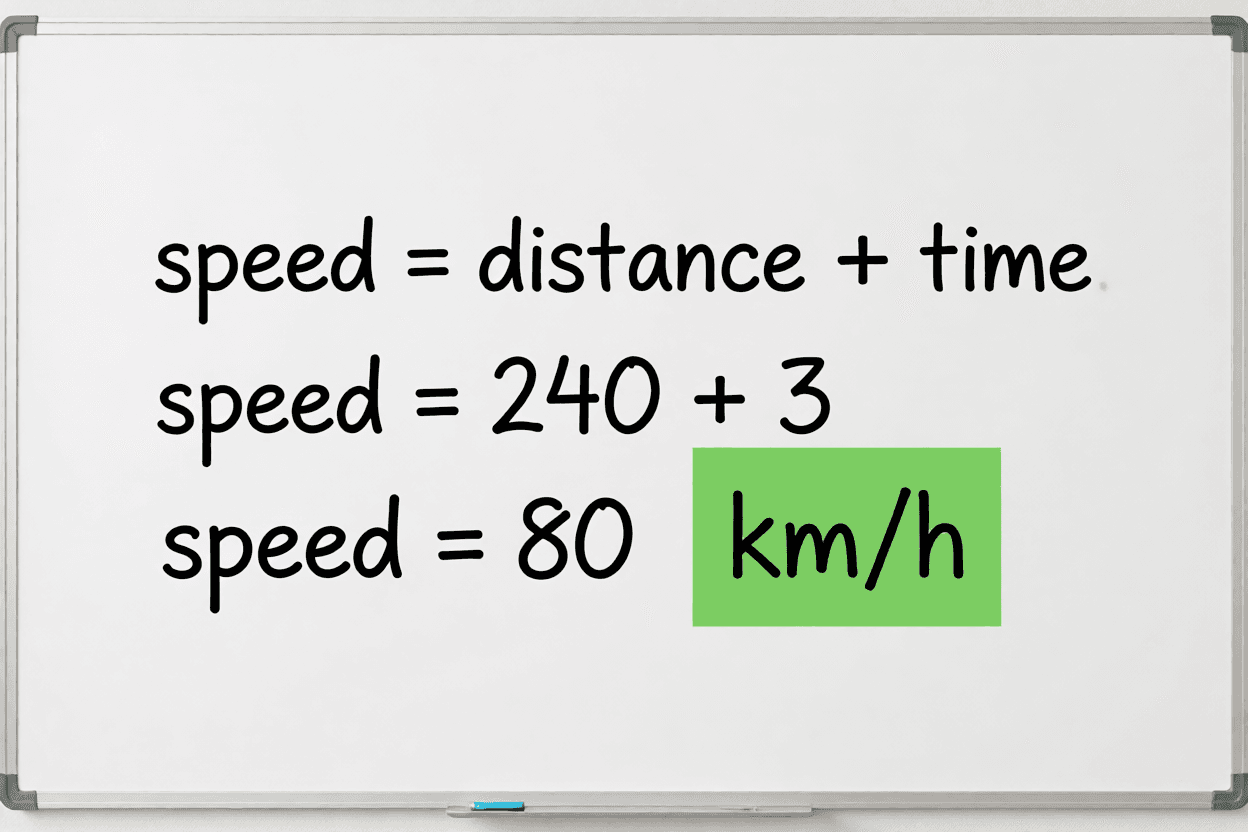 Tutorial
AI Homework Helper — Snap a Problem, Get Worked Steps
Turn a photo of a math, science, or reading problem into step-by-step worked solutions you can check before turning in.
Read article → Guide
GuideGPT Image 2 Guide — Better Text, Layouts, and Edits
A practical guide for readable text, controlled layouts, and faithful image edits with GPT Image 2 — copy tested prompts and review every output.
Read article → Guide
GuideGrok Imagine Guide
Learn the prompt structure people use for Grok Imagine-style image concepts, then test equivalent creative briefs in the Voor generator.
Read article → Guide
GuideBanana Pro AI Guide
Run a professional image-editing workflow: define one change, lock important details, compare variants, and export the cleanest result.
Read article → Guide
GuideFLUX Klein — Fast 4B AI Image Generator
FLUX Klein 4B creates sub-second AI images with sharp text and photoreal product shots — built for interactive creative loops.
Read article →