
Discord

Upload a curved label, angled artwork, or wrapped mockup and use Unwrap Image AI to create a flatter reference without rebuilding the design by hand.

Generate

No history yet

Your generated results will appear here after you create something.

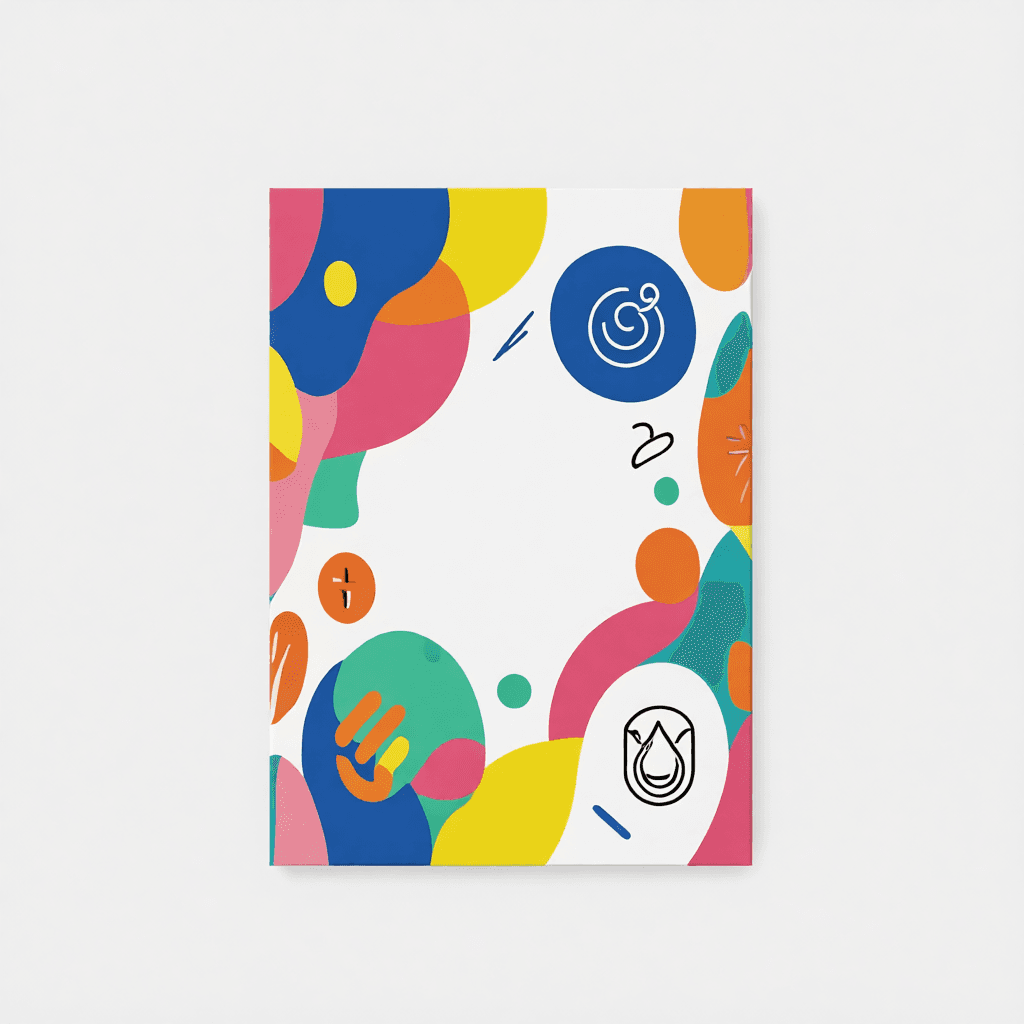
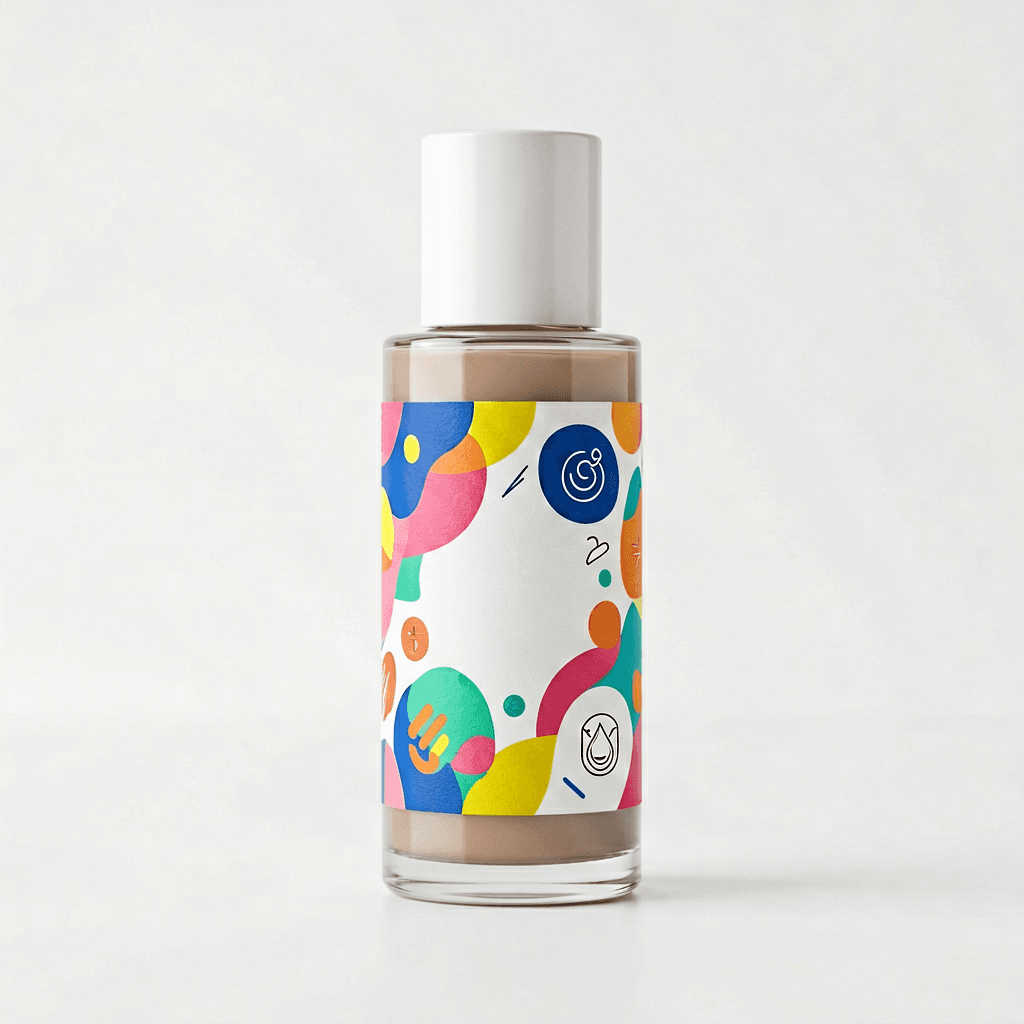
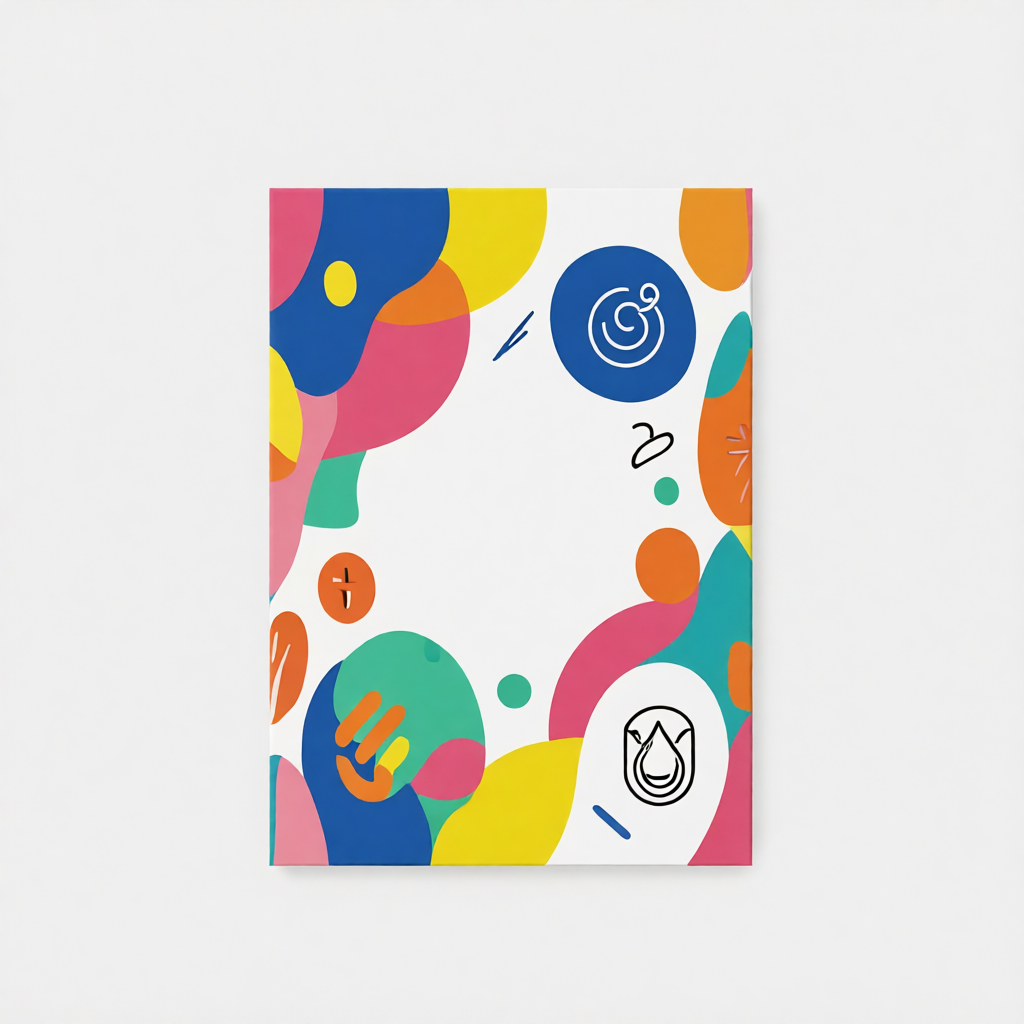
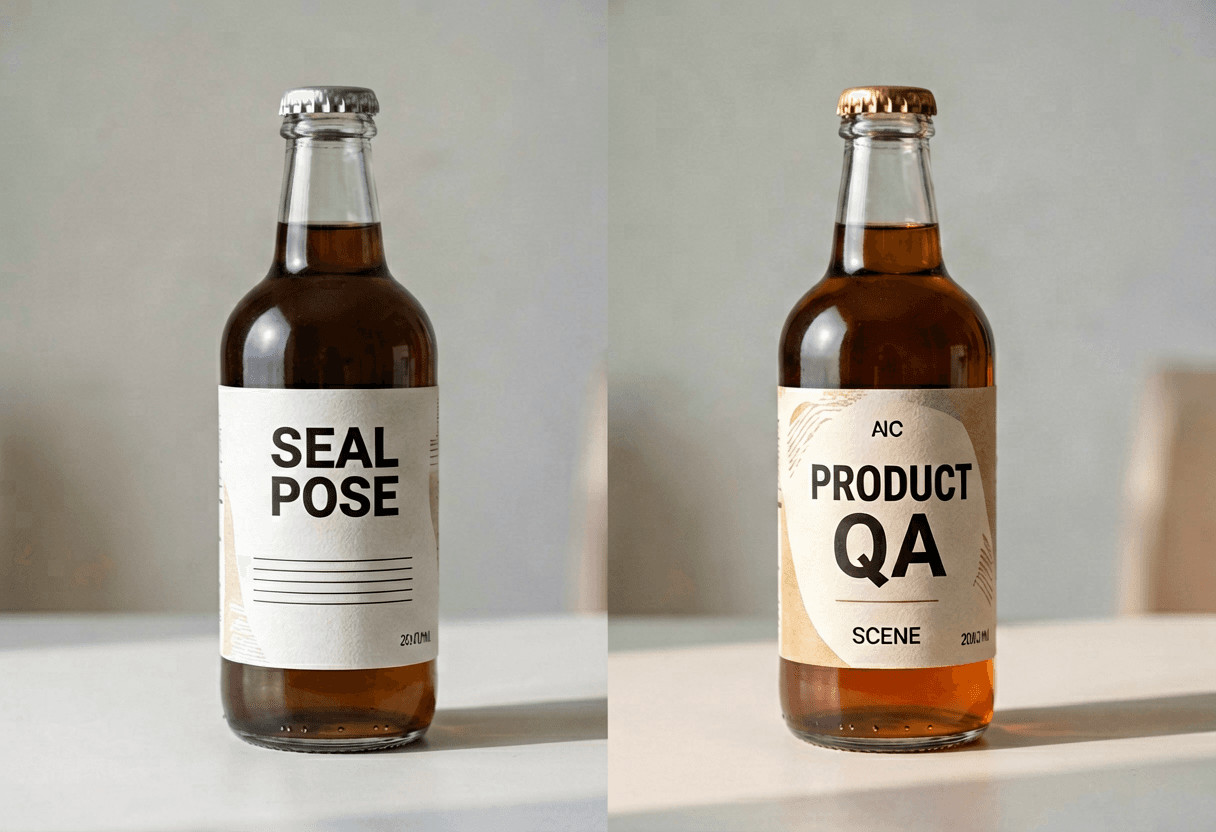
Curved source on the left, Unwrap Image AI flat reference on the right

Unwrap Image AI does not replace CAD — it gives you a front-facing interpretation fast enough to catch copy mistakes, icon drift, and color banding before you rebuild in vector software. Drag to compare the real pair from this page.

Flat label from Unwrap Image AI
Curved bottle source for Unwrap Image AI
Curved sourceUnwrap Image AI flat

Tell Unwrap Image AI what surface you are flattening

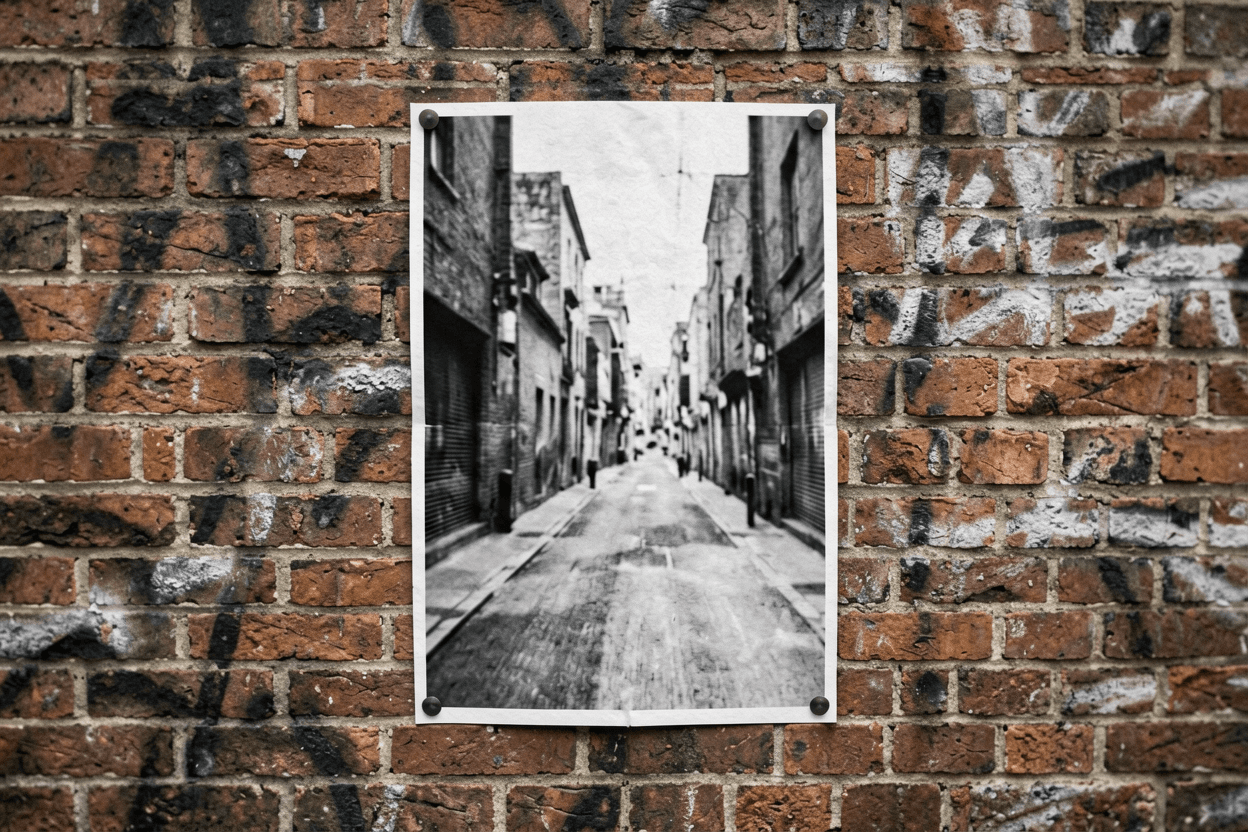
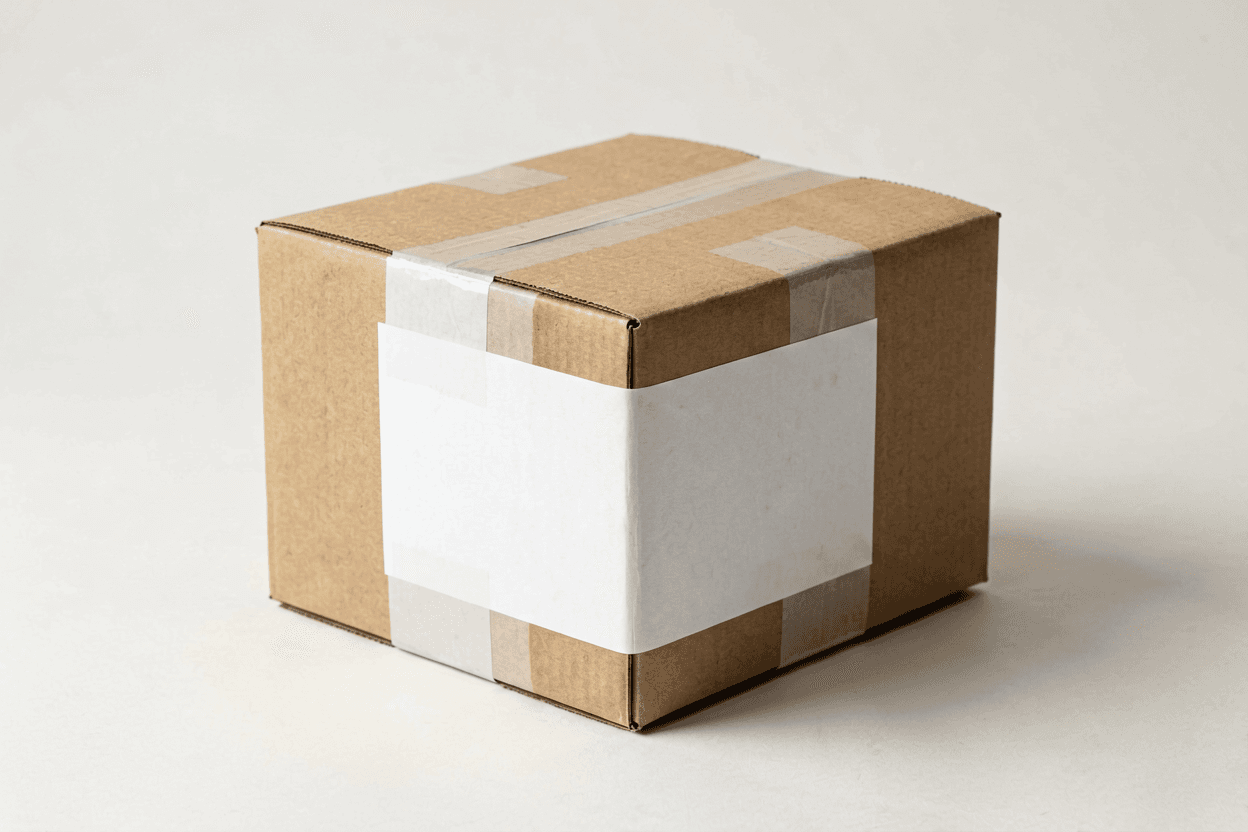
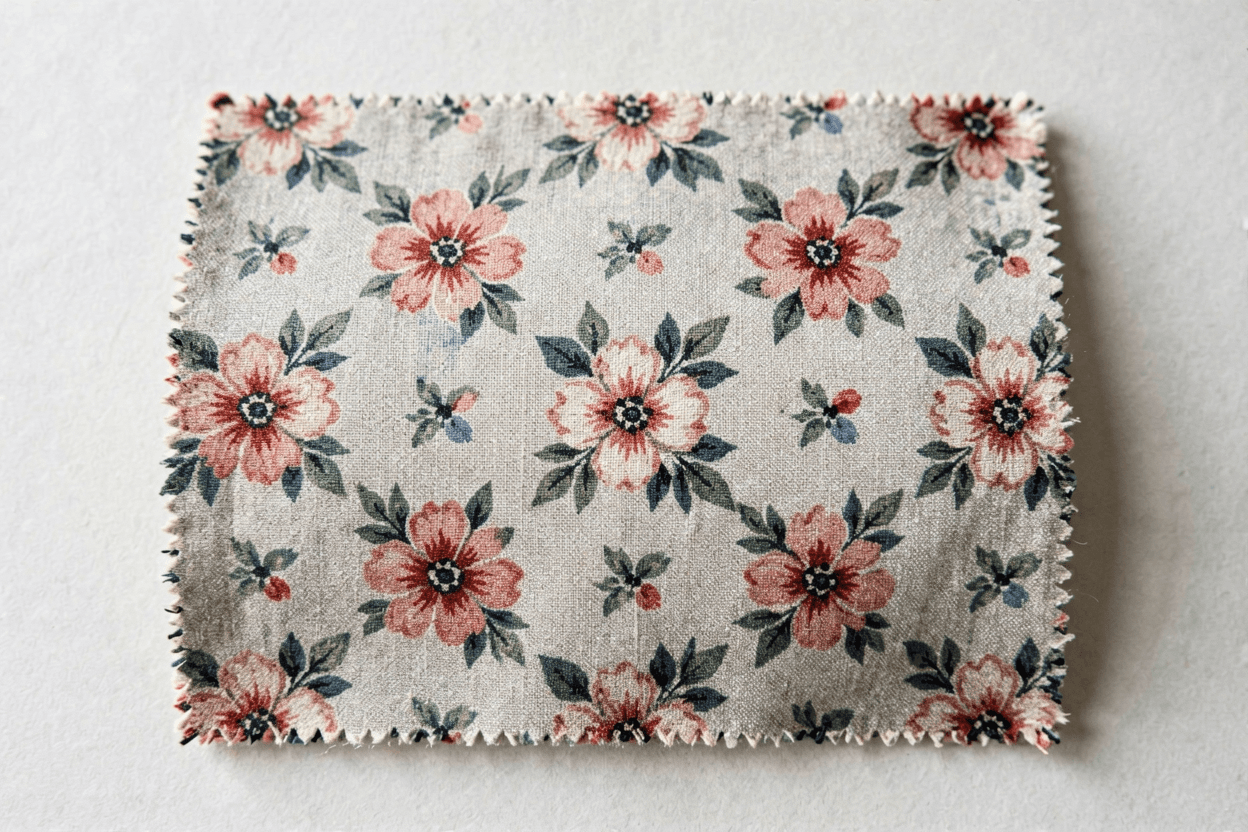
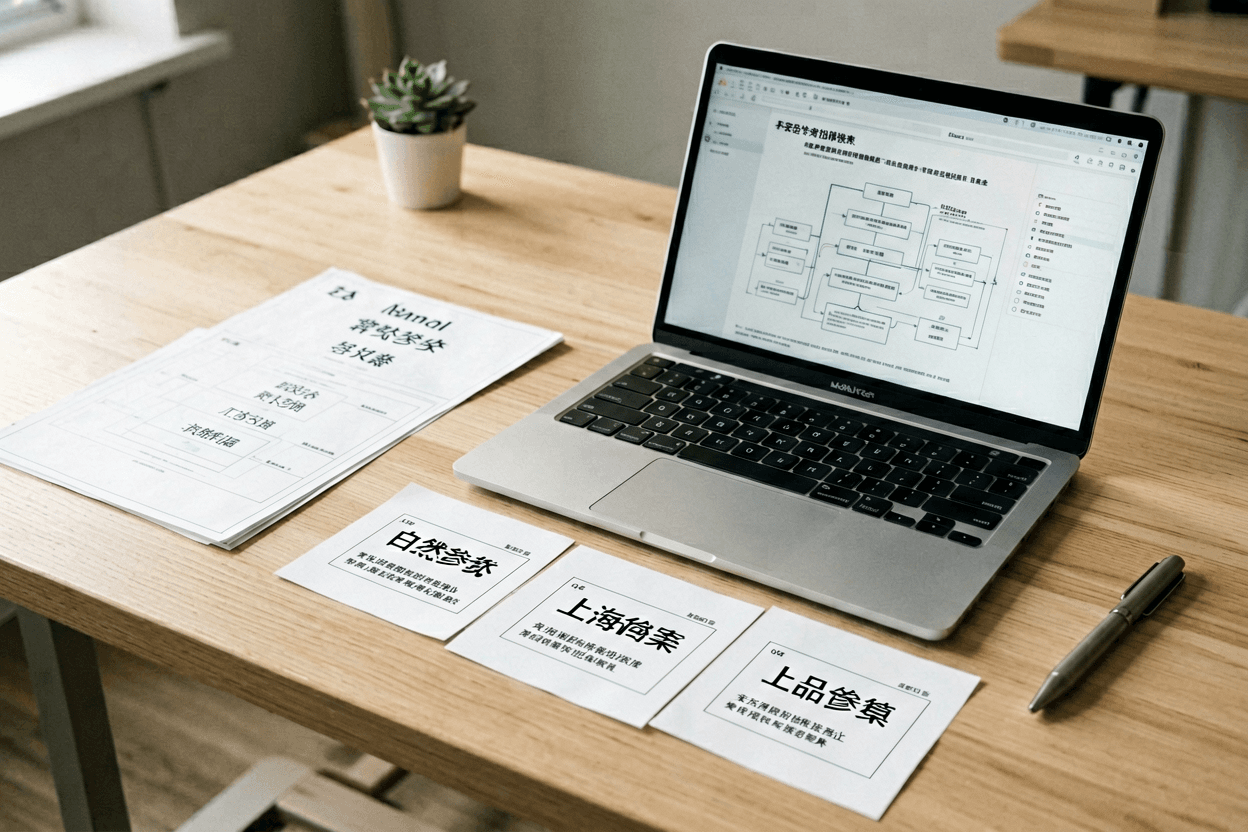
The generator presets above mirror these three Unwrap Image AI targets. Match the surface type before upload — label curvature, poster angle, or fabric repeat — so the flatten pass knows what geometry to undo.

Unwrap Image AI instruction — Curved label → flat

Unwrap Image AI: flatten the curved label or wrapped artwork into a clean front-facing reference; keep colors, borders, icons and layout aligned; no invented readable text.

Flat-reference audit after Unwrap Image AI

Run this five-point check on every Unwrap Image AI pass before sending the flat image to a client or designer.

Corners

Unwrap Image AI should square artwork without pulling a corner into a curve — inspect all four edges at full zoom.

Icons

Small symbols are the first place Unwrap Image AI shows stretch or duplication — count icons against the curved source.

Type

Treat lettering as layout reference only. Unwrap Image AI may preserve shapes but not guarantee spell-perfect text.

Palette

Compare color blocks band-by-band. Unwrap Image AI should not invent new hues or fade edges into gray mush.

Use

The output is a review reference for mockups and approvals — not print-ready geometry or a legal dieline.

A reliable Unwrap Image AI workflow

Step 1

Photograph cleanly

Even light, minimal glare, whole label visible — Unwrap Image AI reads sharp curved sources far better than phone snapshots in harsh shadow.

Step 2

Pick the surface type

Choose label, poster, or pattern preset so Unwrap Image AI knows whether to undo cylinder wrap or perspective tilt.

Step 3

Flatten conservatively

Run a gentle Unwrap Image AI pass first. Aggressive flattening warps corners and duplicates center icons.

Step 4

Audit and hand off

Inspect corners, icons, and palette; keep the curved original beside the Unwrap Image AI flat for client context.

When Unwrap Image AI helps — and when it does not

Unwrap Image AI creates a flatter reference for review. It is not a replacement for a dedicated UV unwrap or CAD flattening pipeline.

TaskUnwrap Image AIBetter alternative
Curved bottle label referenceGood starting flat mockupManual vector rebuild for print
Angled poster photoUseful layout proofPerspective crop in design software
Exact manufacturing dimensionsNot guaranteedCAD or dieline template
Remove beauty filter artifactsWrong toolRemove Filter From Photo page

Inspect these zones after Unwrap Image AI

Flat label output from Unwrap Image AI123
  1. 1Corner squareness — curves here mean the Unwrap Image AI flatten pass was too aggressive.
  2. 2Icon spacing — duplicated symbols often appear in the center band after Unwrap Image AI.
  3. 3Text edges — inspect spelling before using the Unwrap Image AI flat reference in production.

14 ways teams use Unwrap Image AI

Same workflow each time — upload the curved source, pick a surface preset, flatten with Unwrap Image AI, then audit before reuse.

  • Unwrap Image AI for a bottle mockup review before sending art to the printer.

    Unwrap Image AI for a bottle mockup review before sending art to the printer.

  • Unwrap Image AI for an angled poster photo that needs a flat layout reference.

    Unwrap Image AI for an angled poster photo that needs a flat layout reference.

  • Unwrap Image AI for packaging comps where the label wrap hides key copy.

    Unwrap Image AI for packaging comps where the label wrap hides key copy.

  • Unwrap Image AI for a texture photo that should become a repeatable pattern tile.

    Unwrap Image AI for a texture photo that should become a repeatable pattern tile.

  • Unwrap Image AI for a product shot taken at a slight perspective angle.

    Unwrap Image AI for a product shot taken at a slight perspective angle.

  • Unwrap Image AI for a client approval pass before rebuilding the art in Illustrator.

    Unwrap Image AI for a client approval pass before rebuilding the art in Illustrator.

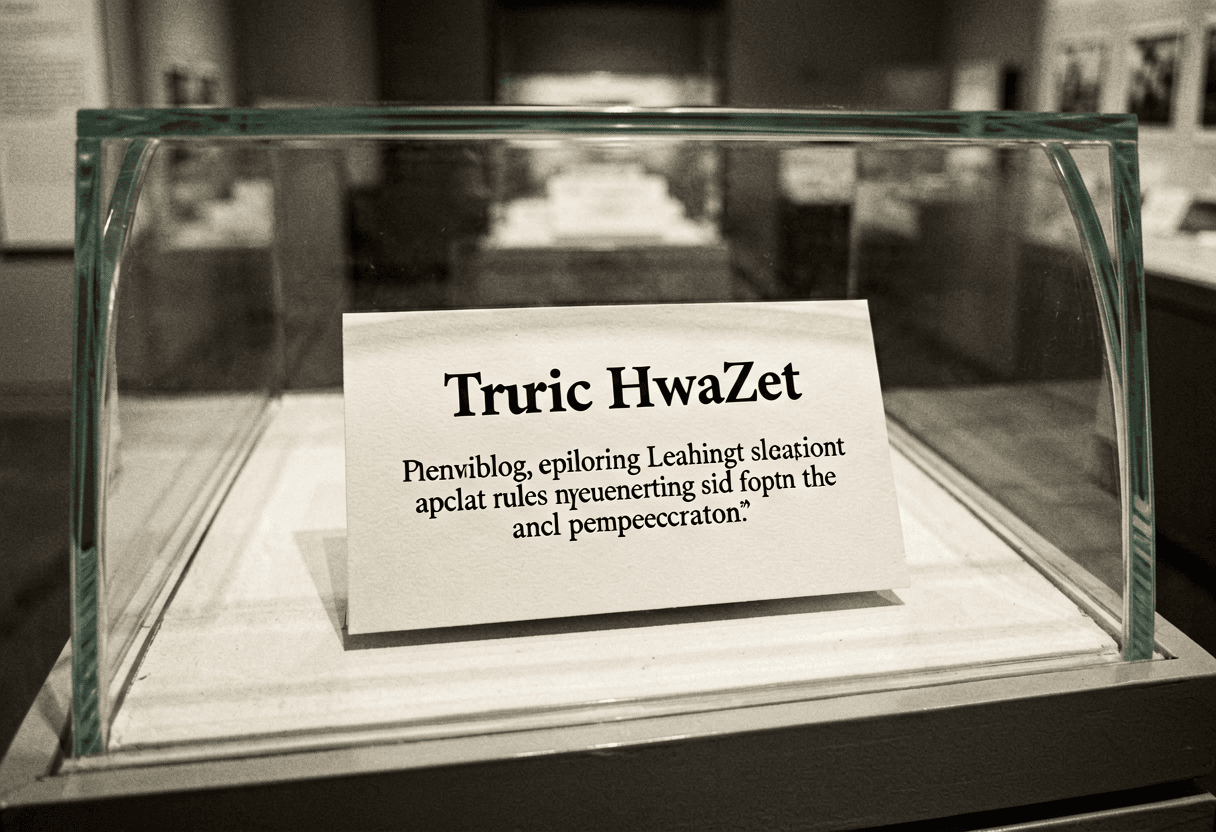
  • Unwrap Image AI for a museum label photo that must be read without the glass curve.

    Unwrap Image AI for a museum label photo that must be read without the glass curve.

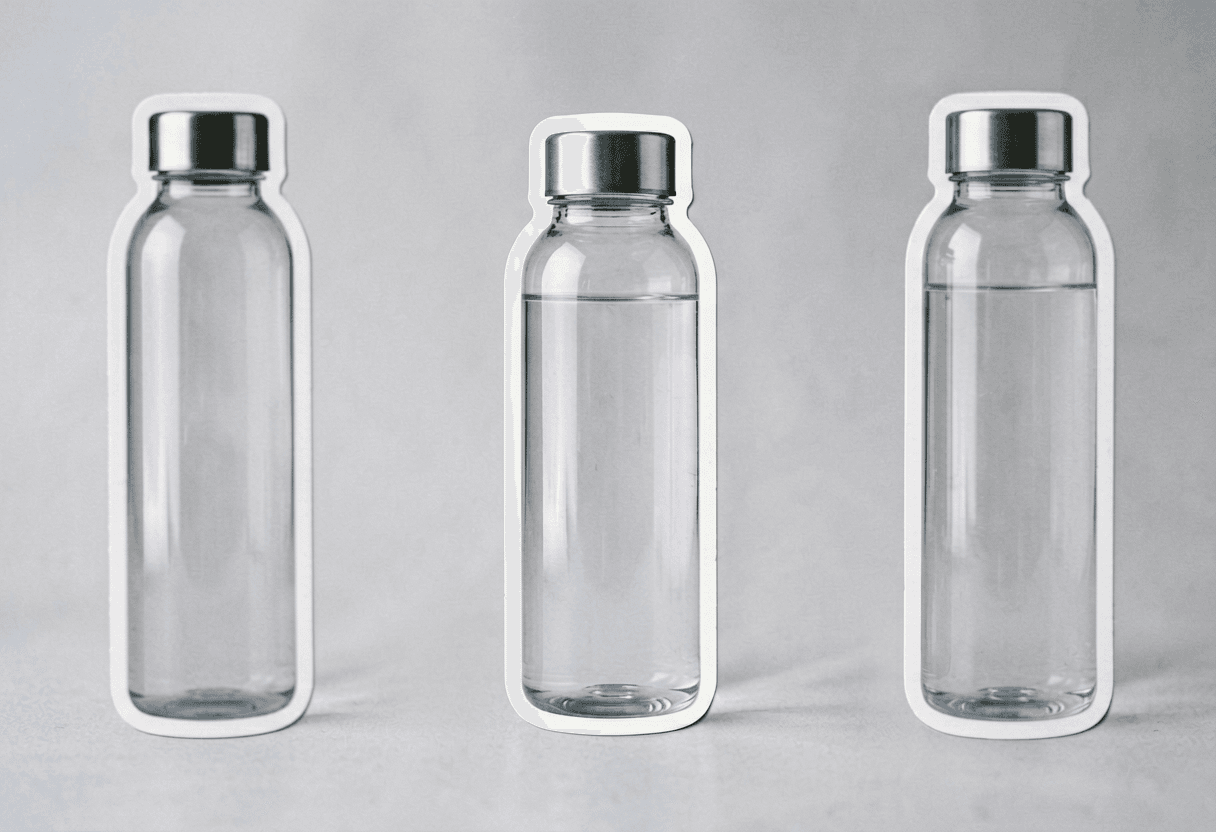
  • Unwrap Image AI for a sticker sheet concept photographed on a curved surface.

    Unwrap Image AI for a sticker sheet concept photographed on a curved surface.

  • Unwrap Image AI for a quick compare between two flatten strengths.

    Unwrap Image AI for a quick compare between two flatten strengths.

  • Unwrap Image AI for a social graphic extracted from a wrapped mockup photo.

    Unwrap Image AI for a social graphic extracted from a wrapped mockup photo.

  • Unwrap Image AI for a QA pass on icon alignment after flattening.

    Unwrap Image AI for a QA pass on icon alignment after flattening.

  • Unwrap Image AI for a handoff reference to a designer who will rebuild the final file.

    Unwrap Image AI for a handoff reference to a designer who will rebuild the final file.

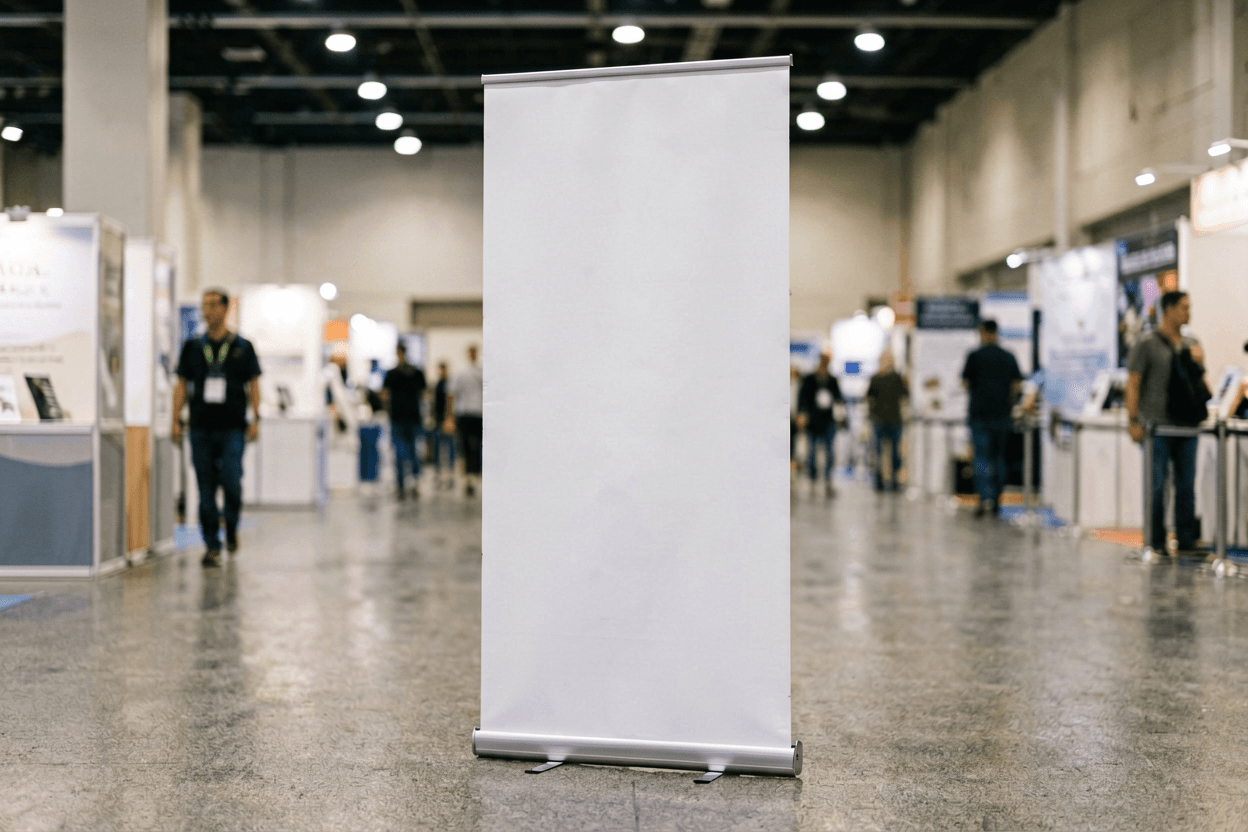
  • Unwrap Image AI for a trade-show banner photo that was shot off-axis.

    Unwrap Image AI for a trade-show banner photo that was shot off-axis.

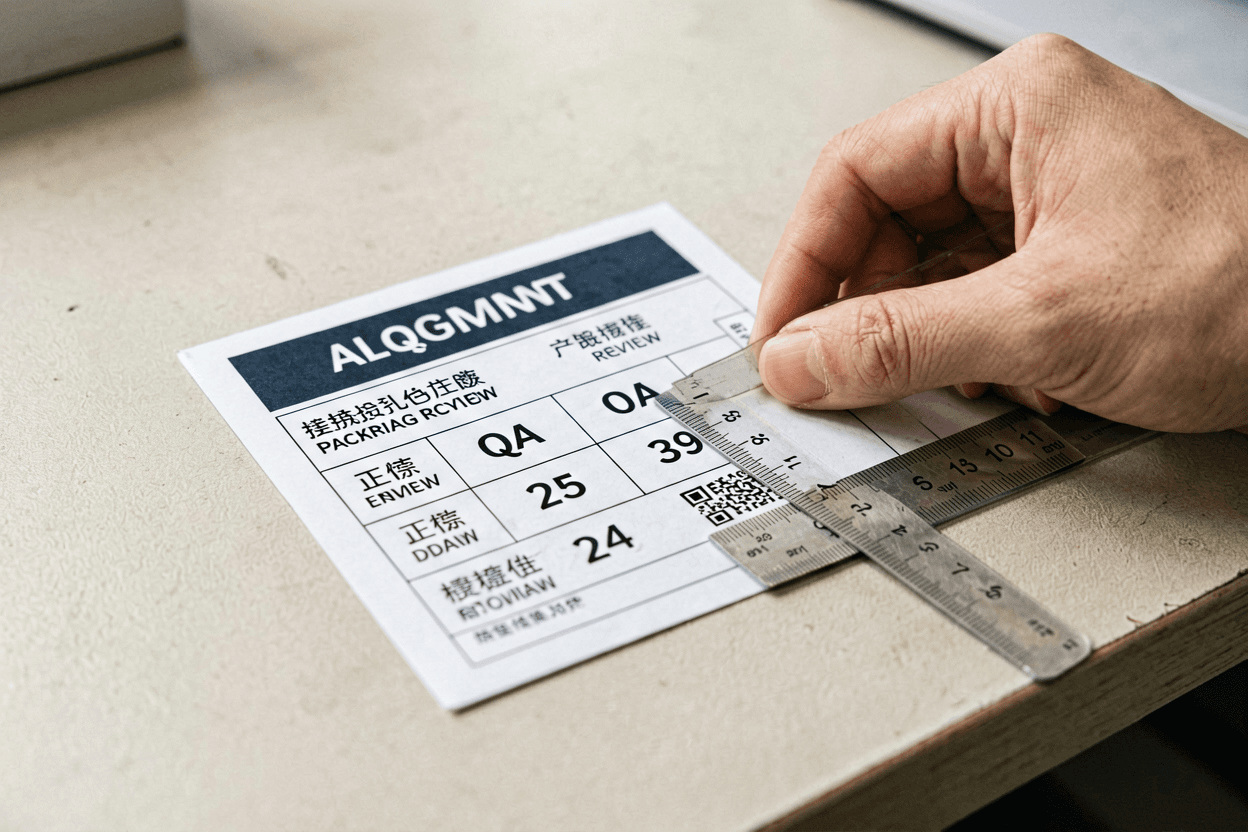
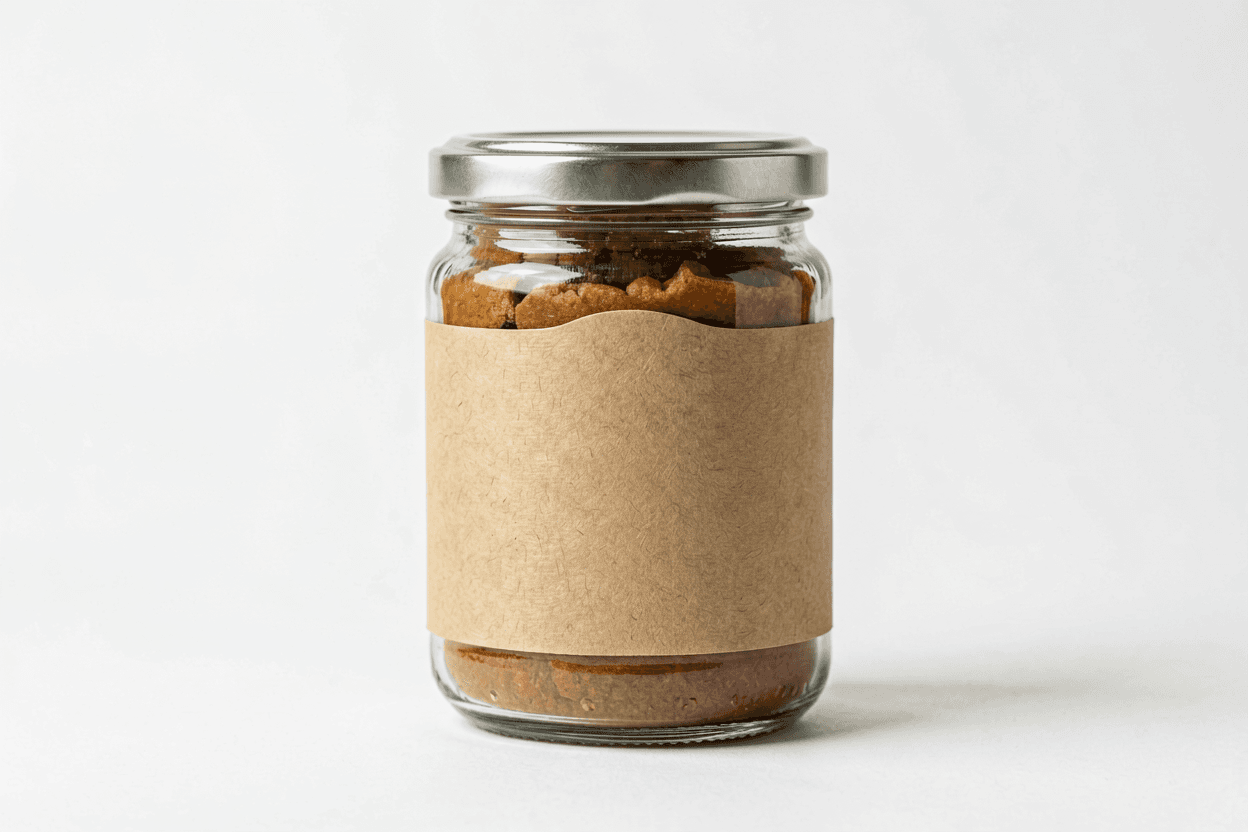
  • Unwrap Image AI for a cosmetic jar label where the ingredient panel wraps around the curve.

    Unwrap Image AI for a cosmetic jar label where the ingredient panel wraps around the curve.

Unwrap Image AI is a review reference, not print-ready geometry

A curved label, poster, or mockup photo contains perspective distortion that is useful for marketing but awkward for editing. Unwrap Image AI tries to produce a front-facing interpretation you can inspect for copy, spacing, and major layout mistakes before investing in a manual rebuild.

The output should be treated as a directional flat reference. Small symbols, fine type, and exact corner radii may still need correction in vector software. That limitation is normal — the value of Unwrap Image AI is speed and clarity, not a guaranteed dieline.

Strongest Unwrap Image AI results come from sharp source photos, even lighting, and a single dominant surface. If the original image mixes multiple planes or reflections, flatten one region at a time and compare the passes before choosing a final reference.

For color tweaks on an already-flat asset, try the AI Image Color Changer. For broader edit workflows, the Image to Image AI collection covers additional preserve-and-edit patterns beyond Unwrap Image AI flattening.

Unwrap Image AI quality checklist

Do

  • Photograph the curved surface with even light and minimal glare before Unwrap Image AI.
  • Inspect corners, icons, and text at full size before reusing the Unwrap Image AI flat output.
  • Run a conservative Unwrap Image AI flatten pass first, then refine with a narrower instruction.
  • Keep the original curved photo for comparison when presenting Unwrap Image AI results to a client.

Don't

  • Do not assume Unwrap Image AI output is print-ready without manual verification.
  • Do not flatten an entire scene with multiple unrelated objects in one Unwrap Image AI pass.
  • Do not use the Unwrap Image AI result as legal proof of exact label dimensions.
  • Do not skip a second Unwrap Image AI pass when small type becomes illegible after flattening.

Unwrap Image AI — frequently asked questions

What does Unwrap Image AI mean?

Unwrap Image AI flattens a curved, angled, or wrapped visual into a cleaner front-facing image. It is useful for labels, posters, patterns, and mockup references, but Unwrap Image AI is not a measurement-grade CAD unwrap.

Can Unwrap Image AI flatten a bottle label?

Yes. Upload the bottle photo and ask Unwrap Image AI for a flat label reference with edges squared, colors preserved, and small icons kept aligned.

Will Unwrap Image AI keep text readable?

Unwrap Image AI can preserve text-like marks, but exact lettering is still fragile. For important copy, use the result as layout reference and rebuild final text outside the image.

Is Unwrap Image AI good for fabric patterns?

Unwrap Image AI can make a useful flat pattern preview from a fabric photo, especially for moodboards. It should not be treated as a sewing pattern or exact textile scan.

What source works best for Unwrap Image AI?

Unwrap Image AI works best with a sharp, evenly lit image where the whole wrapped design is visible and not blocked by hands, glare, or heavy shadows.

How do I prompt Unwrap Image AI?

Tell Unwrap Image AI the source type, the desired flat output, and what must remain unchanged: logo placement, borders, palette, pattern density, or icon spacing.

Can Unwrap Image AI remove perspective?

Yes, perspective correction is one of the most useful Unwrap Image AI tasks. Ask for a squared front-on view and inspect corners for stretching.

Does Unwrap Image AI create print-ready files?

No. Unwrap Image AI creates a visual approximation. Use it for planning, mockups, and references, then rebuild print-ready art in design software.

Is Unwrap Image AI free to try?

Voor gives free daily credits for testing Unwrap Image AI. Run a small source first, compare details, then use the best result as your flat reference.

People also search for

  • unwrap image ai online
  • ai unwrap label
  • flatten curved image ai
  • unwrap bottle label ai
  • ai perspective flatten image
  • unwrap product mockup ai
  • flat label from photo
  • ai pattern unwrap

Unwrap Image AI searches usually need a practical flattening pass, not a fake promise of exact CAD geometry. Start with a clean curved source, pick the right surface preset, and audit every Unwrap Image AI flat before handoff.

Try Unwrap Image AI on your curved source

Flatten a curved or angled image into a cleaner reference, then refine the result with precise preserve instructions before handoff.