Upload an image and tell AI Image Color Changer exactly which object should change color while everything else stays stable.
Choose a preset, then describe only the details that should change.
No history yet
Your generated results will appear here after you create something.
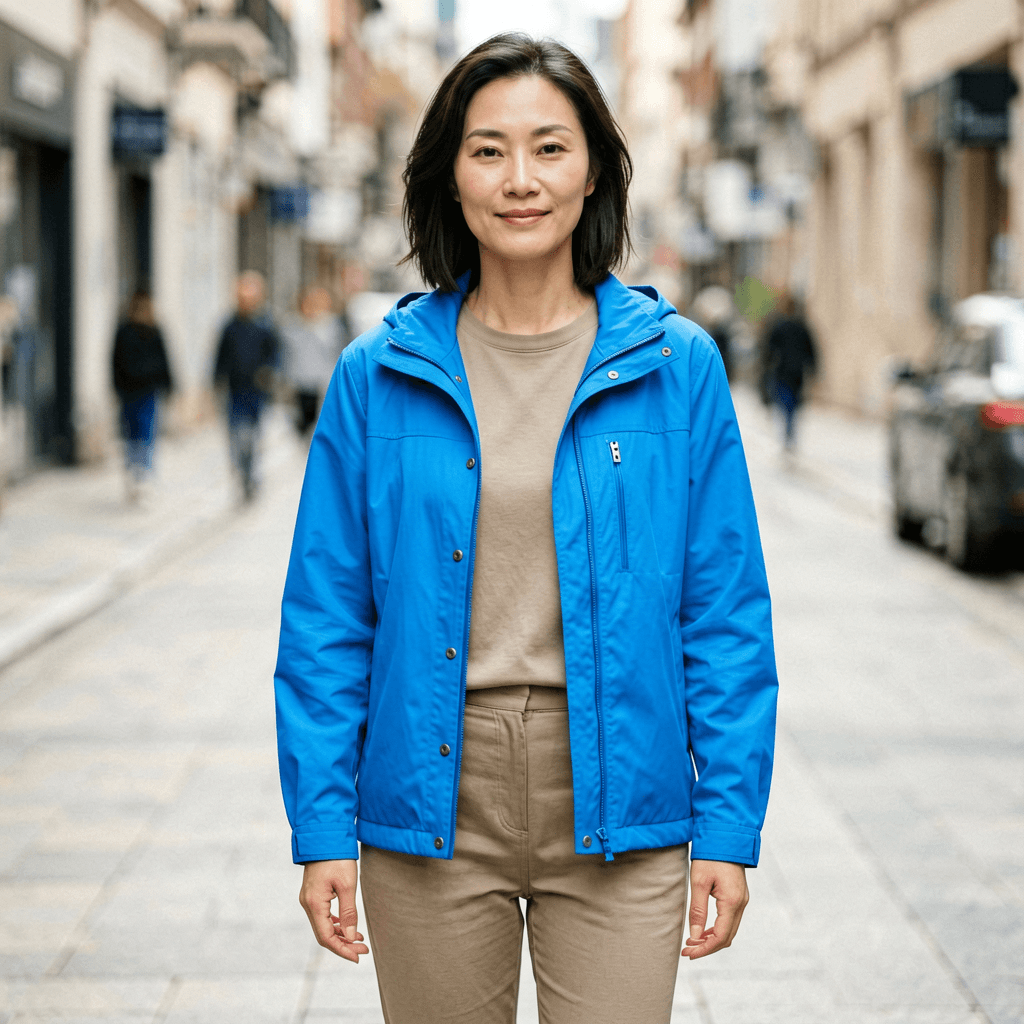
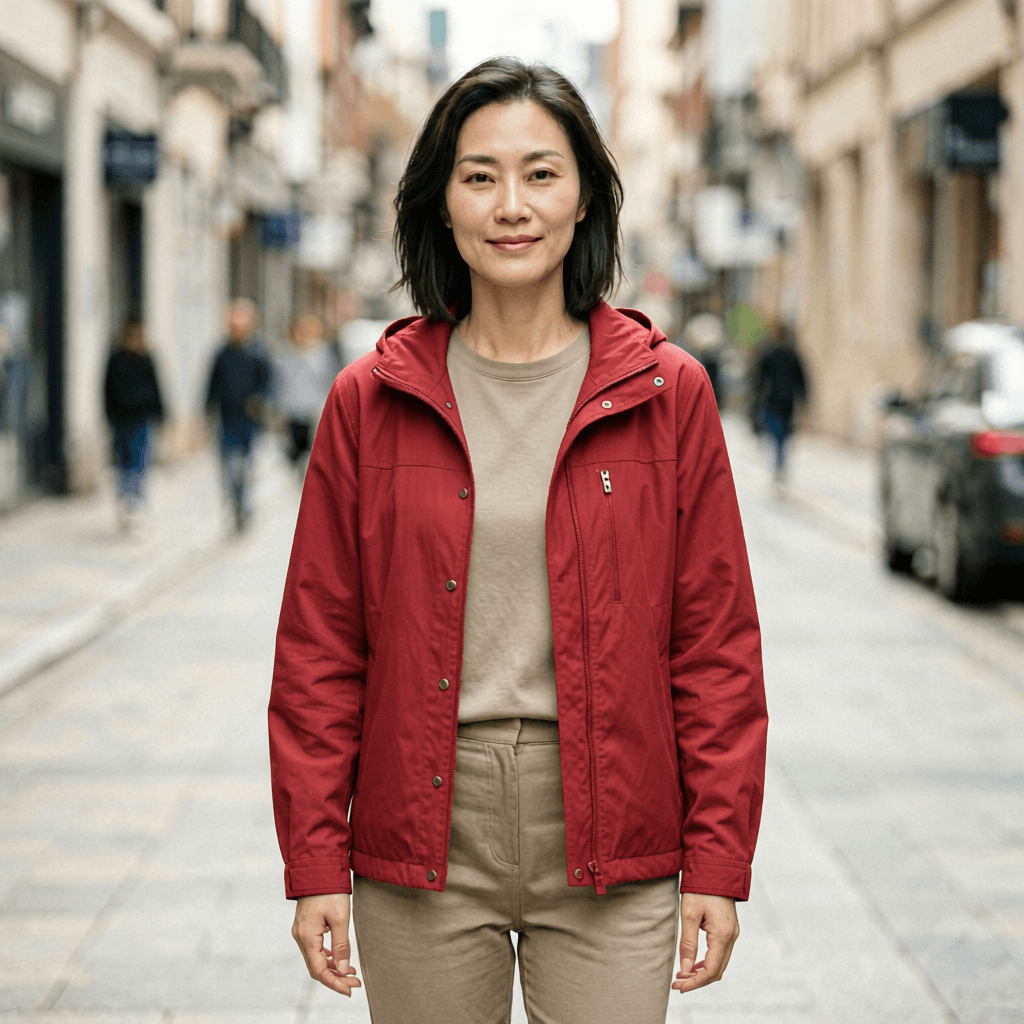
CHECK 1AI Image Color Changer should target one object.
CHECK 2Fabric folds must survive the recolor.
CHECK 3Skin and hair should not pick up the new hue.
CHECK 4Background spill means the prompt was too loose.
People also search for
- ai image color changer online
- change color of image ai
- ai recolor clothes
- product color changer ai
- ai color replacement image
- change dress color ai
- recolor object ai
- ai photo color changer
AI Image Color Changer users usually need controlled recolor, not a full restyle. Name the object, name the color, and protect the rest of the image.
AI Image Color Changer FAQ
What does AI Image Color Changer do?
AI Image Color Changer edits a chosen object, product, outfit, wall, or accent color while preserving shape, lighting, material, and surrounding details.
Can AI Image Color Changer recolor clothes?
Yes. Upload a clear photo and ask AI Image Color Changer to change only the jacket, dress, shoes, or shirt while keeping skin, hair, and background unchanged.
Can AI Image Color Changer recolor a product?
AI Image Color Changer is useful for product color variants when the prompt protects logo placement, material finish, reflections, and proportions.
How do I stop AI Image Color Changer from changing everything?
Name the exact object and add a preserve list. A good AI Image Color Changer prompt says what changes and what must stay identical.
Can AI Image Color Changer handle patterns?
It can, but patterns are harder than solid color. Ask AI Image Color Changer to keep the pattern geometry while changing only the base color.
What colors work best in AI Image Color Changer?
Clear color names, hex-like descriptions, and material words work well: matte navy, glossy red, pale cream fabric, brushed black metal.
Will AI Image Color Changer preserve shadows?
It should if you ask for realistic recolor with original shadows and highlights preserved. Flat color replacement usually looks fake.
Can AI Image Color Changer make brand palettes?
Yes. Use AI Image Color Changer to test accent colors, product finishes, and campaign palettes before editing final assets manually.
Is AI Image Color Changer free?
Voor gives free daily credits so you can test AI Image Color Changer on a few color variants before choosing the best one.
Try AI Image Color Changer
Recolor one object while keeping lighting, material, and identity intact.
Change color