Use a professional image-editing workflow: define one change, lock important details, compare variants, and export the cleanest result.
Generate
No history yet
Your generated results will appear here after you create something.
Review a Banana Pro AI product image
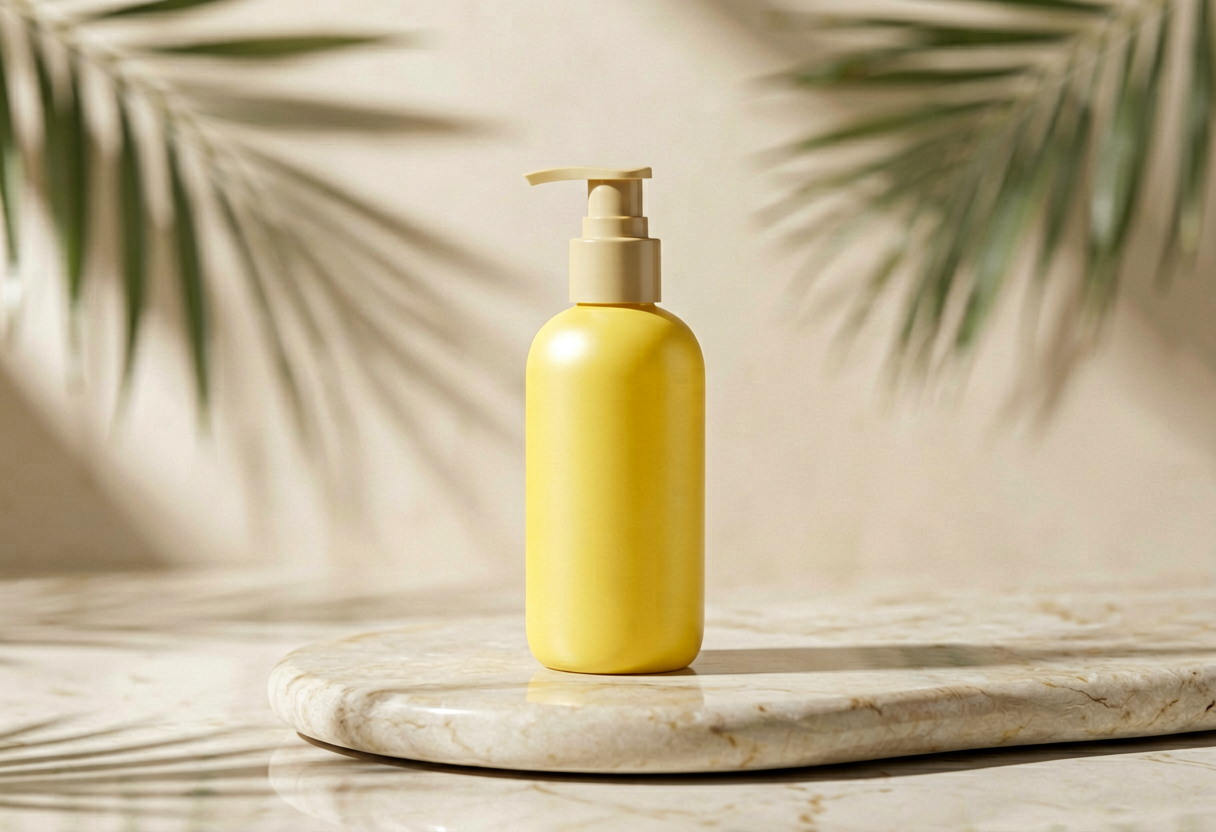 123
123- 1The product silhouette must remain accurate and recognizable.
- 2A believable contact shadow prevents the product from floating.
- 3Leave deliberate negative space when the image needs ad copy.
Build a product-ready image brief
Create a premium product photograph
See why specific prompts are easier to control
| Weak instruction | Directed instruction | What changed |
|---|---|---|
| Make it cinematic | Low-angle wide shot with hard sunset rim light | Camera and light are defined |
| Use a nice background | Warm lilac studio wall with a soft floor shadow | Color and environment are defined |
| Make it better | Preserve the subject; simplify props and leave space on the left | The edit is measurable |
Prompt recipes for different outcomes
- Matte yellow headphones on a lilac pedestal, three-quarter angle, soft studio shadow
- Minimal skincare bottle, pale stone surface, clean morning light, room for headline
Revise one decision at a time
- Pass 1
Confirm the subject and overall direction.
- Pass 2
Correct composition and camera angle.
- Pass 3
Tune lighting, palette, and atmosphere.
- Final
Inspect small details and export dimensions.
Try Banana Pro AI Guide
Use a professional image-editing workflow: define one change, lock important details, compare variants, and export the cleanest result.
Start creatingBanana Pro AI Guide examples
These generated examples show two distinct directions. Copy a prompt, replace the subject, and keep the constraints that matter.
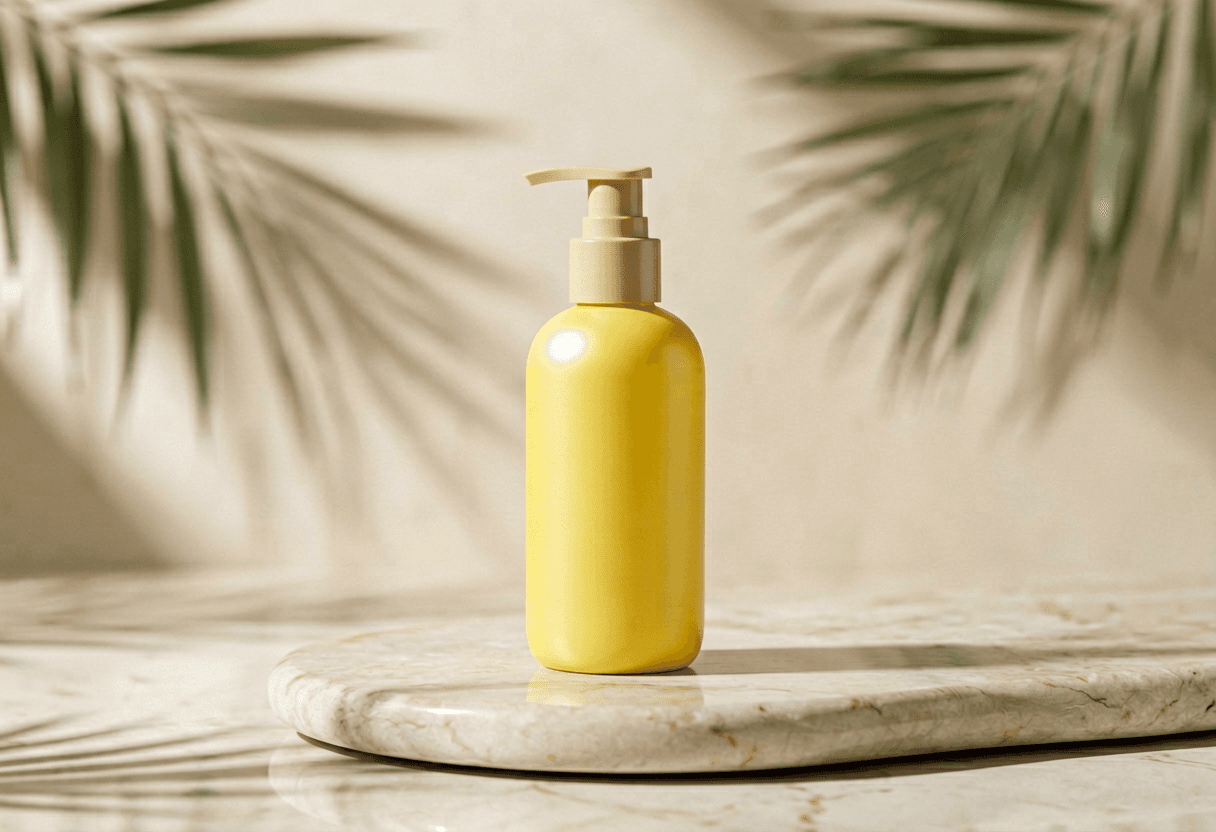
Premium product edit
Use a professional image-editing workflow: define one change, lock important details, compare variants, and export the cleanest result. Clean composition, clear subject, controlled lighting, polished result.
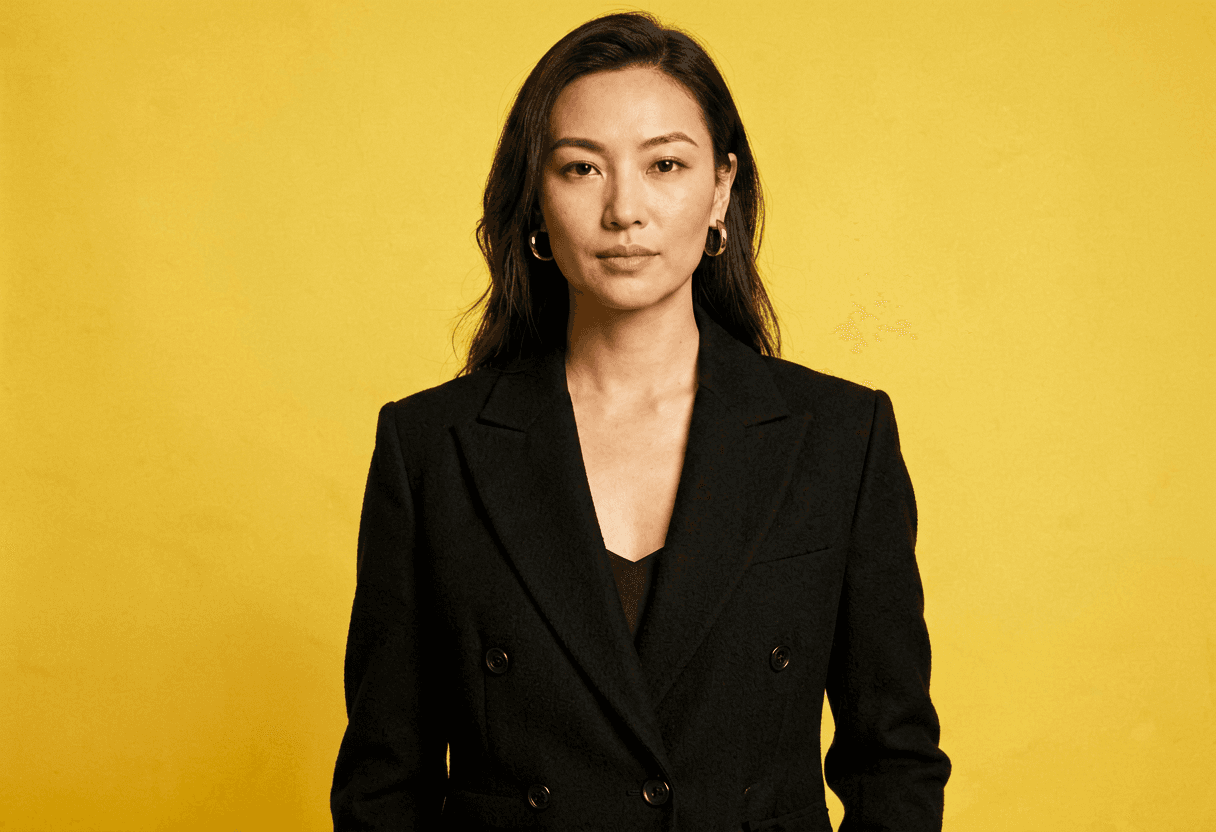
Editorial art direction
Use banana pro ai with a stronger visual style, preserve the core subject, and produce a clean shareable result.
Banana Pro AI Guide FAQ
Is this an official Banana product for Banana Pro AI?
Banana Pro AI on Voor is a practical image-generation and editing workflow, not a claim of affiliation with another named product.
What is the professional workflow for Banana Pro AI?
Banana Pro AI starts with a locked brief, explores distinct directions, corrects accuracy issues, and exports approved variants.
How do I preserve a product accurately for Banana Pro AI?
Tell Banana Pro AI to protect silhouette, materials, labels, proportions, and brand colors while changing only the requested scene.
What input image works best for Banana Pro AI?
Banana Pro AI performs best with a sharp product or subject image, clean edges, and enough resolution to inspect small details.
How many concepts should I explore for Banana Pro AI?
Use Banana Pro AI to create a few meaningfully different concepts before spending time polishing a single direction.
How should I review variants for Banana Pro AI?
Review Banana Pro AI variants separately for concept, brand fit, subject accuracy, composition, and technical defects.
Can it create campaign images for Banana Pro AI?
Banana Pro AI can help build campaign directions and format variants, but every asset still needs human brand and accuracy review.
How do I avoid random visual drift for Banana Pro AI?
With Banana Pro AI, name every protected detail and change one visual decision per revision instead of rewriting the entire brief.
What should be checked before export for Banana Pro AI?
Before exporting Banana Pro AI work, inspect product geometry, text, hands, shadows, edge quality, aspect ratio, and required resolution.