Vidu Q3: Online AI Text-to-Video and Image-to-Video Generator
Vidu Q3 is for people who want a video quickly, without a full edit stack. If you searched “Vidu Q3”, you likely want two things: a simple way to turn text into a short clip, and a reliable way to animate a still image without weird flicker. With Vidu Q3 on Voor AI, you can make short, polished videos for ads, social posts, product demos, and storyboards—motion and audio that stay in sync. You write a clear prompt, add one image when you need stronger control, and generate a result you can share in seconds.
| Input Image | Prompt | Output Video |
|---|---|---|
 | A quick FPV drone shot zipping through a tiny enchanted mushroom forest. The camera darts swiftly between enormous glowing mushrooms and moss-covered rocks. There's a cinematic motion blur effect. The camera does a barrel roll while squeezing through a tight space between two mushroom stems. The lighting shifts dynamically as the camera transitions from dark to bright areas. You can hear the wind whooshing and the sound of magical chimes. |
Vidu Q3 Features That Matter in Real Work
Vidu Q3 text-to-video for fast story drafts
Turn a simple script into a short clip. This helps when you need to test an idea before you spend time filming or editing. With Vidu Q3, you can explore pacing, mood, and camera direction in a few tries, then keep the best take—with dialogue and audio that stay in sync.
Vidu Q3 image-to-video to animate product shots
Start from one still image and add motion. This is perfect for a product photo, a character concept, or a key frame from your design. Vidu Q3 helps you create movement while keeping the original look, so your visual style stays consistent.
Vidu Q3 consistency for subjects and style
The hardest part of AI video is keeping a character or product stable from frame to frame. Vidu Q3 is built for short shots where consistency matters. Use one main subject, describe the outfit and lighting, and reuse the same reference image for the cleanest results.
Vidu Q3 camera moves that feel cinematic
Ask for a gentle push-in, a slow orbit, or a steady tracking shot. These simple camera instructions make a clip feel professional.
Vidu Q3 guidance for creative control
You do not need film-school language. Vidu Q3 works best with plain words: who is in the scene, what they do, where the camera is, and what changes over time. Clear prompts reduce surprise and make your results easier to repeat.
Vidu Q3 speed for quick iteration
When drafts are fast, you can try more ideas. That is how you find a better hook, a cleaner product angle, or a stronger opening shot. Vidu Q3 is designed for short-form workflows and can generate clips in just a few seconds, so you can iterate, select, and publish faster.
| Input Image | Prompt | Output Video |
|---|---|---|
 | Close-up shot of the woman's face. She beams with a warm smile and gazes confidently at the camera, exuding happiness. She naturally says, "Hello everyone, today I want to share some really exciting news with you." Make sure her lips sync perfectly with her words. Her facial muscles move fluidly as she smiles and speaks. The skin texture looks high quality and realistic. |
How to Use Vidu Q3
Pick your Vidu Q3 input
Start with text for a new idea, or upload an image for better control.
Describe motion and camera
Input prompt.You can also add dialogue or sound effects.
Generate and refine
Generate your video in just a few seconds.
| Input Image | Output Video |
|---|---|
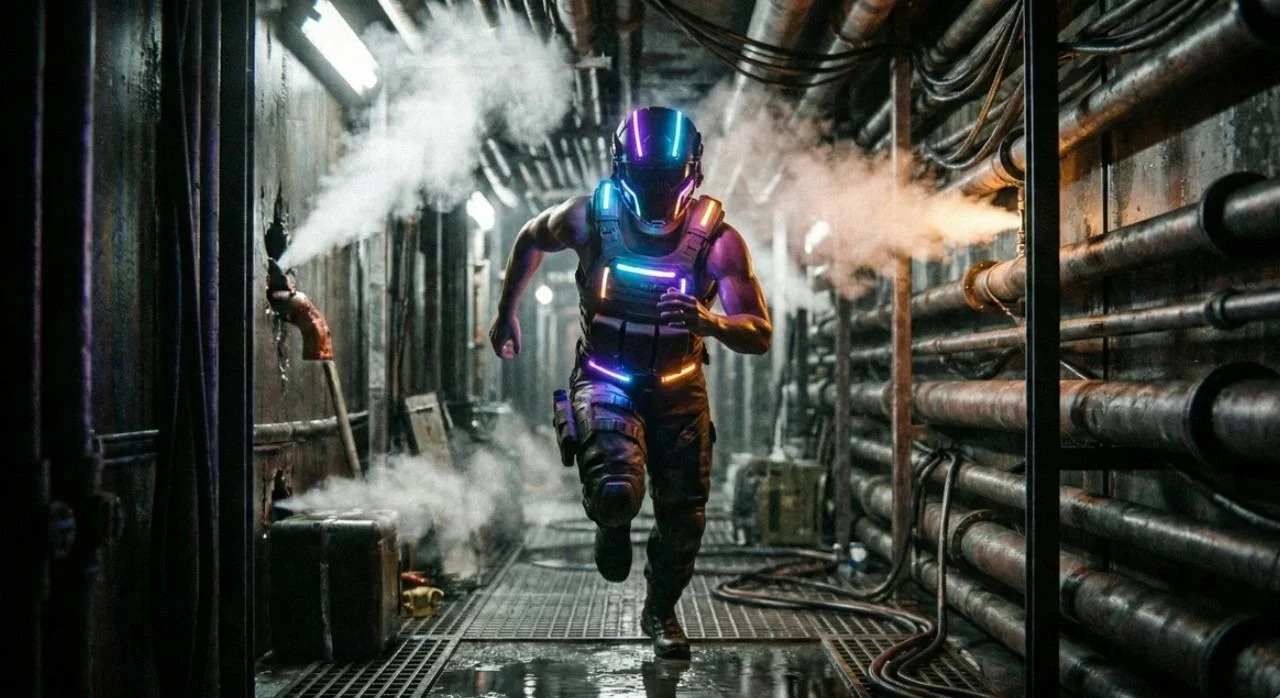 |
What Is Vidu Q3?
Vidu Q3 is an AI video generation model. It turns text prompts or single images into short clips with natural motion, stable subjects, and clean camera moves. When people search “Vidu Q3”, they are usually looking for a faster way to get high-quality short videos without a complex edit pipeline.
Vidu Q3 helps you create without a complicated pipeline
Traditional video creation is powerful, but it is also slow. You need assets, edits, and revisions. Vidu Q3 removes the hardest first step: getting a strong visual draft. Once you have a draft, you can decide what to keep, what to reshoot, or what to refine. This is why Vidu Q3 is useful for marketing teams, creators, and small businesses that need content every week.
Vidu Q3 is best for short shots you can stitch together
Most AI video models shine when the goal is a clear, short beat: a product reveal, a character reaction, a quick transition, or a simple scene. Vidu Q3 is built for that reality. If you need a long story, generate several short shots, keep the same style, then join them in a simple editor.
Why Choose Vidu Q3 for Online Video Creation?
The best tool is the one that helps you finish. Vidu Q3 is built for people who want results they can use today: a short ad, a product demo, a scene test, or a storyboard beat. The value is speed with direction. You can try multiple angles, pick the best, and move on with confidence.
Vidu Q3 reduces “blank page” stress
It is hard to start when you have too many choices. Vidu Q3 helps you start with one clear shot. Once you see a draft, your next edit becomes obvious.
Vidu Q3 makes marketing visuals easier to test
You can try different hooks, product angles, and camera moves quickly. That means you can pick what gets attention before you spend budget on production.
Vidu Q3 helps teams stay consistent
When you reuse the same reference image and style notes, your videos look like they belong together. This is how brands stay recognizable without extra design work.
Vidu Q3 supports simple, repeatable workflows
Repeatable beats win in the real world: a reveal, a close-up, a reaction, and a clean ending. Vidu Q3 is great at producing these building blocks.
Vidu Q3 Prompt Tips for Clean Results
Better prompts are not longer. They are clearer. Vidu Q3 works well when you treat your prompt like a simple shot plan. Think: subject, setting, motion, and camera. Then add one style note.
Vidu Q3 prompt formula: Subject + Action + Camera + Style
Start with the main subject. Add one action. Add one camera move. Then add a style note like “cinematic lighting” or “anime line art”. This keeps Vidu Q3 focused, and it reduces random changes.
Vidu Q3 template: product reveal (easy and effective)
A clean product clip is more persuasive than a flashy one. With Vidu Q3, ask for a slow push-in, soft light, and a simple background. The viewer sees the product clearly, and that clarity builds trust.
Vidu Q3 template: character reaction (micro-expressions)
Short reaction clips work because they feel human. Describe a small change: a natural blink, a slight smile, or a calm head turn. These small details make Vidu Q3 outputs feel more believable.
Vidu Q3 template: smooth transition between two ideas
If you need a transition, keep it simple: “start wide, end close”. A simple change in framing is often enough to guide the eye. Vidu Q3 becomes a fast way to create a transition shot that matches your style.
Vidu Q3 FAQ
Is Vidu Q3 text-to-video hard to learn?
No. Vidu Q3 works best with simple sentences. Write what you want to see, then add one camera move like “slow push-in”. If the result is close, change only one thing at a time.
Can I use Vidu Q3 for image-to-video from a photo?
Yes. Upload one image, then describe the motion you want. Vidu Q3 is great for turning product photos, character designs, or key art into short clips you can post or present.
How do I keep a character consistent with Vidu Q3?
Keep one main subject per shot. Reuse the same reference image when possible. Repeat outfit, lighting, and camera language. Vidu Q3 becomes more stable when your prompts do not switch styles mid-shot.
What should I write to get smoother motion in Vidu Q3?
Ask for slow, simple motion: “gentle orbit”, “steady tracking”, “subtle head turn”. Avoid too many fast actions at once. Vidu Q3 looks best when motion is clear and controlled.
Can Vidu Q3 help with ads and product demos?
Yes. Vidu Q3 is useful for short ad beats: a reveal, a close-up, and a clean ending. These simple clips are easy to test in social campaigns and easy to reuse in many formats.
Is Vidu Q3 good for anime-style motion?
It can be. If you want anime style, say it clearly: “anime line art”, “clean shading”, “no jitter”. Vidu Q3 prompts that focus on style consistency often produce better animation.
How long should a Vidu Q3 clip be?
Short clips are easier to control. For longer stories, make several Vidu Q3 shots and stitch them together. This keeps quality high and makes edits simple.
What if my Vidu Q3 result looks off?
Simplify the prompt. Remove extra subjects. Slow down motion. Then try again. Vidu Q3 improves when you give fewer, clearer instructions.