FLUX2 klein Online Image Generator
Black Forest’s klein-class FLUX2 model turns short text prompts into sharp, on-style pictures in under one second. If you searched for it by name, you probably want a tool that feels quick, stable, and easy to control—not a slow lab demo. In the online flow here, you type what you want to see, pick a simple style, and get results you can use for ads, product shots, social posts, and design drafts without deep technical skills. The goal is simple: keep FLUX2 klein in the loop until the frame matches the brief.

Key strengths
FLUX2 klein speed for instant feedback
FLUX2 klein is built to respond in under one second, not minutes. The klein 4B variant is step-distilled for sub-second generation in high-volume workflows, while the 9B variant focuses on the best prompt understanding for production work. When you change a word in your prompt, you see the effect right away, so you can tune layout, brand color, or character pose without long waits.
FLUX2 klein control over text and layout
A big frustration with many models is messy text. FLUX2 klein is tuned for clear letters and cleaner layout. That means your poster headlines, buttons, and banners are more readable. The value is simple: people can actually read your message, so clicks and signups are less likely to be lost to blurry fonts.
Unified text-to-image and editing in one model
The architecture unifies text-to-image generation, image editing, and multi-reference composition in a single compact stack. You can start from a prompt, refine with one or more reference images, and keep structure and style consistent across edits instead of switching between separate tools. That unified workflow is what makes the tool feel like an interactive visual engine rather than just another one-way generator.
Photorealistic output at interactive speed
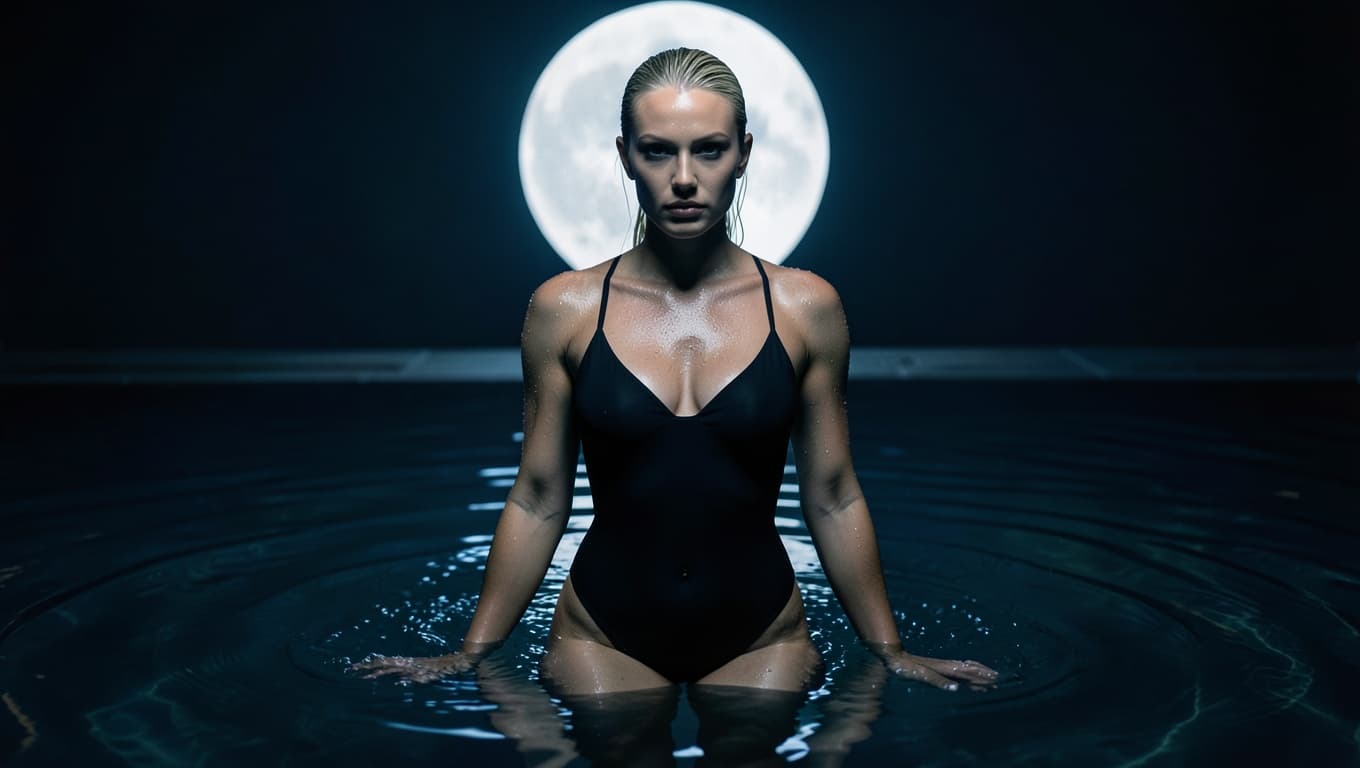
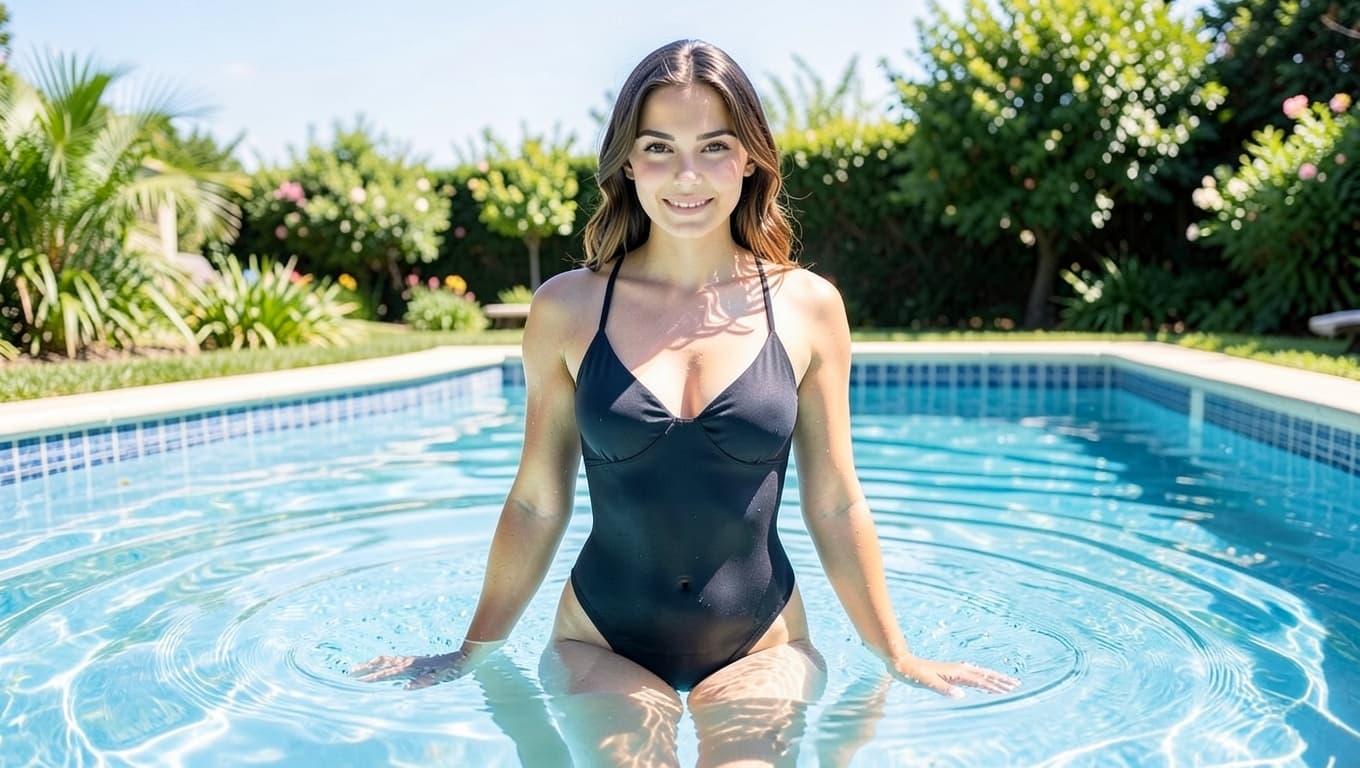
The model keeps fine detail, lighting, and materials believable even at sub-second latency. Skin, fabric, glass, and product surfaces render with realistic texture instead of the waxy blur common in smaller stacks, so images hold up in real campaigns and UI. You get frontier-level photorealism without giving up the fast, iterative loop that makes the experience feel truly interactive.

What Is FLUX2 klein?
FLUX2 klein is an AI image model that combines fast generation with strong control over structure and text. In practice, this means you can describe a scene, a poster, or a UI card, and the generator builds a consistent image that keeps key elements where you expect them. It is designed for interactive use, so you can sit with the tool open and shape a design like you would in a normal editor.
Under the hood, FLUX2 klein learns from many kinds of visual data: photos, graphics, and layouts with real text. The model uses that training to guess what clean composition should look like when you mention things like headings, buttons, or product packaging. You do not see that math, but you feel it when it keeps faces, logos, and words usable instead of melting them into noise.
How it behaves in real workflows
When you use it for daily work, it becomes a fast sketch partner. You write a plain-English prompt, ask for one clear style, and let the model suggest options. You then tighten the prompt, fix colors, or change framing. Because responses land quickly, this loop feels closer to drawing thumbnails on paper than to waiting for a heavy render.
FLUX2 klein prompt tips
FLUX2 klein works best when you write like a short scene, not a keyword list. Follow a simple order: subject → setting → details → lighting → atmosphere. Put the most important parts first so the stack knows what to focus on, and avoid filler words that do not add visible information.
Lighting has the biggest impact on output quality, so describe it clearly: talk about the light source, whether it is soft or harsh, where it comes from, and how it touches faces, objects, or walls. Also remember that vague prompts do not upsample themselves—what you write is what you get—so be specific about the changes you want, especially when you are editing or combining reference images.
Model variants
The family has four main variants, each tuned for a different kind of work. You do not need to remember every number, but it helps to know which version fits your use case before you start generating online.
9B distilled (flagship) is the main production checkpoint. It gives you production-quality images at sub-second speed on strong hardware, which makes it ideal when you care about both speed and fine prompt understanding. If you want the best balance of quality and latency for campaigns, product shots, or hero images, this is usually the right pick.
9B Base (foundation) is the undistilled foundation model. It keeps more of the original training signal and is designed for fine-tuning, research, and custom styles. Use this variant when you plan to train on your own data or need maximum control, even if each generation takes longer.
4B (fastest) is the quickest member of the family. It is built for interactive applications, real-time previews, and latency-critical production systems where every millisecond matters. Choose this option when you want the fastest feedback loop and are willing to trade a bit of detail for speed.
4B Base (compact) is a compact foundation model with a strong quality-to-size ratio. It is well-suited for local deployment on limited GPUs and for efficient editing workflows. If you want to run inference on your own hardware or ship it inside a product, this version helps you keep costs and resource needs under control while still getting clean results.
How to Use FLUX2 klein Online
Describe your image
Write a simple prompt: who or what is in the scene, where they are, and one style note. For example: "a bright product photo of a wireless mouse on a clean desk, soft daylight".
Generate and evaluate
Click generate and wait under one second for results. If you are not satisfied, refine your prompt using the FLUX2 klein prompt tips.
Download and refine
Download the best frame and iterate.
Why FLUX2 klein Matters for Your Work
The value is not just that the stack is new—it removes friction between your idea and a visual you can actually ship. When you can try more variations with less effort, you pick better concepts, reach the right audience faster, and waste less budget on assets that never get used.
FLUX2 klein turns ideas into tests, not just pictures
A static mockup is only helpful if it can be tested. With FLUX2 klein you can create several banner or thumbnail options quickly and put them in front of real users or campaigns. Instead of arguing about taste, you let click-through rate and signups show which concept actually moves numbers.
Lower the cost of creative experiments
Hiring designers or photographers for every small idea is expensive. FLUX2 klein gives rough but clear visuals for early thinking. You only pay for full production when you know a direction works. That means your team can explore more messages, more angles, and more audiences without exploding the budget.
Help teams speak the same visual language
Words like "clean" or "bold" mean different things to different people. When you generate a few FLUX2 klein comps and review them together, the team can point to what "clean" actually looks like. This shared reference cuts down on back-and-forth and makes feedback sessions more concrete.
FLUX2 klein fits the pace of online content
Online campaigns move fast. You may need fresh visuals every week, or even every day. FLUX2 klein keeps up by giving you usable images in a short session. You can update offers, seasonal themes, or social posts without waiting on a full photo shoot each time.
FAQ
Is this model good for beginners?
Yes. It works well with short, clear prompts. You do not need to know technical terms. Start with one subject, one setting, and one style note, then iterate from there.
Can I use it for client work?
Many people use it to explore options for client projects. You can show several directions, get approval on a look, then refine the chosen idea in your usual tools. This reduces misalignment and saves revision time.
Does it support different aspect ratios?
Yes. You can target square posts, vertical stories, or wide banners by choosing the right ratio before you generate. This helps you keep the same idea across formats without cropping away important details.
What if a result is not what I imagined?
Treat each render like a fast sketch, not a final print. If a result feels wrong, simplify the prompt instead of making it longer. Remove extra subjects, pick one style, and try again. Most users improve output once they focus on one clear goal per generation.