Upload a flat image and the 2d to 3d converter repaints it to look three-dimensional — depth, volume, studio lighting and a dimensional angle. It is image-to-image: a 3D-looking picture, not a mesh file.
Drag it — what the 2D to 3D converter does to a flat logo
Left is the flat 2D logo; right is the same mark after the 2d to 3d converter repainted it with depth, beveled edges and studio reflections. It is an image-to-image pass — a 3D-looking picture, not a mesh file. Drag the divider to see the conversion.

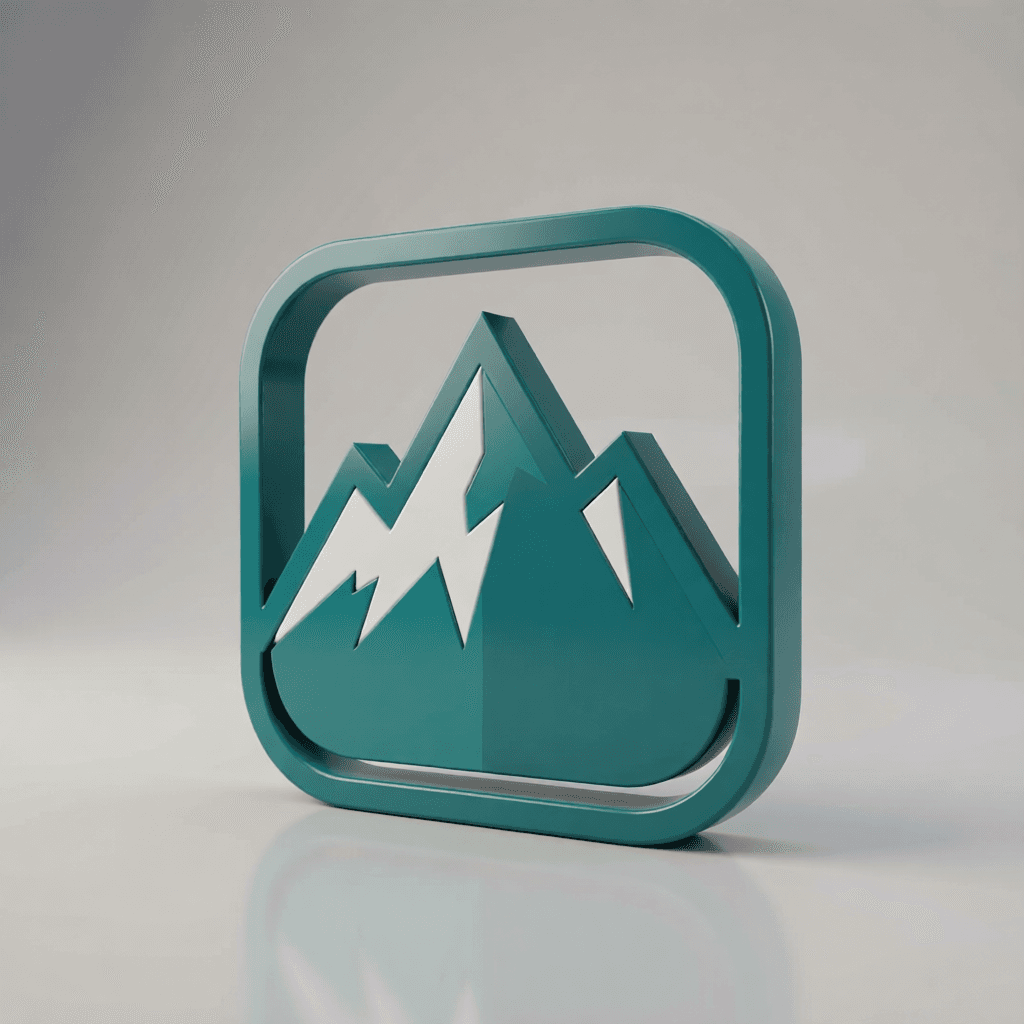
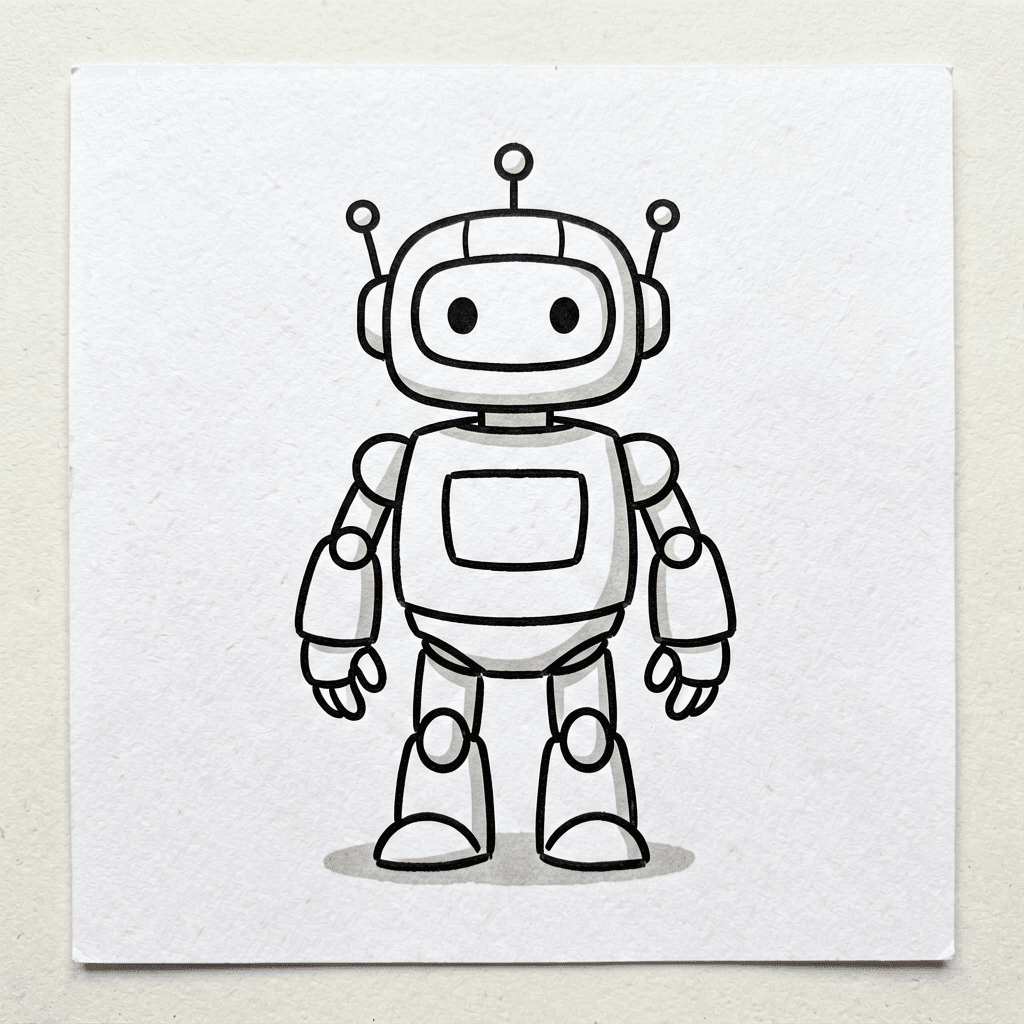 Sketch
 3D look
How the 2D to 3D converter works
Three steps, one image-to-image pass — no modelling software, no mesh wrangling.
STEP 1
Upload a flat image
Give the 2d to 3d converter one clear 2D subject — a logo, icon, sketch or product shot — on a clean background.
STEP 2
Name the depth
Tell the 2d to 3d converter the cues you want: three-quarter angle, beveled edges, soft studio light, a cast shadow.
STEP 3
Get a 3D-look image
The 2d to 3d converter returns a dimensional picture you can post, ship or thumbnail — recognizably your subject, now with volume.
What the 2D to 3D converter is — and isn't
The 2d to 3d converter makes a picture look 3D. It is not a mesh generator. Knowing the line saves you time:
| You want… | Flat upscaler | Real 3D modeller | This 2D to 3D converter |
|---|---|---|---|
| A dimensional-looking image | No — stays flat | Overkill, slow | Yes — its whole job |
| A rotatable GLB/OBJ mesh | No | Yes | No — image only |
| A quick store / thumbnail shot | Partly | Slow | Yes, in seconds |
| Keep my exact 2D design | Yes | Manual rebuild | Yes, restyled with depth |
12 things to run through the 2D to 3D converter
One clean subject per conversion. Each line is a working 2d to 3d converter starting point.
- Convert a flat logo into a glossy 3D-look emblem for a video intro.
- Convert a product photo into a dimensional store-page hero shot.
- Convert a flat icon set, one by one, into a matched 3D-look pack.
- Convert a character sketch into a rendered figurine-style image.
- Convert a game sprite into a low-poly 3D-look prototype shot.
- Convert a coin or medal scan into a relief-style render.
- Convert flat typography into extruded 3D-look letters.
- Convert a doodle into a dimensional render for a pitch deck.
- Convert a sticker into a 3D-look charm concept image.
- Convert a flat badge into a beveled, lit 3D-look version.
- Convert a poster element into a dimensional focal object.
- Convert a flat mascot into a rounded, rendered 3D-look character.
Getting the cleanest 2D to 3D conversion
Do
- Feed the 2d to 3d converter one centred subject on a plain background.
- Ask for a three-quarter angle, beveled edges and soft studio light.
- Use bold, high-contrast shapes — they gain the most convincing depth.
- Reroll once or twice and keep the version with the most natural shadow.
Don't
- Don't expect a downloadable mesh — the 2d to 3d converter outputs an image.
- Don't feed busy collages; the converter spreads depth thinly across clutter.
- Don't rely on thin lines or fine print — they flatten out under the relight.
- Don't push the restyle so hard the 2d to 3d converter loses your subject.
2D to 3D converter — FAQ
What does the 2d to 3d converter actually do?
The 2d to 3d converter is an image-to-image tool: it repaints a flat picture so it looks three-dimensional — adding depth, volume, realistic shading, soft shadows and a dimensional camera angle. You upload a 2D image and the 2d to 3d converter hands back a 3D-looking image, not a downloadable 3D model file.
Does the 2d to 3d converter create a real 3D model or mesh?
No — and that is the honest part. The 2d to 3d converter makes a flat image look 3D; it does not output a GLB, OBJ or STL mesh you can rotate in Blender. If you need an editable model, use dedicated 3D-model software. For a dimensional render to post, ship or thumbnail, the 2d to 3d converter is the fast path.
What kind of image should I feed the 2d to 3d converter?
One clear subject on a clean background works best. The 2d to 3d converter reads the shapes it can see and infers the depth, so a crisp logo, icon, sketch or product shot converts far better than a busy, cluttered scene.
Can the 2d to 3d converter handle logos and flat icons?
Yes — logos and flat icons are ideal. The 2d to 3d converter extrudes the shapes, adds beveled edges and studio reflections, and returns a glossy dimensional version that reads as a rendered 3D logo while staying recognizably your design.
Is the 2d to 3d converter free?
New accounts get free daily credits, enough for several conversions and rerolls. Each 2d to 3d converter run spends credits by model, so lighter models give you more attempts per day.
How do I make the 2d to 3d converter result look more dimensional?
Name the depth cues: ask the 2d to 3d converter for a three-quarter angle, soft studio lighting, beveled edges and a cast shadow. Those words push the flat shapes into convincing volume instead of a lightly shaded version of the original.
Will the 2d to 3d converter keep my original subject recognizable?
That is the goal — the 2d to 3d converter changes the dimensionality, not the identity. If a result drifts from your art, lower the restyle wording or feed a cleaner, higher-contrast version of the flat image and run it again.
Can I print what the 2d to 3d converter makes?
Not directly — it returns an image, not printable geometry. The 2d to 3d converter is for dimensional pictures: store shots, thumbnails, mockups and concept art. To 3D-print, recreate the model in CAD or a mesh tool using the converter image as your reference.
How is the 2d to 3d converter different from an image upscaler?
An upscaler keeps the image flat and just adds resolution. The 2d to 3d converter changes the look itself — it re-renders the subject with depth, lighting and perspective so a flat drawing reads as a 3D object. Different job, different result.
People also search for
- 2d to 3d converter free
- 2d to 3d converter online
- 2d to 3d converter ai
- 2d image to 3d look converter
- convert flat logo to 3d
- 2d to 3d converter no signup
- photo 2d to 3d converter
- best 2d to 3d converter
Whichever 2d to 3d converter search brought you here, the slider up top is the answer: an image-to-image pass that makes a flat picture look three-dimensional — depth, volume and studio light, recognizably your subject. It is a 3D-looking image, not a mesh file. One clean upload, free daily credits.
Convert your first flat image
Upload one clean 2D subject, name the depth cues, and let the 2d to 3d converter repaint it with volume.
Run a 2D to 3D conversion