Pick a template with a blank face hole, upload one photo, and the face in hole generator paints your face into the hole — matching skin tone, lighting and angle.
The preset is the face in hole template (the body and scene with a blank face hole). Pick one, upload your face photo, and the generator fills the hole.
How the face in hole generator works — template + your photo
A face in hole template is an image with a body and scene where the face is a blank hole. You add one photo of yourself, and the face in hole generator paints your face into that hole — matching skin tone, lighting and angle. Below is one real run, start to finish.
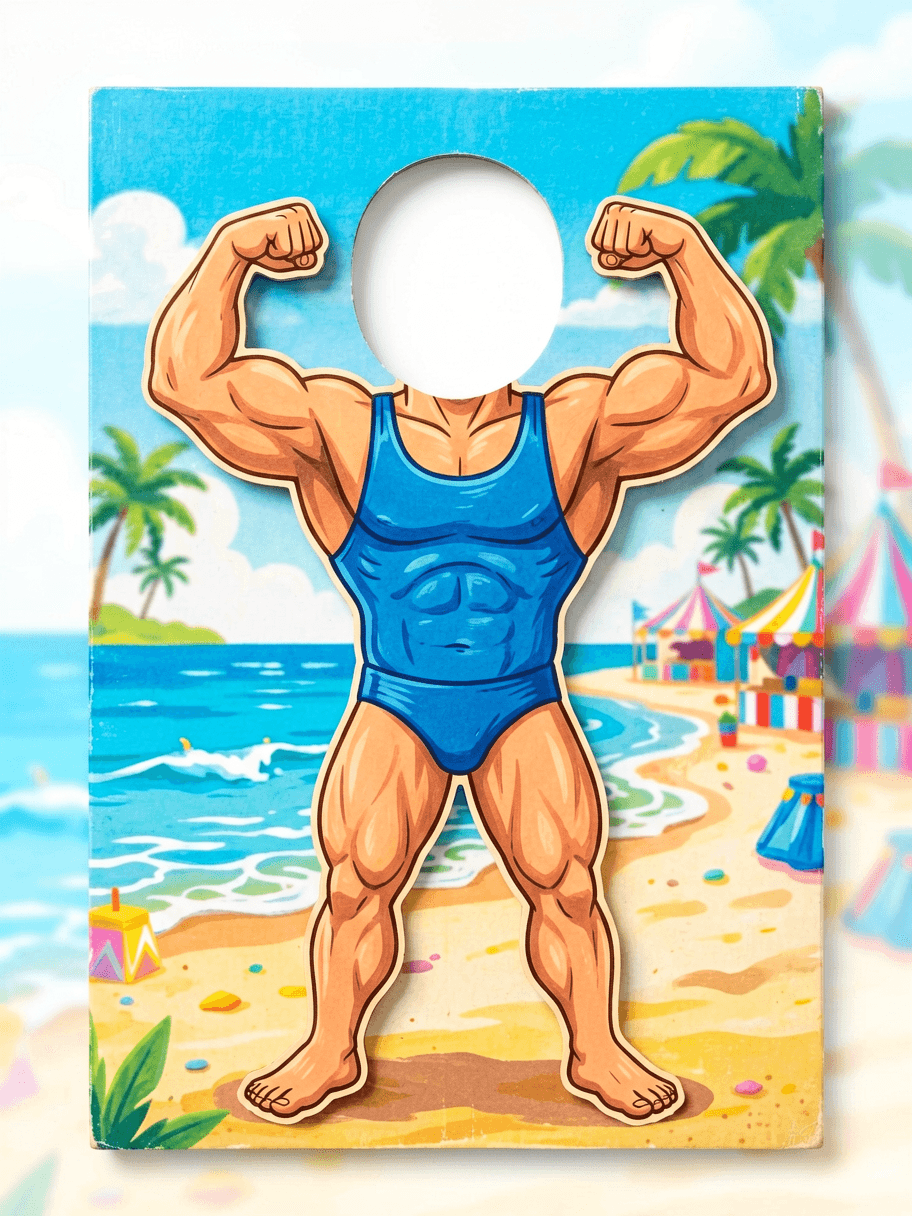 1. Template (blank hole)
 2. Your photo
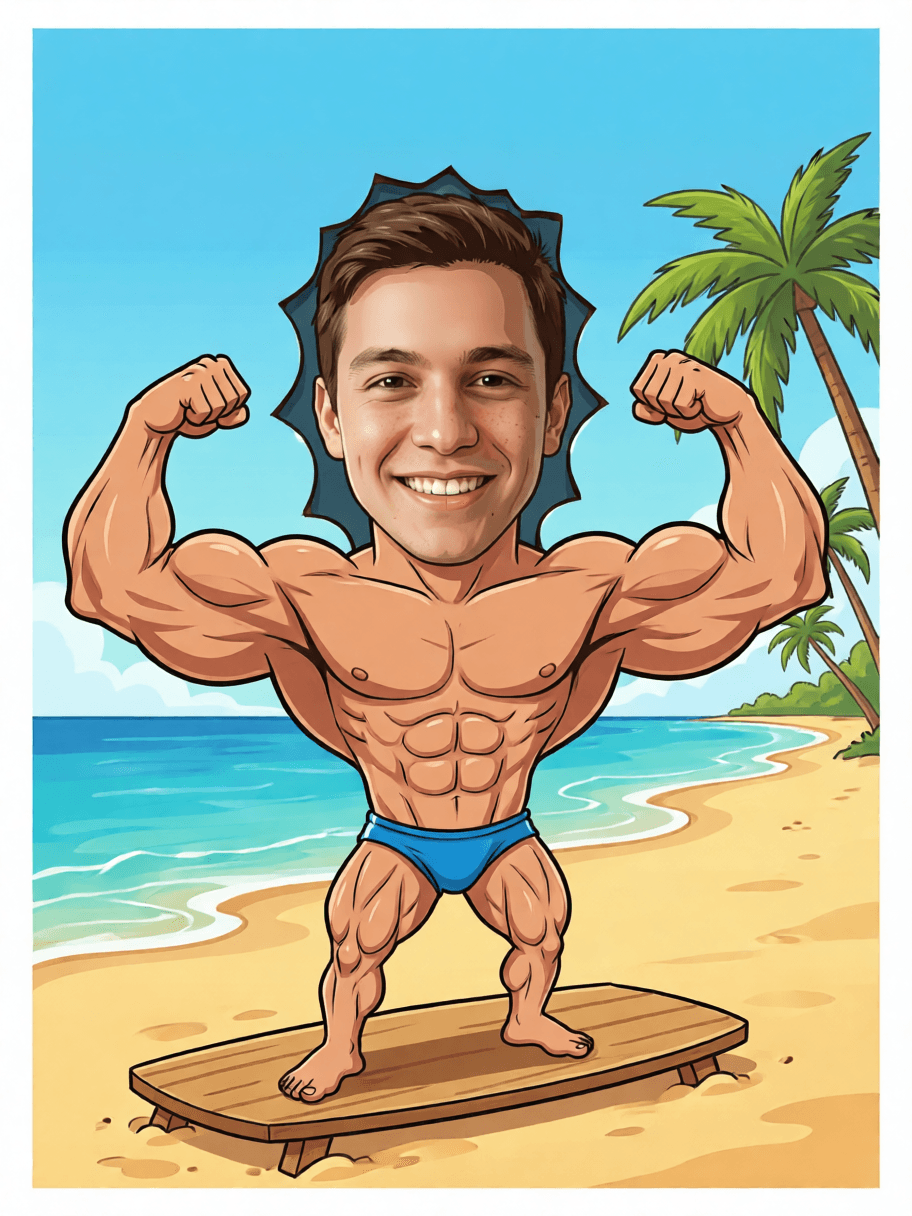 3. Face in the hole
Pick a face in hole template — the face is already a hole
Each face in hole template below is an image with a body and a blank face hole. Choose one in the generator, upload your photo, and the face in hole generator fills the hole. Bring your own holed template, too.
Blank face holeBodybuilder beach board
The carnival classic — a painted muscle body with an empty face hole on a sunny beach.
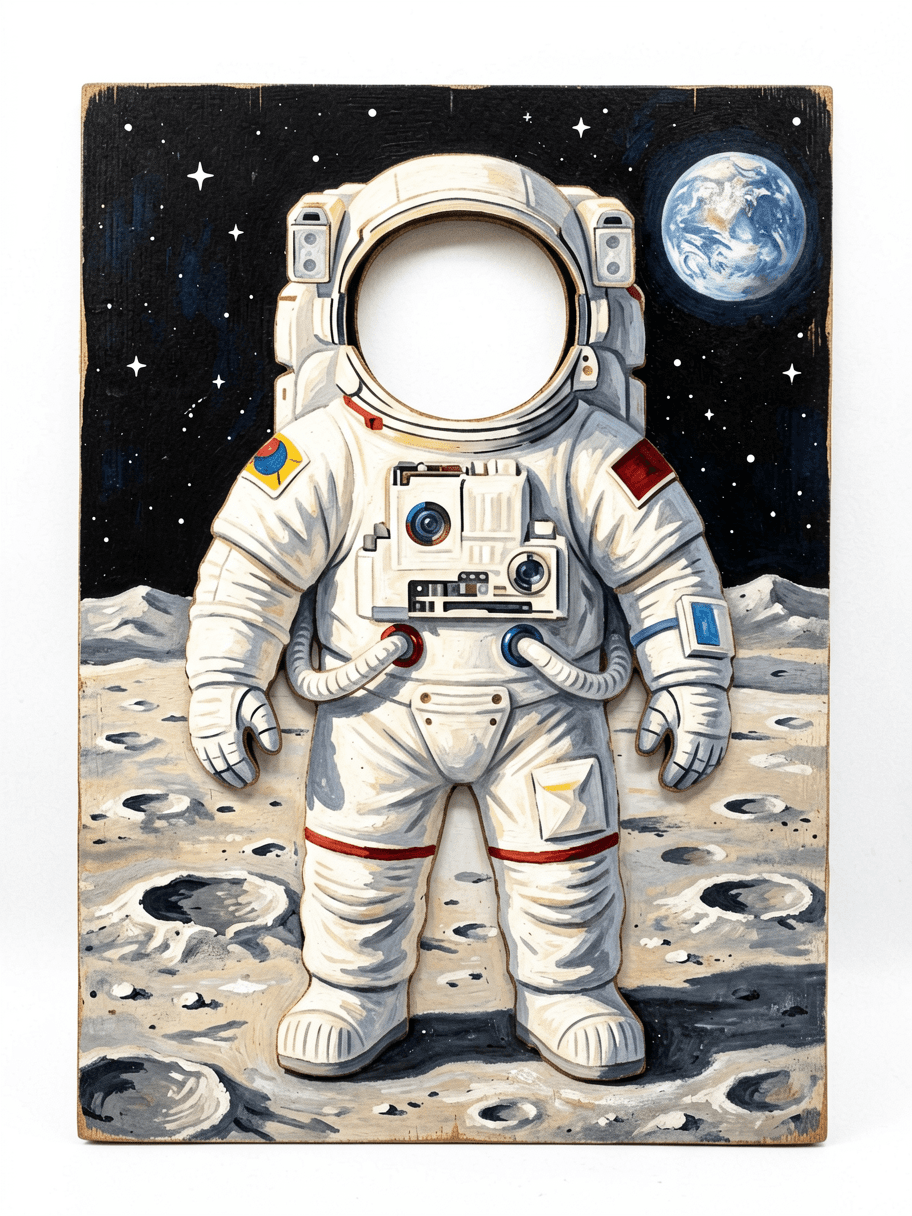 Blank face hole
Astronaut on the moon
A space-suit body with a blank face hole; your face lands behind the helmet.
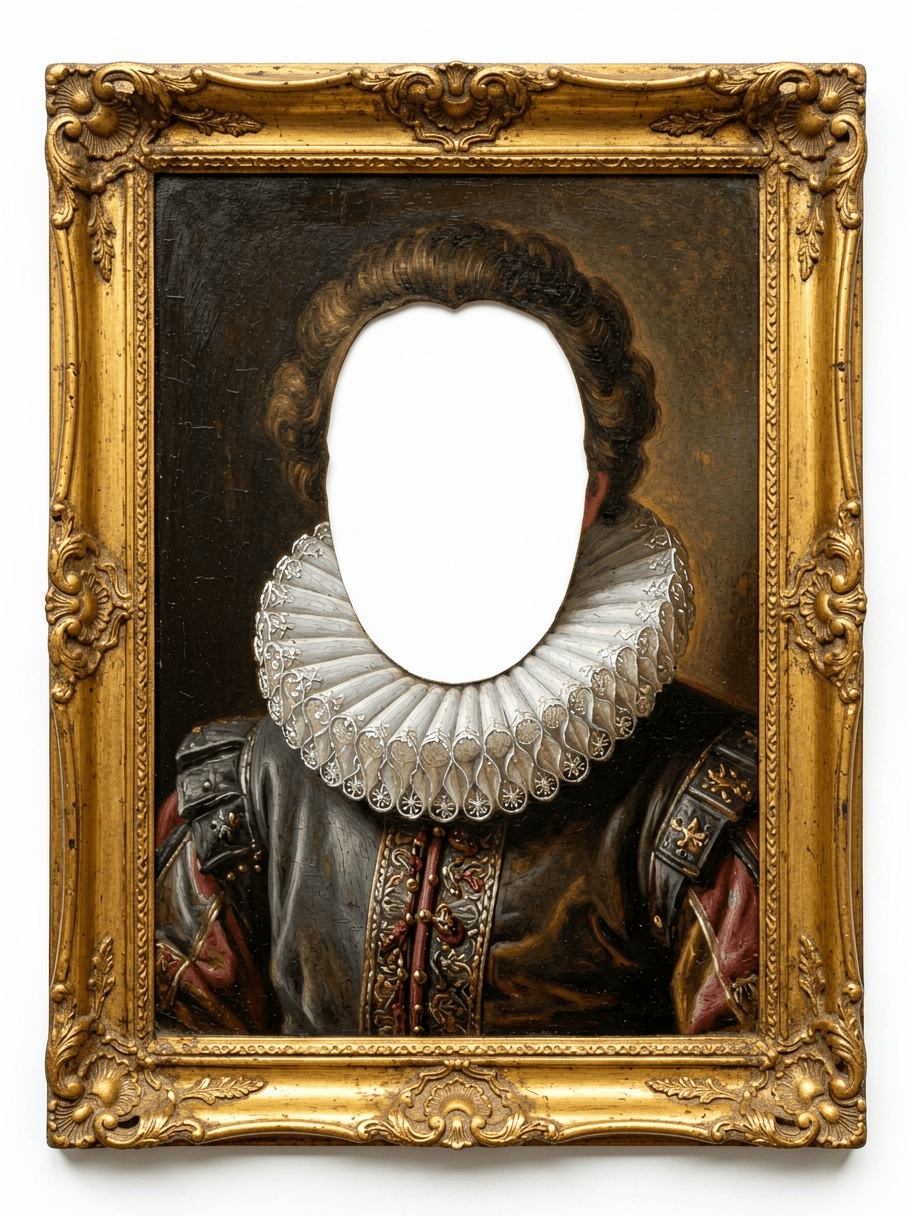 Blank face hole
Renaissance portrait
An oil-painting noble in a gilt frame with the face cut out, ready for yours.
Three steps from board to face in hole
No plywood, no queue — the face in hole generator does the blend.
STEP 1
Pick a template
Choose a face in hole template above, or upload your own image with a blank face hole.
STEP 2
Add your photo
Upload one clear, front-lit face photo — the only thing the face in hole generator needs from you.
STEP 3
Fill the hole
The face in hole generator matches tone, light and angle and paints your face into the hole, ready to share.
12 boards for the face in hole generator
Each is a face in hole generator template plus your photo. Pick the body, bring the face, and the face in hole generator does the rest.
- Bodybuilder beach board — the face in hole generator classic everyone knows.
- Astronaut on the moon — the face in hole generator drops you behind the helmet.
- Renaissance noble — a painterly face in hole generator job in a gilt frame.
- Superhero suit — let the face in hole generator fill the cowl's blank hole.
- Vintage strongman poster — a retro face in hole generator board, leotard mandatory.
- Mermaid rock — a seaside face in hole generator scene with tail and sunset.
- Royal coronation — a regal face in hole generator board with crown and robe.
- Old-timey aviator — leather cap, biplane, a face in hole generator throwback.
- Two-person board — a duo run for the face in hole generator, two holes, two faces.
- Knight in armour — visor up, a face in hole generator board in a castle courtyard.
- Disco dancer — sequins and mirror ball framing a face in hole generator result.
- Baby announcement — a chubby cartoon body, a face in hole generator gag.
Getting the cleanest face in hole blend
Do
- Give the face in hole generator a front-facing, evenly lit photo.
- Match the light: pick a template whose face hole is lit like your photo.
- Bring your own template — any image with a clear blank face hole works.
- Crop to one face at a time when a board has multiple face holes.
Don't
- Don't upload sunglasses or hats — they fight the face in hole blend.
- Don't use an extreme angle; the face in hole generator hates side profiles.
- Don't expect a clean fill from a blurry photo — sharper face, better hole.
- Don't pick a template whose head tilt is far from your photo's.
Face in hole generator — FAQ
How does the face in hole generator work?
You pick a face in hole template — an image of a body or scene where the face is a blank hole — then upload one photo of yourself. The face in hole generator paints your face into that hole, matching skin tone, lighting and head angle so it looks like a single photo. It is the digital version of the seaside cutout board.
Do I upload the template too, or just my face?
Either way. Use one of the built-in face in hole templates and just add your photo, or upload your own image with a blank face hole as the template plus your face. The face in hole generator fills whichever hole you give it.
What face photo works best in the face in hole generator?
One clear, front-facing photo with even light and an unobstructed face. The face in hole generator reads your features from that single shot, so sunglasses, hats and extreme angles are what trip the blend — a plain head-and-shoulders photo lands cleanest.
Will my face still look like me in the hole?
Yes — that is the whole point. The face in hole generator keeps your features and only fits them into the template's blank face hole. If a result drifts, upload a sharper photo or choose a template whose head angle matches yours.
Is the face in hole generator free?
New accounts get free daily credits, enough to try several face in hole templates and compare. Each face in hole generator run spends credits by model, so lighter models give you more rerolls per day.
Which templates work best with the face in hole generator?
Any template with one clear blank face hole: the bodybuilder beach board, an astronaut suit, a Renaissance portrait, a superhero costume. The face in hole generator works because the body sells the joke and your real face sells the surprise.
Can the face in hole generator put two faces in one template?
Yes — group cutout boards have several holes. Upload the template and each person's photo in turn, and the face in hole generator fills each blank face hole. One face at a time gives the cleanest blend per person.
Why does my face in hole result look pasted on?
A pasted look means the photo's lighting or angle fights the template. Pick a template lit from the same side, or re-shoot your face with soft front light, and the face in hole generator blends the hole far more naturally.
What's the difference between the face in hole generator and a face swap?
A face swap replaces a face that already exists on a person. The face in hole generator starts from a template whose face is a deliberate blank hole and generates your face into it — purpose-built for cutout boards, costumes and 'put me in this scene' jokes.
People also search for
- face in hole generator free
- face in hole generator online
- face in hole template
- put my face in a photo ai
- face in hole board generator
- custom face in hole
- bodybuilder face in hole generator
- face in hole app
Every face in hole generator search wants the same thing the demo up top shows: a template whose face is a blank hole, your own photo, and a blend matched to the light so it looks like one picture. Pick a face in hole template or bring your own, upload one face, free daily credits.
Stick your head through the digital board
Pick a face in hole template, upload one photo, and let the face in hole generator fill the hole. No plywood, no queue, no sunburn.
Make a face in hole